The Scene Partner's Handbook: 5 Advanced Techniques for Immersive AI Text Roleplay
Move beyond shallow, repetitive AI chat loops. Discover how to use markdown formatting, feedforward hooks, and re-anchoring techniques to co-write rich, immersive stories with your favorite AI characters.
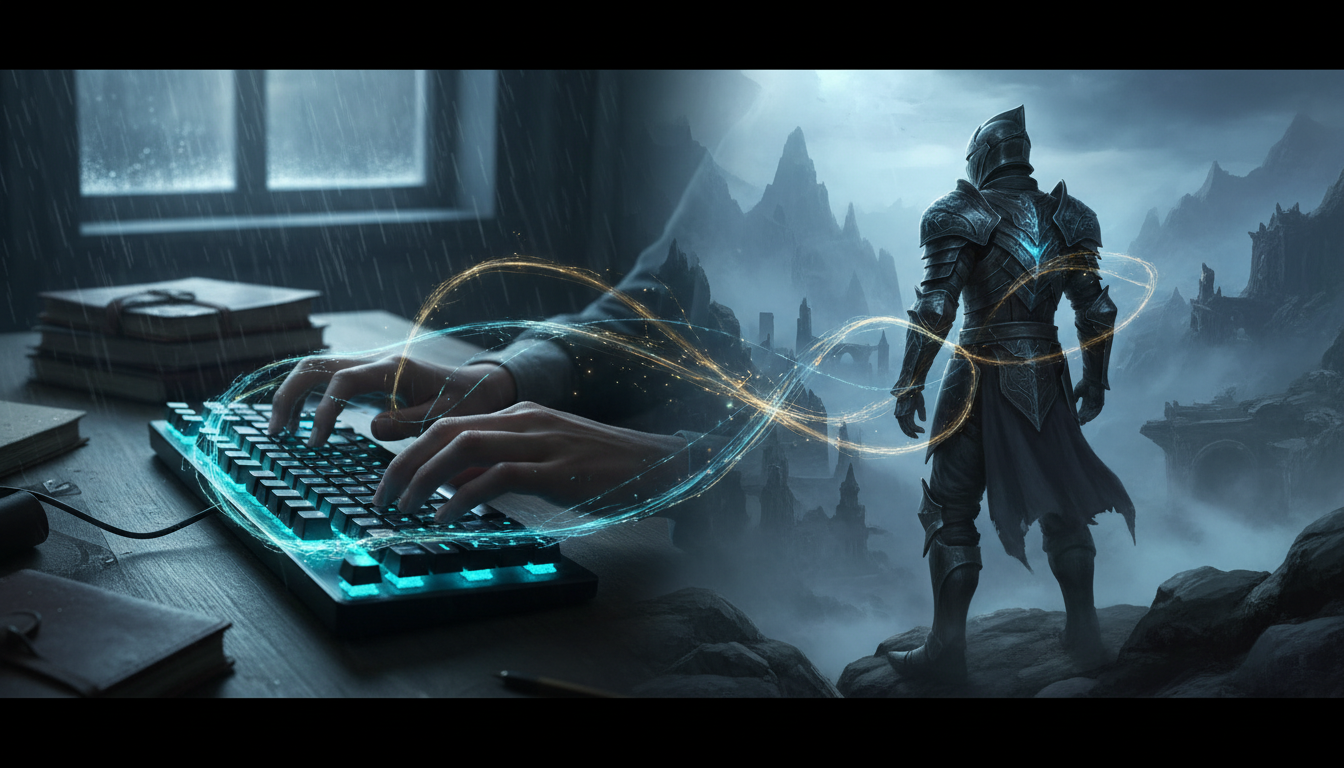
Most text-based AI interactions start with high hopes but quickly devolve into predictable patterns. You type a creative prompt, the AI spits out a passive block of exposition, and the illusion of a living, breathing character instantly vanishes. The secret to breaking this cycle lies in a fundamental mindset shift: treating the AI not as a search engine or a passive responder, but as an active, collaborative scene partner.
Transitioning from passive chatting to active co-writing unlocks the true potential of interactive fiction. By mastering a few deliberate formatting rules, pacing frameworks, and narrative anchors, you can transform repetitive chat sessions into rich, high-fidelity stories that unfold with genuine tension, humor, and surprise.
The Shift from Chatting to Co-Writing
AI chat models are highly reactive mirrors; they reflect the effort, style, and structure of the input they receive. If you write short, one-line commands like "What happens next?", the AI will naturally fall back on generic exposition to fill the gap. High-fidelity roleplay requires treating every turn as a narrative handoff, providing enough sensory details and open-ended hooks for the AI to build upon.
This collaborative dynamic is highly dependent on how the underlying persona is constructed. When discussing how to structure a high-fidelity AI character persona, we emphasize that clear motivations, distinct speech patterns, and behavioral constraints prevent the AI from turning into a generic, overly agreeable assistant. On platforms like Fanfun, where you can instantly jump into AI Chat with diverse, highly defined personas, this structural foundation is already optimized. This gives you a highly responsive canvas to test advanced storytelling techniques without having to spend hours writing system prompts from scratch.
Establishing the Narrative Frame: Formatting for Immersion
To maintain a seamless narrative flow, you must help the AI distinguish between physical actions, spoken dialogue, and internal thoughts. Without clear formatting conventions, the AI can easily become confused, blending narrative exposition with spoken words or losing track of who is speaking.
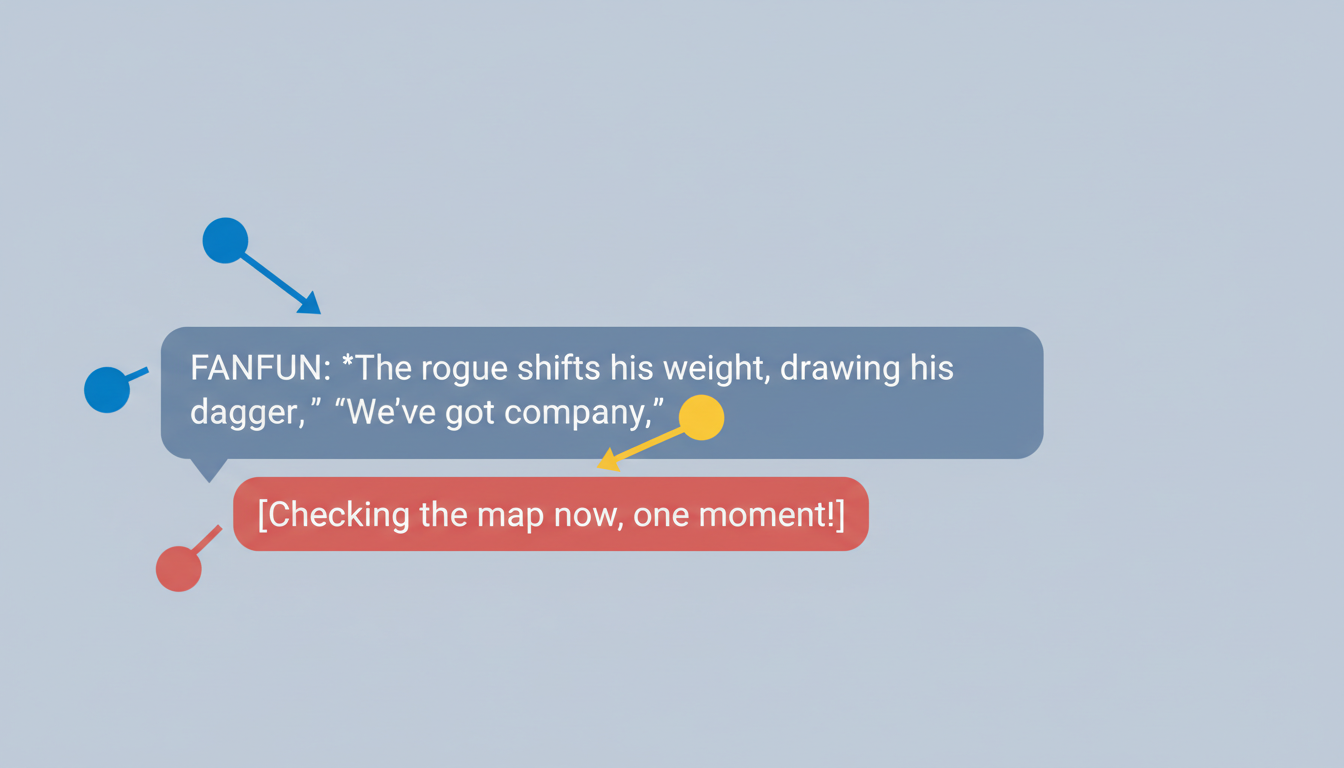
The industry standard for text-based roleplay relies on simple markdown conventions to organize information clearly:
- Asterisks for physical actions and setting descriptions: Use asterisks to frame what your character is doing, looking at, or experiencing physically. (e.g.,
*He leaned against the damp brick wall, pulling his collar up against the rain.*) - Quotation marks for spoken dialogue: Keep all spoken text clearly wrapped in standard quotes. (e.g.,
"We don't have much time before the guard returns.") - Italics or tildes for internal monologue: Represent thoughts or internal feelings to give the AI context on your character's hidden motives. (e.g.,
_I just hope he doesn't notice my hands shaking._) - Brackets for Out-of-Character (OOC) instructions: When you need to give the AI direct editorial feedback without breaking the story, use square brackets. (e.g.,
[OOC: Let's slow down the pacing and focus on the tension of picking the lock.])
Using these conventions consistently establishes a strong narrative frame. Furthermore, you should practice "environmental anchoring" every three or four turns. By weaving a brief sensory detail about the current setting—the smell of ozone, the hum of fluorescent lights, or the chill of the wind—into your action tags, you keep the AI's contextual memory locked onto the physical scene, preventing the characters from floating in a featureless void.
The 'Show, Don't Tell' Prompting Framework
The fastest way to kill the momentum of an AI roleplay session is to ask the AI to make decisions for you. Prompts like "What do we do next?" or "How do you react?" force the AI to take over the role of both narrator and character, which often results in rushed plot points and passive writing.
Instead, use the "Show, Don't Tell" framework to feed the AI physical cues, emotional subtext, and clear decision points. This is known as providing a "feedforward hook"—a narrative prompt that practically forces the AI to react to a specific physical or emotional action.
The Anatomy of a Feedforward Hook
A great roleplay turn consists of three parts: a reaction to the AI's last turn, an active physical movement, and an open-ended invitation for the AI to respond. The table below illustrates how transforming dry, telling inputs into sensory-rich narrative hooks completely changes the quality of the AI's response.
| Weak, Passive Input (Telling) | Rich, Active Input (Showing + Feedforward Hook) |
|---|---|
| "What do we do now?" | *Adjusts the heavy strap of her backpack, looking up at the crumbling stone archway.* "The map says the entrance is behind those vines, but I hear water rushing. Do you want to go first, or should I?" |
| "Tell me a story about your past." | *Leans back against the wooden tavern booth, staring down into his half-empty mug.* "I haven't thought about the winter of '94 in a long time," *he says, his voice dropping to a gravelly whisper.* "Most people who remember it are gone. What exactly did you hear about the northern pass?" |
| "He gets mad at her." | *Slams both hands flat on the steel table, the sudden clang echoing in the small interrogation room.* "Don't lie to me again," *he says, leaning in close enough to see her eyes dart toward the door.* |
Managing Narrative Pacing and Preventing Character Drift
As an AI roleplay session grows longer, you may notice the character's behavior starting to shift. They might become overly agreeable, repeat the same phrases, or forget critical plot points established early in the story. This phenomenon is known as "context window drift." It happens because the AI's active memory can only hold a set amount of text; as new messages are added, the oldest messages—often containing the core setup and character definitions—fade from its immediate memory.To combat character drift and keep the narrative pacing under control, use these three advanced management techniques:
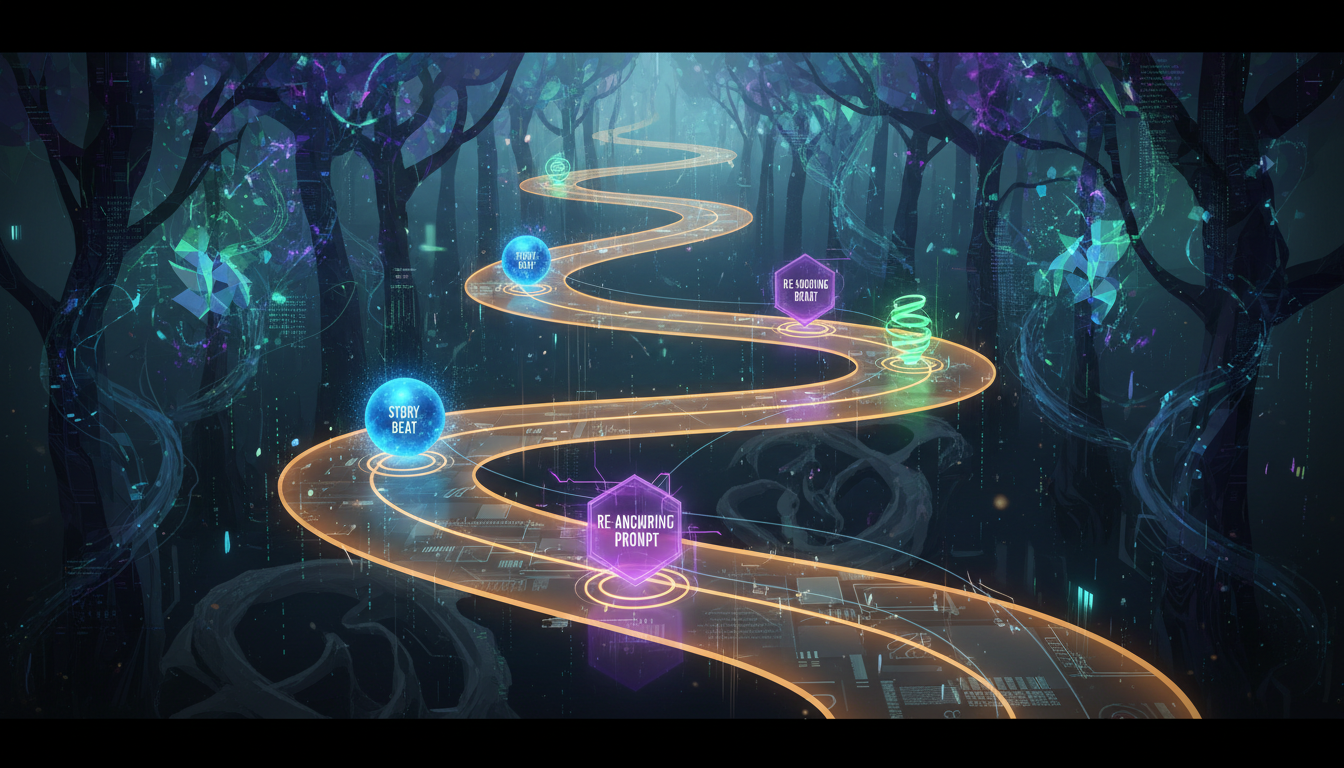
- The Re-Anchoring Technique: Gently weave critical character traits and past plot points back into your active text. Instead of letting the AI forget it is playing a cynical, retired detective, write:
*Handing him the file, you watch his cynical eyes narrow as he sighs, a classic reaction from a retired detective who has seen too many broken promises.* "Here is the evidence you asked for."This reminds the AI of its core identity without breaking character. - Pacing Brakes (OOC Prompts): AI models love to resolve conflicts quickly. If you find a treasure chest, the AI might immediately tell you what's inside, how you escaped, and where you went next in a single turn. Slow the action down by using OOC commands:
[OOC: Let's play out this scene in real-time. Do not open the chest yet; describe your character's hesitation as they examine the lock.] - The Soft Reset: If the chat becomes too cluttered with repetitive loops, copy the current situation and key details, start a fresh session, and paste a summary as the opening prompt to clean the AI's active memory while preserving the story's progress.
Choosing Your Scene Partner: From Nostalgic Icons to Athletic Mentors
Different narrative genres require completely different roleplay dynamics. A whimsical, comedic story demands a high tolerance for creative absurdity, while a high-performance training scenario requires grounded, high-energy realism. Tailoring your writing style to match the specific genre of your chosen character is key to keeping the roleplay believable.
For example, exploring nostalgic roleplay with a Doraemon AI companion works best when you adopt a playful, lighthearted tone, leaning heavily into creative problem-solving and the wonder of futuristic gadgets. In this space, logic takes a backseat to imagination, and your prompts should leave room for whimsical, unexpected solutions.
On the other hand, interacting with virtual athletes for high-energy motivation and strategy requires a much sharper, direct, and physical dialogue style. Here, the focus shifts to discipline, tactical breakdowns, and mental resilience. Your inputs should reflect physical effort, sweat, and competitive tension, prompting the AI to push you harder with authentic coaching feedback and athletic grit.
By utilizing Fanfun's diverse library of AI personas, you can seamlessly switch between these distinct narrative worlds. Whether you are seeking a lighthearted escape, a deep dramatic co-writer, or a focused high-performance mentor, applying these advanced formatting and pacing frameworks will ensure your next AI roleplay session is an immersive, unforgettable collaborative adventure.
How do I stop an AI roleplay character from repeating the same phrases?
To break a repetitive loop, change your own writing style first. Introduce new sensory details, physical movements, or a sudden shift in the environment. If the AI continues to repeat phrases, use an Out-of-Character command in brackets to correct it directly, such as: [OOC: Please avoid repeating the phrase "she smirked" and focus on physical gestures instead.]
What is the best format to use for AI text roleplay?
The standard markdown format is highly recommended: use asterisks for physical actions (*he opened the door*), quotation marks for spoken dialogue ("Are you ready?"), italics for internal thoughts (_I hope so_), and square brackets for Out-of-Character directions ([OOC: Slow down the pacing]). This keeps the narrative organized and prevents the AI from blending actions with speech.
How do you handle Out-of-Character (OOC) commands in an AI chat?
Use square brackets at the very beginning or end of your message to communicate directly with the AI's underlying engine without breaking the narrative immersion. For example: [OOC: Please write this next turn from your character's perspective, focusing on their internal hesitation.]
Why does my AI roleplay partner keep forgetting details from earlier in the story?
This is caused by "context window drift." As a chat session gets longer, older messages slide out of the AI's active memory. You can fix this by using the "re-anchoring" technique—weaving past plot points and core character traits back into your active narrative turns to keep the AI updated on the story's context.