
How to Adjust Syllable Emphasis in Automated Character Voices
Automated voices sometimes stumble on unique names or slang. Learn how general techniques like phonetic spelling and punctuation adjustments can help guide syllable stress when creating voice notes on platforms like Fanfun.
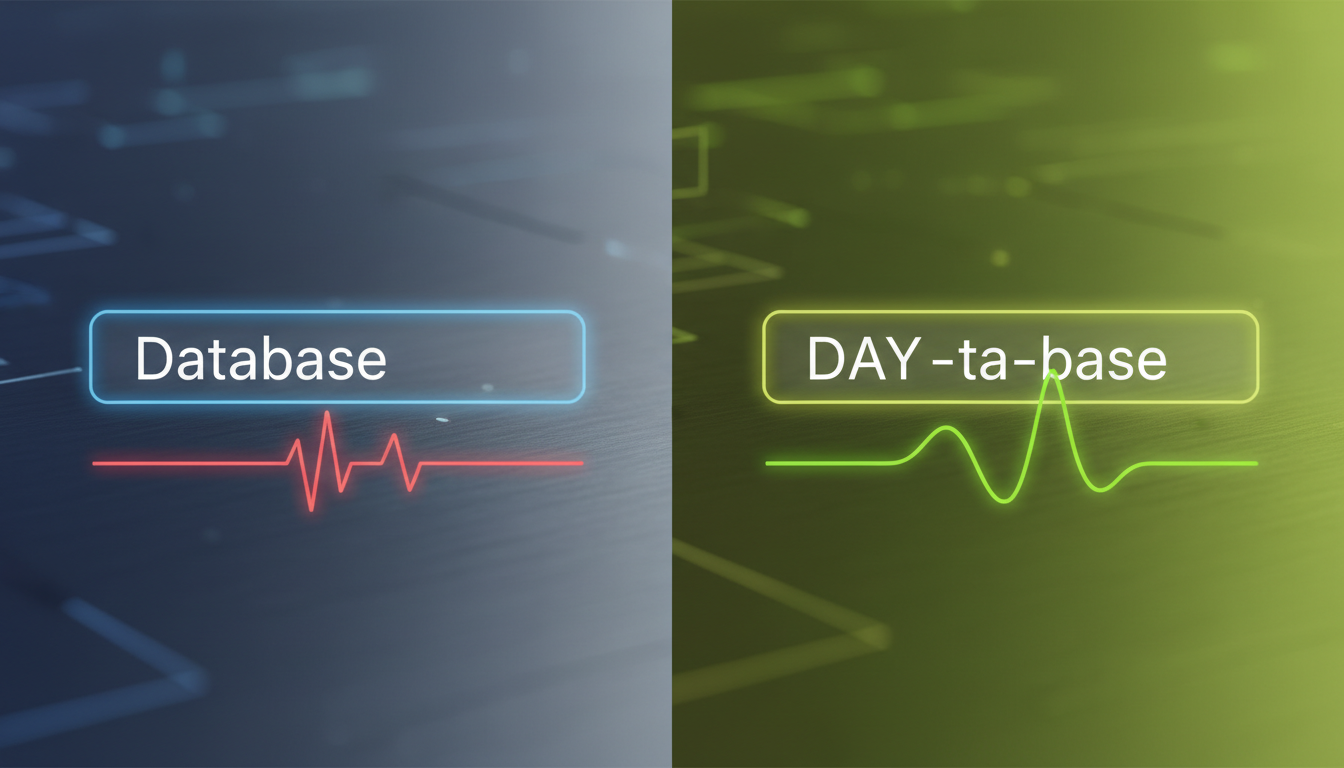
To adjust syllable emphasis in automated character voices, creators often modify the text input using phonetic spelling, capitalization, and punctuation cues like hyphens or commas. Automated voices can sometimes struggle with unique names, slang, and brand terms. Rewriting words to match their sound (e.g., spelling "karaoke" as "carry-o-key") or capitalizing certain syllables (e.g., "de-VEL-op") are common ways to guide the voice generator toward a more natural-sounding speech pattern. While these workarounds do not guarantee absolute acoustic perfection, they are practical methods to try when refining scripts before generating final audio.
Why Automated Voices Misplace Stress (and the Direct Fix)
AI speech models are trained on vast datasets of standard language patterns. While they excel at pronouncing common vocabulary, they can sometimes stumble when encountering uncommon proper nouns, fantasy terms, or homographs (words that are spelled the same but pronounced differently depending on context, such as the noun "PROJECT" versus the verb "pro-JECT"). When an automated voice misplaces stress, it can make an otherwise expressive character sound mechanical or flat.
You do not need complex, expensive audio editing software to address these pronunciation quirks. Instead, you can try guiding the voice's emphasis by subtly changing how you type the words in your script generator. On platforms like Fanfun, where you can generate custom character voice notes and video gifts, experimenting with phonetic spelling and punctuation adjustments is a practical way to help shape the delivery of your script.
The Phonetic Spelling Method: Writing for the Ear
The most reliable way to fix a mispronounced word is to write for the ear rather than the eye. Phonetic spelling involves breaking complex or problematic words down into simpler, phonetic blocks that the AI engine can easily interpret.
This technique is particularly useful for unique names or custom terms. For example, if you are creating custom video intros with character voices, getting the spelling of a viewer's or friend's name right is crucial for a believable greeting. If the AI voice mispronounces a name like "Helena," trying "Huh-LAY-nuh" or "Hell-eh-nuh" will guide the generator toward the correct syllable stress. Use familiar, simple words as building blocks to construct the sound you want, bypassing the engine's default dictionary lookup.
Punctuation and Capitalization Hacks for Syllable Stress
Beyond changing the spelling of a word, you can use visual text cues to alter how an AI voice paces and strikes individual syllables.
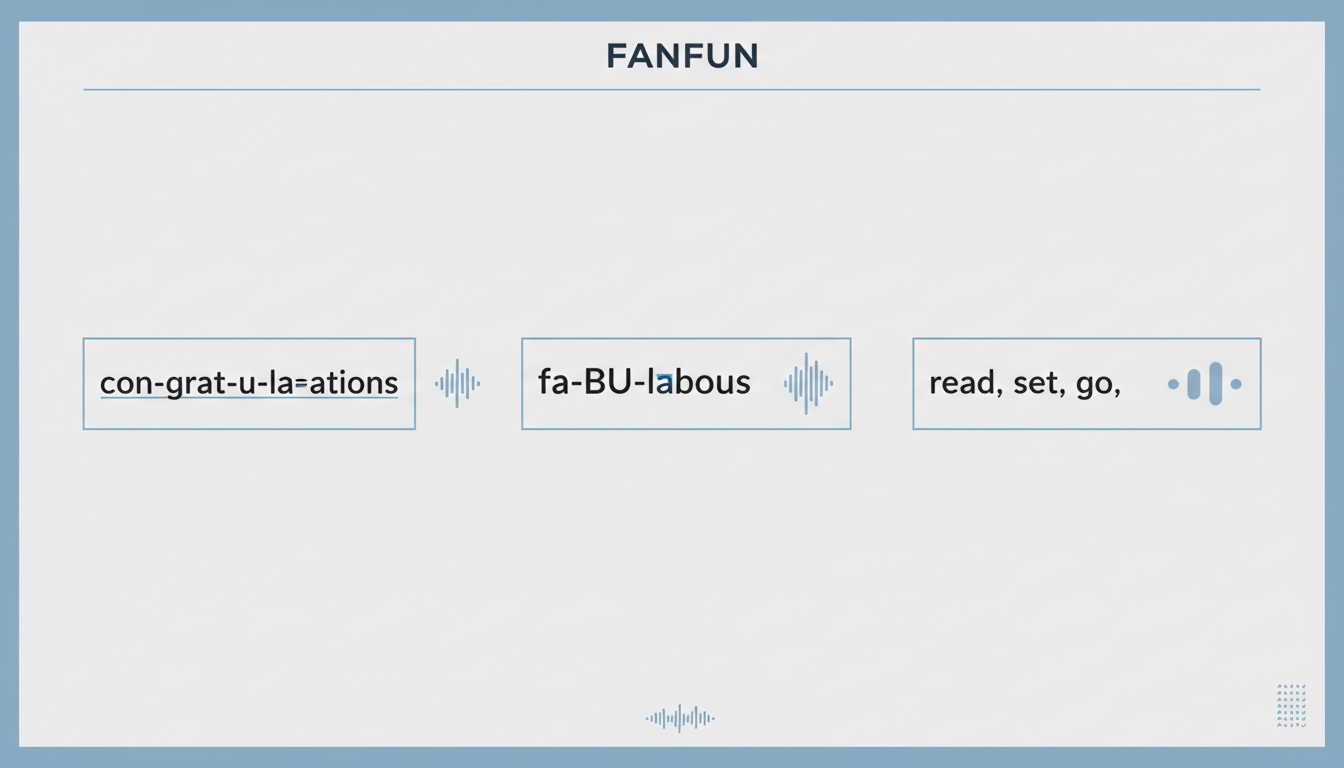
- Capitalization: In many text-to-speech systems, capitalizing a specific syllable is a common technique to try and encourage a harder vocal hit or higher pitch on that part of the word, such as typing "de-VEL-op" instead of "develop".
- Hyphens: Some creators use hyphens between syllables to suggest a break in the word, which may help the system pace the pronunciation of complex terms (e.g., "co-op-er-a-tion").
- Commas and Ellipses: Standard punctuation like commas, periods, and ellipses (...) is often used to prompt pauses. Placing these before or after a word can sometimes help set off a specific term for emphasis.
Quick Cheat Sheet: Common Pronunciation Fixes
To help you get started, here is a side-by-side comparison of common words that automated character voices often struggle with, along with optimized phonetic spelling formats designed to correct their stress patterns.
| Standard Word | Common AI Error | Optimized Text Format | Intended Syllable Stress |
|---|---|---|---|
| Data | DAH-tuh | DAY-ta | First syllable (long A) |
| Congratulations | Con-grats-shoo-lay-shuns | con-GRAT-u-lay-shuns | Second and fourth syllables |
| Sargeras | Sar-jeeras | SAHR-gair-us | First and second syllables |
| Fanfun | Fan-fun (flat) | FAN-fun | First syllable punch |
Script Refinement Checklist
Before running a full generation, use this quick checklist to optimize your script's performance:
- Identify any non-standard names, slang, or technical terms in your script.
- Read the script aloud exactly as written to see if your phonetic spellings match the desired sound.
- Try inserting hyphens in multi-syllable words that sound rushed.
- Add commas or ellipses where a natural speaker would take a breath.
- Run a short preview or test generation to verify the pacing before finalizing your project.
Integrating Your Perfected Audio Into Creative Projects
Taking the time to refine your script's syllable stress pays off significantly in the long run. Clean, properly stressed audio files sound more organic and save valuable time during post-production, eliminating the need to manually chop up, stretch, or pitch-shift individual syllables in an external editor.
Once you have generated a high-quality character voice note, you can easily combine it with background music, sound effects, or video elements. For instance, you can learn how to import and edit custom character voices in video editors to sync up your perfectly stressed voiceover with on-screen action, or use these techniques to create fan dubs with AI character voices that match the exact dramatic timing of the original animation.
Does capitalizing a whole word make the AI shout?
Not always. In many automated character voice models, capitalizing an entire word (like "URGENT") might make the voice stress that word, or it may cause the engine to spell out the word letter-by-letter. To try and encourage emphasis without triggering spelling-out behaviors, some creators capitalize only the stressed syllable (e.g., "ur-GENT") or use an exclamation point.
Why does the AI voice ignore my hyphens?
Some AI models are designed to ignore punctuation symbols to maintain a smooth, natural flow. If hyphens are being ignored, you can try replacing them with spaces (e.g., "co op er a tion") or using commas to suggest micro-pauses between the syllables you want to isolate.
How do I handle acronyms or abbreviations so they are spelled out letter-by-letter?
If you want an AI voice to read an acronym letter-by-letter (like "AI" or "SEO"), it is best to separate the letters with hyphens or periods and capitalize them (e.g., "A-I" or "S-E-O"). This prevents the engine from attempting to pronounce the abbreviation as a single word.



