How to Calculate the Perfect Word Count for a 45-Second Custom Video Message
Writing a custom video message requires finding the perfect balance between word count and pacing. Discover the ideal word range for a 45-second script, how different character tempos affect speech, and a structural blueprint to ensure your message sounds natural.
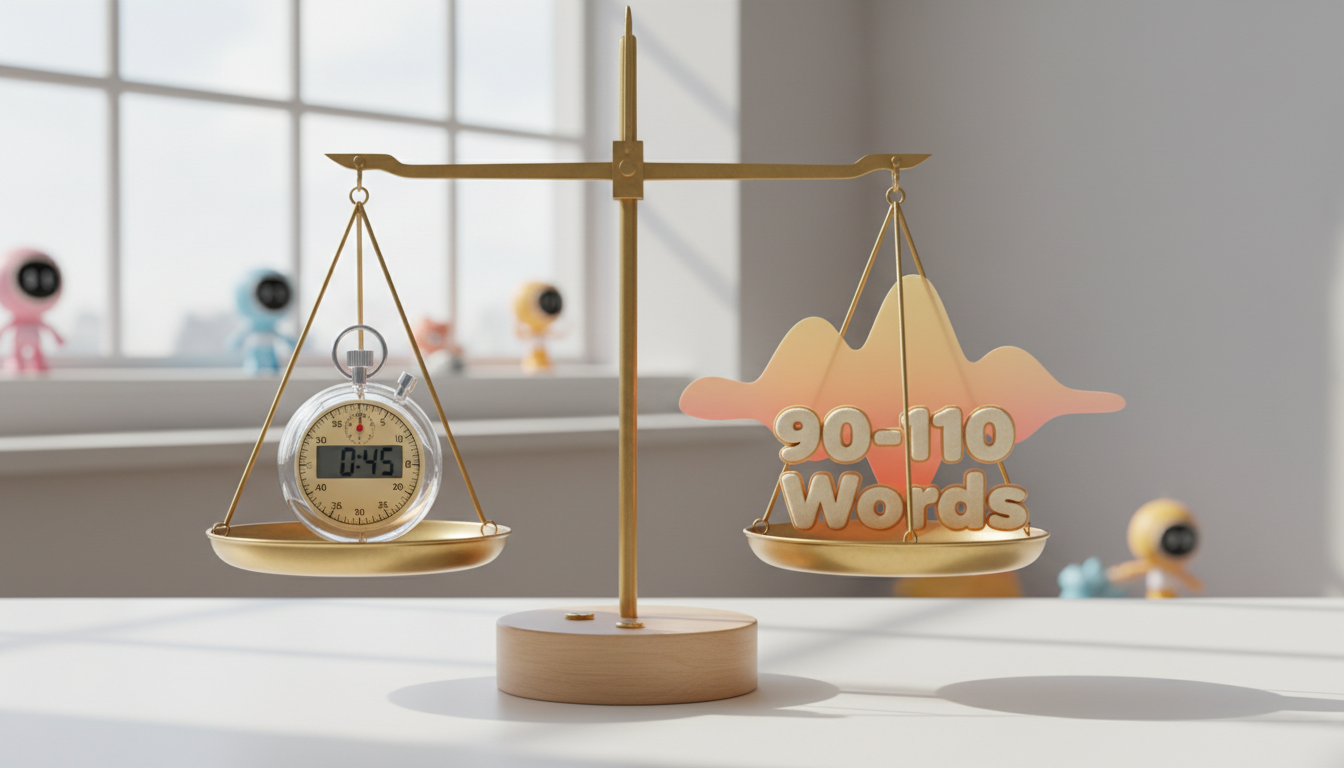
To write a natural-sounding 45-second custom video message, aim for a word count of 90 to 110 words. This range is calculated using a standard conversational speaking rate of 130 to 150 words per minute (WPM). Because AI character voices feature unique speech patterns, pauses, and cadences, adjusting your word count to match your chosen character's tempo is the key to a professional and engaging delivery.
The Golden Word Count for 45 Seconds
When planning a custom video message, finding the right length ensures your script is neither rushed nor filled with awkward silences. A general rule of thumb for standard speech is about 2.2 words per second. For a 45-second video, this places your target word count safely between 90 and 110 words.
On Fanfun, one video credit covers up to 30 seconds of speech. Because a 45-second script exceeds this limit, it will utilize more than one video credit. This structure allows you to let the character breathe, add dramatic pauses, or extend your message if you want to include extra details, with the exact credit estimate shown before you generate. If you are working with a tighter limit, you can learn how to structure a 30-second script outline instead.
Pacing Adjustments: Matching Word Count to Character Personalities
Not all characters speak at the same speed. A slow, deliberate personality will take much longer to read 100 words than an energetic, fast-talking animated sidekick. Adjusting your script length to match the specific character's natural cadence ensures the final generation sounds authentic.
| Character Style | Average Speed (WPM) | Suggested 45-Second Word Count | Best For |
|---|---|---|---|
| Slow & Deliberate | 110–120 WPM | 80–90 words | Calm animated characters, formal personalities, dramatic announcements |
| Standard Conversational | 130–140 WPM | 95–105 words | Friendly everyday personas, casual birthday wishes |
| Fast & High-Energy | 150–160 WPM | 110–120 words | Rapid-fire sidekicks, energetic rappers, excited hype messages |
Keep in mind that punctuation plays a significant role in synthetic speech generation. AI voice models naturally pause at commas, periods, and exclamation marks. These punctuation marks add silent seconds to your video’s duration without consuming any words in your script, so a heavily punctuated script will run longer than a continuous block of text.
The 45-Second Script Blueprint
To keep your audience engaged from start to finish, structure your 90 to 110 words using a simple three-part blueprint. This layout ensures your message flows logically and gives the AI character a strong opening and closing.
- The Hook (0–10 seconds / ~20 words): Start with a high-energy greeting that addresses the recipient by name. Establish the character's persona immediately with a signature greeting.
- The Core Message (10–35 seconds / ~60 words): This is the heart of your video. Share a funny anecdote, express congratulations, or deliver your main update. To get inspiration for the main body of your message, check out our guide on writing virtual character congratulations prompts.
- The Sign-Off (35–45 seconds / ~20 words): Wrap up with a warm closing, a final well-wish, and a memorable catchphrase that matches the character's typical style.
Pro Tips for Timing and Formatting Your Script
Before you hit generate, taking a few extra steps can help align your script timing with the final video file.
First, read your script aloud while running a stopwatch. Try to mimic the exact cadence, pauses, and voice style of the character you plan to use. If you find yourself gasping for breath or finishing in 30 seconds, adjust your word count accordingly.
Second, avoid overly complex jargon, tongue-twisters, or non-standard abbreviations. While modern AI voice generators are highly sophisticated, phonetic spelling (like writing "congrats" instead of "congratulations" if you want a casual tone) can help guide the pronunciation and pacing in a more natural way.
Finally, consider how the video will be viewed. Once your script is ready, you can choose the best video aspect ratio for mobile viewing to help optimize how your completed Fanfun greeting displays on smartphones.
Does punctuation count toward my word limit in AI voice generators?
Punctuation marks do not count as words, but they do affect the timing. Periods, commas, and question marks instruct the voice generator to insert natural pauses, which increases the total duration of the spoken audio.
What happens if my script runs slightly over 45 seconds on Fanfun?
On Fanfun, one video credit covers up to 30 seconds of speech. A script that runs 45 seconds or slightly over will use more than one credit. You will always see the estimated credit usage before you create the video.
Can I use emojis in my script, and do they affect the timing?
Emojis are generally ignored by voice generators or skipped entirely, so they do not add to the spoken word count or affect timing. However, it is best to use actual words to describe any expressions or sounds you want the character to make.