
How to Script and Coordinate an AI Wedding Entrance Announcement Video
Ditch the predictable live DJ introduction. Learn how to script a high-impact AI video entrance, format a flexible DJ cue sheet, and coordinate your audio with the venue's sound system.
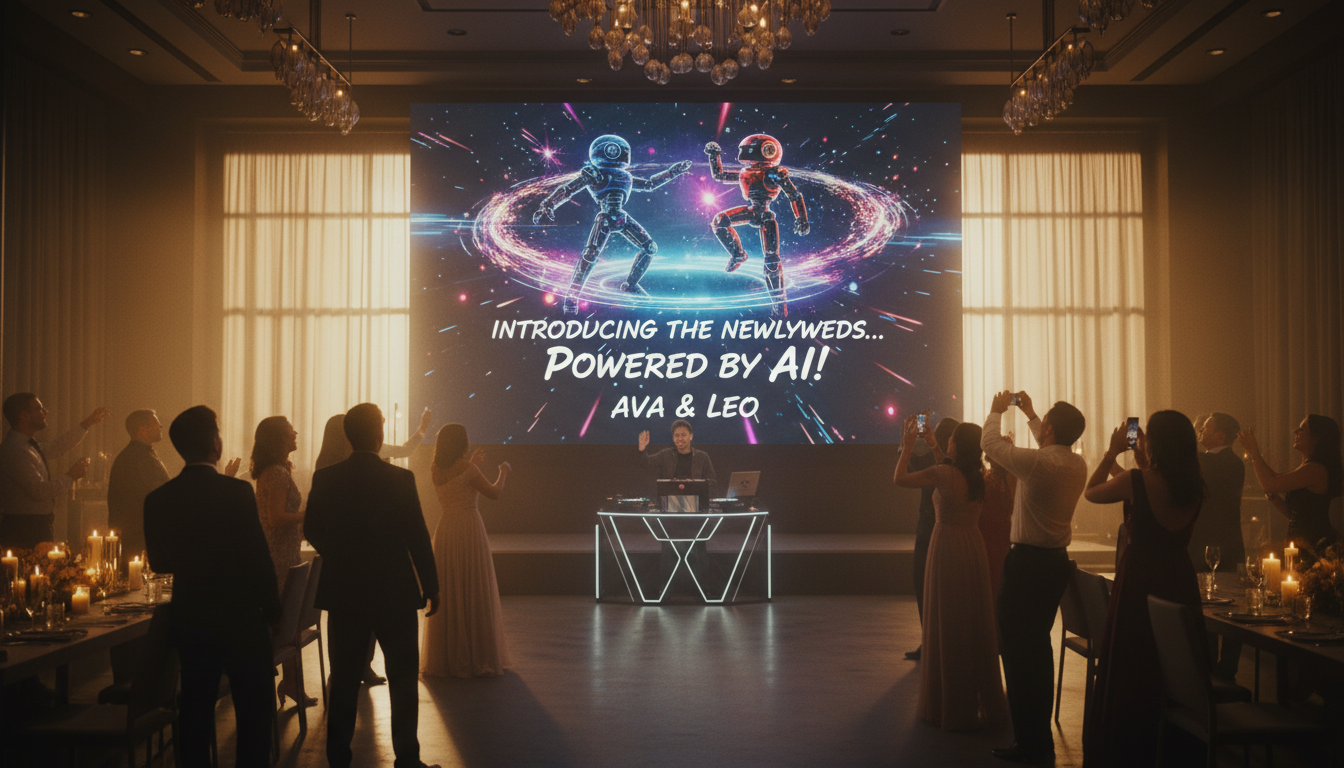
An AI-generated wedding entrance video is a custom digital introduction played right before the couple makes their physical entrance into the reception hall. By replacing or supplementing the traditional live DJ introduction with a creative, character-driven video clip, couples can set a highly personalized tone for the evening. Executing this moment seamlessly requires aligning the video's audio playback with physical venue cues—such as lighting adjustments and door openings—and coordinating closely with your DJ's sound system to avoid audio lag or awkward pauses.
The Anatomy of a Video Entrance Cue Sheet
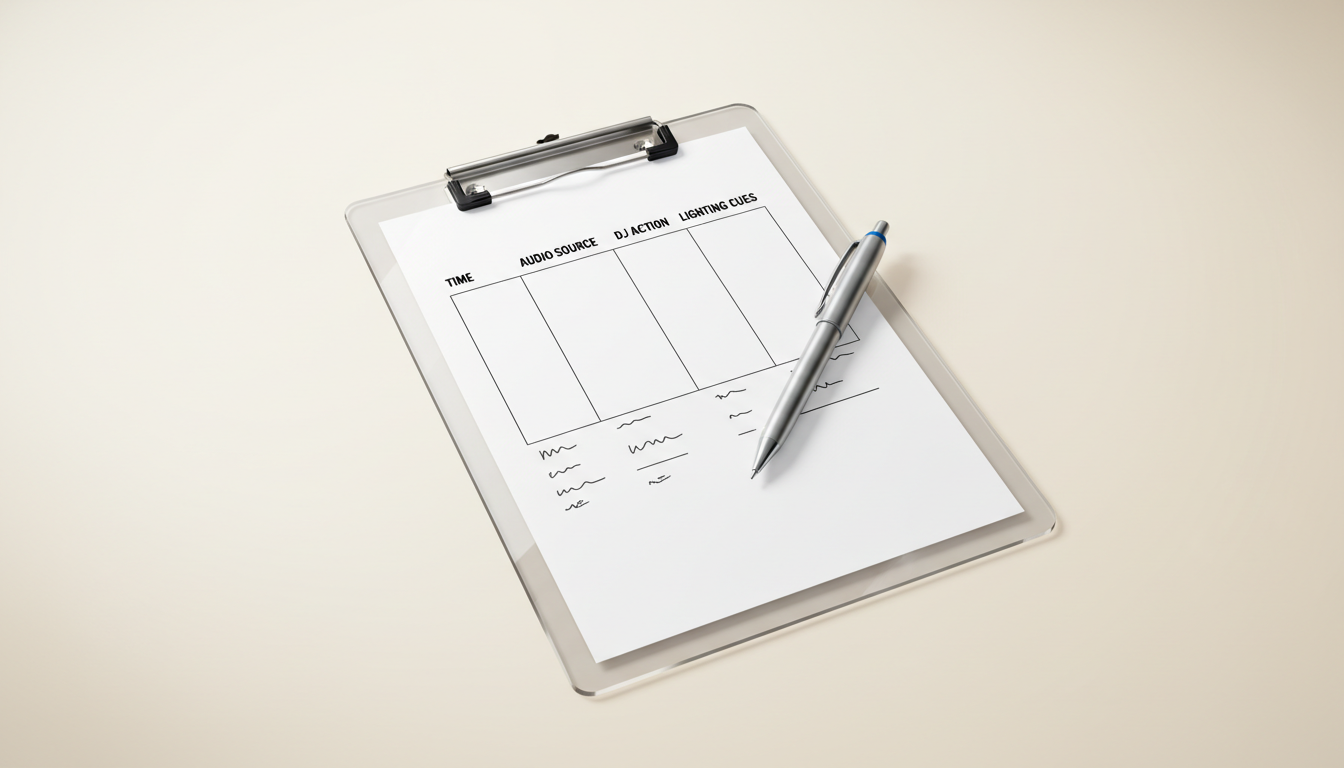
A great script is only half the equation; a grand entrance requires tight coordination between your media file, the venue's display screen, and your DJ's sound system. Because an AI-generated voiceover cannot react to real-time delays in the room, providing your DJ and day-of coordinator with a clear cue sheet helps map out exact timestamps, visual cues, and physical actions.
One helpful step is optimizing name pronunciation. To assist the AI voice generator with unique or difficult names, try spelling them phonetically in your script input (for example, writing "Siobhan" as "Shi-vawn" or "Raul" as "Rah-ool"). This helps guide the AI voice generator toward the correct emphasis. Running a test generation beforehand allows you to preview the cadence and adjust the spelling before finalizing your video.
Use the following template to coordinate your entrance sequence. Copy and customize this table to share with your DJ and venue coordinator during your final prep meeting:
| Timestamp | Video / Audio Action | DJ Action | Suggested Lighting & Venue SFX (Coordinate with venue) |
|---|---|---|---|
| 0:00 - 0:05 | Video begins. Low atmospheric bass rumble plays. | Fade out background dinner music completely. Ensure video audio is primary. | Suggested: Dim house lights if supported by the venue. Optional spotlight on the main entrance doors. |
| 0:05 - 0:45 | Voiceover plays, building excitement. Visuals flash on screen. | Monitor audio levels. Keep hand on the master fader. | Keep house lights low. Spotlight remains focused on the closed doors. |
| 0:45 - 0:50 | Voiceover delivers final climax line: "...introducing the newlyweds!" Video ends on a logo/graphic. | On the final word, transition to the high-energy entrance song (e.g., "Uptown Funk"). | Suggested: Raise house lights to comfortable entrance levels. Coordinate door opening on the beat drop. |
| 0:50+ | Static graphic remains on screen or screen goes black. | Manage live music levels as the couple enters, waves, and makes their way to the floor. | Standard reception lighting active for the grand entrance. |
Three Entrance Script Templates by Reception Vibe
Your entrance script sets the tone for the entire celebration. With Fanfun, you can select an AI character voice to deliver these scripts, choosing a style that matches your reception's theme—whether you want a playful roast, a high-energy announcement, or a touch of creative chaos. Choose the template below that fits your wedding's aesthetic.
1. The "Sports Arena" Hype Script
Best for: High-energy, fun-loving couples who want their guests cheering on their feet.
"Ladies and gentlemen... children of all ages... welcome to the main event of the evening! Tonight, we are live from [Venue Name] for a matchup of a lifetime. Standing at a combined height of [X] feet... and sporting an undefeated record in love... please get on your feet, make some noise, and prepare to welcome the brand-new champions of the world... [Partner 1 Name] and [Partner 2 Name]!"
2. The "Cinematic Blockbuster" Script
Best for: Dramatic, elegant, or movie-buff couples looking for an epic, high-production feel.
"In a world of billions, two paths crossed... and history was rewritten. Tonight, a new chapter begins. They survived dating apps, long-distance drives, and planning a seating chart. Now, they face their greatest adventure yet: marriage. Prepare yourselves... for the grand entrance of... [Partner 1 Name] and [Partner 2 Name]."
3. The "Comedic Roast" Script
Best for: Lighthearted receptions where the couple wants to poke gentle fun at their own quirks.
"Attention guests: please put down your appetizers and prepare your applause. We are about to welcome two people who officially promised to tolerate each other’s terrible playlist choices for the rest of their natural lives. He’s here for her cooking; she’s here because he actually listens when she talks about reality TV. Let’s hear it for the real stars of the night... [Partner 1 Name] and [Partner 2 Name]!"
If you are planning other digital media elements for your big day, check out our guide on how to produce an AI wedding congratulations video that steals the show to keep your guests entertained throughout the reception. For couples who prefer to keep the live speaking to a minimum, an introverted-friendly approach can shift the spotlight to the screen—similar to strategies outlined in our guide on scripting video messages for those who prefer to avoid the spotlight.
The AV Playbook: Routing Video Audio to the Venue Sound System
A common challenge during video playback is audio routing. Relying solely on a projector's built-in speakers can result in muffled sound that is easily drowned out in a large, crowded banquet hall. To help ensure your AI-generated voiceover is clearly audible, plan to route the audio output of your playback device directly into the DJ's professional sound system rather than relying on the projector's internal speakers.
Step 1: The Hardware Interface
Check if your AV coordinator or DJ can use an HDMI audio extractor or a dedicated auxiliary input line running from the playback device (usually a laptop at the DJ booth or the venue's media rack) into the main mixing board. Relying on a wireless Bluetooth connection for primary audio playback is generally discouraged, as it can introduce latency or suffer from interference in a room filled with active mobile devices.
Step 2: The Venue Walk-Through Checklist
During your venue walk-through, consider asking the coordinator these technical questions:
- Does the venue have an HDMI port near the DJ booth that feeds both the projector and the house sound system?
- Will the DJ run the video audio through their own mixer, or does the venue require a separate AV technician to manage the house sound?
- Is there a backup wired connection (such as a standard auxiliary cable) on-site in case the primary digital connection encounters issues?
Step 3: The Afternoon Soundcheck
Testing your video early in the day helps prevent last-minute technical surprises. Schedule a soundcheck during the afternoon rehearsal when the room is empty. Play the file from start to finish to check for volume balance, audio-to-video sync, and any potential feedback from the DJ's live microphones. Keeping live microphones muted while the video plays can also help prevent room echo.
Pacing, Pauses, and the Art of the Build-Up
When generating an AI voiceover for a live event, accounting for the acoustics of a large room is essential. Fast, continuous speech can easily get lost in a venue's natural reverb. To keep the audience engaged, your script needs intentional pauses that allow the sound to decay before the next line is delivered.
You can introduce these natural pauses within AI voice generators by formatting your text with specific punctuation. Use ellipses (...) for a brief beat, em-dashes (--) for a sharp pause, and paragraph breaks to signal a complete shift in tone. For a deeper dive on getting the cadence exactly right, read our breakdown on scripting comedic timing and dramatic pauses in AI video messages.
Finally, structure the last five seconds of your script to act as a launchpad. The voiceover should hit its highest energetic peak on the names of the couple, followed immediately by a brief window of instrumental music built into the video. This gives your DJ a clear cue to crossfade into the live entrance track exactly as the physical doors open.
Once the reception wraps, you can also swap traditional paper cards for digital media by learning how to script and scale thank you video messages for your guests, keeping the modern, high-tech momentum going long after the last dance.
Should the wedding party enter during the video, or after it finishes?
The wedding party typically enters after the video finishes. Use the video as a teaser to build anticipation. Once the video reaches its climax and announces the couple, the DJ can transition to high-energy music, the doors can open, and the couple (or wedding party) can make their physical entrance.
What file format should I use to send the entrance video to my DJ?
Providing the video in a standard, highly compatible format like MP4 (H.264 codec) or MOV is generally recommended. Delivering the file via a physical USB drive and a cloud link (like Google Drive or Dropbox) at least a week before the wedding gives the DJ ample time to test playback on their specific equipment.
How do we handle name pronunciation if we are using an AI voice generator?
To help improve pronunciation accuracy, you can experiment with spelling difficult names phonetically in your script input (e.g., "Siobhan" as "Shi-vawn"). Since AI voice generators interpret text differently, running a test generation allows you to hear the cadence and adjust the spelling before generating the final video.



