How to Design a Virtual Space Explorer Video Greeting for Kids
Transform a child's milestone into an interstellar mission. Learn how to write a playful sci-fi script, pace your AI voiceover, and choose the perfect virtual character on Fanfun.
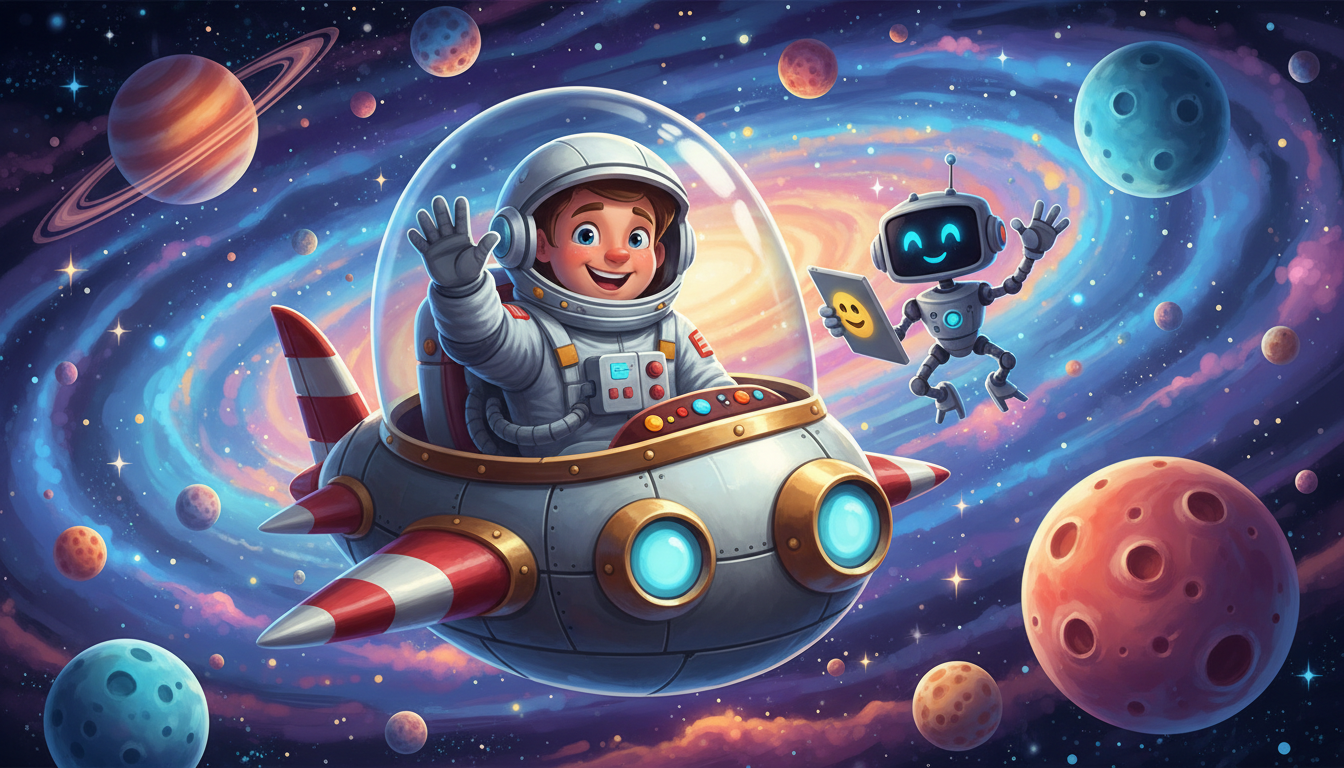
To design an engaging virtual space explorer video greeting for kids, you need to structure the message as an active mission briefing rather than a passive speech. By blending imaginative sci-fi framing with specific details from the child's real life, you transform a simple milestone into an interstellar quest. While platforms like Fanfun allow you to easily create these simulated AI character greetings, the key to success lies in keeping the script short, writing with natural pacing, and choosing a tone appropriate for the child's age. Unlike structured virtual character welcome messages used in professional settings, a message for a child thrives on playful cosmic jargon and dramatic pauses.
The Anatomy of a Cosmic Mission Briefing
A successful space explorer greeting doesn't just talk at a child; it recruits them as a co-pilot. To capture their imagination immediately, structure your script using a simple four-step mission framework:
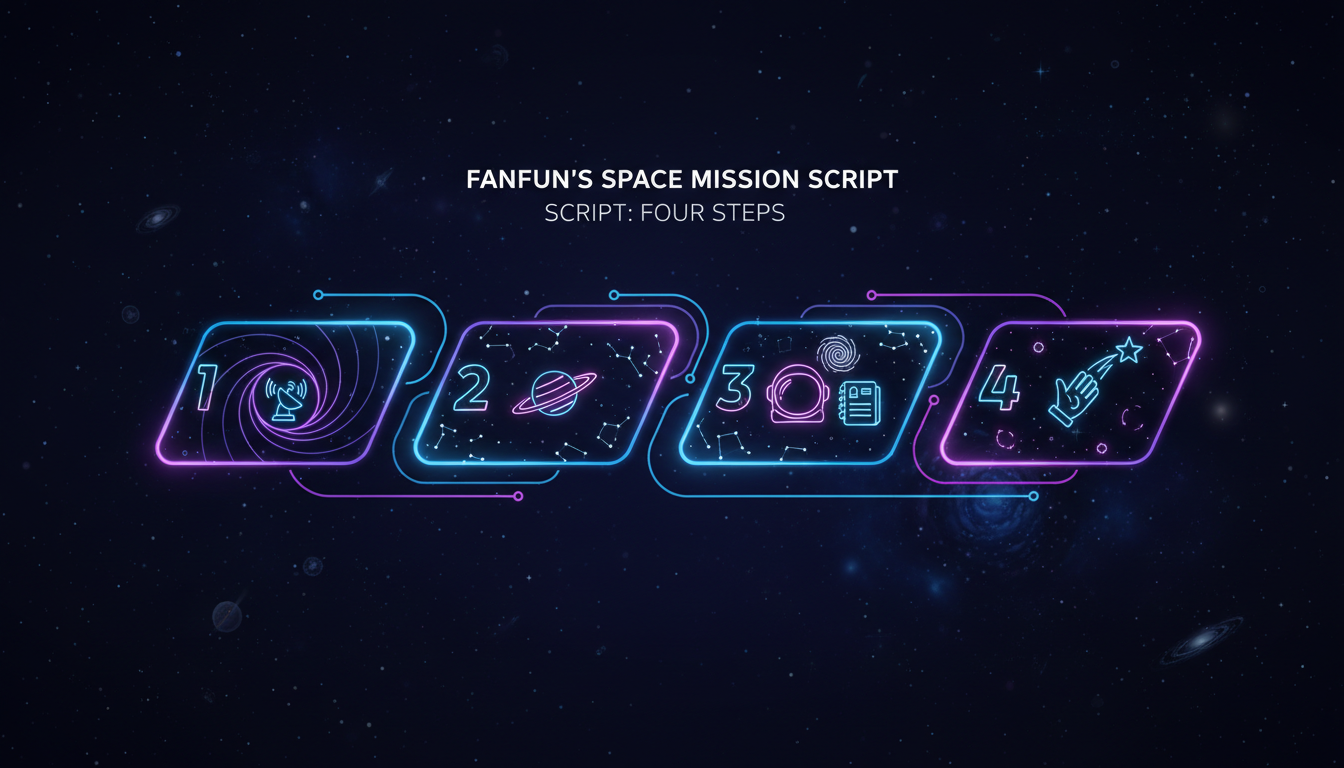
- The Transmission Hook: Start with a greeting that signals an incoming signal from a distant galaxy. This immediately signals that something exciting is happening.
- The Mission Context: Frame the child's real-life milestone as a critical planetary objective. Whether they are starting school, cleaning their room, or celebrating a birthday, present it as a vital task for the galaxy. You can easily adapt this template for custom video greetings for kids' birthdays.
- Personalized Details: Ground the message by referencing their actual world. Mentioning their favorite toy, a pet's name, or a specific hobby makes the simulated AI character feel uniquely connected to their day.
- The Cosmic Sign-off: End with an inspiring call to action and a signature space-themed sign-off, like "Over and out" or "Keep looking to the stars."
Example Mission Script Template
Here is an illustrative, editable template you can copy and customize for your video script:
"Calling Co-Pilot Leo! This is Commander Nova transmitting from Orbit Station Nine. Leo, our star charts show you just completed a major rotation around the sun—your seventh birthday! Our cosmic sensors also detect that your dog, Buster, is ready for launch. Your mission today is to eat some cake and have the best day in the galaxy. Keep exploring, Leo. Commander Nova, over and out!"
Writing Sci-Fi Dialogue That Sounds Natural
Writing for an AI voice generator requires a slightly different approach than writing for a human reader. Because AI voices rely on punctuation to determine cadence, how you format your text directly impacts how natural the final video sounds.
- Use Punctuation for Pauses: Insert commas and periods strategically to build in natural breathing room. A comma creates a brief hesitation, while a period provides a full stop, keeping the character's voice from rushing through exciting space terms.
- Spell Phonetically: If your script includes unusual planet names or complex sci-fi terms, spelling them phonetically can help guide the AI voice generator toward the desired pronunciation.
- Keep Sentences Short: Children have shorter attention spans, and short sentences help maintain a high-energy, conversational pace.
- Use Sensory Words: Avoid dry, technical jargon. Instead, use playful, sensory words like "bloop," "hyperdrive," "stardust," and "cosmic."
| Standard Word | Phonetic Spelling Suggestion | Purpose in Script |
|---|---|---|
| Nebula | Neb-yoo-lah | Adds a soft, mysterious cosmic element |
| Galaxy | Gal-ax-ee | Refers to the grand scale of the mission |
| Hyperdrive | Hy-per-drive | Signals a fast, exciting transition |
Choosing the Right Tone and Visual Style
The perfect cosmic script still needs the right visual and vocal pairing. When choosing the right virtual character video style for kids, consider their age group and personal preferences to ensure the message resonates.
Visual Style Decision Framework
Use this simple framework to match your script's tone with the visual presentation:
| Target Age Group | Recommended Character Style | Optimal Vocal Tone | Core Theme |
|---|---|---|---|
| Ages 3 to 5 | Animated character | Warm, highly enthusiastic, gentle | Playful exploration and discovery |
| Ages 6 to 8 | AI personality | Adventurous, collaborative, energetic | Co-pilot teamwork and missions |
| Ages 9 to 12 | AI personality | Cool, witty, respectful | Skill, achievement, and curiosity |
Keep in mind that while Fanfun provides highly expressive AI voices, setting reasonable expectations for a playful, simulated character greeting makes the experience more fun.
Preparing Your Launch: Previewing and Rendering
Once your script is written and you have selected your character style, you are ready to prepare your video for launch on Fanfun. Following a few simple pre-production steps will ensure a smooth generation process.
First, keep your script within the recommended character limits. On Fanfun, one video credit covers up to 30 seconds of speech. Keeping your script around 70 to 80 words ensures you stay within this limit while maintaining a punchy, high-impact delivery. If you need a longer message, you can easily use additional credits.
Second, take advantage of Fanfun's voice note feature to preview how specific space terms and phonetic spellings sound. Testing your script as a quick voice note first lets you adjust punctuation and spelling before committing to the final video render.
How long should a space explorer message be to keep a child's attention?
For younger children (ages 3 to 7), keep the video between 30 to 45 seconds. For older kids, you can extend it up to 60 seconds. Keeping the message concise ensures they stay engaged with the mission without losing focus.
Can I add sound effects like laser beams or rocket launches to the script?
The AI voice generator focuses on reading the spoken words provided in your script. You can use descriptive language to set the tone of the message.
What should I do if the AI character mispronounces a fictional planet name?
If a fictional space term sounds off, try spelling it phonetically in your script. For example, instead of writing "Xylophia," try writing "Zy-lo-fee-uh." You can use Fanfun's voice note tool to preview the pronunciation before rendering your final video greeting.