How to Design a Virtual Character Welcome Message for New Employees
Onboarding doesn't have to be dry. Discover how to use a playful AI character to break the ice and show off your team's unique culture on day one.

Designing a virtual character welcome message involves choosing a playful AI persona that matches your company culture, writing a short, phonetically clear script, and sharing the finished video in a casual setting like your team's morning chat channel. When you use an animated character or AI personality from Fanfun, you can create a memorable icebreaker that highlights your team's sense of humor. However, these digital greetings are designed for entertainment and celebration, so they should complement—never replace—genuine human introductions and standard onboarding meetings.
Matching the Character to Your Team Culture
When selecting a virtual character, distinguish between formal company representatives and playful, fun-focused AI personas. A successful welcome video relies on matching the character's vibe to your actual workplace culture. For example, a creative agency might opt for a bold, humorous animated character to show off their irreverent side, while a tech startup might prefer a friendly, futuristic persona or a well-known AI personality to guide the new hire in. Set clear expectations with your team that these characters are creative tools for engagement, not perfect human replicas. The goal is to spark a smile. If you are familiar with how to create a virtual character welcome video for communities, the same community-building principles apply here: choose a persona that unites the group and sets a welcoming tone.
Structuring a 30-Second Welcome Script
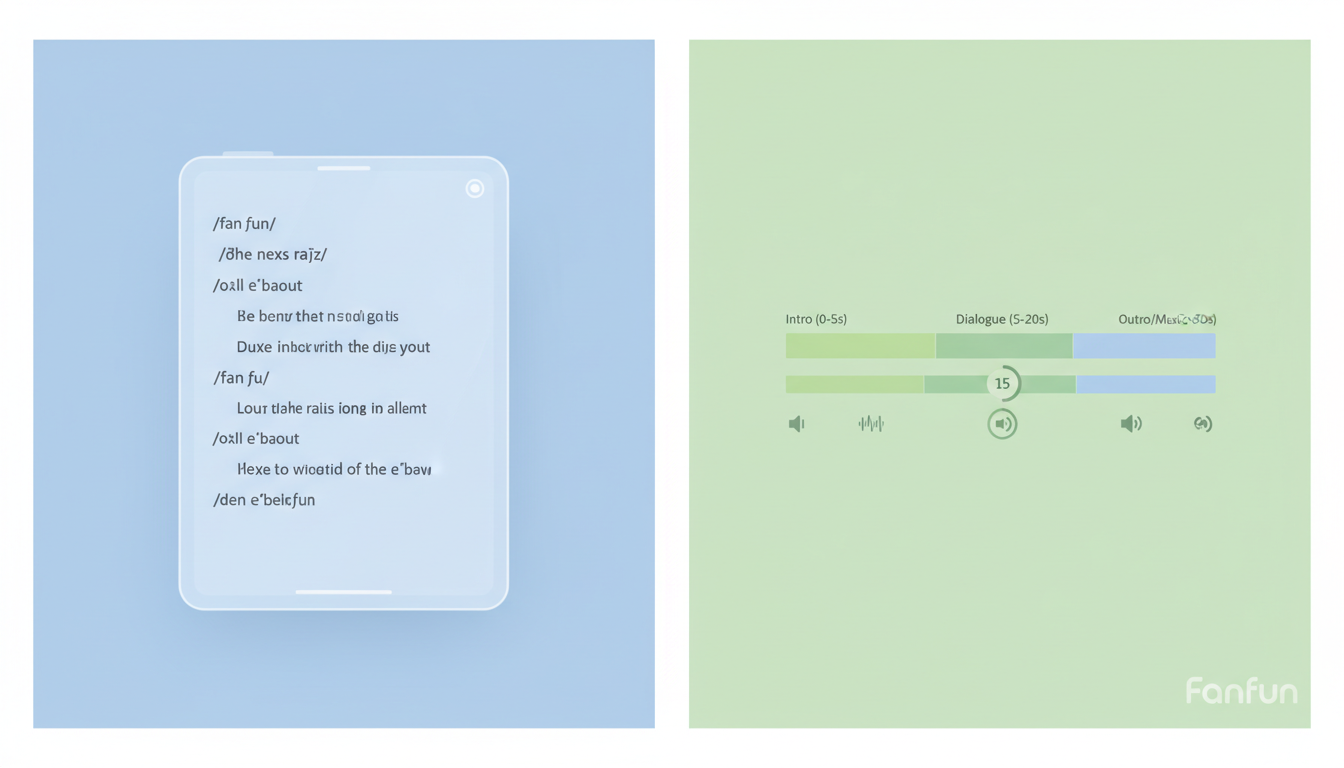
A great virtual greeting is short and punchy. Keeping your message under 30 seconds maintains high engagement and optimizes your video creation credits (on Fanfun, one video credit covers up to 30 seconds of speech). To hit this mark, focus on four essential elements: a personalized greeting, a fun nod to their new role, a lighthearted team joke or cultural reference, and a clear call to action. Because AI voice generators read text exactly as written, you must use phonetic spelling for unique names or industry jargon. For more detailed advice on pacing and punctuation, review our guide on formatting scripts for virtual character greetings. Keep your formatting clean and simple so the character's delivery feels natural.
The 4-Part Script Framework
| Element | Purpose | Example Script Line |
|---|---|---|
| Greeting | Personalize the video instantly | "Hey Sarah! Welcome to the marketing team." |
| Role Nod | Acknowledge their value | "We are so excited to have your design skills on board." |
| Team Joke | Break the ice early | "Warning: Dave in accounting takes trivia Tuesdays very seriously." |
| Call to Action | Provide a clear next step | "Head over to the breakroom channel and say hi!" |
Delivery Workflows: Where and When to Share
The delivery method is just as important as the video itself. Embed the virtual character video in a welcoming Slack or Microsoft Teams channel post on the employee's first morning. This kicks off introductions and gives the rest of the team a natural place to add their own welcome messages in the thread. Alternatively, incorporate the video into a shared digital welcome card or the first slide of their onboarding deck. Remember the limitations of AI video messages: avoid using virtual characters for serious HR training, compliance updates, or policy changes. Keep them strictly in the realm of celebration. Once you establish this workflow, you can use similar playful video strategies for other milestones, like writing a welcome back script for a virtual character video when a team member returns from extended leave.
Should I use virtual character videos for official HR training?
No. Virtual characters are best used for lighthearted icebreakers, celebrations, and cultural touchpoints. Serious HR training, compliance updates, and policy reviews require clarity, nuance, and official documentation that should be delivered by real human representatives or standard training modules.
How can I ensure the AI voice pronounces the new hire's name correctly?
Use phonetic spelling in your script. AI voice generators read text exactly as written, so spelling out a unique name the way it sounds (for example, writing "uh-lee-see-uh" for Alicia) will help the virtual character deliver a natural and accurate pronunciation.
Can I customize the background of the virtual character welcome video?
This depends on the specific video template you choose. Many AI character platforms, including Fanfun, offer pre-designed scenes and video templates. You select the template that best fits your message, and the character is generated within that specific setting.