How to Create a Virtual Character Video for a Baby Shower
Add a unique and playful touch to your next baby shower with a custom virtual character video. Learn how to select the perfect persona, write an engaging 30-second script, and surprise the parents-to-be.
Creating a virtual character video for a baby shower is a playful, modern way to surprise the parents-to-be with a personalized greeting from an animated icon or pop-culture persona. By using an AI character platform like Fanfun, you can write a custom script and generate a video message in just a few simple steps. While these AI-generated character messages are synthetic and meant for lighthearted entertainment rather than studio-perfect realism, they add an unforgettable touch of humor and nostalgia to the celebration.
Why Add a Virtual Character Video to a Baby Shower?
A virtual character video acts as a highly personalized, modern greeting card that surprises the parents-to-be with unexpected humor and sentiment. Instead of a standard paper card that gets tucked away in a drawer, a digital video greeting brings a beloved character to life to deliver your personal wishes. This makes it an engaging icebreaker for guests and a memorable keepsake for the growing family.
It is important to clarify that these are AI-generated character-style messages, distinct from real-person celebrity recordings. Through Fanfun, you can turn your own written scripts into video gifts featuring animated personalities or pop-culture figures. Because these voices are synthetic, they may have charming, playful quirks rather than flawless human inflections. Embracing these whimsical qualities is part of the fun, making the final video feel like a lighthearted, affectionate tribute rather than a serious deepfake.
Step 1: Choose a Persona That Fits the Parents
The first step in creating a memorable video is selecting a character that aligns with the parents' personalities, favorite fandoms, or childhood nostalgia. Consider what kind of media they love. Are they fans of retro cartoons, blockbuster action movies, or modern pop-culture figures? Matching the character to the overall tone of the shower ensures the message resonates with everyone in the room.
To help you choose the right direction, consider this decision framework based on the parents' tastes:
| Parent's Personality | Recommended Vibe | Character Archetype Examples |
|---|---|---|
| Nostalgic / 90s Kids | Sweet & Whimsical | Classic animated characters like Doraemon or Hello Kitty |
| Pop Culture Enthusiasts | Playful & Energetic | Larger-than-life personalities like Snoop Dogg or The Rock |
| Humorous / Comedy Fans | Witty & Sarcastic | Animated comedy figures like Peter Griffin or Rick Sanchez |
While humorous roasts can be highly entertaining, always keep the family-friendly nature of a baby shower in mind. Choose a character that can deliver playful advice without crossing the line into overly aggressive or inappropriate humor for a family gathering.
Step 2: Write a Short, High-Impact Script
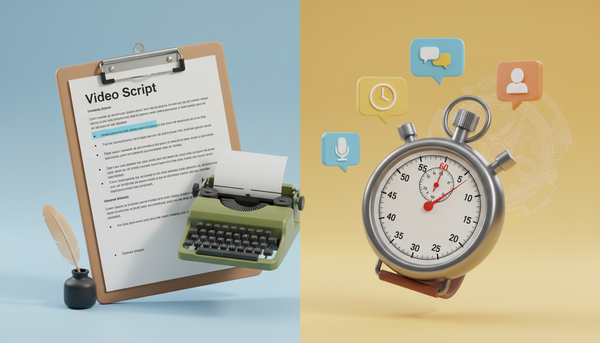
When writing for a synthetic voice, keeping your script concise and well-formatted is key to a polished result. On Fanfun, one video credit covers up to 30 seconds of speech, which translates to roughly 60 to 75 spoken words. This length is the sweet spot for keeping a party's attention during a live screening or digital viewing.
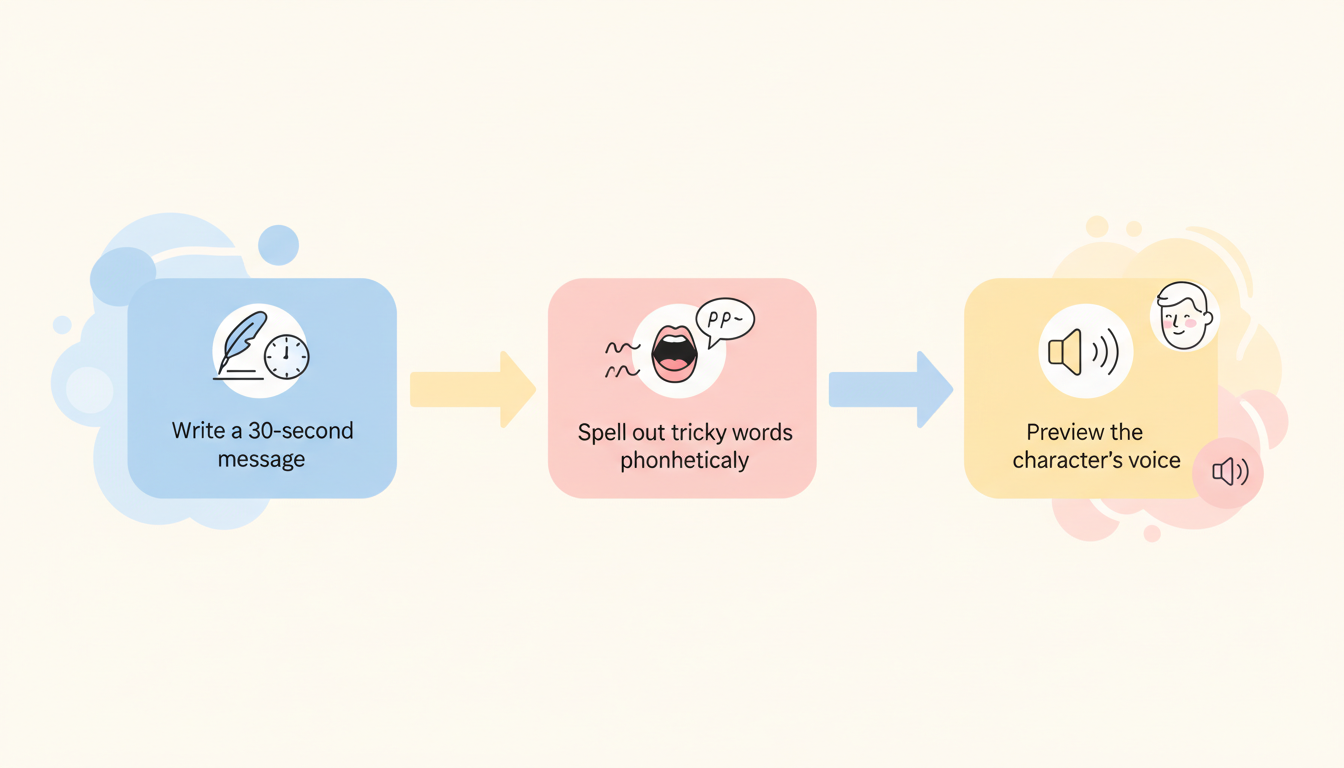
To get started, you can adapt this simple, customizable script template:
"Hey [Parent Name 1] and [Parent Name 2]! It is your favorite animated pal here. I heard the big news that your new little recruit is arriving in three months! My number one piece of parenting advice? Stock up on sleep now, because diapers do not change themselves. Sending you both so much love and happy vibes!"
To make sure the synthetic voice reads your script smoothly, you must format your text carefully. Spell out numbers entirely (write "three" instead of "3") and write out dates fully. Use standard punctuation like commas and periods to signal natural pauses to the AI voice generator. For more advanced tips on polishing your text-to-speech output, you can learn how to format scripts for natural flow in synthetic voiceovers. Lastly, always read your script aloud before submitting it to catch any awkward phrasing or tongue-twisters.
Step 3: Generate and Preview Your Video Gift
Once your script is written and polished, the creation process on Fanfun is straightforward and user-friendly. First, navigate to your chosen character's page and select the video gift option. Next, pick a video template scene that matches the mood of your message. Paste your formatted script into the text box and enter your email address to initiate the generation.
The finished video will be delivered directly to your email inbox and will also be saved securely in your "My creations" library on the platform. It is highly recommended to generate your video at least a day or two before the baby shower. This buffer gives you plenty of time to review the final output, test the audio, and plan exactly how you want to present it to the parents-to-be.
Creative Ways to Share the Video at the Shower
Once you have your completed video, there are several fun ways to share it with the parents-to-be and the shower guests:
- Screen it Live: Project the video on a large screen or play it on a TV during a transition period, such as right before the gift-opening session or as a fun icebreaker to kick off the party.
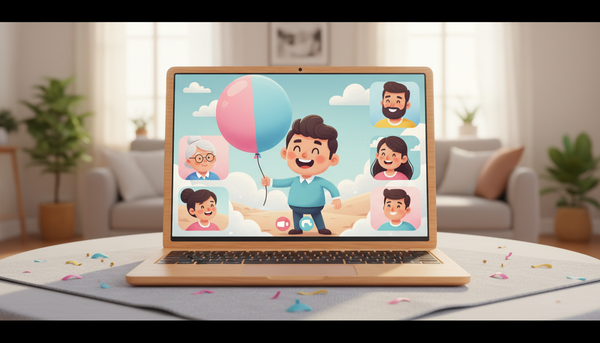
- Digital Keepsakes: If you are planning a virtual or hybrid event, you can easily embed the video link in a digital group card or email it directly to long-distance guests who could not make it in person. This works wonderfully when designing custom digital character greetings specifically for virtual baby showers.
- Long-Distance Connections: For family members celebrating from afar, combining these greetings is an excellent method for sending virtual character video messages for long-distance relationships and family events, keeping everyone connected.
By blending personalized writing with a touch of AI character charm, you can easily create a memorable, laugh-out-loud moment that the parents-to-be will cherish long after the diapers have been changed.
How long does it take to receive the finished character video?
Typically, your custom video gift is generated and delivered to your email inbox within a few minutes. However, it is always a good idea to generate the video at least 24 to 48 hours before the baby shower to ensure you have time to review the audio and prepare your presentation setup.
Can I edit the script after the video has been generated?
Once a video is generated, the script cannot be directly edited. If you need to make changes to the wording, you will need to adjust your text and use a video credit to generate a new version of the video.
What should I do if the synthetic voice mispronounces the baby's name?
If the AI voice struggles with a specific name, try spelling it out phonetically in your script. For example, writing "Ah-leks" instead of "Alex" or "Em-i-lee" instead of "Emily" can guide the synthetic voice generator to pronounce the name correctly.