How to Design a Custom Digital Character Greeting for a Virtual Baby Shower
Virtual baby showers can easily fall flat due to screen fatigue. Discover how to choose a nostalgic or playful character, write a warm, custom script, and surprise the expecting parents with a memorable video greeting.
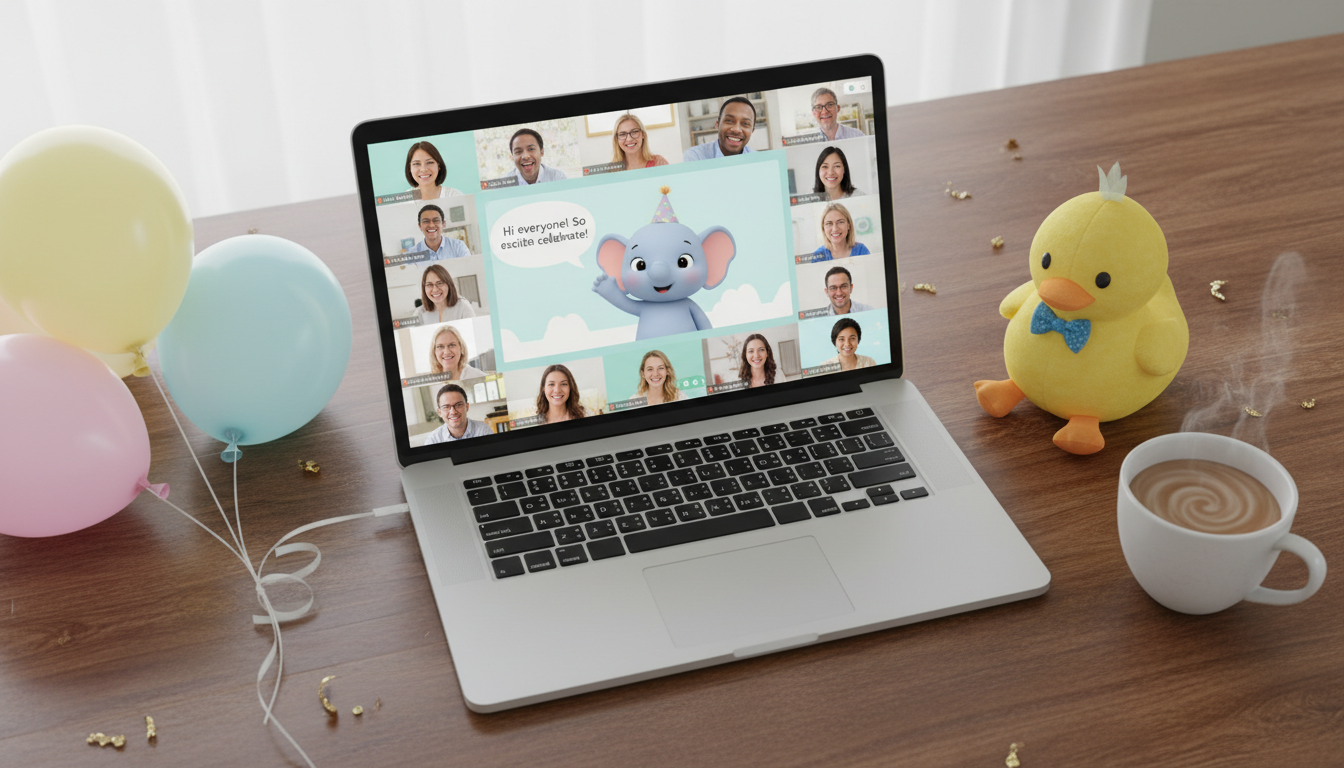
Designing a custom digital character greeting for a virtual baby shower is a creative way to surprise the expecting parents and break up online screen fatigue. By using a platform like Fanfun to select a nostalgic or playful AI character, writing a focused 30-second script with personal details, and sharing the generated video during a natural transition in your virtual timeline, you can create a memorable moment of shared laughter. While these AI-generated voices are playful approximations rather than perfect human replicas, they offer a lighthearted, unique touch that standard video calls often lack.
Why a Custom Character Greeting Solves Virtual Shower Fatigue
Virtual baby showers are a wonderful way to bring far-flung friends and family together, but they often struggle with pacing. Sitting in front of a webcam for an hour can lead to screen fatigue, and natural group conversations can feel stilted over video calls. A personalized character video acts as a structured entertainment block, giving guests a shared moment to laugh, react, and bond.
When planning a virtual event, hosts often look for creative ways to honor the parents-to-be. While standard slideshows are sweet, they can sometimes feel repetitive. If you want to elevate the entertainment, you can compare standard group video platforms with custom character messages. Using a custom character greeting brings a specific theme or nostalgic element to life in a way a basic photo montage cannot. With Fanfun, you can select from 60 recognizable characters to read a custom script in a playful AI voice, instantly injecting energy into the virtual room.
Step 1: Choose a Character Persona That Matches the Parents
The key to a successful digital greeting is selecting a character that aligns with the expecting parents' personalities or the overall theme of the baby shower. Consider their favorite pop culture references, video games, or childhood cartoon shows. A nostalgic animated character is perfect for a sweet, family-friendly tone, while a bold personality can deliver a humorous, high-energy roast for parents who love a good laugh.
Keep in mind that these AI-generated voices are delightful, lighthearted approximations rather than perfect vocal matches. Setting this expectation keeps the mood fun, casual, and celebratory. Use the following decision table to match the parents' style to the right character archetype:
| Parent Personality Profile | Recommended Character Vibe | Example Vibe on Fanfun |
|---|---|---|
| Nostalgic & Sweet | Classic Animation / Whimsical | Doraemon or Hello Kitty |
| Pop Culture & Comedy Fan | Playful Personality / Animated Sitcom | Peter Griffin or Rick Sanchez |
| High Energy & Sports Lover | Larger-than-Life Icon | The Rock or Shaquille O'Neal |
Step 2: Write a Short, High-Impact Script
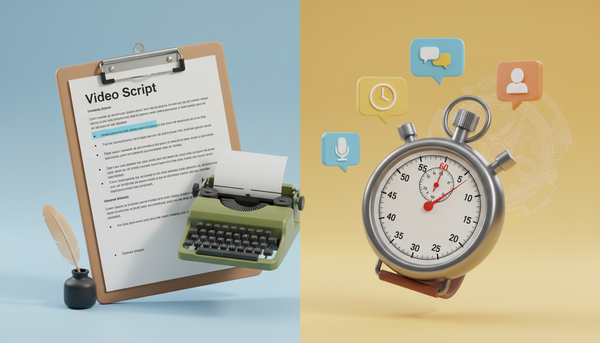
When drafting your script, brevity is your best friend. A single video credit on Fanfun covers up to 30 seconds of speech, which translates to roughly 60 to 70 spoken words. This short duration is actually the sweet spot for keeping virtual guests engaged without dragging down the event's momentum.
To make the greeting truly special, weave in specific details. Mention the parents' names, the baby's nursery theme, or make a gentle joke about sleepless nights and late-night diaper duty. Avoid tongue-twisters or overly complex phrasing that might disrupt the natural pacing of the AI voice generator. For inspiration, you can read our step-by-step guide to writing a virtual character baby shower script or explore custom congratulations prompts for virtual characters.
Illustrative Script Template
Here is a simple, customizable template you can adapt for your video:
"Hey [Parent Name 1] and [Parent Name 2]! Word on the street is you've got a new little sidekick arriving soon. Get ready to trade sleep for diapers! I hear the [Nursery Theme] nursery looks amazing. Sending you both tons of love from the whole crew. You're going to be fantastic parents!"
Step 3: Integrate the Video into Your Virtual Event Timeline
To maximize the impact of your custom character greeting, treat it like a scheduled event in your shower timeline. Do not just play it randomly; use it as a transition element. For example, play the video immediately after a group trivia game to transition into opening gifts, or use it as a surprise grand finale before everyone says their goodbyes.
Host Checklist for a Smooth Video Reveal
- Test the Audio: Before the event, run a quick test on your video conferencing platform (like Zoom or Google Meet). Make sure to check the box for "Share sound" when sharing your screen so guests can hear the character's voice.
- Double-Check Your Script: Read your script aloud to ensure it flows naturally before generating your final video on Fanfun.
- Have a Backup Plan: Keep the direct video link ready. If screen-sharing lag occurs, you can drop the link directly into the virtual meeting chat so everyone can open and watch it on their own devices.
- Send a Copy to the Parents: After the shower, email the downloaded video file to the parents so they can keep it as a unique digital keepsake of their special day.
How long does it take to receive a custom character video?
Once the generation process is complete, the finished video is delivered straight to your email inbox and will also appear in your account's 'My Creations' section. It is a good idea to generate your video well in advance of the virtual shower to ensure everything is ready for the event.
Can I download the finished video to send to the parents after the shower?
Yes, absolutely. Once your video is generated, you can download the file directly to your device. This makes it easy to send to the expecting parents via text, email, or as part of a digital baby book.
What should I do if the AI voice mispronounces a unique baby name?
Because AI voices interpret text phonetically, unique names or unusual spellings can sometimes sound slightly off. If you are concerned about pronunciation, try spelling the name phonetically in your script (for example, writing 'Ah-lee-sha' instead of 'Alicia') to help the generator capture the correct sound.