
How to Get a Video Message from a Virtual Star in Minutes
Creating a custom video message from a virtual star is now instant and highly customizable. This guide walks you through choosing a character, writing an AI-optimized script, and generating your video in minutes.
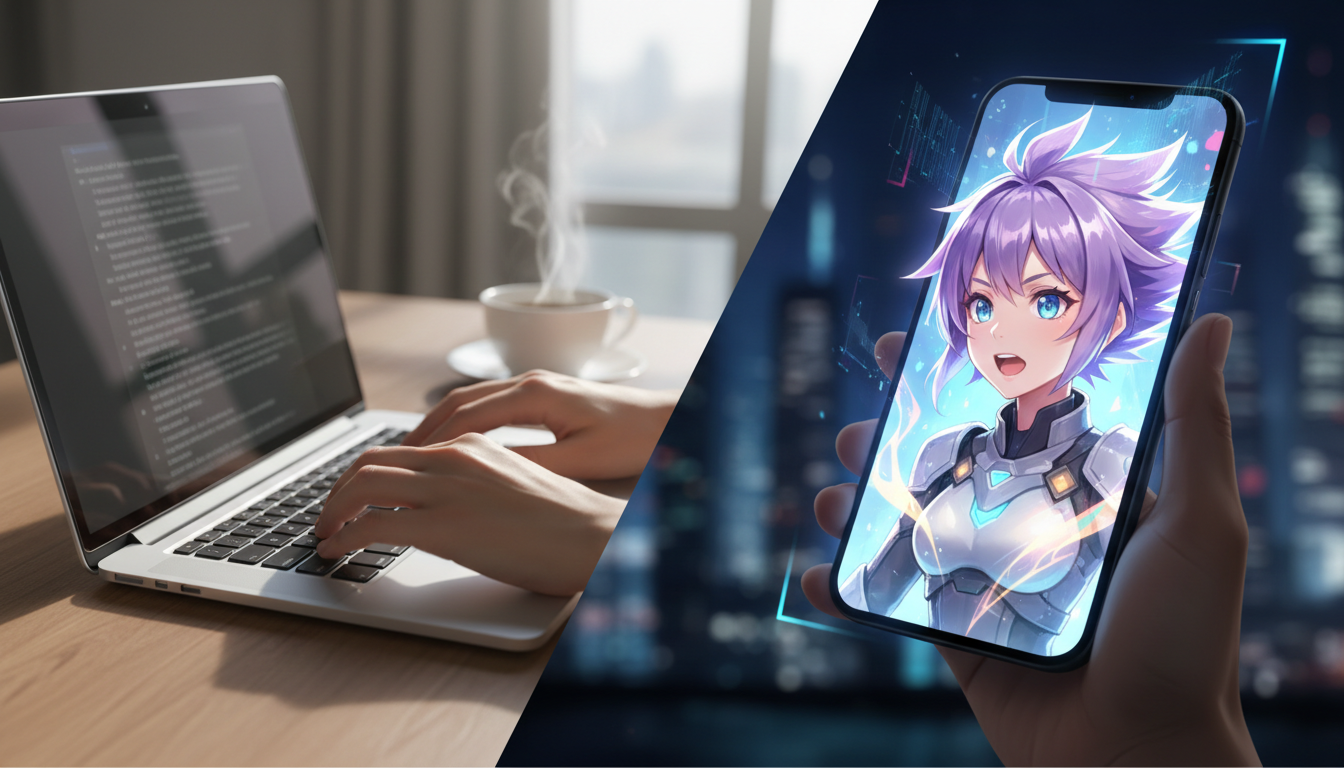
To get a video message from a virtual star, you select an AI character from an online library, input a custom script containing your message, and generate the video using an AI video creation platform like Fanfun. Unlike traditional celebrity shoutouts that can require waiting periods and booking fees, these AI-driven systems deliver a customized video message in minutes. However, because these videos rely on AI synthesis, they are best suited for creative, personal, or parody uses, and users must carefully format their scripts to ensure correct pronunciation and natural pacing.
Why Choose a Virtual Star Over a Traditional Celebrity Video?
Booking a real-life celebrity for a video greeting often comes with high friction. Traditional shoutout platforms require you to pay booking fees, wait for the celebrity to record the clip, and hope they follow your instructions. If you want to dive deeper into this shift, explore our guide on getting instant, high-impact personalized videos from virtual stars.
Virtual star videos change this dynamic entirely. By leveraging AI-driven synthesis, platforms like Fanfun allow you to create custom interactions with your favorite characters instantly. You gain full creative control over the script, enabling you to write highly specific inside jokes, playful roasts, or custom memes that a real celebrity might decline to read.
Comparison: Traditional Shoutout vs. Virtual Star Video
To help you decide which route is best for your project or gift, here is a comparison of the two approaches:
| Feature | Traditional Celebrity Shoutout | Virtual Star AI Video |
|---|---|---|
| Delivery Time | Varies by creator (can take several days) | In minutes |
| Character Options | Real human celebrities only | Various AI characters |
| Script Control | Celebrity can decline or modify your script | Full control over every word and joke |
| Cost | Varies by celebrity | Affordable and scalable |
Step 1: Choose Your Virtual Persona
The first step is selecting the right character from the library. The persona you choose sets the entire mood of the video, so you should align the selection with both your recipient's tastes and the message's intent.

- Assess their interests: Is the recipient an avid gamer, a fan of specific shows, or someone who loves classic cartoons? Matching their favorite media is the easiest way to make the video memorable. If they are a fan of Japanese animation, you can learn how to create a personalized video message from an anime character to tailor the experience.
- Match the tone: Choose a high-energy character if you are sending an upbeat birthday wish. Conversely, if you are planning a playful, friendly roast, select a character known for dry wit or sarcastic delivery.
- Explore the library: Browse Fanfun's character library to review the available visual styles and voices before finalizing your script.
Step 2: Draft a Script Optimized for AI Delivery
AI voice synthesis engines process text differently than human actors. To get the best results, you need to write a script that is tailored specifically for an AI voice generator. For a deeper dive into crafting messages for celebrations, read our guide on how to script a birthday video message from a fictional character.
Keep these guidelines in mind when writing your script:
- Keep sentences short: Shorter sentences allow the AI to insert natural pauses and breathing room, preventing the voiceover from sounding rushed.
- Use phonetic spelling: If your script includes unusual names, specific slang, or inside jokes, spell them out phonetically. For example, write "Shiv-on" instead of "Siobhan," or "Fan-fun" instead of "Fanfun" if the voice generator needs assistance with natural emphasis.
- Structure your message: Start with an attention-grabbing hook, deliver the core personalized message, and end with a signature character catchphrase.
Interactive Template: Customizable Birthday Script
Here is an illustrative script template designed for optimal AI pacing. You can copy and customize the bracketed text for your video:
"Hey there, [Recipient Name - spell phonetically if needed]! Word on the street is you are turning [Age] today. Yes, even all the way out in [City Name], news travels fast. I wanted to drop by and wish you a massive happy birthday. Keep being awesome, and remember: [Insert short inside joke or character advice]. Catch you later!"
Step 3: Generate and Share Your Custom Video
Once your script is ready and your character is chosen, you are ready to produce the final video. Follow our complete walkthrough on how to order and generate an AI character video message to navigate the creation interface smoothly.
The production process is straightforward:
- Input your script: Paste your optimized text into the prompt box on the character page.
- Generate: Initiate the generation. Because platforms like Fanfun automate the creation process, your custom video will be ready in just minutes.
- Review the output: Listen closely to the pronunciation and pacing. If a name sounds slightly off, adjust the spelling phonetically and regenerate.
- Share: Download the video and send it to your recipient. You can drop it directly into a group chat, post it on TikTok, or learn how to send a virtual birthday card with a custom video to make the presentation extra special.
Script Optimization Checklist
Before you hit generate, double-check your script against this checklist to ensure the highest quality output:
- [ ] Are all complex names spelled phonetically?
- [ ] Is the overall script length under the character's recommended limit?
- [ ] Have you broken up long, run-on sentences into shorter, punchy statements?
- [ ] Does the tone of the written words match the chosen character's personality?
- [ ] Did you include a recognizable sign-off or catchphrase?
How long does it take to generate a virtual star video message?
Generating a virtual star video message on Fanfun typically takes just a few minutes. Because the video and voice synthesis are fully automated, you do not have to wait days for a human creator to record and upload the clip.
Can I use these virtual star videos for commercial promotions or business ads?
Use cases depend heavily on the specific character and platform terms. While personalized video messages are perfect for personal gifts, birthday cards, and social media memes, using a recognized character or celebrity likeness for commercial advertising requires explicit licensing and commercial rights. Always check the platform's terms of service before using generated content for business promotions.
How do I fix a mispronounced name in my virtual star video?
If the AI voice generator mispronounces a name or an inside joke, the best solution is to adjust the spelling phonetically in your script and run the generation again. For example, spelling "Alina" as "Ah-leena" can guide the AI to use the correct vowel sounds.
