
How to Order and Generate an AI Character Video Message
Generating a custom AI character video message is a fast, fun, and highly customizable alternative to traditional celebrity bookings. Follow this step-by-step guide to choose your character, optimize your script, and render your video in minutes.
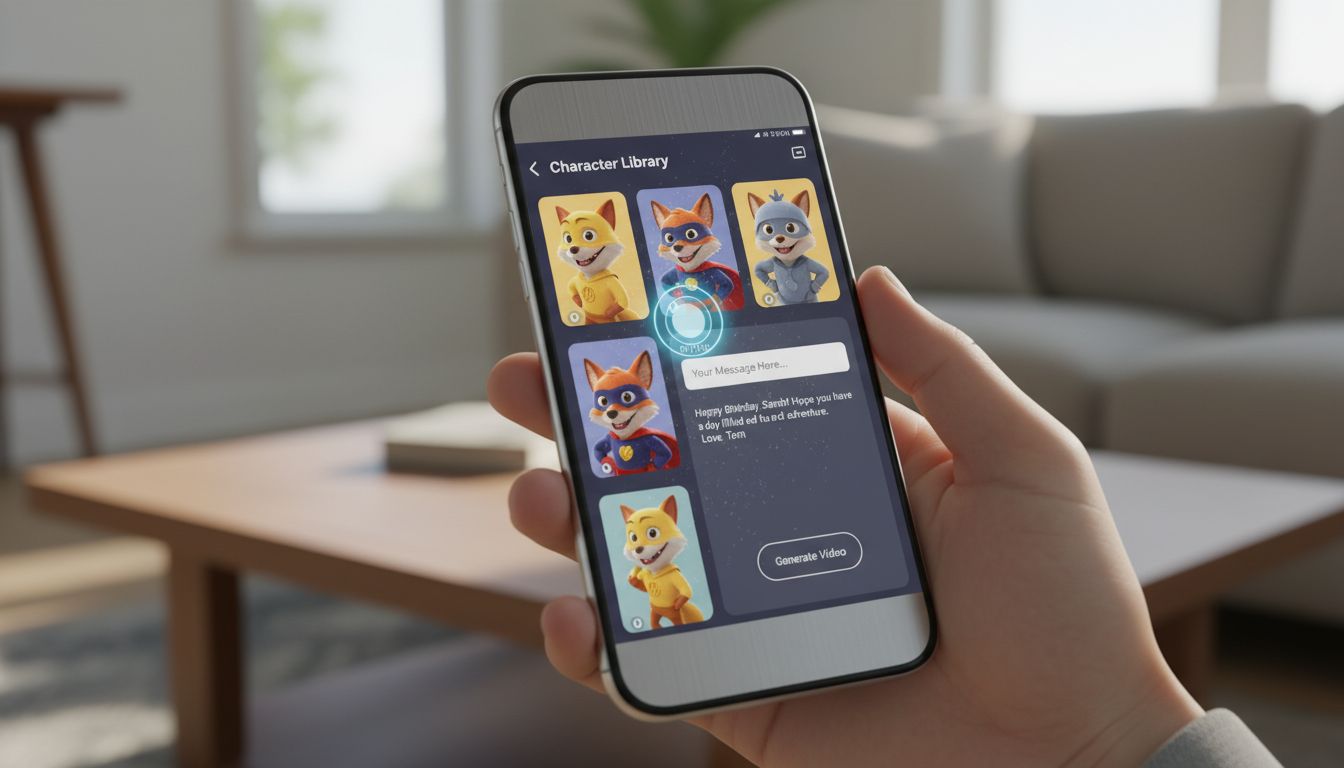
To order and generate an AI character video message, you simply select a persona from an online character library, input your custom text script, and render the video file. Unlike traditional celebrity shoutout platforms that require days of waiting and high fees, platforms like Fanfun generate custom, high-quality character videos in minutes. While these videos are highly customizable and cost-effective, users should review the platform's terms of service regarding commercial use and licensing before using AI-generated content for business purposes.
The Shift to Instant, On-Demand Character Videos
Traditional celebrity video platforms have a major bottleneck: they rely on real people who have limited schedules. You often have to wait several days, pay premium rates, and fit your request into strict formatting rules just to get a static, 30-second shoutout. If you want to pull off a timely joke or celebrate a birthday that is happening tomorrow, traditional booking is rarely an option.
AI-generated character videos remove these barriers by putting creative control entirely in your hands. On Fanfun, you can pick your favorite character—even the wild ones—and generate a video in minutes. This allows you to discover creative ways to surprise a friend with a personalized character video, whether you want to draft a highly specific inside joke, a lighthearted roast, or a niche meme that a real celebrity might not understand or agree to perform.
Step 1: Choose Your Character in the Library
The first step is navigating the public character library to find the right voice and persona for your message. Matching the character to the recipient's specific interests makes the video much more impactful. For example, if you are making a video for an anime fan, creating custom anime character video messages will land far better than using a generic pop culture icon.
When choosing, consider how the character's typical personality fits your script. Use this simple decision framework to match your concept with the right persona archetype:
| Character Archetype | Best Use Case | Recommended Script Tone |
|---|---|---|
| Energetic Anime Hero | Hype messages, birthday wishes, pep talks | Enthusiastic, loud, motivational |
| Dry/Sarcastic Icon | Friendly roasts, playful call-outs, memes | Deadpan, witty, slightly teasing |
| Cartoon Helper | Kid's birthdays, simple greetings, lighthearted fun | Cheerful, simple language, friendly |
Remember that these voices are AI interpretations designed for creative and personal expression. They are modeled to capture the essence and cadence of the characters, giving you a highly recognizable performance for your custom scripts.
Step 2: Draft Your Script for Natural Delivery
Once you have selected your character, you need to write the script. Writing for an AI voice generator requires a slightly different approach than writing for a human. AI models read text literally, so how you format your sentences directly impacts the pacing and natural flow of the final video.
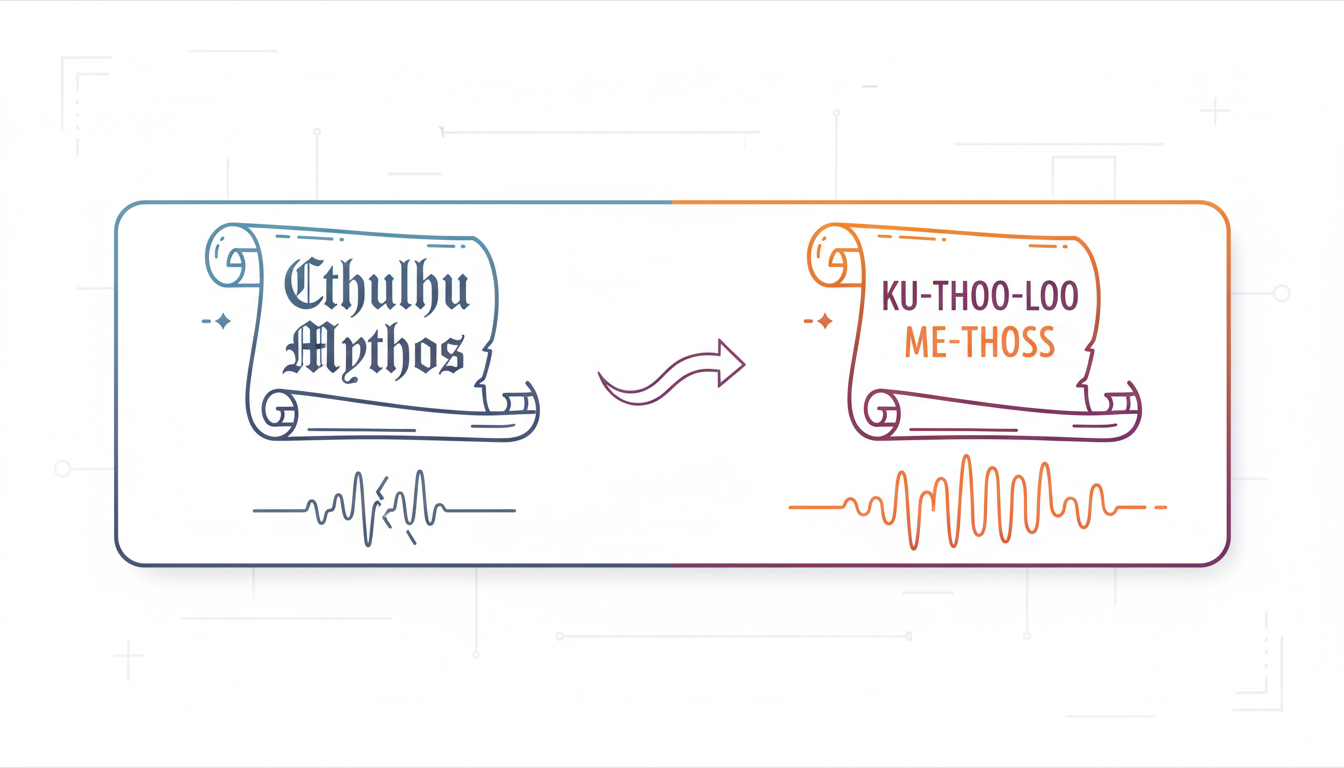
Keep your scripts concise and focused on a single theme. For detailed formatting advice, you can read our complete guide to writing scripts for AI character videos. In the meantime, use these three rules of thumb to optimize your script:
- Use phonetic spelling: If your recipient has an unusual name or if you are using specific slang, spell it out phonetically. For example, write 'Stefan' as 'Stef-on' or 'Deirdre' as 'Deer-dra' to prevent the AI from mispronouncing it.
- Incorporate character catchphrases: To make the video feel authentic, start or end the script with a phrase the character is famous for.
- Keep punctuation simple: Use commas and periods to force natural pauses. Avoid overusing exclamation points, which can sometimes make the AI voice sound unnaturally strained.
Illustrative Script Template
Here is an illustrative example of how to structure a birthday roast script using phonetic adjustments:
"Hey there, Mike! Or should I say... My-kul? Word on the street is you are turning thirty today. Thirty! That is ancient. I hope your knees are holding up. Have a great birthday, buddy!"
Step 3: Generate, Preview, and Share Your Video
With your character selected and your script written, you are ready to generate the final video. Input your custom text script—whether it is a roast, a love note, a birthday wish, or total chaos—and submit it to generate your video. The rendering process typically takes only a few minutes to complete.
Before you share the video, make sure to preview it. Listen closely to the delivery. If a word sounds slightly off or the pacing feels too fast, go back and adjust the punctuation or spelling in your script, then regenerate. Once you are satisfied with the result, download the video file. You can then upload it directly to social media platforms like TikTok, share it in your friend group chats, or send it as a highly personalized virtual gift.
Can I use these character videos for commercial advertisements?
Commercial use policies vary by platform. Before using any AI-generated character video for advertisements, promotions, or business purposes, always check the platform's specific terms of service and licensing agreements to ensure compliance.
How do I fix a word that the AI character mispronounces?
If the AI mispronounces a word or name, edit your script and write the word phonetically. For example, spell 'karaoke' as 'carry-oke' or 'Louis' as 'Loo-iss' to guide the voice generator toward the correct pronunciation.
Is there a limit to how long my character script can be?
Yes, character video generators usually have character or word count limits to ensure high-quality rendering and natural pacing. It is best to keep scripts concise—typically under 100 to 150 words—to maintain strong delivery and engagement throughout the video.
