Scripting the Virtual Icon: How to Direct Instant AI Video Greetings That Actually Hit the Mark
Traditional celebrity video platforms force you to wait days for a generic, uninspired clip. Shifting to a director's mindset with Fanfun's instant virtual stars allows you to craft hyper-specific, hilarious, and emotionally resonant scripts rendered in minutes.
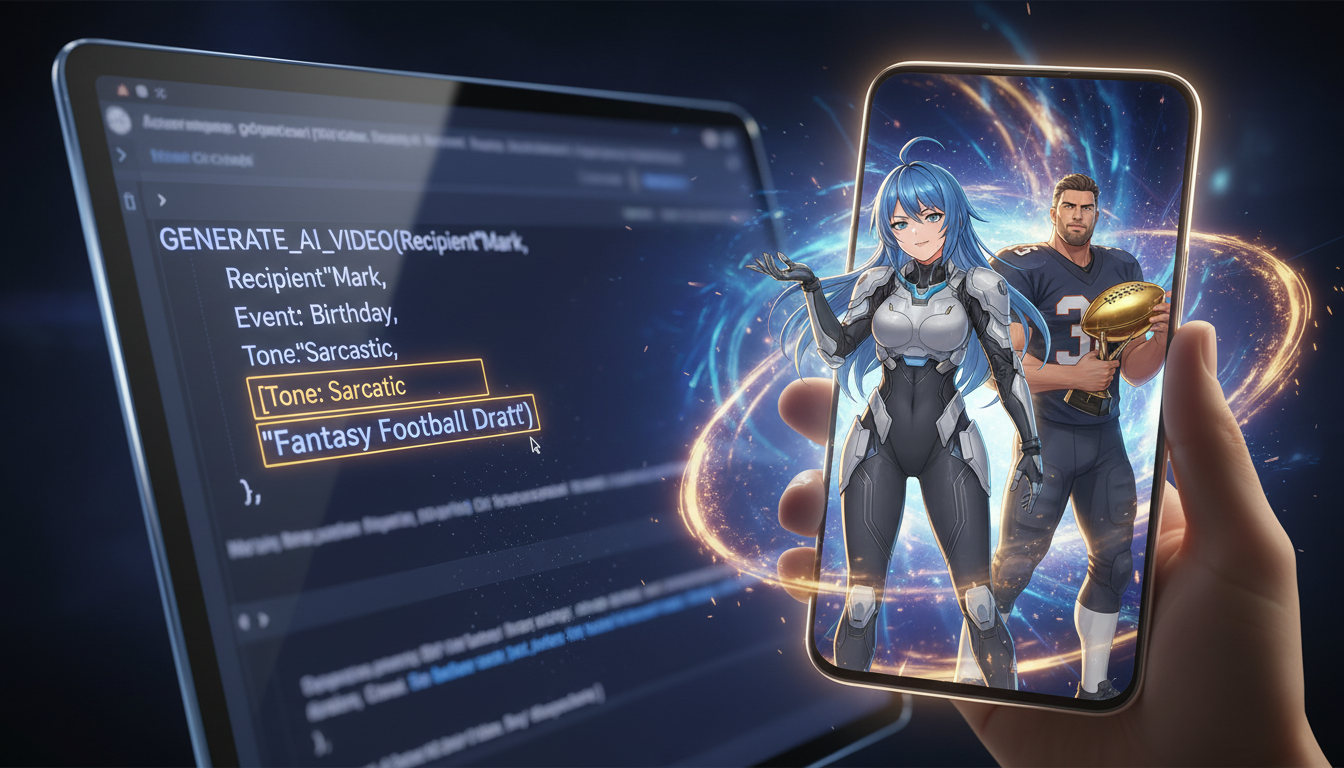
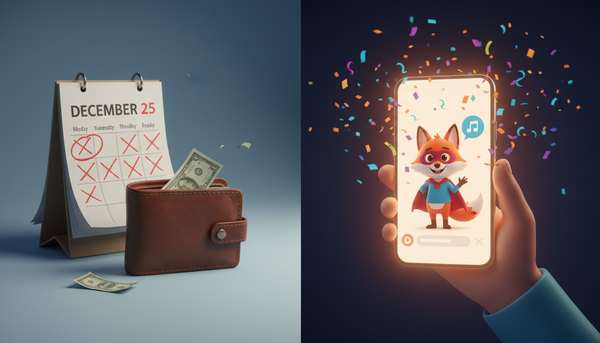
Booking a traditional celebrity shoutout often feels like buying an expensive mystery box. You shell out a hundred dollars or more, type a brief prompt into a text box, and wait days—sometimes weeks—only to receive a rushed, 15-second clip recorded on an unwashed smartphone lens while the actor walks their dog. It is a high-cost gamble that rarely captures the highly specific, hilarious inside jokes that make a gift truly memorable.
Shifting to an instant AI platform like Fanfun changes the dynamic entirely. Instead of crossing your fingers and hoping a real-world celebrity reads your prompt with the right energy, you step directly into the director's chair. With Fanfun's growing library of virtual stars, fictional characters, and cultural icons, you can craft high-impact, bespoke video greetings that hit every comedic or emotional beat perfectly, rendering the final product in minutes rather than days.
Beyond the Script Template: Why Virtual Stars Require a Director's Mindset
Traditional celebrity video platforms are passive experiences. You are a buyer requesting a favor, bound by the celebrity's mood, availability, and willingness to say your lines. If they mispronounce your best friend's name or completely miss the punchline of your joke, you have no recourse. You are stuck with a lukewarm video and a lighter wallet.
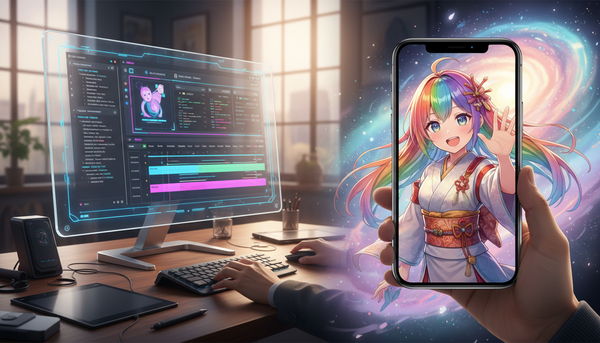
Fanfun flips this model by introducing the "Director's Mindset." When you use an AI-driven virtual star, you are no longer a passive customer; you are the writer, showrunner, and director. Because Fanfun offers instant video generation and infinite retakes, you have the creative freedom to experiment, refine, and perfect the delivery. Whether you are generating a custom roast from an iconic athlete or a whimsical message from a beloved anime character, the quality of the final video depends entirely on how well you frame the prompt, establish the context, and command the character's voice.
To get the absolute best out of a virtual star, you must abandon the generic "Happy Birthday, have a great day!" templates. Virtual stars thrive on texture, specificity, and contrast. By treating the generation box as a collaborative script editor, you can coax out nuanced, hilarious, and genuinely moving performances that traditional shoutout platforms simply cannot replicate.
The Anatomy of a High-Impact Prompt: The Three-Part Scripting Framework
Writing a prompt for an AI video greeting is an art form, but it relies on a very simple, repeatable structure. To generate a clip that feels genuinely bespoke, your script should always incorporate three core elements: the Tone, the Anchor Point, and the Call to Action.
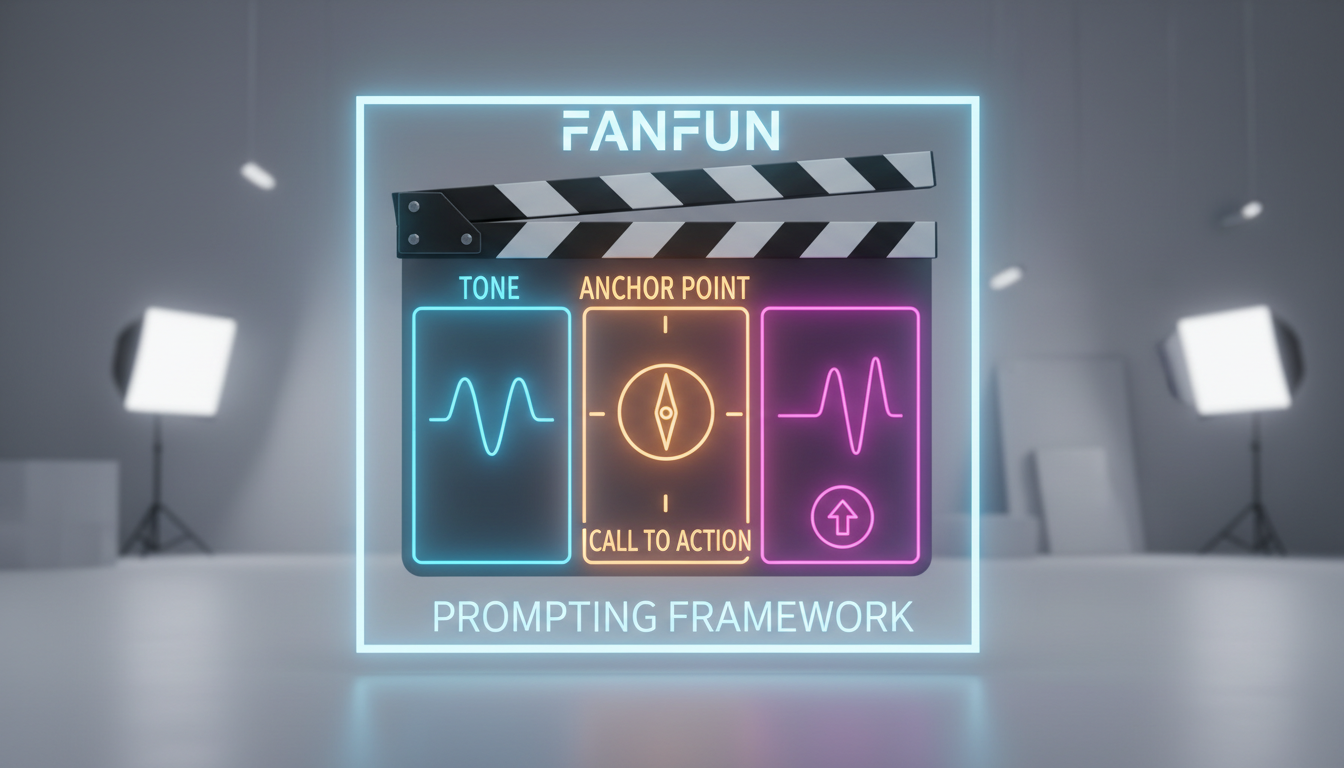
By structuring your prompt with these three pillars, you prevent the AI from defaulting to generic, robotic filler. Here is how the framework breaks down in practice:
- Tone: Establish the emotional delivery right away. Do you want the character to sound mock-serious, hyper-enthusiastic, deadpan, or slightly exasperated? Specifying this at the beginning of your prompt sets the vocal pacing and energy level.
- The Anchor Point: This is the highly specific, real-world detail that anchors the message in reality. It is the inside joke, the obscure hobby, or the embarrassing recent event that makes the recipient ask, "How on earth did they know that?"
- The Call to Action: This is the final punchline or direct instruction. It tells the recipient exactly what they need to do next, whether that is opening a physical gift, taking a shot, or finally cleaning out their messy garage.
Fine-Tuning the Performance: Tone and Anchor Points
Setting the Tone
Virtual personas are incredibly responsive to descriptive adjectives. If you simply write "say happy birthday," the AI will deliver a standard, middle-of-the-road greeting. Instead, use evocative adjectives to steer the emotional delivery. Instruct the virtual star to deliver the message "with the dramatic intensity of a movie trailer narrator," "as if you are sharing an incredibly juicy secret," or "with the unhinged enthusiasm of a late-night infomercial host." These stylistic cues force the AI voice generator to alter its pitch, speed, and emphasis, resulting in a much more dynamic and entertaining video.
The Anchor Point
The magic of a personalized greeting lies in the details. If you are creating a message for a child, mentioning their specific school teacher's name, their favorite stuffed animal, or their highly unusual habit of eating broccoli with ketchup will instantly make the video feel authentic. Understanding how hyper-specific details can completely transform video greetings for children is the key to creating a magical, unforgettable experience that they will want to replay a hundred times.
For adults, the anchor point should be equally granular. Don't just mention that they like football; mention their catastrophic fantasy football trade in week four that cost them the entire season. This level of detail elevates the video from a generic novelty into a highly tailored piece of custom media.
To ensure your script reads naturally and sounds flawless on the first try, keep this quick-reference checklist in mind when drafting your prompt:
| What to Do | What to Avoid |
|---|---|
| Use phonetic spelling for difficult names (e.g., "Suh-sheer" instead of "Shasheer"). | Don't leave complex or uncommon names to chance. |
| Insert ellipses (...) and commas to force natural pauses and dramatic timing. | Don't write massive, unbroken walls of text without punctuation. |
| Write out acronyms phonetically if you want them spoken as words (e.g., "SAY-toh" vs "S-T-O"). | Don't assume the AI knows whether to spell out or pronounce an abbreviation. |
| Keep the core message focused on one or two highly detailed inside jokes. | Don't try to cram an entire lifetime of memories into a single 30-second script. |
Match the Medium to the Moment: Video vs. Voice vs. Chat
Fanfun is not a one-size-fits-all platform. Depending on your creative goals, your budget, and how your recipient prefers to consume content, you can choose between three distinct formats: full AI Video Greetings, standalone AI Voiceovers, and interactive AI Chat.
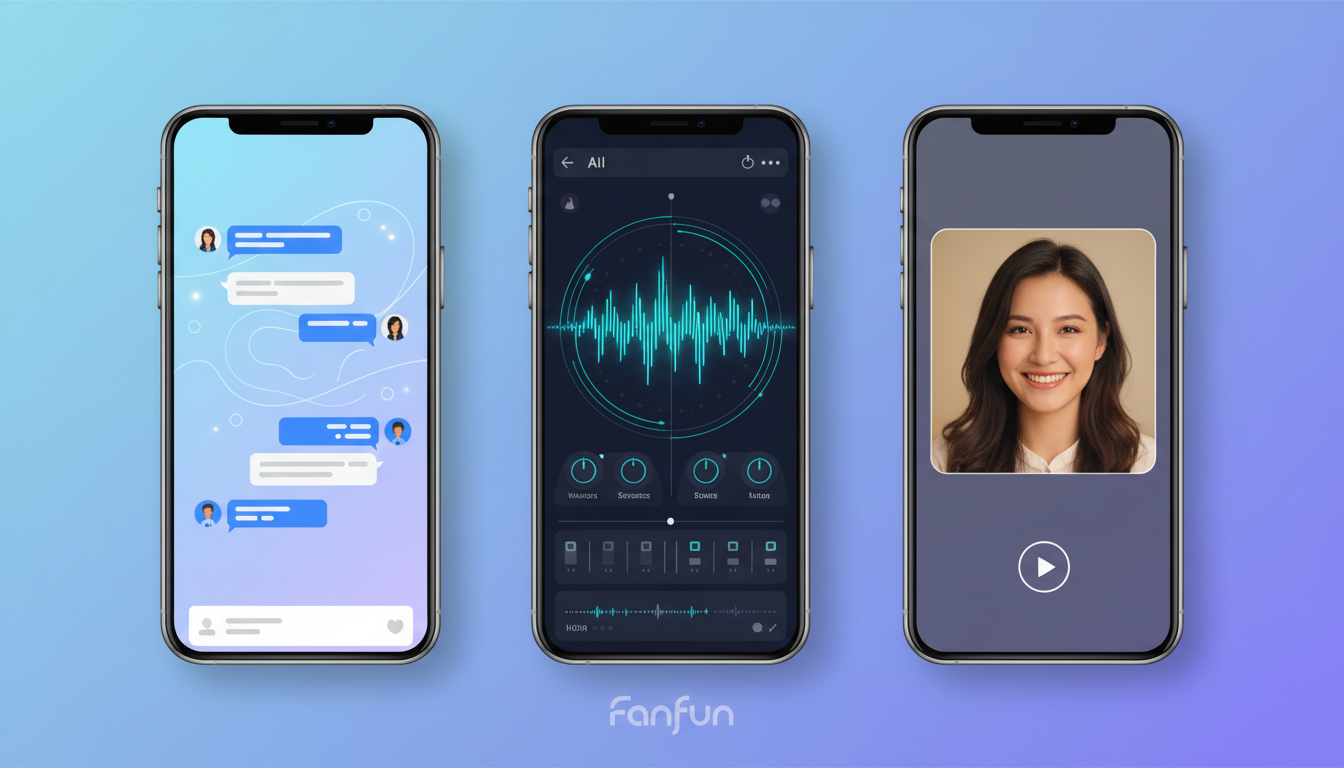
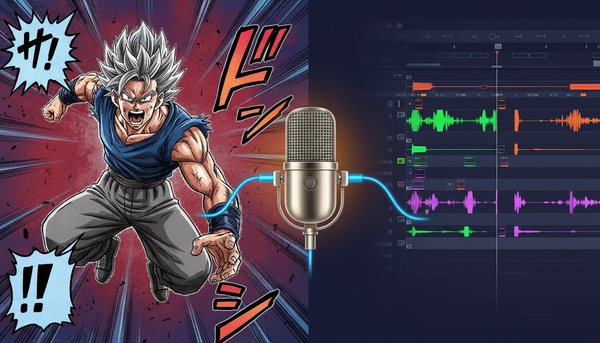
Choosing the right medium ensures your message lands with maximum impact. While a full video greeting is perfect for milestone celebrations, a standalone voiceover is highly effective for content creators looking to overlay a recognizable voice onto a TikTok or Instagram Reel. Meanwhile, interactive AI Chat allows for ongoing, two-way conversations that turn a passive greeting into an active, improvisational game. If you are curious about how to take things a step further, learning how to actively collaborate and improvise with virtual personas in real-time chat can open up entirely new avenues for creative storytelling and interactive roleplay.
| Format | Best For | Key Advantage | Creative Use Case |
|---|---|---|---|
| AI Video Greeting | Milestone gifts, birthdays, roasts, and major announcements. | High visual impact, highly shareable, instantly recognizable face and voice. | Sending a customized, mock-serious pep talk from an iconic athlete to a friend who just lost their fantasy league. |
| AI Voice Generator | Content creation, YouTube intros, TikTok voiceovers, and custom audio memes. | Seamless integration into video editing software, highly scalable. | Creating a dramatic, cinematic voiceover for a gaming highlight reel using an iconic character voice. |
| AI Chat | Interactive play, deep-dive Q&As, and ongoing roleplay. | Two-way conversation, highly personalized, completely unscripted. | Challenging a virtual movie star to a real-time, improvised scene study or a playful banter session. |
Troubleshooting and Iteration: The Power of Instant Generation
One of the greatest advantages of using Fanfun's AI platform over traditional celebrity booking sites is the ability to iterate. When you order a traditional video shoutout, you get one shot. If the celebrity mumbles, misinterprets your joke, or looks completely disinterested, you have to accept the video as-is. With Fanfun, you can generate a video, listen to the delivery, tweak a single word or punctuation mark, and regenerate the clip in minutes.
If the virtual star's delivery feels a bit too fast, try breaking up your sentences. Adding a comma forces a brief pause, while an ellipsis (...) creates a longer, more dramatic beat. If the AI is mispronouncing a specific slang word or a unique family name, write it out phonetically. For example, if the name is "Helena" and the AI is saying "Heh-lay-nah," try writing it as "Hell-in-uh" in your script. Because the generation process is incredibly fast and cost-effective, you can treat your first generation as a rough draft and fine-tune the performance until it perfectly matches the vision in your head.
Creative Blueprints: Prompt Recipes for Birthdays, Roasts, and Long-Distance Banter
To help you transition from a passive viewer to an active director, we have put together three highly effective prompt blueprints. You can copy, paste, and customize these templates on Fanfun to create instant, high-impact video greetings that blow standard messages out of the water.
1. The Milestone Birthday Roast
Standard birthday cards are boring. Instead of settling for a generic greeting, consider upgrading standard birthday slideshows with highly customized AI video greetings that bring a healthy dose of humor to the celebration.
Prompt Template: "[Tone: Deadpan and slightly disappointed] Look, [Name], turning [Age] is tough, but what's tougher is watching you still try to do parallel parking on [Street Name]. Everyone in [City Name] is holding their breath. Seriously though, happy birthday from your favorite virtual icon. Go eat some cake, and please, for the love of everyone's bumpers, take an Uber tonight."
2. The Long-Distance Lifeline
When your best friend lives thousands of miles away, keeping the friendship alive requires more than just occasional text messages. Try using custom video greetings to keep long-distance friendships hilarious and connected by referencing hyper-specific shared memories that span the distance.
Prompt Template: "[Tone: Warm but teasing] Hey [Name], just checking in from across the miles. I was just thinking about that disastrous road trip to [Destination] back in [Year] when we survived entirely on gas station beef jerky and singing [Song Title] on repeat for six hours straight. Miss you, buddy. Let's hop on a call soon and plan our next terrible adventure."
3. The Content Creator's High-Retention Hook
If you are a content creator, you know that the first three seconds of your video determine whether a viewer stays or swipes away. Using an iconic virtual star to deliver a highly unusual, attention-grabbing hook is an incredibly effective way to skyrocket your viewer retention rates.
Prompt Template: "[Tone: Hyper-enthusiastic, late-night TV host] Stop scrolling! Yes, you. If you are still trying to grow your social media channels using the exact same generic soundtrack as everyone else, we need to have a serious intervention. Today, we are breaking down the exact strategy that actually works..."
By stepping into the director's chair and leveraging the speed, flexibility, and creative freedom of Fanfun, you can move past the era of waiting weeks for generic celebrity clips. Start writing your next script today, choose your virtual star, and watch your hyper-specific creative vision come to life in minutes.
How long does it take to generate an AI video greeting on Fanfun?
Unlike traditional celebrity shoutout platforms that can take up to a week to deliver a video, Fanfun generates your custom AI video greetings instantly. Once you input your script, select your tone, and hit generate, your personalized video is rendered and ready to share in just a few minutes.
Can I correct the pronunciation of a name in my virtual star greeting?
Yes, absolutely! Because Fanfun features instant generation, you can easily correct pronunciation errors by spelling the name phonetically in your script. For example, writing "Suh-sheer" instead of "Shasheer" or "Al-ee-sha" instead of "Alicia" helps guide the AI voice generator to achieve flawless pronunciation.
What is the difference between a traditional Cameo video and an instant Fanfun greeting?
Traditional platforms like Cameo require you to pay high fees to real celebrities who have up to seven days to record a single, often generic video message. Fanfun offers an instant, highly affordable alternative where you can direct virtual stars, fictional characters, and cultural icons using hyper-specific scripts, enjoying infinite retakes and instant delivery in minutes.
Are these virtual star greetings ethically sourced and licensed?
Yes. Fanfun is committed to creative ethics and intellectual property rights. We work closely with creators, partners, and licensed properties to ensure that our growing library of virtual stars, anime characters, and cultural icons are ethically trained, legally compliant, and respectful of the original artists' rights.