Scripting the Absurd: How to Write and Direct AI Peter Griffin for Maximum Comedic Timing
Transform flat text-to-speech outputs into high-retention comedic gold. Discover the exact formulas, phonetic hacks, and pacing tricks needed to direct an authentic AI Peter Griffin voiceover.
Social media feeds are dominated by a distinct, nasal, Rhode Island drawl that instantly stops thumbs from scrolling. The voice of Peter Griffin has transcended its television origins to become a powerhouse of internet culture, fueling viral TikToks, YouTube Shorts, and gaming commentary videos across the globe.
However, simply typing plain text into a text-to-speech engine usually results in a flat, robotic read that misses the mark entirely. To capture the true essence of this animated patriarch, creators must transition from mere typists to vocal directors, mastering the specific cadences, erratic pauses, and chaotic energy that make the character's delivery so legendary.
The Anatomy of a Rhode Island Rant: Why Peter Griffin Works in AI Form
To understand why this voice dominates short-form video, you have to look at its acoustic profile. Peter Griffin’s voice is characterized by a high-nasal resonance, sudden pitch spikes, and slow, dim-witted pauses. This dynamic range is a natural pattern-interrupter. In a sea of monotone narration and generic background tracks, a sudden, high-pitched squeal of excitement or a confused, low-register mumble forces the viewer to pay attention.
This vocal style is uniquely suited for satirical content. On platforms like TikTok and Instagram Reels, creators use this familiar voice to deliver absurd commentary, fictional gaming arguments, and bizarre life advice. It is a prime example of how satirical AI voices have become a cornerstone of modern fan culture. By leveraging a voice that audiences already associate with unpredictable, low-brow comedy, you bypass the need to build character trust from scratch. The moment the audience hears that chuckle, they know exactly what kind of chaotic ride they are in for.
Scripting the Chaos: Three Comedic Formulas That Kill on Social Media
The biggest mistake creators make when using an AI voice generator is relying solely on shock-value phrases. While hearing a cartoon character say something outrageous might get a brief laugh, it does not sustain long-term retention. To keep viewers watching till the end of the video, your script needs to mimic the structural setup of classic animated comedy.

Formula 1: The Overly Detailed Analogy
This is the classic "cutaway" setup. The key here is specificity. Instead of Peter saying he is nervous, he needs to compare his situation to an incredibly niche, highly detailed historical or pop-culture event. The more mundane the setup and the more elaborate the analogy, the funnier the delivery.
The Blueprint:"This is worse than the time I [highly specific historical event or pop culture scenario involving an obscure celebrity]..."
Formula 2: The Mundane Escalation
This formula starts with a highly relatable, everyday problem—like trying to open a plastic grocery bag or waiting in a fast-food drive-thru—and quickly spirals into a matter of life, death, or global conspiracy. The humor comes from Peter treating a minor inconvenience with existential dread.
The Blueprint: Start calm and slightly annoyed, introduce a minor obstacle, and end with Peter screaming in a state of absolute, manufactured panic.
Formula 3: The Unwarranted Confidence
Peter is at his funniest when he is completely wrong but entirely convinced of his own genius. This formula works exceptionally well for commentary videos, gaming voiceovers, or mock educational content where Peter explains complex topics like cryptocurrency, quantum physics, or relationship advice with zero actual knowledge.
The Blueprint: State a complex premise, use completely made-up terminology with absolute authority, and dismiss the actual experts as "nerds."
The AI Director's Cheat Sheet: Punctuation and Phonetic Hacks
Writing a great script is only half the battle. To make the AI deliver the lines with authentic comedic timing, you must learn to manipulate the text-to-speech engine. When you are mastering the Peter Griffin voice for modern content creation, standard grammar rules no longer apply. You are not writing for a reader; you are writing for an algorithm that interprets punctuation as physical breathing and pitch cues.
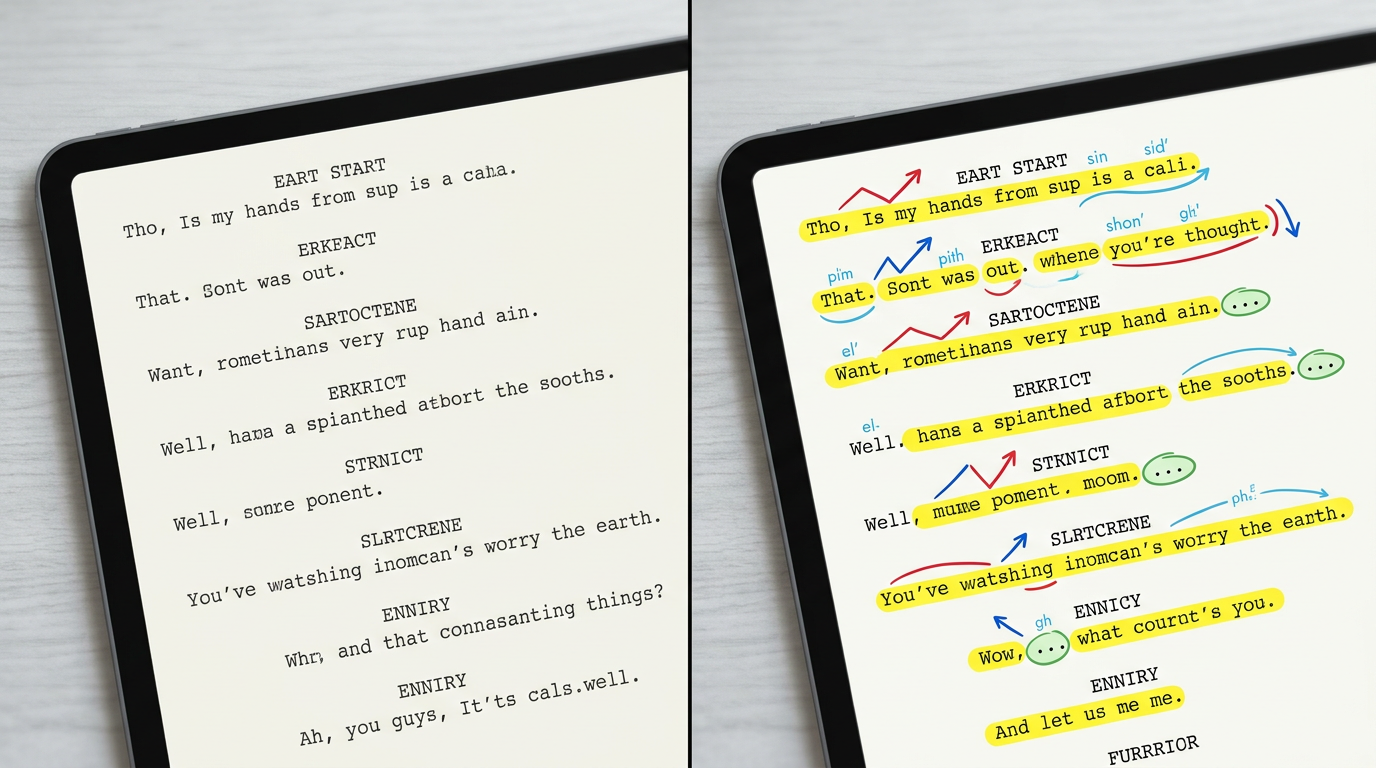
Just like directing highly stylized AI voice generators for retention, you must use specific formatting hacks to force the AI into the correct cadence. Here are the primary tools in your directorial toolkit:
- The Ellipsis (...): Use this to force a slow, dim-witted pause. If Peter is processing a thought, three periods will slow the AI down, creating the perfect comic beat before a punchline.
- Capitalization (ALL CAPS): Capitalizing entire words signals the AI to increase volume and pitch, perfect for capturing Peter's sudden bursts of high-pitched excitement.
- Dash Hyphens (-): Use hyphens to chain words together that need to be spoken in a rapid, continuous stream, or to break up syllables for a stuttering effect.
The Phonetic Translation Dictionary
Standard English spelling will often result in a generic, flat pronunciation. To get the authentic New England accent and character-specific quirks, use this phonetic guide inside your generator:
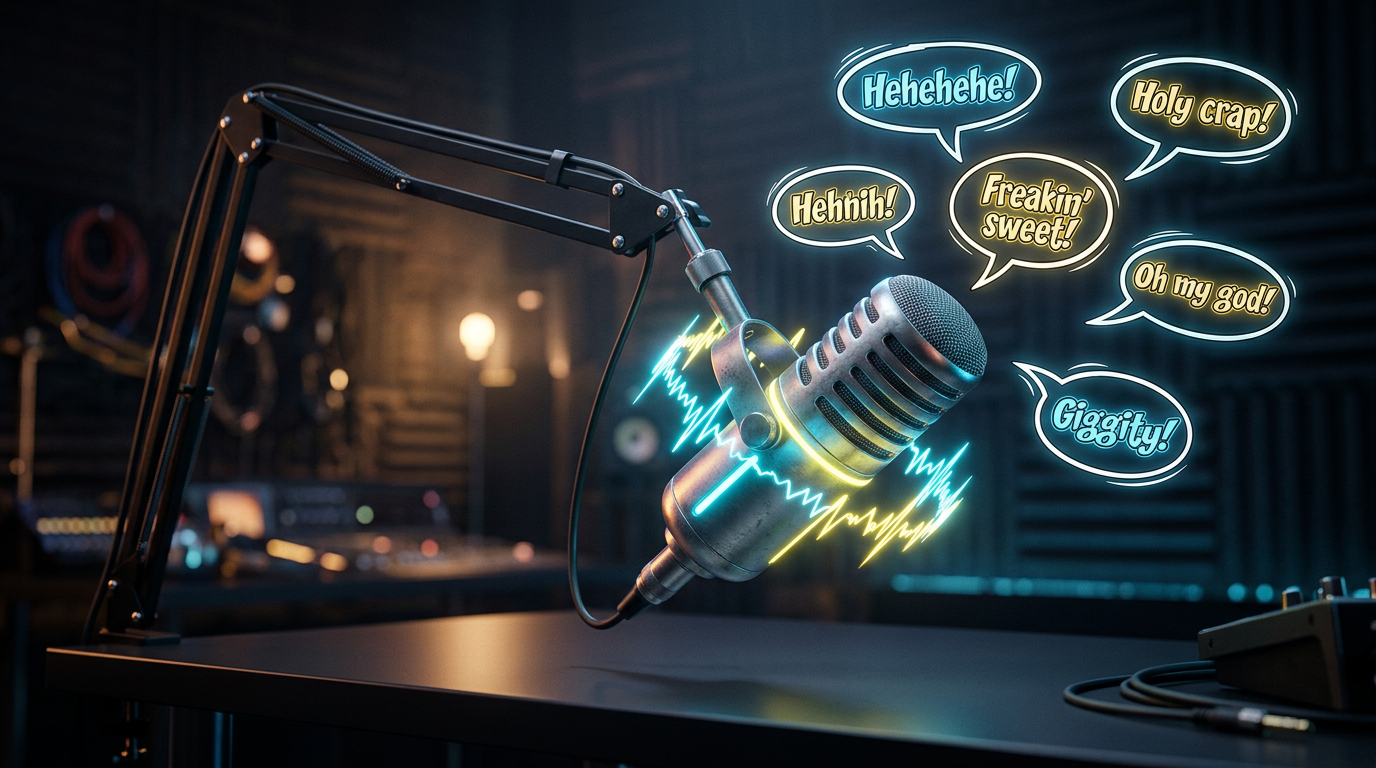
- The Laugh: Do not write "hahaha." Instead, write "heh-heh-heh-heh-heh" or "eh-heh-heh-heh" to get the signature rapid, nasal chuckle.
- The Regional Accent: Change "over there" to "ovah deah"; change "garbage" to "gah-bage"; change "for real" to "fah real".
- The Emphasis: Change "freaking" to "freakin" or "friggin" to capture his favorite modifiers.
How to Format Your Scripts for the AI
To see these techniques in action, compare the difference between a standard script and an AI-optimized script designed for maximum comedic impact.
| Standard Text (What You Think to Write) | AI-Optimized Format (How to Write It for the AI) | Directorial Explanation |
|---|---|---|
| Oh my god, this is crazy. | Oh... my... GAHHD... this is... this is crazy! | The ellipses force dramatic pauses, while "GAHHD" triggers a high-pitched, expressive spike. |
| Hehehe, that was awesome. | Heh-heh-heh-heh... now THAT... was freakin' sweet. | Hyphenated "heh" blocks recreate the iconic chuckle, and "freakin' sweet" grounds the character identity. |
| I don't think that is a good idea, Lois. | I... I don't think that's a good idea, Lo-is... eh-heh-heh... | The double "I" creates a realistic stutter-step intro, and splitting "Lo-is" adds his classic drawl. |
Bringing It to Life: Producing High-Retention Clips on Fanfun
Once you have mastered the art of formatting your scripts, you need a platform that can execute these nuances perfectly. This is where Fanfun comes in. Instead of dealing with the high costs, scheduling delays, and creative limitations of traditional voice actors or Cameo alternatives, Fanfun’s AI Voice Generator allows you to instantly generate, tweak, and export high-quality character voices directly from your browser.
To turn your generated voiceover into a viral, high-retention social media clip, follow this production workflow:
- Generate in Batches: Input your optimized script into Fanfun. If a specific line doesn't hit the perfect pitch on the first try, adjust the phonetic spelling slightly (e.g., changing "sweet" to "sweeeet") and generate that specific line again.
- Layer Your Audio: Import the Fanfun voiceover into your video editor. Add a subtle, low-volume background track—like classic cartoon jazz or upbeat lo-fi—to keep the energy high during the pauses.
- Sync with High-Stimulus Visuals: Pair the audio with engaging, high-retention background footage. Popular choices include Minecraft parkour, GTA 5 stunt races, or satisfying ASMR videos. Ensure the visual cuts occur on Peter's vocal pauses or punchlines to lock in viewer attention.
- Create Multi-Character Chaos: Don't limit yourself to a monologue. Use Fanfun’s extensive character library to script entire conversations. Pair Peter with other pop-culture icons, anime characters, or historical figures to create absurd crossover debates that drive massive engagement in the comment section.
How do I make the AI Peter Griffin voice sound more natural?
To make the voice sound natural, avoid standard grammatical spelling. Use ellipses (...) to create realistic pauses, capitalize words like "GAHHD" to force pitch spikes, and use phonetic spellings like "freakin" and "ovah deah" to mimic his signature Rhode Island accent.
What is the best phonetic spelling for Peter Griffin's laugh in AI generators?
Avoid typing "hahaha." Instead, write "heh-heh-heh-heh-heh" or "eh-heh-heh-heh" with hyphens connecting the syllables. This forces the AI to generate his rapid, nasal, staccato chuckle rather than a generic laugh.
Can I use AI Peter Griffin voices for commercial TikToks and Reels?
AI character voices are ideal for parody, commentary, and fan engagement. For commercial promotions or brand-sponsored content, always ensure your use falls under fair use guidelines or utilize original/licensed characters available within the Fanfun library to avoid copyright issues.
How does Fanfun compare to traditional Cameo videos for character messages?
Unlike Cameo, which requires waiting days for a real person to record a limited script for a high fee, Fanfun provides instant, highly affordable, and fully customizable voice and video generation. You have total creative freedom over the script, pacing, and formatting without any turnaround delays.