Beyond the Cutaway: Mastering the Peter Griffin Voice for Modern Content Creation
Capture iconic cadences for your next project. We explore how to use AI to streamline your creative workflow, build ensemble-style sketches instantly, and scale your comedy content.
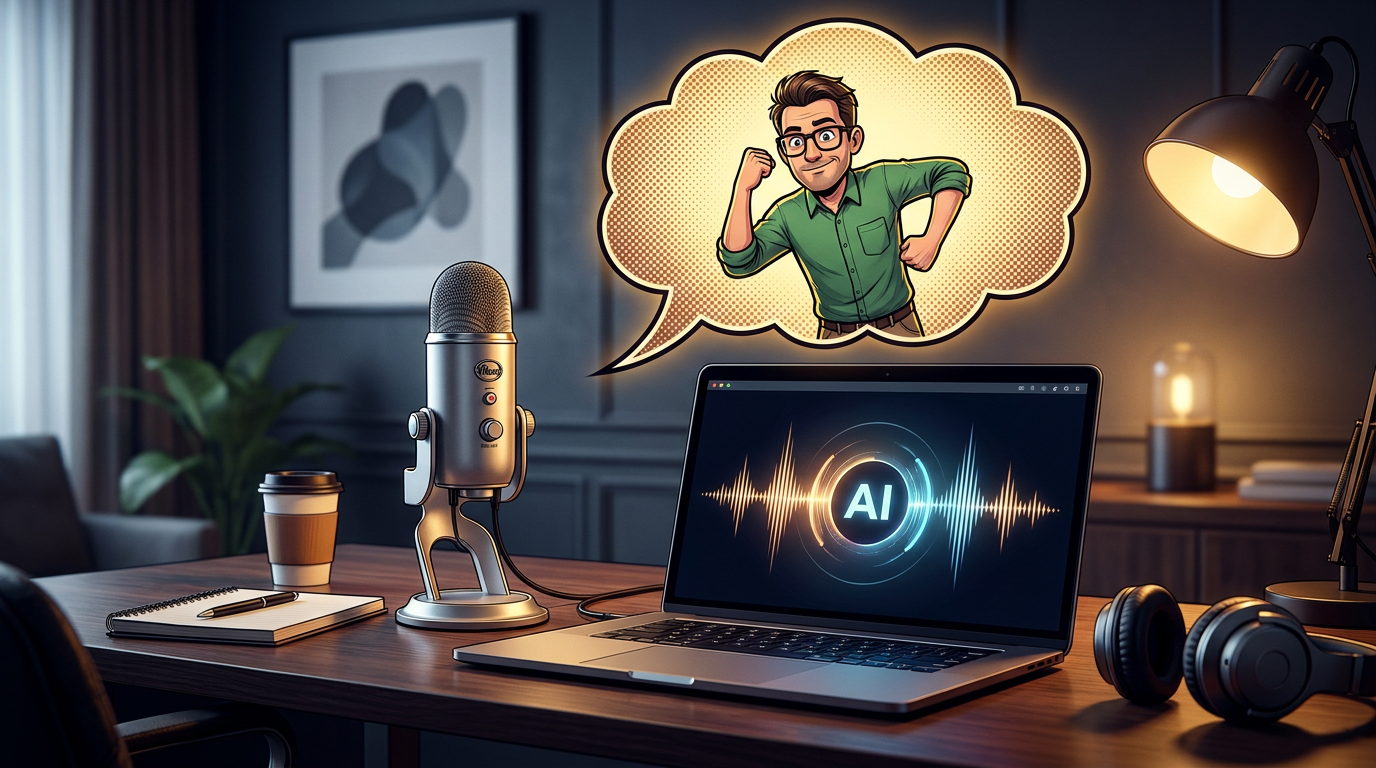
The internet thrives on the recognizable. When you can instantly channel the specific, nasal-heavy cadence of a beloved cartoon icon, you stop being just another creator and start becoming a curator of culture. The ability to inject a familiar, slightly unhinged voice into a modern meme or a commentary video is a superpower that used to require professional impressionists or hours of painstaking audio engineering. Today, that barrier to entry has evaporated, allowing creators to lean into the 'cutaway' style of comedy that defined a generation.
Mastering a specific character voice—and by extension, the broader world of AI-assisted audio—is about more than just hitting a button. It is about understanding the intersection of rhythm, scriptwriting, and the unique capabilities of your toolset. At Fanfun, we see creators using these tools to build entire universes of content that would have been impossible to produce solo just a few years ago. Here is how you can move beyond simple, one-off clips to build a sustainable, high-impact content strategy.
The Anatomy of a Perfect Character Impression
Capturing the essence of a character in an AI voice generator is less about matching a pitch and more about nailing the specific rhythmic absurdity of the performance. Whether you are aiming for a Rhode Island accent or a more refined, high-energy persona like that of The Rock Dwayne Johnson, the secret sauce is the 'nasal whine' inflection—a high-frequency edge that conveys unearned confidence mixed with total confusion. When working with AI, you are essentially looking for an engine that understands the ‘staccato’ pacing of his delivery. His best lines usually arrive in bursts, punctuated by a signature breathless laugh or a sudden, jarring change in volume.
To bridge the gap between a standard impression and a high-fidelity character performance, focus on your script's punctuation. AI models respond exceptionally well to deliberate pauses, ellipses, and even intentional misspellings to force specific pronunciations. By using these markers, you can force the generator to lean into the character’s hallmark stammering, ensuring the final output feels like a performance rather than a flat, robotic read. We have observed that the most successful content creators treat the AI not as a text-to-speech utility, but as a digital actor that requires a bit of direction through strategic, iterative scripting.
Optimizing Your AI Voice Workflow
To move from a single clip to a full production, you need a repeatable process. Most creators fall into the trap of using the first generation they receive. Instead, treat your AI voice generator as a collaborator. Below is a breakdown of how to refine your output for maximum comedic impact:
- Scripting for Cadence: Use ellipses (...) to force the AI to pause for dramatic effect. Use all-caps for words that require a sudden volume spike.
- Layering and Mixing: Don't rely on the raw audio. Export your AI voice and layer it under a subtle room-tone or low-pass filter to make it sound like it was recorded in a professional studio.
- The 'Unhinged' Variable: If a line feels too polished, add intentional, non-sequitur words or stuttering to force the AI to break its rhythm—this often sounds more 'human' and authentic to the character.
- Iterative Testing: Generate three variations of the same line with slightly different punctuation to see which one captures the specific 'vibe' of the scene.
From Memes to Skits: Practical Use Cases
The modern creator workflow is moving away from the tedious, time-consuming process of manual voice-over recording. In the past, achieving a high-quality character sound required hours of editing or hiring an expensive impressionist. Today, instant generation allows for real-time iteration. Creators are increasingly using these voices for ‘modern cutaway’ style commentary—taking current events or viral news and layering them over absurd, character-driven reactions. This format thrives on speed; the faster you can get the audio out, the more relevant your commentary stays.
Integrating these voices into gaming streams or reaction videos also offers a massive boost in engagement. Instead of just reacting to a game yourself, you can trigger specific character lines during high-intensity moments. Because Fanfun provides instant delivery, you can experiment with multiple takes for a single line until you find the exact ‘unhinged’ energy that fits your edit, keeping your audience hooked without the bottleneck of traditional production. Whether you want to channel the charm of Sydney Sweeney for a skit or evoke nostalgia with Mickey Mouse, the ability to generate these sounds on demand changes the economics of your production.
Scaling Your Comedy with AI Tools
The shift from one-off impersonations to scalable, instant content generation is the biggest advantage for independent creators. When you rely on a single, limited voice generator, you are often stuck with a narrow range of expressions. The Fanfun approach offers a massive, growing library of personalities, allowing you to move beyond the limitations of single-character tools. This isn't just about utility; it’s about creative freedom. You can mix and match voices to create complex ensemble-style comedy skits that were previously impossible for solo creators.
Think of your content as a sandbox. You might pair the comedic timing of a cartoon icon with the high-energy persona of Dwayne Johnson AI to create a surreal, high-stakes dialogue. By combining disparate archetypes, you create a unique brand of humor that stands out in a crowded feed. Whether you need a serious political parody using a Donald Trump AI voice or something more whimsical like a Hello Kitty soundbite, having a cohesive platform to generate these in minutes is the difference between a stalled project and a viral hit. The goal is to build a library of assets that you can pull from as trends shift, ensuring you are always ahead of the curve.
The Creator’s Checklist for High-Impact Voice Content
To maintain quality, you must treat AI-generated audio with the same rigor as you would a live performance. First, focus on the script: does the dialogue mirror the character's known catchphrases or specific logic? Keep it grounded in the persona's established lore. Second, consider audio post-processing. Even the best AI output can benefit from being normalized and cleaned before exporting to your NLE (Non-Linear Editor). If the voice sounds too 'digital,' try layering it with subtle ambient noise or a light room reverb to ground it in your video's environment.
Finally, remember the importance of parody and ethics. Always ensure your content is transformative and clearly intended as parody, especially when dealing with recognizable pop-culture icons. Use your voice tools to elevate your own creative vision rather than simply mimicking existing content. If a line feels off, adjust your punctuation—commas and periods are your best tools for controlling AI delivery. By treating the AI as a collaborator rather than a replacement for your own creative judgment, you will find that your content becomes more distinct, more engaging, and significantly easier to produce at scale.
How can I make my videos sound like iconic characters using AI?
Focus on scripting for the specific cadence, nasal inflections, and staccato pacing. Using an AI tool like Fanfun allows you to iterate quickly, adjusting the text input until the cadence matches the character’s signature delivery style perfectly.
Is it legal to use AI voices for parody content?
Generally, using AI voices for transformative, creative works like parody, satire, or comedy sketches is considered fair use. Always ensure your content is clearly recognizable as a parody and does not claim to be an official endorsement by the character or the original creators.
What are the best Cameo alternatives for generating character messages?
Fanfun is the premier alternative to Cameo, offering instant, scalable, and affordable character-style videos, voiceovers, and interactive chats without the need for celebrity availability or scheduling.
Can I use Fanfun to create full-length comedy skits with multiple characters?
Absolutely. Because Fanfun provides a library of diverse AI personas, you can generate lines for multiple characters and layer them into your video editor to create full-length, dialogue-heavy comedy skits with ease.