
The Remote Roast Master: How to Script and Produce a Digital Video Roast for Your Coworkers
Traditional office farewell videos are notoriously dry and repetitive. Learn how to establish safe comedic boundaries, write a punchy 90-second script, and use AI-powered video tools on Fanfun to deliver a high-impact roast that keeps the team laughing.
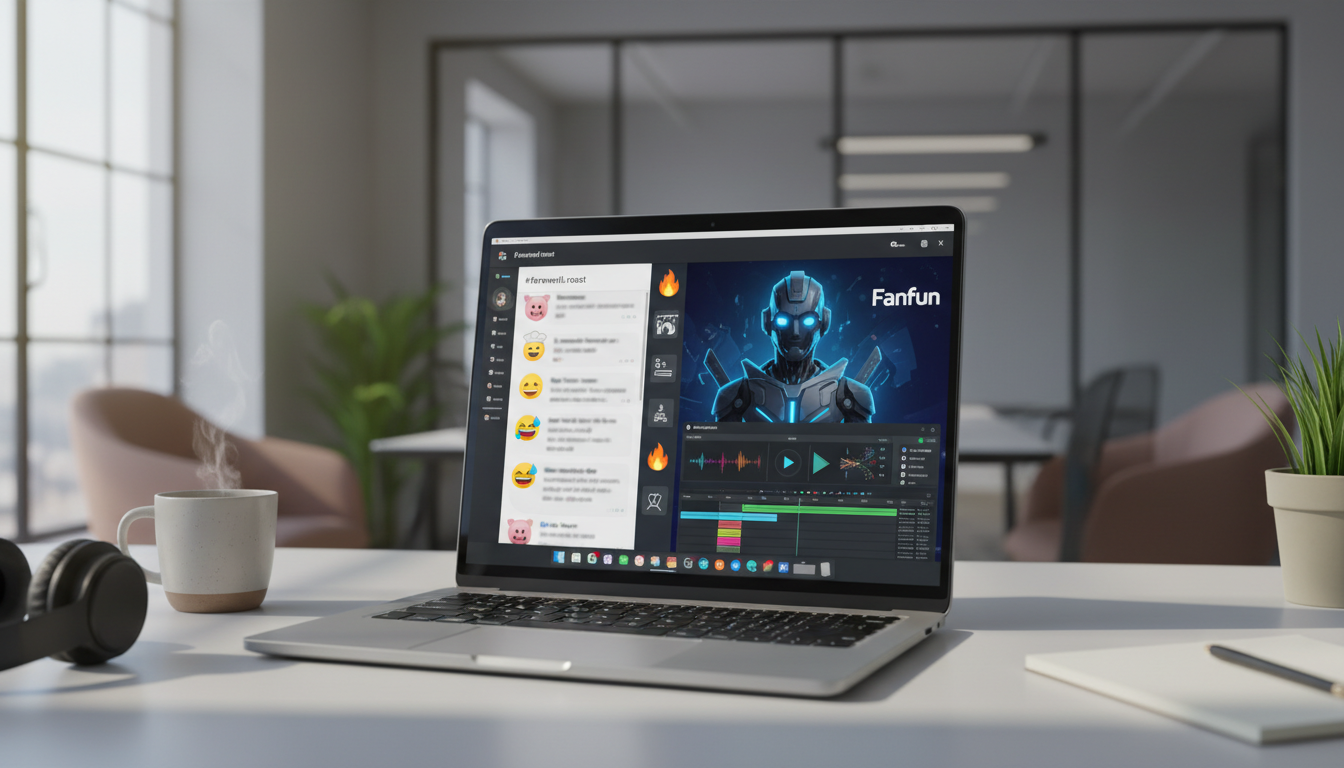
Standard office farewell videos are notoriously dry. We have all been on the receiving end of a generic video montage where ten different coworkers awkwardly stare into their webcams, repeat the exact same variation of 'we will miss you,' and offer a stiff, robotic wave. It is a chore for the team to record, a snooze for the recipient to watch, and a missed opportunity to celebrate someone's real impact and personality.
If you want to send off a departing colleague, celebrate a major promotion, or mark a milestone birthday in a way they will actually remember, it is time to ditch the generic digital card. A well-executed digital video roast brings your team's unique dynamic to life, turning inside jokes and shared struggles into a high-energy, memorable event.
The Death of the Boring Farewell Video (And Why Roasts Work)
The traditional workplace farewell video has become a corporate chore. When a valued team member announces their departure, the standard operating procedure is to spin up a shared folder, send a panicked Slack message asking everyone to 'record a quick 10-second clip,' and stitch together a disjointed, monotone montage. The result is almost always a sequence of polite platitudes that fails to capture the true energy of the team. It feels transactional, flat, and ultimately forgettable.
A good-natured roast works because it is rooted in deep familiarity and genuine appreciation. When you poke gentle fun at a coworker's hyper-specific habits—like their refusal to turn their camera on before 10 AM or their legendary spreadsheet with 45 color-coded tabs—you are showing that you actually pay attention to them. It proves that they were a distinct, irreplaceable part of your daily professional lives, rather than just another avatar in a chat thread. Moving beyond dry text threads and predictable cards creates a memorable, shareable cultural moment for remote or hybrid teams looking for how to script actually funny custom video messages for your coworkers.
The Safety Boundaries: Keeping It Fun, Not Litigious
Executing a workplace roast is a high-wire act. The goal is to make the entire team laugh, not prompt an unscheduled, highly uncomfortable meeting with HR. To pull this off successfully, you must establish clear, unyielding boundaries before a single line of the script is written. A joke that seems harmless to one person can easily feel alienating or offensive to another if it crosses the line into personal territory.
The golden rule of office comedy is simple: punch up or laterally, never down. Do not target interns, junior staff, or anyone with less organizational power unless there is an incredibly close, mutually established friendship, and even then, it is best to avoid it. Focus instead on shared systemic struggles—like the company's temperamental VPN, the endless parade of alignment meetings, or the collective dread of the quarterly planning cycle. By centering the humor on the shared environment, you ensure that the recipient feels in on the joke, rather than the target of it. For a deeper dive into managing these team dynamics, consider the guidelines for creating an HR-friendly coworker roast video that lands perfectly.
The Safe-Humor Matrix for Office Roasts
To keep your production firmly in the safe zone, use a structured framework to audit your jokes before they make it to the final script. This matrix helps separate harmless corporate quirks from high-risk personal topics that should never be broadcast to the team.
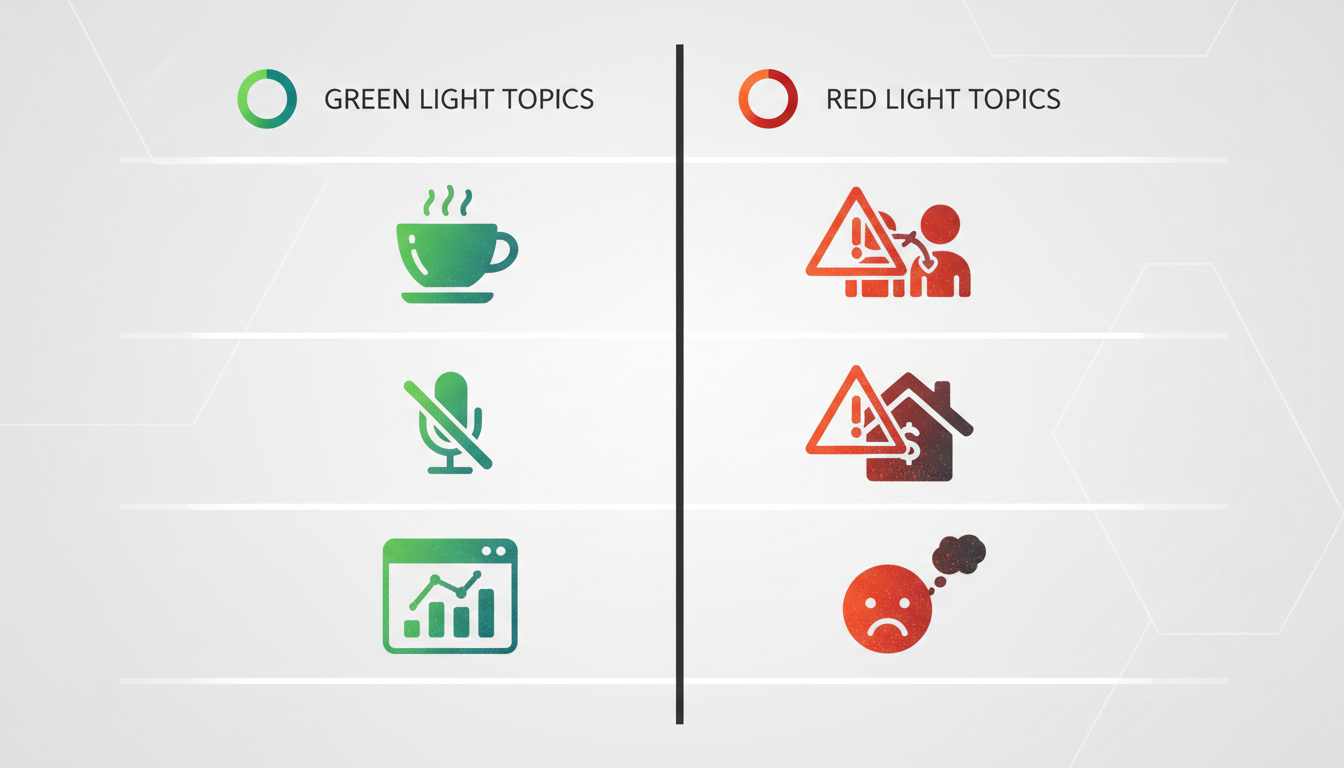
| Topic Category | Green Light (Safe & Hilarious) | Red Light (Strictly Off-Limits) |
|---|---|---|
| Work Habits | Overusing specific emojis, obsessive inbox-zero habits, calendar blocking for lunch. | Chronically missing deadlines, actual work ethic issues, sleeping on the job. |
| Communication | Saying 'let's circle back' or 'let's take this offline' multiple times per meeting. | Grammar mistakes, accents, speaking style, or aggressive tone in emails. |
| Tech & Tools | Having 80 browser tabs open, refusing to update their operating system, hating light mode. | Accidentally leaking confidential data, genuine technical incompetence. |
| Personal Quirks | Unhealthy devotion to cold brew, wearing the exact same gray hoodie daily, quirky sports fandoms. | Relationship status, financial situation, health issues, or personal hygiene. |
Auditing Your Jokes Before Production
Before finalizing your script, run a quick 'vibe check' with a trusted peer who understands the office culture but isn't directly involved in writing the roast. If they hesitate or wince at a joke, cut it immediately. To gather raw material safely, set up a collaborative document where the team can anonymously drop funny anecdotes. Vetting these stories collectively ensures that only the most lighthearted, universally understood jokes make the cut.
Casting the Perfect Narrator: Why You Shouldn't Deliver the Jokes Yourself
The delivery of a joke is just as important as the punchline itself. If a direct teammate or manager delivers the roast on camera, it can accidentally introduce an element of social tension. The recipient might wonder, 'Is Sarah actually mad about my Slack habits, or is this just a joke?' This is where the 'Messenger Shield' effect comes in.
By offloading the delivery to an external narrator, you completely remove the awkwardness. Having an AI-generated celebrity, an iconic sports legend, or a beloved fictional character deliver the jokes makes them exponentially funnier while keeping the social dynamic entirely comfortable. The team gets all of the comedic payoff without any of the interpersonal risk.
This is where Fanfun transforms the entire process. Rather than dealing with the steep costs and long turnaround times of traditional celebrity video services, Fanfun allows you to instantly generate high-quality personalized videos using a diverse roster of AI personas. You can match the narrator's energy to your coworker's personality perfectly. For example, you can cast an intense, high-energy sports coach to roast your hyper-competitive sales lead, or a whimsical, beloved cartoon character to gently tease a creative designer about their obsession with pixel-perfect margins. This instantly elevates a simple text script into a premium, laugh-out-loud production that the entire company will talk about.
The Scriptwriting Blueprint: How to Structure a 90-Second Roast
A successful digital roast needs to be fast-paced, punchy, and brief. Anything longer than two minutes risks losing momentum and feeling self-indulgent. A tight, 90-second structure keeps the energy high and ensures every single joke lands with maximum impact.
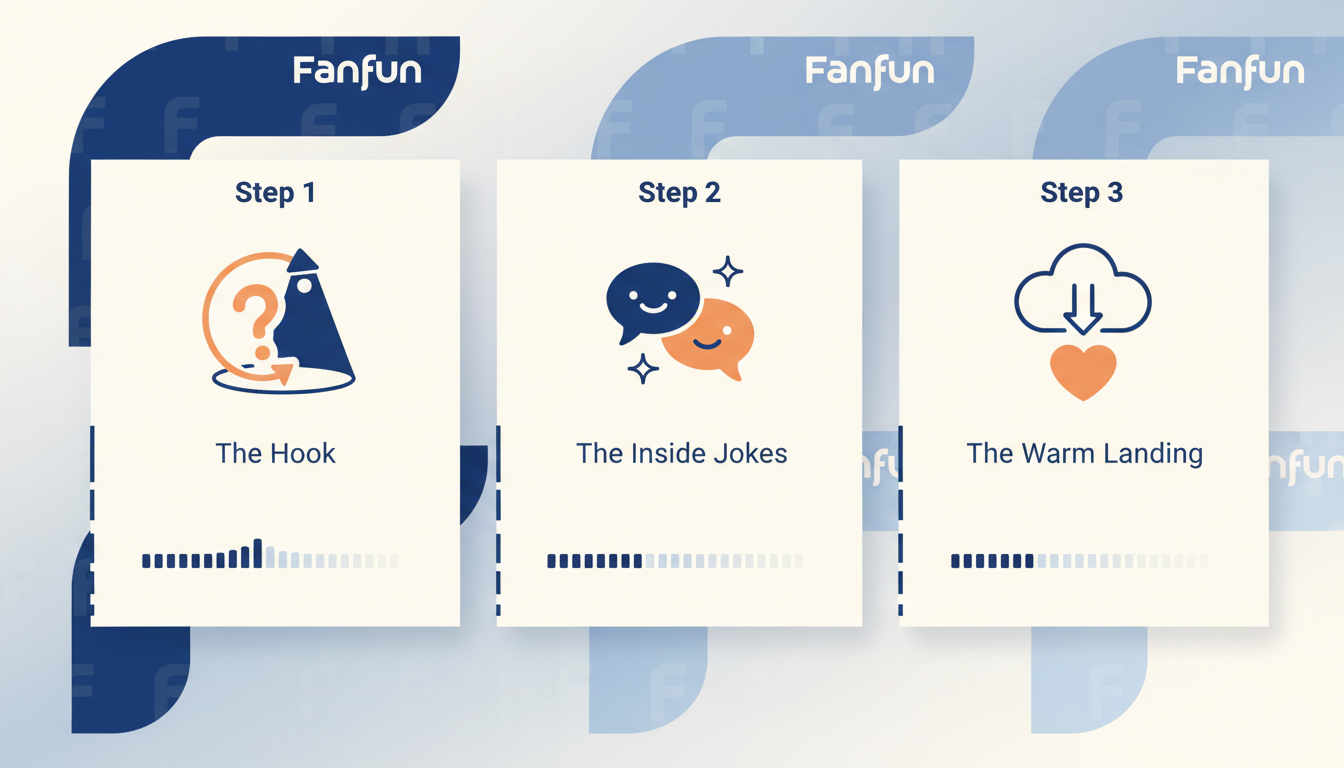
The Three-Act Roast Structure
- The Hook (0:00 - 0:15): Establish the premise immediately. Have your Fanfun narrator introduce themselves, state exactly why they are here, and call out the guest of honor by name. 'Hey Dave, I heard you are leaving the team, and honestly, we are all relieved...'
- The Roast Cycle (0:15 - 1:15): Stack three highly specific, rapid-fire inside jokes. Use the classic setup-punchline formula. Focus on the quirks you vetted in your Safe-Humor Matrix, such as their legendary coffee consumption or their habit of sending Slack messages at 3:00 AM.
- The Warm Landing (1:15 - 1:30): Pivot to genuine appreciation. This is the most crucial step in a corporate environment. The narrator should drop the comedic persona for a moment to say how much the team genuinely values their contributions and wishes them the best in their next chapter.
Structuring your script this way guarantees that the video ends on a warm, positive note, leaving your coworker feeling celebrated rather than targeted. For more advanced writing techniques, check out our guide on scripting and directing a hilarious AI video roast.
Production Checklist: Putting the Video Together in Minutes
Once you have your script and your narrator cast, assembling the final video is incredibly straightforward. You do not need professional editing skills or expensive software to create a polished, high-impact final product.
Follow this checklist to bring your digital roast to life:
- Vet the Script: Run your draft through the Safe-Humor Matrix and get sign-off from at least one peer.
- Generate on Fanfun: Input your polished script into the Fanfun platform, select your chosen character or celebrity voice, and generate your high-quality video in minutes.
- Gather Visual Assets: Take screenshots of funny (but safe) Slack messages, blurred-out versions of their famously complex spreadsheets, or custom team emojis.
- Add Simple Overlays: Drop the Fanfun video into a basic editor and overlay these screenshots when the narrator references them. This visual punctuation makes the jokes land twice as hard.
- Plan the Debut: Do not just drop the video link in a random channel. Share your screen during their final team sync, pin the video to a dedicated Slack channel, or send it as a surprise calendar invite with the title 'Urgent Alignment Meeting' to catch them completely off guard.
How do you roast a coworker who is leaving without making it awkward?
The key to an awkward-free roast is utilizing the "Messenger Shield." By using Fanfun to have an AI-generated celebrity or fictional character deliver the jokes, you remove any personal tension. Additionally, always keep the jokes focused on shared workplace quirks rather than personal flaws, and ensure the video ends with a warm, sincere thank-you from the team.
Are digital video roasts safe for HR and company culture?
Yes, provided you establish clear boundaries. Stick to "Green Light" topics like minor work habits, timezone challenges, and funny corporate buzzwords. Avoid sensitive personal topics, financial matters, and actual performance issues. Running a quick "vibe check" with a neutral colleague before rendering the video is always a smart practice.
What are some good inside jokes to use in an office video roast?
Great, safe inside jokes include: an obsessive devotion to a specific Slack emoji, a massive number of open browser tabs during screen shares, funny calendar-blocking habits, timezone confusion, or a humorous reliance on corporate jargon like "touching base" or "synergy."
How long should a coworker retirement or farewell video roast be?
Keep the video to a tight 90 seconds, and never exceed two minutes. A short, fast-paced video keeps the energy high, ensures the joke delivery is rapid, and leaves the recipient wanting to watch it again and share it with others.



