
How to Spell Eastern European Names Phonetically for AI Voice Generators
English-trained synthetic voices struggle with the dense consonant clusters and unique vowels of Eastern European names. Use these simple phonetic spelling hacks to make your AI character greetings sound natural and accurate.
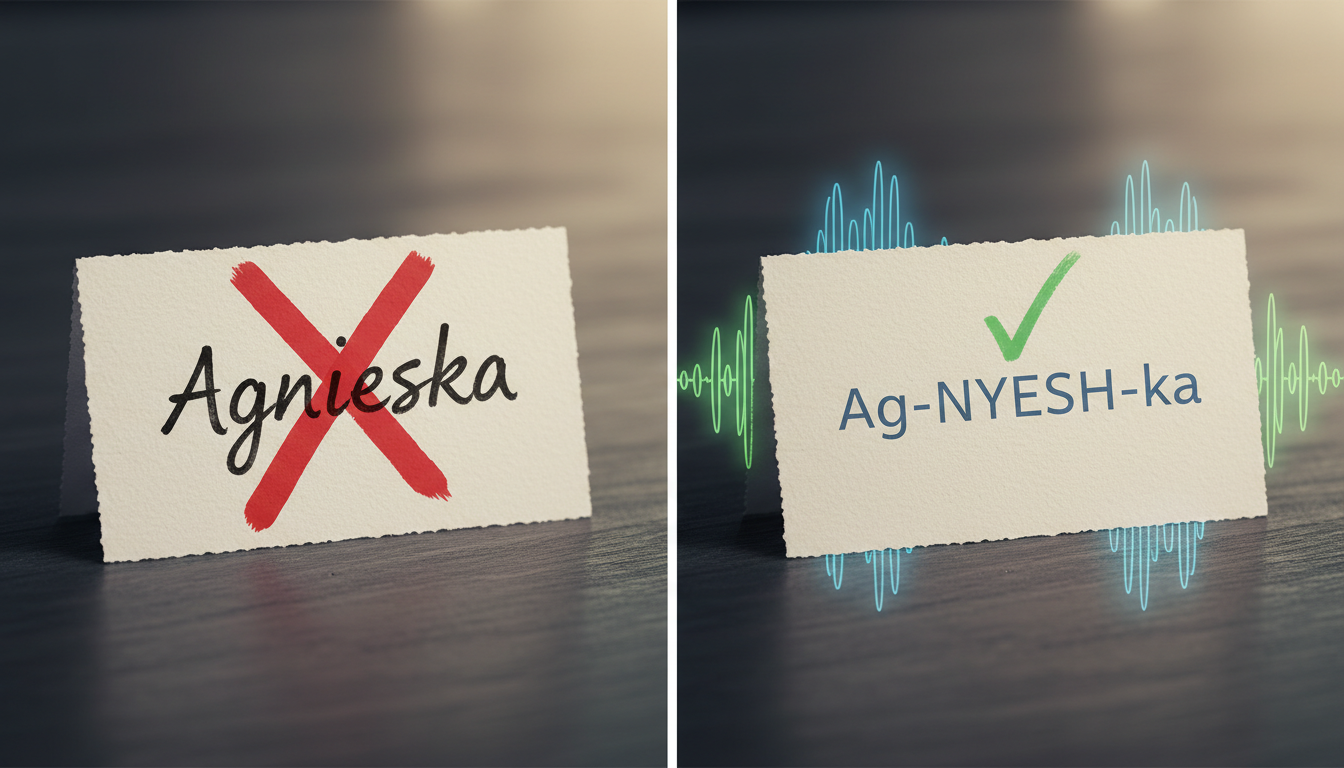
To get an English-centric AI voice generator to pronounce Eastern European names correctly, you must bypass standard Slavic spelling rules and write them out phonetically using English-equivalent sounds—such as rewriting the Polish name 'Grzegorz' as 'Gsheh-gosh' or 'Szczepan' as 'Shcheh-pahn'. Because most synthetic speech models are trained primarily on English phonics, they struggle with the dense consonant clusters and unique diacritics of Slavic languages, treating them as literal, unpronounceable strings of letters. By rewriting these names phonetically in your Fanfun script, you can guide the AI character to deliver natural-sounding voice notes and video greetings.
The Quick Guide to Phonetic Slavic Spellings
Standard AI voice generators are trained on English phonemes. When an English-trained AI voice encounters a name like Agnieszka or Dmytro, it attempts to apply English phonetic rules. This results in the AI pronouncing every letter in a cluster individually or completely misinterpreting the vowels. For example, the Polish 'sz' sounds like the English 'sh', but an AI will often try to pronounce both the 's' and the 'z' sounds separately, resulting in a robotic hiss.
Phonetic rewriting is the process of translating spelling into pure sound. Before you generate a custom voice note or a video greeting on Fanfun, you must transform your script's names into English-friendly approximations. This ensures that the underlying synthetic voice model reads the text exactly as it sounds, rather than how it is traditionally written in its native country.
The Consonant Cluster Cheat Sheet
Slavic languages are famous for their rich, complex consonant clusters. To help your AI model navigate these combinations, use the translation table below to map common Eastern European spellings to their English phonetic equivalents.
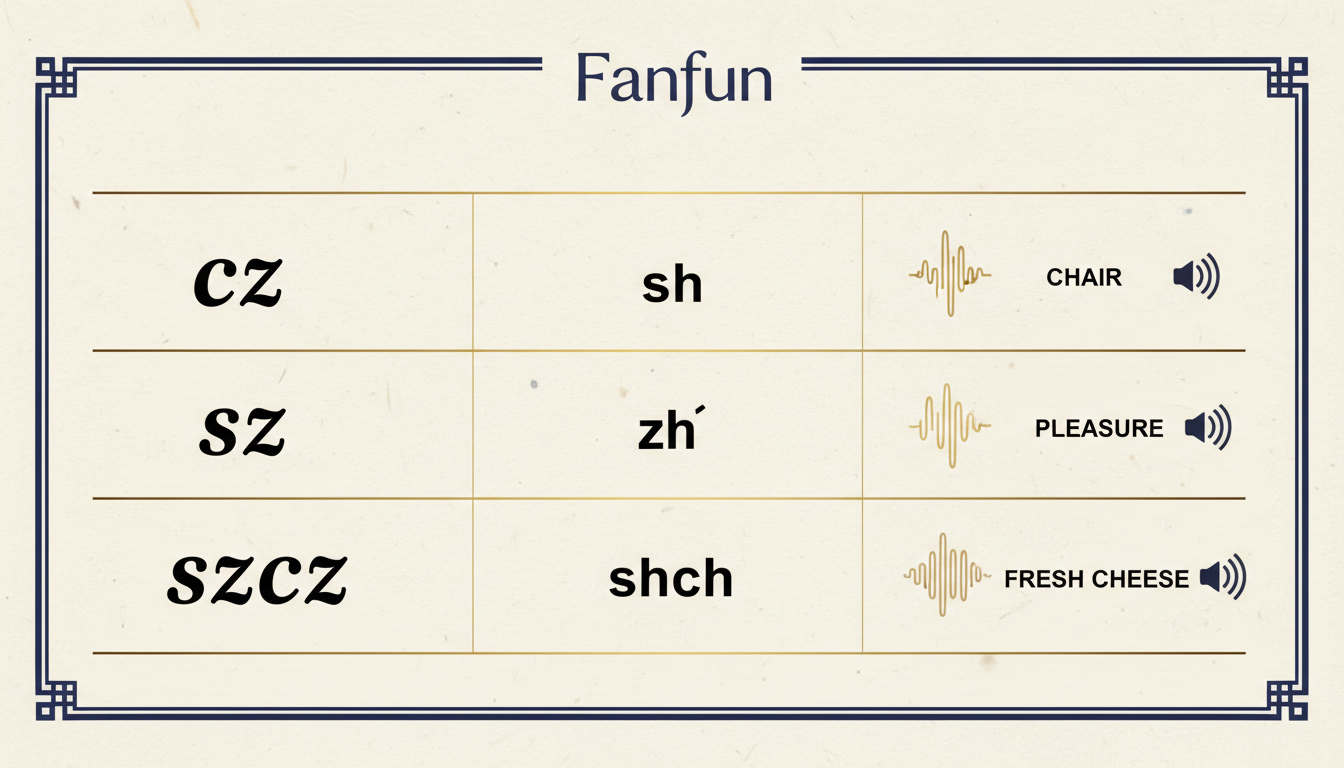
| Slavic Spelling | English Sound Equivalent | Example Name | AI Phonetic Rewrite |
|---|---|---|---|
| c (Polish/Czech/South Slavic) | ts (as in "cats") | Cezary | Teh-ZAH-ree |
| cz (Polish) / č (Czech/South Slavic) | ch (as in "chair") | Časlav / Czarek | CHAH-slahv / CHAH-rek |
| sz (Polish) / š (Czech/South Slavic) | sh (as in "shoe") | Tomasz / Dušan | TOH-mahsh / DOO-shahn |
| rz or ż (Polish) / ž (Czech/South Slavic) | zh (like the "s" in "measure") | Żaneta / Blažej | Zhah-NEH-tah / BLAH-zhey |
| szcz (Polish) | sh-ch (like "fresh cheese") | Szczepan | Shcheh-pahn |
| vch (Ukrainian/Russian) | fch (softened "f" sound) | Shevchenko | Shef-CHEN-ko |
When working with South Slavic and Czech characters that use diacritics (like č, š, and ž), the simplest approach is to strip the accent marks and replace them directly with their English consonant equivalents ('ch', 'sh', and 'zh'). While Germanic languages present their own phonetic hurdles, mapping Slavic consonant clusters requires a different approach. If you are also working with Central European names, check out our guide on how to spell German surnames phonetically for AI voice generators to see how phonetic strategies differ across European language families.
Vowels, Soft Signs, and Stress Placement
Consonants are only half the battle. Eastern European languages feature subtle vowel shifts and soft consonants (palatalization) that English synthetic voices naturally miss. Here is how to handle these nuances:
- The Soft Sign (Palatalization): In Russian and Ukrainian, a "soft sign" softens the preceding consonant. You can simulate this in English AI models by adding a quick "y" sound right after the consonant. For example, instead of spelling the name as "Tana," write it as "Tanya." For "Dmitry," spell it as "Dmee-tree" to keep the vowels crisp and soft.
- The Polish 'ł': The letter 'ł' in Polish sounds exactly like the English 'w'. If you write "Michał," the AI will likely say "Mee-kal" or "Mee-chal." Rewrite it as "Mee-how" to get a perfect native pronunciation.
- Stress Placement: Slavic languages have specific rules for which syllable gets the emphasis. To force the AI model to stress the correct syllable, try capitalizing the stressed syllable in your phonetic draft, or stretch the vowel spelling. For example, write "Kov-AHL-chook" instead of "KO-vahl-chook" to guide the natural rhythm of the voice.
To master these syllable-level adjustments for longer surnames, Read our comprehensive guide on phonetic spelling for complex last names.
Testing and Polishing Your Script on Fanfun
Because every AI character persona on Fanfun has a unique vocal baseline, a phonetic spelling that works perfectly for a deep, raspy voice might sound slightly off when read by an upbeat, animated character. Testing is the most reliable way to ensure your video message sounds exactly right.
Use this step-by-step testing workflow to polish your script:
- Draft the phonetic spelling: Use the cheat sheet above to rewrite the recipient's name.
- Run a short test: Use Fanfun's free daily voice replies or generate a short, 500-character voice note to test-run the phonetic name before committing to a full video gift script.
- Listen for vowel length and emphasis: Pay close attention to whether the AI rushes through the name or misplaces the syllable stress.
- Adjust and finalize: If the name sounds too clipped, add helper vowels (like changing "gosh" to "goshh" or "goash"). Once you are happy with the audio result, copy that phonetic spelling directly into your final video gift script.
Phonetic adjustments are a universal best practice for international names. If you are crafting messages for friends with Mediterranean roots, you can also explore our tips on spelling Greek names phonetically for AI voice generators.
Why does the Polish name 'Wojciech' sound so wrong when read by an AI, and how do I fix it?
An English-trained AI voice will look at 'Wojciech' and try to pronounce it as 'Woj-see-eck' or 'Woy-keck' because it does not recognize the Polish 'j' (which sounds like an English 'y') or the 'ch' (which sounds like a soft 'h' or 'kh'). To fix this, spell it phonetically in your script as 'Voy-tekh' or 'Voy-tech'.
Do I need to include accents and diacritics (like ę, ó, ć, or š) when writing scripts for English AI voices?
No, you should actually remove them. Most English-trained AI voice models do not know how to process diacritics and may either ignore them entirely, skip the letter, or produce a glitchy sound. Always strip the diacritics and replace them with their closest English phonetic spelling equivalents (like converting 'ó' to 'oo' or 'ć' to 'ch').