How to Spell Scandinavian Names Phonetically for AI Voice Generators
Don't let tricky Nordic vowels confuse your AI voice generator. Learn how to map Scandinavian names into phonetic English for more natural-sounding voice greetings.
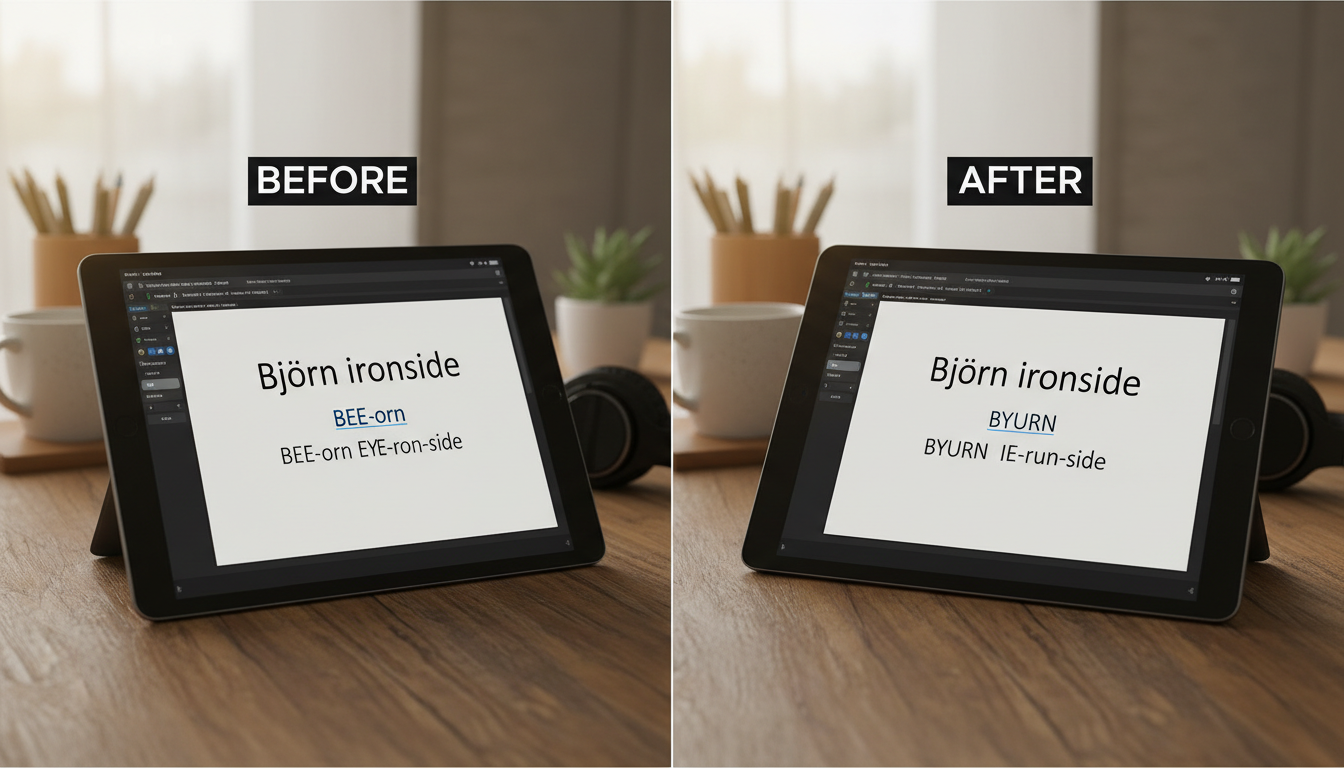
To help AI voice generators pronounce Scandinavian names more naturally, you can translate native Nordic vowels (like å, æ, ø, ä, and ö) and unique consonant patterns into phonetic English equivalents. Because most mainstream AI models are primarily trained on English text, they will either skip these special characters or apply flat English pronunciation rules that sound robotic or incorrect. By mapping letters like the Norwegian "ø" to an English "er" or "uh" sound and testing your script in small batches, you can guide the AI to hit the natural cadence of names like Bjørn or Søren.
Why Scandinavian Names Challenge AI Voice Models
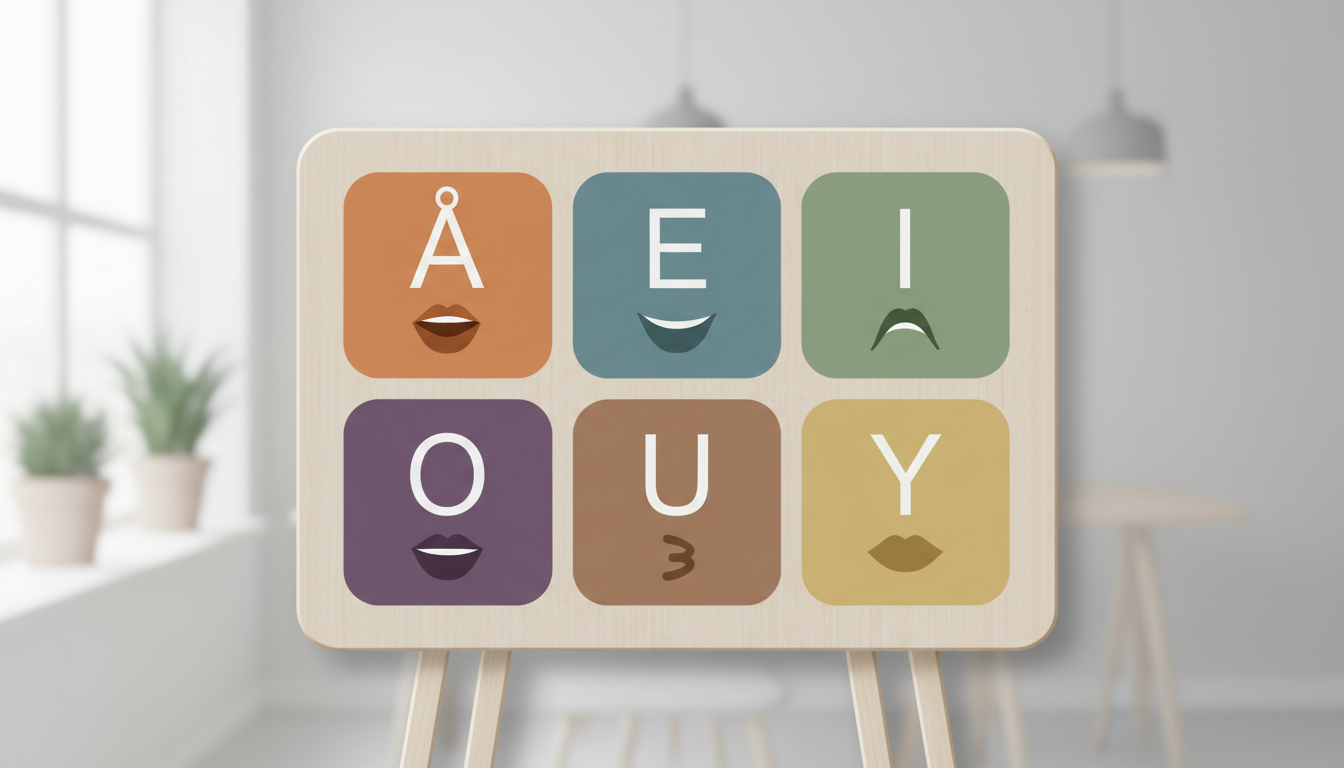
Nordic languages—Danish, Swedish, and Norwegian—rely on vowel distinctions that simply do not exist in standard English. When you type a name containing characters like å, ö, or æ into an AI voice generator, the system often defaults to an approximation. It might treat å like a flat English "a" (as in "cat") or completely skip the character, turning a name into an unrecognizable jumble. Unlike our guide on spelling German surnames phonetically, which often deals with predictable consonant pairings, Scandinavian names require you to focus heavily on vowel shifts and soft consonant sounds.
It is helpful to view phonetic spelling as a creative post-production hack rather than a strict linguistic science. Since AI voice models are built on statistical patterns, they do not "read" the same way humans do. Your goal is not to write a dictionary-perfect phonetic translation, but to guide the engine into making the right sounds using English phonics.
A Phonetic Mapping Framework for Nordic Names
To help you navigate these tricky pronunciations, we have developed a quick-reference mapping table. These approximations are designed to work with standard English-trained voice models, helping you get better results when creating custom voice notes or video greetings on Fanfun.
| Nordic Letter / Pattern | Approximate Sound | English Phonetic Spelling | Example Name | Phonetic Alternative |
|---|---|---|---|---|
| Å / å | Like the "aw" in "saw" | aw | Åse | Aw-seh |
| Ø / ø or Ö / ö | Like the "i" in "sir" or "u" in "burn" | ur / uh | Bjørn / Søren | Byurn / Sur-ren |
| Æ / æ or Ä / ä | Like the "e" in "met" or "a" in "hair" | eh / air | Lærke | Lair-keh |
| Kj / Ki (Norwegian/Swedish) | Like a soft "sh" or "ch" | sh / ch | Kjell | Shell |
| J (as a consonant) | Like the English "y" | y | Freja / Anja | Fray-ah / Ahn-yah |
Before you commit your full script to a finished Fanfun video gift, use the platform's voice note tool to generate an MP3 of your text. Hearing the AI speak the name in a preview helps you determine if your phonetic spelling achieves the desired pronunciation.
Refining Your Script for Natural Flow
Once you have mapped out the name, look at the sentence surrounding it. One common mistake is over-correcting the script, which can cause the AI to stumble. If you alter the spelling of a name, make sure the transition words before and after it still flow naturally. For example, if you write "Happy birthday, Byurn," the AI might pause unnaturally because of the unusual letter combination. You can often fix this by adding a tiny bit of punctuation or adjusting the spacing to help the model hit the right syllable stress.
If you are dealing with a particularly complex name that blends multiple regional sounds, you might need to combine these tips with the strategies found in our broader guide on writing phonetic spellings for unique names. Just like formatting Eastern European names phonetically, the trick is to break the name down into distinct, digestible syllables rather than trying to force the AI to read the entire word in one breath. With a little experimentation, your Fanfun character messages will sound warm, natural, and personalized.
Should I use the original characters if the AI voice generator supports Unicode?
Even if the platform accepts special characters like å, ø, or ä, English-trained AI models often mispronounce them or skip them entirely. It is always safer to use phonetic English approximations to help improve the pronunciation.
How do I know if my phonetic spelling is 'too much' for the AI?
If the AI starts pronouncing the letters literally (for example, saying "bee-yurn" instead of "byurn" for Bjørn), your phonetic spelling might be too complex. Keep it as simple as possible and test short variations to find the sweet spot.
Does the speed of the AI voice playback affect how I should spell the name?
Yes. Faster voice models tend to blend syllables together, which can hide slight phonetic imperfections. Slower, more deliberate voices will highlight every letter, meaning you may need to adjust your spelling to avoid awkward pauses.