
How to Send a Virtual Character Pep Talk Video Message
Boost a friend's spirits with a personalized digital greeting. Discover how to match the right AI persona to their challenge, write a punchy 30-second script, and share the final video responsibly.
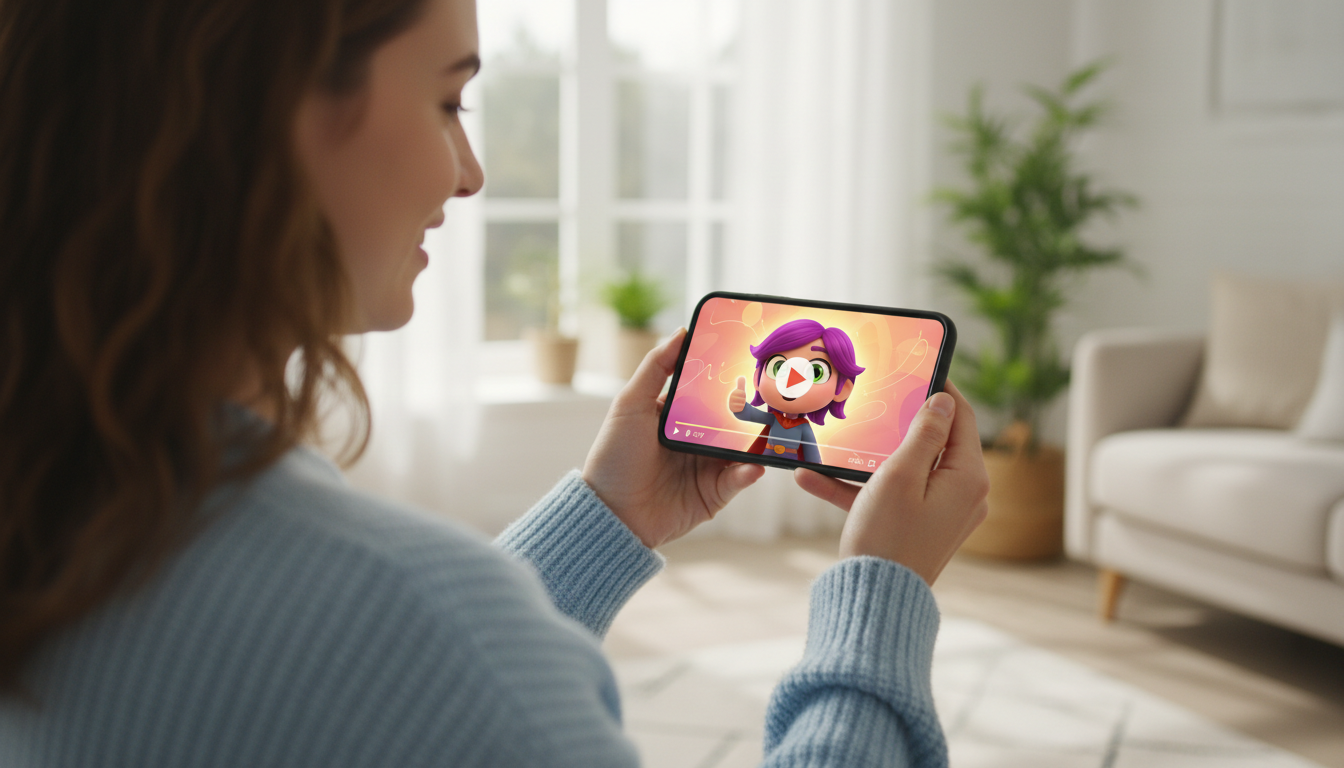
To send a virtual character pep talk video message, you select a digital persona on a platform like Fanfun, write a focused 30-second script using a clear hook-and-pivot structure, and generate the video to be delivered to an email address. Keep in mind that these digital greetings are stylized AI-generated animations designed for lighthearted encouragement, not real-person recordings or perfect vocal replicas. They work best when customized with playful, easy-to-pronounce details rather than highly complex inside jokes.
Match the Character to the Recipient's Challenge
The key to a great virtual pep talk is matching the character's archetypal energy to the recipient's current mood or hurdle. A friend training for a marathon will respond differently to a high-energy athletic persona than a coworker facing creative burnout who might prefer a gentle, friendly animated character. Matching these vibes makes the message feel thoughtful and tailored.
With Fanfun's diverse cast of over 60 AI personalities, you can easily find a voice that fits the occasion. Whether you want to channel the bold confidence of a famous public figure or the whimsical charm of a classic animated character, selecting the right fit sets the perfect stage for your message. If your friend is about to start a new role, you can also adapt these concepts into virtual character new job congratulations scripts. Whichever persona you choose, always keep the tone transparent: these are fun, stylized AI greetings designed for amusement, not real-person endorsements.
Draft a Punchy 30-Second Pep Talk Script
To keep the momentum high and ensure your message fits within standard platform limits, aim for a 30-second script. On Fanfun, one video credit covers up to 30 seconds of speech. A concise script forces you to focus on the most impactful words while keeping the character's delivery energetic and engaging.
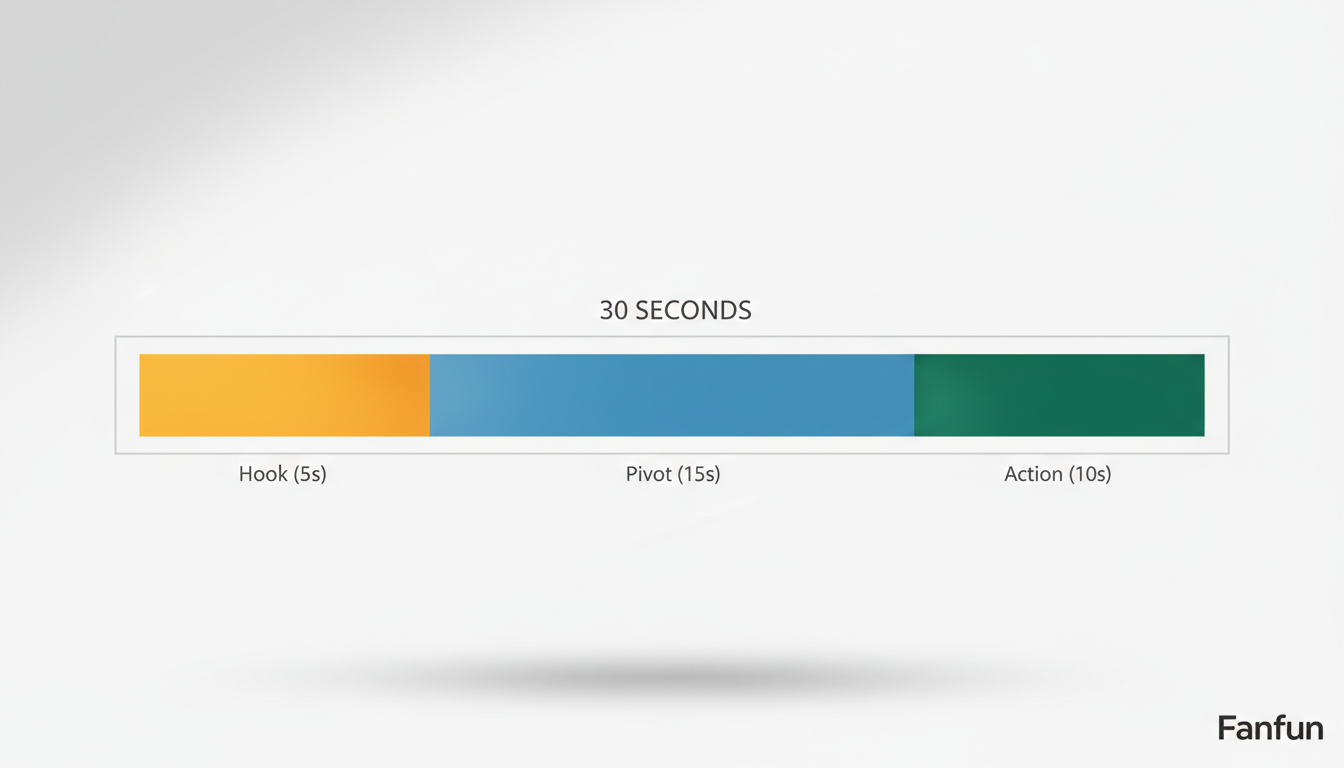
To write an effective 30-second script, use the Hook, Pivot, Action framework:
- The Hook (approx. 5 seconds): Grab their attention immediately in the character's signature style.
- The Pivot (approx. 15 seconds): Address the specific challenge they are facing with a mix of empathy and humor.
- The Action (approx. 10 seconds): End with a clear, motivating call to action that leaves them ready to take on the world.
While a pep talk needs high energy, you can borrow elements from writing funny virtual character congratulations scripts to keep the tone light and humorous. Here is an illustrative, editable example of a script designed for a friend studying for a major exam:
"Hey Sarah! It's your favorite space ranger here. I heard you are staring down that massive chemistry exam tomorrow. No sweating allowed! Put down the flashcards for five minutes, take a deep breath, and get some rest. You have got all the brainpower you need to conquer this. Now go crush it, to infinity and beyond!"
When customizing your script, try to avoid overly complex inside jokes or highly obscure terms that might confuse the AI voice generator's pronunciation. Stick to clean, readable words to ensure the digital voice delivers your message smoothly without awkward pauses.
Generate, Preview, and Delivery Etiquette
Once your script is ready, the generation process on Fanfun is straightforward. You simply select your character's video scene template, paste your custom script into the text field, and enter the recipient's email address. If you are sending this message to a partner or friend who lives far away, it can be a great addition to your routine for maintaining connection, similar to sending virtual character video messages for long-distance relationships.
To help ensure your script sounds right, you can learn how to preview and test your virtual character video concepts, such as by testing your script's phrasing in a voice note or chat reply first.
After generation, the finished video arrives directly in the recipient's email inbox and also appears in your "My Creations" tab. Finally, keep sharing etiquette in mind. While these video messages are incredibly fun, always ask for your friend's permission before posting a personalized video message containing their name or private jokes on public social media channels. Keeping the delivery personal and respectful ensures your digital pep talk hits all the right notes.
How long does it take for a virtual character pep talk video to render?
Rendering times can vary depending on platform traffic and script length. Once the generation process is complete, the finished video is sent directly to the email address you provided.
How is the finished pep talk video delivered?
The completed video is sent directly to the email address you specify during the creation process, and it will also be accessible in the "My Creations" section of your Fanfun account.
What happens if the AI character mispronounces my friend's name?
To help the AI voice generator deliver the best pronunciation, try using simpler names or standard spellings, and avoid highly complex or unusual words in your script.



