
How to Create Custom Voiceovers for Videos: A Step-by-Step Workflow
Transform your videos with custom voiceovers that sound natural and engaging. This step-by-step workflow covers everything from script optimization to final post-production mixing.
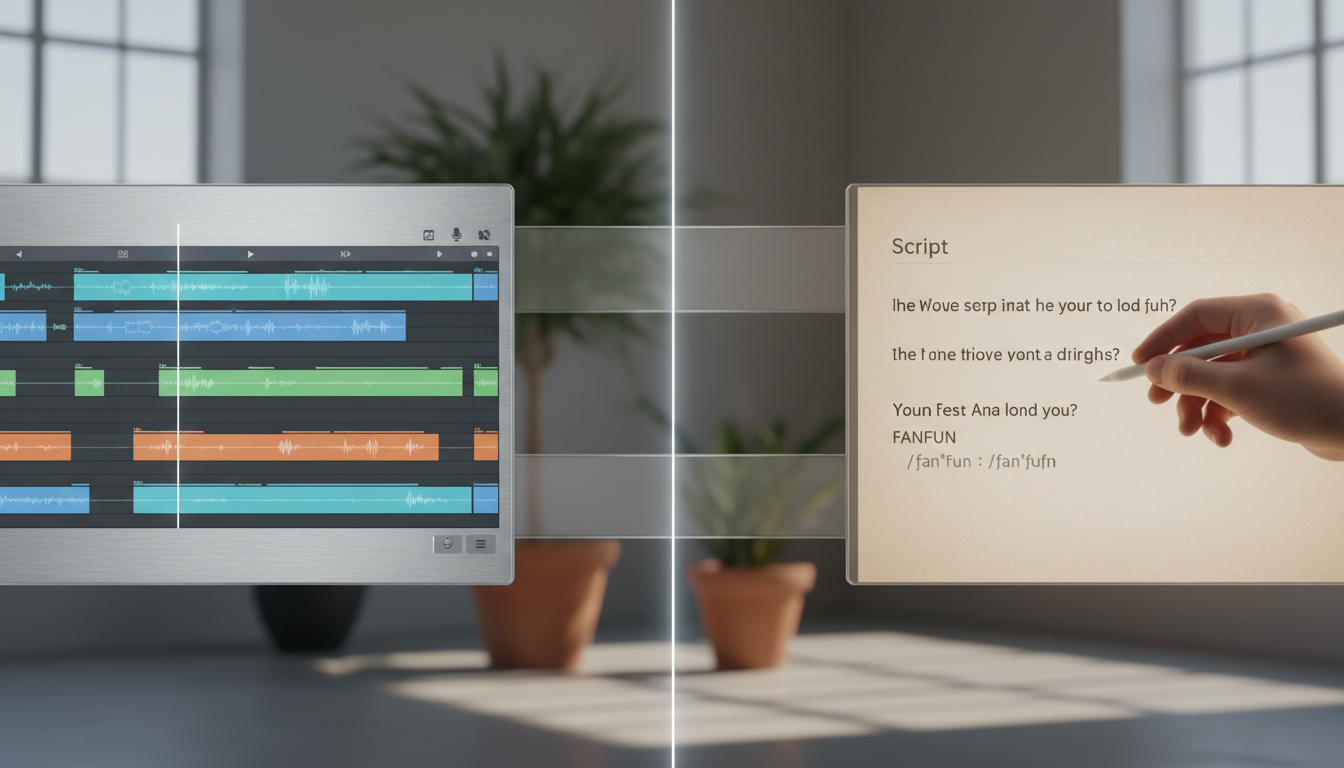
Creating custom voiceovers for videos requires a structured workflow: writing an ear-optimized script, selecting a voice profile that matches your video's visual energy, generating the audio in short segments, and mixing the final track with ducked background music in post-production. While traditional voice acting offers maximum nuance, modern AI generators deliver high-fidelity, custom-tailored character voices in minutes, making them ideal for rapid content creation and social media formats. However, AI interpretations of voice profiles may require phonetic spelling workarounds to nail pronunciation, and commercial rights depend heavily on the specific platform terms and the persona selected.
1. Write Your Script for the Ear, Not the Eye
Writing a script to be read silently on a screen is vastly different from writing a script to be spoken aloud. When readers consume text, their brains naturally smooth over complex sentences. When a voice actor or an AI generator reads that same text, long clauses can sound robotic, breathless, or unnaturally stiff. To maximize audience engagement, especially in fast-paced formats, you must optimize your script specifically for auditory delivery.
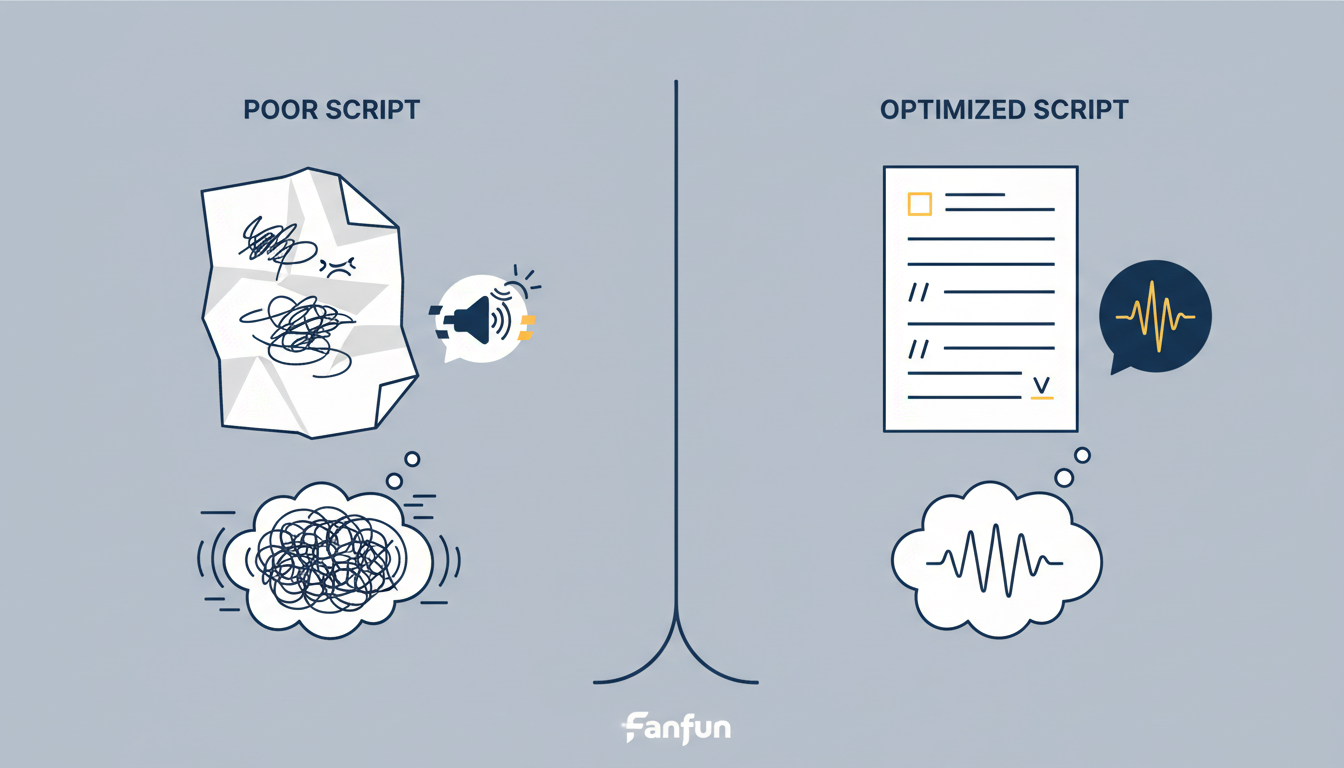
First, read your script aloud before generating any audio. If you stumble over a phrase or run out of breath, simplify it. Second, use punctuation strategically. Many text-to-speech tools and voice generators interpret punctuation marks like commas, ellipses, and dashes as cues for pauses or shifts in pacing. Experimenting with a well-placed ellipsis or dash can help guide the natural flow of the voiceover. For creators looking to optimize pacing for short-form platforms, keeping sentences punchy is essential for retention; for a deeper dive into this, see our guide on directing custom AI voiceovers for TikTok retention.
Finally, spell out numbers, acronyms, and unusual words phonetically. An AI voice engine might read "100m" as "one hundred meters" when you wanted "one hundred million," or mispronounce a brand name entirely. The table below illustrates how to rewrite a visual script into an ear-friendly vocal script.
| Visual Script (Written for Eye) | Vocal Script (Written for Ear) | Why It Works |
|---|---|---|
| We launched in 2026 with 50+ characters, including Doraemon! | We launched in twenty twenty-six... with over fifty characters... including Door-eye-mon! | Spells out numbers, uses ellipses for breathing room, and guides the correct pronunciation of the character name. |
| Our platform optimizes ROI for creators. | Our platform... optimizes R-O-I... for creators. | Ensures acronyms are read as individual letters rather than a single word, preventing robotic run-ons. |
2. Select Your Voice Profile and Generation Method
The voice you choose acts as the emotional anchor of your video. A mismatch between your visual style and your audio profile can instantly break immersion. Before choosing a generation method, evaluate your project's tone: is it professional, casual, comedic, or character-driven? For high-personality projects, memes, or personalized greetings, standard text-to-speech tools often fall flat due to their flat, clinical delivery.
This is where specialized platforms like Fanfun offer a distinct advantage. Fanfun enables creators to select from a diverse library of character-style voices to generate custom AI videos in minutes. Instead of settling for a generic, robotic narrator, you can choose an energetic character voice that aligns perfectly with your video's creative direction. This makes it an incredibly fast and accessible option for creators, gift buyers, and marketers who need to produce high-impact, engaging content without the long turnaround times of traditional voice acting.
To determine the best approach for your project, consider the trade-offs between traditional voice acting, standard text-to-speech, and character-driven AI engines:
| Method | Turnaround Time | Cost | Best Suited For |
|---|---|---|---|
| Traditional Voice Actor | 2 to 5 Days | High ($100 - $500+ per project) | Long-form documentaries, corporate brand films, and high-budget commercials. |
| Standard Text-to-Speech (TTS) | Instant | Very Low / Free | Basic screen readers, accessibility tools, and simple internal training videos. |
| Character-Driven AI | Minutes | Varies | Social media content, comedic edits, personalized gifts, and high-personality promos. |
3. Generate and Direct the Performance
Once your script is ready and your voice profile is selected, it is time to generate the audio. Directing an AI performance requires a hands-on approach to ensure the pacing and inflection match your visuals. Rather than pasting an entire multi-paragraph script into a generator all at once, break your script down into small, manageable chunks—typically one or two sentences at a time. This gives you granular control over the delivery of each line and allows you to regenerate specific sentences without wasting resources on the entire script.
When generating, adjust the speed and pitch settings incrementally. A slight increase in speed can add urgency to an energetic promo, while lowering the pitch slightly can add authority to a narrative voiceover. Once you are satisfied with the performance, always export your audio files in a high-quality format like WAV rather than a highly compressed MP3. This preserves the audio fidelity and dynamic range, giving you more flexibility when you begin mixing. For a detailed walkthrough on matching these generated clips to your visuals, check out our guide on how to sync custom character voiceovers to video clips.
4. Layer and Mix Your Audio in Post-Production
The final step in the custom voiceover workflow is integrating your generated audio into your video editing software (such as Premiere Pro, CapCut, or DaVinci Resolve). Simply dropping the audio track onto the timeline is not enough; a professional video requires careful layering and mixing so that the voiceover sits cleanly above background music and sound effects.
Start by importing your high-quality WAV files and aligning the key vocal phrases with corresponding visual transitions or cuts. Next, apply audio ducking. Ducking is a technique where the volume of your background music automatically lowers whenever the voiceover track is active. Typically, lowering the background music by 3 to 6 decibels (dB) during spoken lines is sufficient to keep the voice clear without making the music disappear entirely. To build a highly dynamic and engaging soundscape for platforms like Instagram Reels or TikTok, you can learn more about layering sound effects in our guide to crafting custom AI voiceovers for TikTok and Reels.
Finally, apply subtle equalization (EQ) and compression to your voiceover track. Use a high-pass filter to cut out low-end rumble (typically below 80 Hz) and apply light compression to smooth out the volume peaks, ensuring your custom voiceover sounds crisp, professional, and polished across all playback devices.
How do I fix mispronounced words in an AI voice generator?
To fix mispronunciations, write the words phonetically in your script editor. For instance, instead of spelling a brand name or character name traditionally, spell it exactly as it sounds (e.g., "Door-eye-mon" instead of "Doraemon"). Additionally, use hyphens for acronyms (like "A-I" instead of "AI") to force the generator to pronounce individual letters.
Can I use custom AI voiceovers for commercial video projects?
Commercial usage rights vary by platform and the specific voice profile you select. Always check the terms of service of the generator you are using. If you are using a character-style voice or celebrity AI interpretation, make sure you have the appropriate licenses or permissions before using the generated audio in paid advertising or commercial distribution.
