
The Demo That Doesn't Sleep: How to Craft High-Personality Custom Voiceovers for Product Demos
Standard product demos fail because they rely on dry, corporate-drone narration. Discover how to use dynamic pacing, distinct voice archetypes, and modern AI voice generation to build an instant connection with your audience.
Standard product demos are a notorious snooze-fest. We have all clicked on a software walkthrough or a physical product showcase only to be met with a dry, robotic voice that sounds like a corporate training manual read by a dial-up modem. In a crowded digital landscape, this corporate drone style signals one thing to your audience: this is an ad, click away now.
To win attention on fast-moving social feeds and landing pages, your product demos need to feel like high-energy content rather than homework. By shifting to high-personality custom voiceovers, you can turn a routine feature walkthrough into an engaging, high-retention narrative that drives real conversions.
Why Traditional Product Demo Voiceovers Fail (And the Rise of the High-Personality Demo)
The traditional corporate explainer video is dead. For years, companies relied on polished, clinical, and completely uninspired voiceovers to describe their software interfaces or physical gadgets. This clinical tone creates an immediate psychological barrier; it feels transactional, distant, and incredibly dull. In the era of TikTok, Instagram Reels, and YouTube Shorts, viewers make a sub-second decision to stay or swipe. If your demo begins with a flat, monotone voice saying, 'Welcome to our platform dashboard,' you have already lost them.
High-retention demos succeed by doing the exact opposite. They borrow techniques from creators, using highly expressive, conversational, or even character-driven voices. The goal is not just to explain what a button does, but to project the feeling of using the product. When the voiceover carries excitement, curiosity, or confidence, the viewer mirrors those emotions. This is why learning how to direct high-retention AI voiceovers for product demos is becoming a superpower for modern marketers and creators.
This is where Fanfun transforms the equation. Instead of forcing you to choose between expensive voice actors with long turnaround times or generic, robotic text-to-speech tools, Fanfun provides instant access to highly expressive, personality-packed AI voices. By leveraging cultural archetypes and dynamic vocal styles, you can inject instant humor, urgency, or authority into your product videos, making your brand feel human and approachable in seconds.
Scripting for the Ear: How to Write Demo Copy That Translates to Dynamic Audio
Writing a script for a video demo is entirely different from writing a blog post or an email. When people read text on a page, their eyes can jump back to re-read complex phrases. When listening to a voiceover, they only get one chance to process the information. If your script is full of long, grammatically complex sentences, the AI voice generator will output a continuous stream of words that feels exhausting to listen to.
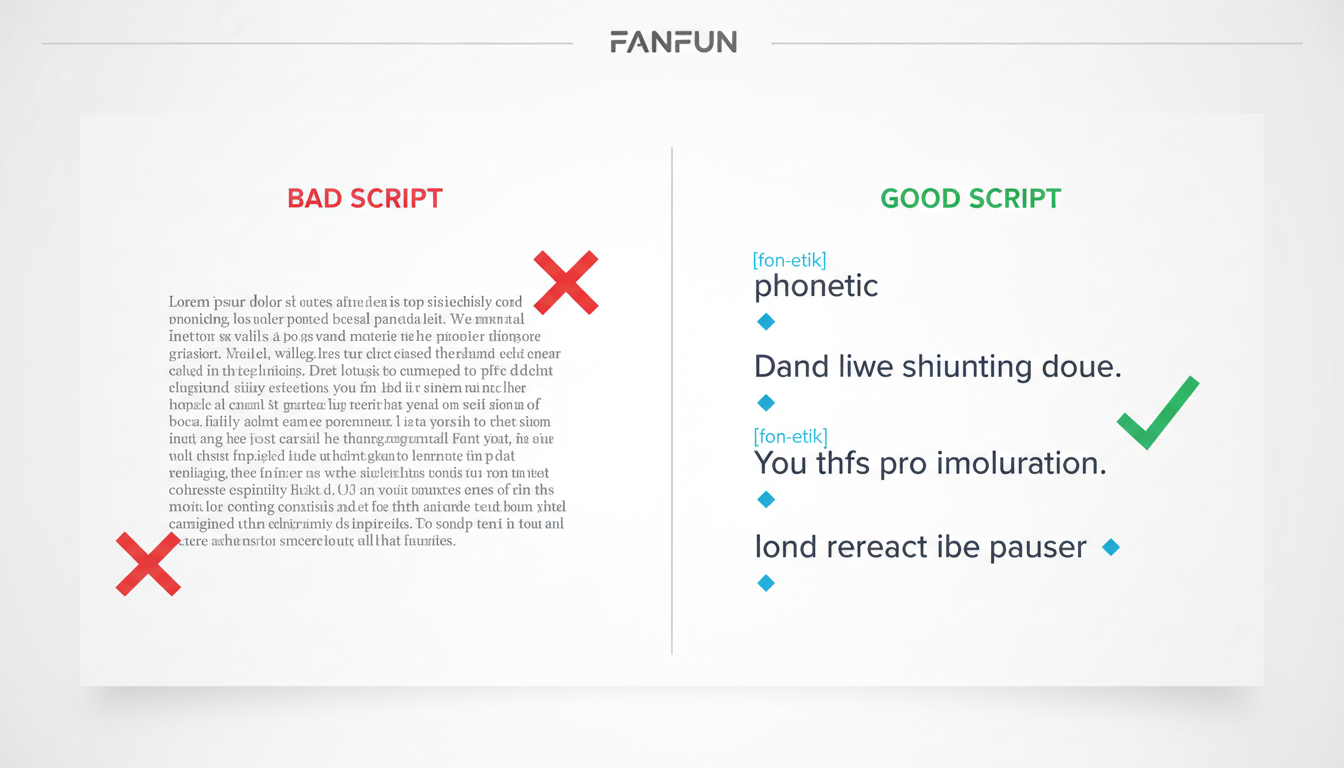
To write dynamic audio copy, you must prioritize short, punchy fragments over perfect grammatical structures. Use sensory words and active verbs. Instead of writing, 'Our cloud-based storage solution facilitates seamless file transfers across multiple devices,' write, 'Drop a file here. Boom. It's on your phone, your tablet, and your laptop instantly.' The latter gives the AI voice generator concrete, high-energy words to emphasize, creating natural peaks and valleys in the audio.
The 'Speak-Aloud' Rule: Pacing, Pauses, and Phonetic Spells
Before you generate a single line of audio, you must read your script out loud. If you stumble over a transition, or if you run out of breath before finishing a sentence, your script is too dense. AI voiceovers require intentional formatting to sound truly human. You can guide the AI's pacing by using punctuation as physical stage directions:
- Commas (,): Create short, natural breathing room.
- Ellipses (...): Force a lingering, dramatic pause that builds anticipation for the next word.
- Em-dashes (—): Signal a sudden shift in tone or a rapid-fire follow-up point.
Another critical hurdle is how the AI pronounces brand names, acronyms, and industry jargon. If your SaaS tool is called 'Veloce,' the AI might read it as 'Veh-loss' instead of 'Veh-low-chay.' To fix this, use phonetic spelling in your generator script. Write out 'SaaS' as 'sass,' 'API' as 'ay-pee-eye,' or 'UI' as 'you-eye.' By spelling out the sounds, you guarantee flawless pronunciation on the first run.
Selecting and Directing Your Digital Voiceover Talent
Your product has a unique identity, and the voice representing it should match that energy. A security software demo needs a voice that commands trust and calm authority, while a trendy consumer gadget demo needs a voice that feels like an excited friend showing you a cool new life hack. Using the wrong voice archetype can create cognitive dissonance that drives viewers away.
To find the perfect match, you need to evaluate different voice styles based on your target audience's emotional triggers. Here is a quick breakdown of common voice archetypes and where they shine:
| Voice Archetype | Ideal Product Category | Emotional Trigger | Vocal Vibe |
|---|---|---|---|
| The Energetic Coach | Fitness, Productivity, EdTech | Motivation, Urgency | Bright, fast-paced, highly encouraging |
| The Calm Authority | FinTech, Security, Enterprise SaaS | Trust, Peace of Mind | Deep, steady, reassuring, measured |
| The Playful Creator | D2C Gadgets, Creative Tools, Gaming | Curiosity, Fun | Conversational, expressive, slightly informal |
| The Friendly Guide | Onboarding, Utility Apps, Settings Walkthroughs | Clarity, Ease of Use | Warm, clear, patient, helpful |
When you use Fanfun, you aren't limited to generic, nameless voices. You can explore a diverse library of character-rich styles to choose and direct digital voiceover tools that match your brand's unique energy. Whether you need a voice that sounds like a legendary sports coach hyping up a new fitness tracker, or a playful, animated character introducing a mobile game, matching the archetype to the audience is what turns a cold demo into a warm invitation.
Step-by-Step: Generating and Layering Your Custom Demo Audio
Creating a high-impact demo requires clean execution. Simply generating a single audio file and dropping it onto a video timeline rarely works. You need to treat the audio like a multi-layered production where voice, music, and sound effects work in harmony.
- Generate in Segments: Never paste your entire 2-minute script into an AI voice generator at once. Instead, generate your voiceover in clean, logical segments (usually 10 to 20 seconds long) corresponding to your visual scenes. This makes it incredibly easy to adjust pacing, swap out individual lines, and align the audio perfectly with on-screen actions.
- Establish the Voice as the Anchor: Place your voiceover tracks on your main audio lane. Ensure they are normalized so the volume is consistent throughout the entire video.
- Layer the Background Music: Choose a background track that matches the energy of your voice. For B2B software, a subtle, upbeat lo-fi or electronic track works best; for consumer products, go with something punchier. Crucially, drop the volume of the music track down to between -18dB and -22dB. The voiceover must always remain the clear focal point, never fighting the music for dominance.
- Inject Sound Design: To keep retention high, sync subtle sound effects with visual transitions and voiceover cues. When the voiceover says, 'Just click here,' add a crisp mouse-click sound effect. When transitioning to a new feature screen, add a soft swoosh or pop. These small auditory markers keep the viewer's brain engaged and focused on the screen.
By taking the time to layer and sync custom character voiceovers for video clips, you elevate your product demo from a basic screen recording to a cinematic, high-retention marketing asset.
Measuring Success: How Voiceover Quality Drives Demo Retention
Ultimately, the quality of your voiceover directly impacts your bottom line. When analyzing your video performance metrics, pay close attention to the first 3 to 5 seconds of your retention curve. This is the 'hook phase.' If you see a steep drop-off right at the start, it is a clear sign that your opening voiceover and visuals failed to capture attention.
A great way to optimize your demos is through A/B testing. Create two versions of the exact same video walkthrough. In Version A, use a standard, neutral, corporate-style voiceover. In Version B, use a high-personality, character-driven voiceover generated through Fanfun. Run them as ads or landing page variations and track key performance indicators like average watch time, drop-off rates, and call-to-action click-through rates. More often than not, the version with the distinct, humanized voiceover will keep viewers watching longer, leading to higher brand recall and better conversion rates.
Demo Voiceover Pre-Flight Checklist
Before publishing your next product demo, run through this quick quality checklist:
- Is the script written in short, conversational fragments rather than long sentences?
- Did you read the script aloud to check for awkward phrasing and breathing points?
- Have you used phonetic spelling for all brand names, acronyms, and technical jargon?
- Is the background music mixed low enough (-18dB to -22dB) to keep the voiceover clear?
- Do key visual transitions have subtle, synced sound effects to maintain viewer focus?
How do I make my product demo voiceover sound more natural?
To make your product demo voiceover sound natural, write your script exactly how people talk—using short sentences, contractions, and casual transitions. Use punctuation like ellipses (...) and commas to force the AI voice generator to take natural pauses. Finally, use phonetic spelling for brand names and industry terms so the AI pronounces them perfectly.
What is the best AI voice generator for product demos?
The best AI voice generator is one that offers high-personality, expressive voices rather than flat, robotic tones. Fanfun is an exceptional choice because it provides access to a diverse library of character-rich, dynamic voices that capture attention instantly, making it perfect for high-retention social media demos and landing pages.
How long should a product demo voiceover script be?
For social media platforms like TikTok, Reels, or YouTube Shorts, your script should be highly focused and last between 30 to 60 seconds (roughly 75 to 150 words). For a homepage or landing page product walkthrough, aim for 90 to 120 seconds (roughly 225 to 300 words) to cover key features without losing viewer engagement.
Can I use character or celebrity-style voices for B2B product demos?
Yes, absolutely. While enterprise software might require a more measured, trustworthy tone, many modern B2B brands use playful, energetic, or distinct character-style voices to stand out in crowded feeds. Using an engaging, high-personality voice makes your software feel approachable, fun, and memorable compared to dry competitor videos.



