
The High-Context Hook: How to Build High-Converting Video Ads Without the Production Price Tag
Stop wasting thousands on glossy, over-produced video ads that audiences instantly swipe past. Discover how to leverage high-context social formats, smart pacing, and instant AI voice tools to build high-converting campaigns on a bootstrapper's budget.
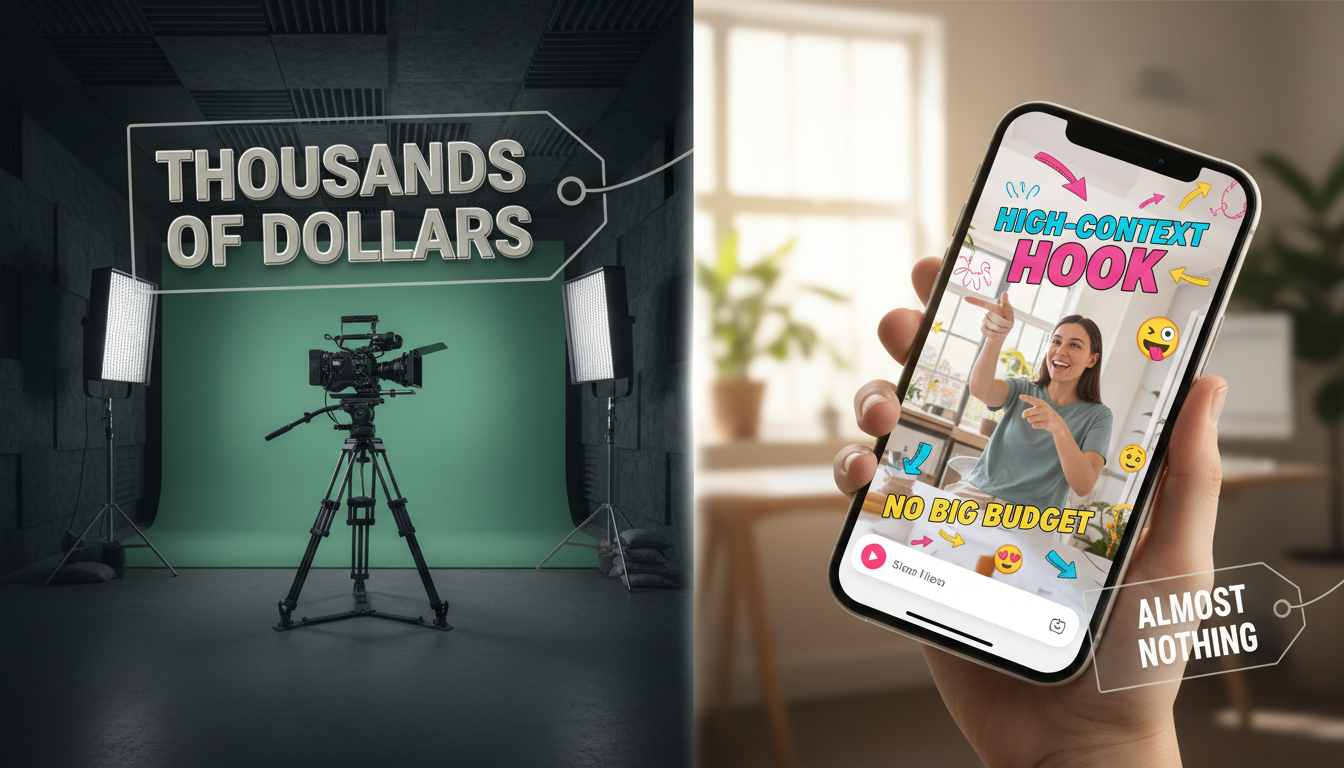
The era of the multi-thousand-dollar studio shoot for social media ads is effectively over. Audiences scrolling through TikTok, Instagram Reels, or YouTube Shorts have developed an acute radar for overly polished, clinical corporate commercials, swiping them away in a fraction of a second. To capture attention today, brands must pivot from high-production aesthetics to contextual relevance.
By matching the native visual style, pacing, and cultural humor of organic feeds, bootstrapped marketers can build highly engaging campaigns that outperform traditional studio productions. With the right structure, smart asset sourcing, and flexible tools like Fanfun, you can produce high-converting video ads in minutes for a fraction of the cost of a traditional creative agency.
The Death of the Glossy Ad (And the Rise of High-Context Video)
For years, the standard playbook for video advertising was simple: hire a production crew, rent a studio, cast professional actors, and spend weeks in post-production. But on modern social platforms, this high-gloss approach actively works against you. Highly polished, agency-produced ads trigger immediate "ad blindness." The moment a user senses a commercial, their thumb moves.
The antidote is "high-context" video. These are ads that blend seamlessly into a user's organic feed because they use the same visual language, pacing, and audio cues as non-sponsored content. They look like they were made by a creator, a friend, or a meme page, not a corporate marketing department. When an ad feels native to the platform, viewers lower their guard, allowing you to deliver your message before they even realize they are watching a promotion. Explore our deep dive on how to script and launch high-impact AI video ads on a bootstrapper's budget to see how this shift is leveling the playing field for emerging brands.
This is where Fanfun redefines the production pipeline. Instead of waiting weeks for voice talent or paying licensing fees for recognizable character styles, Fanfun allows brands to generate highly engaging, culturally relevant video and audio assets instantly. By leveraging familiar voice tones, pop-culture references, and interactive formats, you can create ads that immediately resonate with specific subcultures and online communities without traditional studio overhead.
The Three-Part Anatomy of a Bootstrapped Video Ad
To convert cold traffic in a 15-to-30-second window, your video cannot afford a slow build-up. It needs a highly structured, fast-paced sequence that guides the viewer from curiosity to action. Every second must serve a psychological purpose.
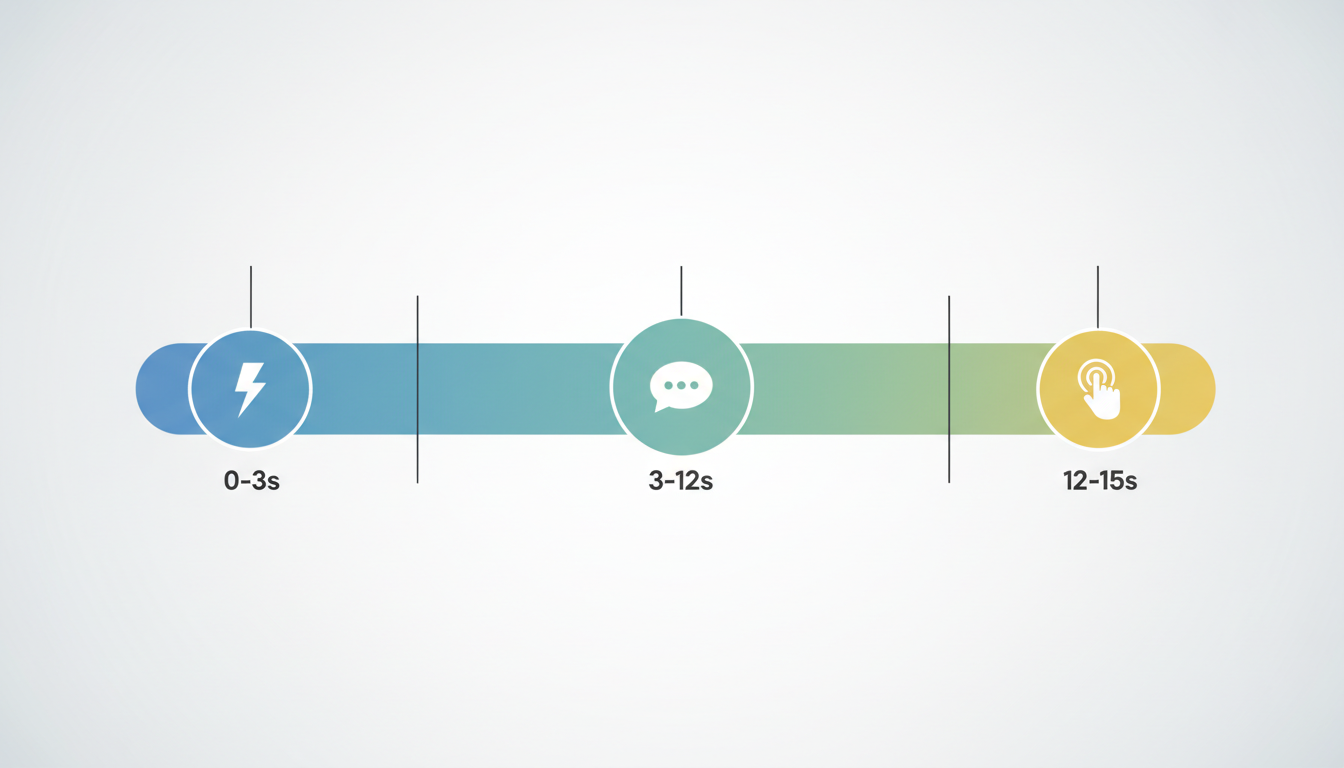
The 15-Second Breakdown
- 0–3 Seconds: The Pattern Interrupt. You must disrupt the user's scrolling momentum. This is achieved not through a corporate logo, but through an unexpected visual, a bold text overlay, or a surprising audio cue. The goal is to make the viewer ask, "What is happening here?"
- 3–12 Seconds: The Relatable Pain Point & Solution. Introduce the problem in a highly conversational, casual way. Instead of listing product features, show the real-world frustration your product solves. Keep the visual dynamic—use quick cuts, screen recordings, or split-screens to maintain visual momentum.
- 12–15 Seconds: The Native CTA. End with a direct, low-friction call to action that matches the platform's user interface. Use phrases like "Tap the link below to try it" or "Swipe up to grab yours," accompanied by simple, native-looking graphic buttons.
Balancing entertainment value with a clear commercial message is the secret to high conversion rates. If your ad is purely entertaining, viewers will watch but won't buy. If it is purely commercial, they will swipe past. High-context ads find the sweet spot by wrapping a genuine solution inside a format that feels fun, interactive, and native to the scroll.
Sourcing High-Impact Audio and Voice Assets on a Budget
It is a well-known industry rule that viewers will tolerate average video quality, but they will immediately abandon a video with bad audio. Relying on generic, robotic text-to-speech voices makes your brand look untrustworthy and cheap. Conversely, hiring professional voice actors for every ad variation is highly expensive and slows down your testing cycle.
Using an AI Voice Generator like Fanfun solves both problems. It allows you to inject genuine personality, humor, and recognizable character styles into your ad narration instantly. Whether you need an energetic, creator-style voiceover, a dramatic movie-trailer delivery, or a lighthearted character voice to read your script, you can generate high-quality audio files in seconds. This allows you to run rapid A/B testing on different voice directions to see which style drives the highest click-through rates.
To maximize engagement, you should also layer trending sound effects and background tracks beneath your voiceover. Platforms like TikTok and Instagram Reels are driven by audio trends. When you learn how to leverage an AI meme sound generator to build viral-ready audio assets, you can easily synchronize your promotional message with the soundscapes that are already dominating social feeds, making your ad feel even more organic and culturally relevant.
Creator-Style vs. AI-Driven Video Formats: A Cost-Benefit Matrix
Marketers have several low-budget avenues for creating high-context video ads. Choosing the right format depends heavily on your budget, turnaround requirements, and campaign goals. While traditional User Generated Content (UGC) remains highly popular, AI-driven character promos and hybrid formats are rapidly gaining traction due to their speed and scalability.
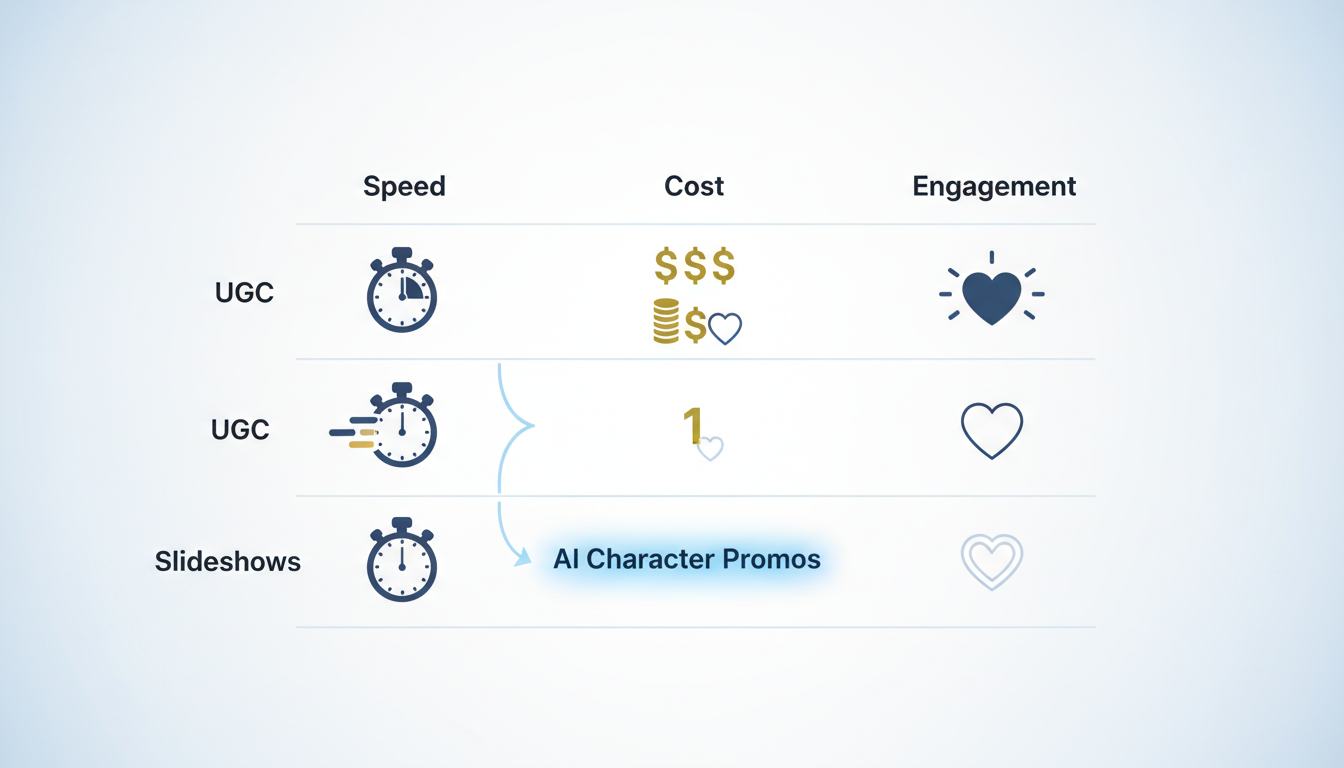
| Format | Average Cost | Production Speed | Conversion Potential | Scalability |
|---|---|---|---|---|
| Traditional UGC | Moderate to High ($150 - $500+ per video) | Slow (1 - 2 weeks for shipping & filming) | High (Relatable, authentic feel) | Low (Requires constant outreach & negotiation) |
| AI Character Promos (Fanfun) | Very Low (Subscription/Credits) | Instant (Minutes) | Very High (High-novelty hooks) | Extremely High (Generate dozens of variations) |
| Slideshow / Screen-Record | Zero | Fast (Hours) | Moderate (Highly informational) | High (Easy to templats and replicate) |
While traditional creator partnerships can drive solid results, they often suffer from long turnaround times and high upfront fees. If you want to scale your creative testing, check out our playbook on scripting high-impact creator shoutouts without studio budgets. Fanfun bridges this gap beautifully, offering the high-impact personality of a classic creator collaboration with the instant turnaround, flexibility, and affordability of fully automated tools.
Scripting for Conversions: A Copy-and-Paste 15-Second Template
Ready to build your first high-context video ad? Use this versatile, conversion-focused script template. It is designed specifically for fast-paced short-form platforms where keeping momentum high is critical to preventing swipes.
[0:00 - 0:03] Hook: "Unpopular opinion: Stop doing [Common industry practice] the hard way. Look at this instead." (Visual: Split screen showing a chaotic, stressful action on top, and your clean, easy solution on the bottom)
[0:03 - 0:12] Body: "Most people waste hours on [Specific pain point], but this tool does it in exactly three clicks. You just [Action 1], [Action 2], and you're done." (Visual: Fast-paced screen recording of the product in action, with rapid zoom-ins on the most satisfying parts)
[0:12 - 0:15] CTA: "Stop struggling. Tap below to try it for yourself today." (Visual: Simple native text overlay pointing down toward the ad's call-to-action button)
Example: Applying the Template to a Productivity App
Let’s see how a fictional productivity app called "FocusFlow" would adapt this exact template using a fast-paced, AI-narrated format:
- Hook (0-3s): "Unpopular opinion: Stop trying to organize your day with messy sticky notes. Look at this instead." (Visual: A close-up video of a desk covered in chaotic yellow sticky notes falling off a monitor, cut quickly to a clean digital dashboard)
- Body (3-12s): "Most people waste hours planning their schedule, but FocusFlow auto-blocks your calendar in three clicks. You just import your tasks, hit optimize, and let the AI do the rest." (Visual: Screen recording zooming in on a single click that instantly organizes a messy calendar into beautiful, color-coded blocks)
- CTA (12-15s): "Stop wasting time. Tap below to get FocusFlow for free." (Visual: A clean graphic with a mouse cursor clicking an on-screen 'Get Started' button)
When editing this ad, follow a strict "zero-dead-air" rule. Cut out every single breath, pause, or hesitation between words. On social media feeds, even a half-second of silence is an invitation for the user to swipe away. Keep your cuts fast, make your text overlays bold and easy to read, and let your high-context audio do the heavy lifting.
How much does it cost to make a good video ad?
With traditional agencies, a single video ad can cost anywhere from $1,000 to $10,000+. However, by using high-context social formats, screen recordings, and AI tools like Fanfun, you can produce highly effective, professional-sounding video ads for under $50, utilizing basic editing software and your smartphone.
Do low-budget video ads actually convert as well as professional ones?
In many cases, they convert significantly better. Highly polished ads often trigger immediate "ad blindness" because they look like corporate commercials. Low-budget, native-feeling, high-context ads blend into organic social feeds, resulting in higher watch times and stronger conversion rates.
What is the best video editing software for beginners on a budget?
For beginners, free or low-cost tools like CapCut, Canva, and DaVinci Resolve are excellent choices. They offer robust, user-friendly features, native social media templates, and mobile-friendly interfaces that make fast-paced, high-context video editing incredibly simple.
How long should a social media video ad be to hold attention?
The sweet spot for social media video ads (TikTok, Instagram Reels, YouTube Shorts) is between 15 and 30 seconds. Keeping your ad under 30 seconds forces you to keep your hook immediate, your pacing tight, and your call to action clear, maximizing viewer retention.



