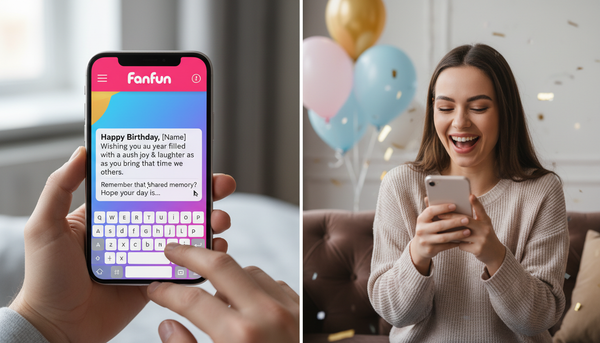
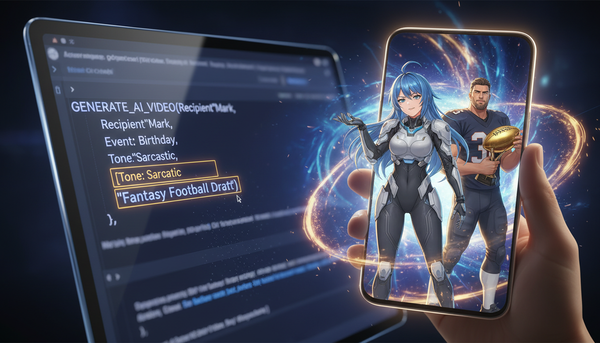
The Director’s Guide to the Personalized AI Shoutout: Crafting High-Impact Virtual Cameos That Actually Feel Real
Traditional celebrity shoutouts often feel rigid and generic. By shifting from a passive buyer to an active director, you can use AI tools to craft hyper-personalized, culturally relevant video messages instantly.
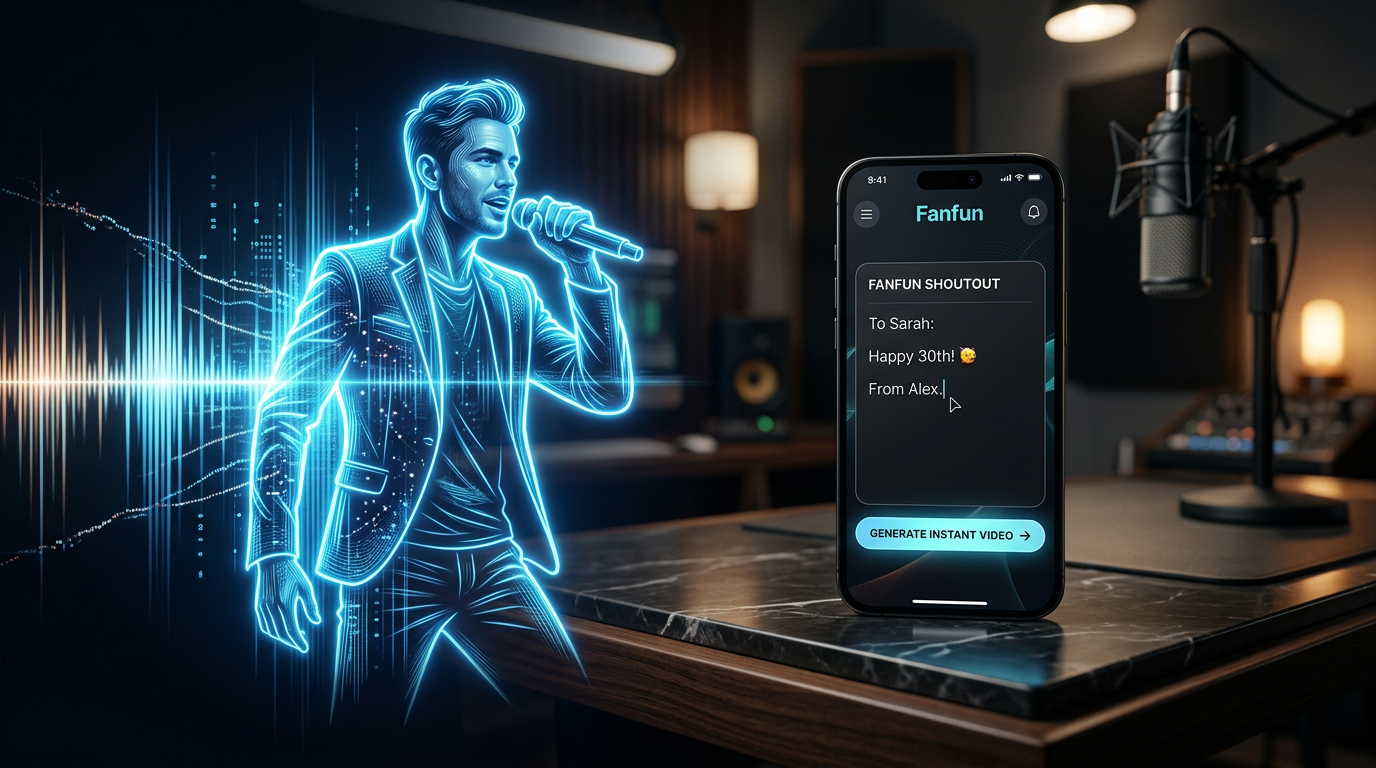
For years, the formula for a personalized celebrity milestone video was entirely passive. You paid a premium, filled out a rigid text box, and waited days or weeks hoping a celebrity would bring energy to your written script. Too often, the result was a rushed, dry reading of a generic greeting. The magic of a personalized message isn't just seeing a famous face; it is the feeling that the speaker actually understands the recipient, the inside joke, or the specific cultural moment being referenced.
Generative AI has fundamentally changed this dynamic. By shifting the user from a passive buyer to an active creative director, platforms like Fanfun allow you to control the pacing, tone, and exact script of your favorite AI personas. To make these virtual cameos truly land, you must move beyond typing literal text and learn how to direct the AI performance. This guide breaks down the structural mechanics, phonetic tricks, and scripting frameworks required to craft a high-impact personalized AI shoutout that feels genuinely real.
The Shift from Passive Booking to Active Direction
Traditional celebrity booking platforms are constrained by human limitations. High costs, long turnaround times, and the creative fatigue of real-world stars mean that your custom script is often stripped down to its barest bones. When a creator or gift-giver wants to capture a highly specific cultural meme or an incredibly niche inside joke, legacy platforms struggle to deliver. If you want to explore how instant AI is redefining personalized celebrity messages, the answer lies in creative control.
AI personalization flips this dynamic by eliminating the booking window entirely. Instead of submitting a request and hoping for the best, you work directly with an AI engine that executes your vision in real time. This immediate feedback loop allows you to test different comedic angles, tweak the delivery, and refine the narrative structure until it hits the exact note you need. On Fanfun, users aren't just consumers waiting on a delivery queue; they are in the director's chair, utilizing a growing library of licensed and original AI personas to generate instant, affordable, and highly customized video messages. This is the core philosophy behind why modern creators are choosing to skip the booking window entirely for a frictionless production experience.
Anatomy of a High-Impact AI Shoutout Script
A great AI shoutout starts with understanding that AI engines process text differently than human actors. Writing a literal script exactly as you would read it often results in a flat, robotic delivery. To bypass this, you need to structure your script with specific cues, phonetic spelling, and a clear narrative progression. You are no longer just writing a greeting; you are building an interactive performance that bypasses the limitations of legacy shoutouts. In fact, understanding how to write without boundaries is key to unlocking the infinite script potential of personalized celebrity AI.
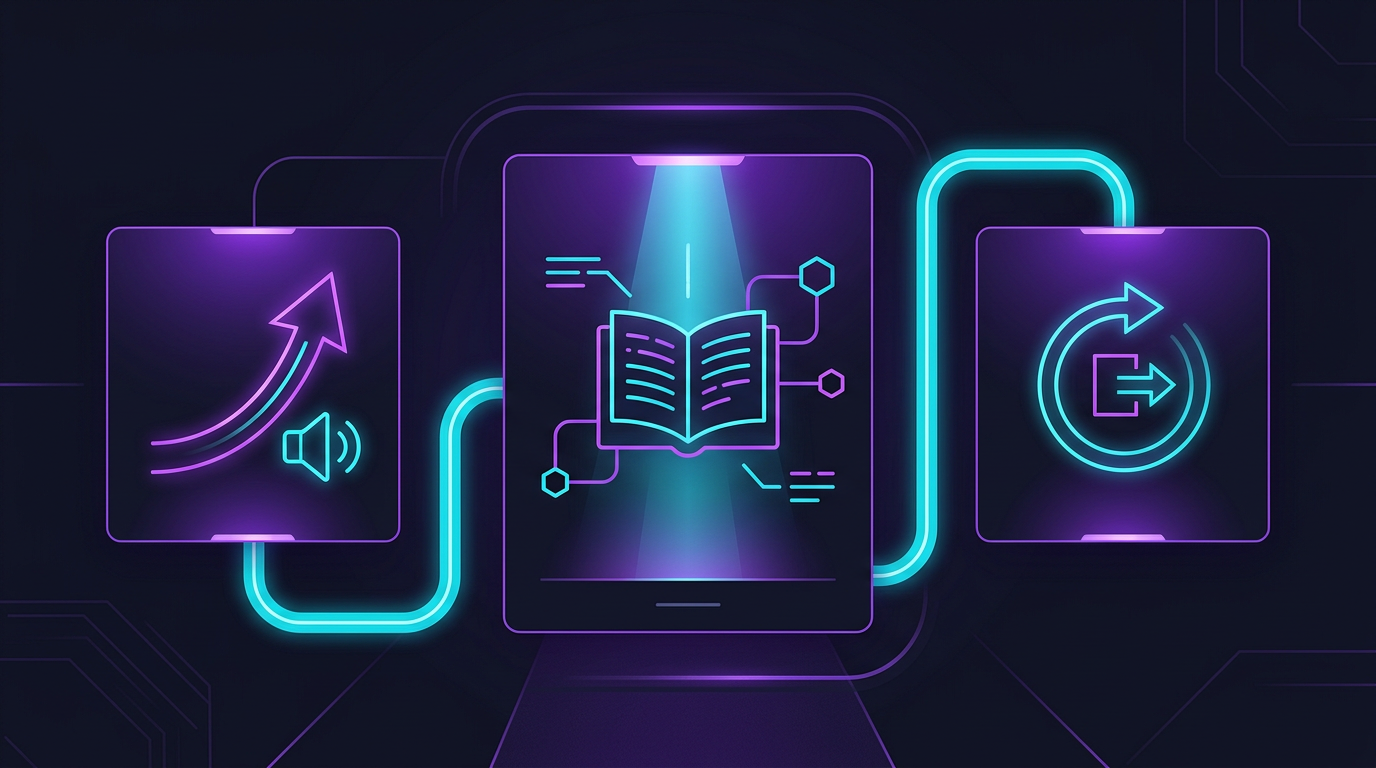
The most successful AI shoutouts follow a strict three-part formula designed to capture attention immediately, deliver the core message, and exit with an iconic punchline:
- The Hook (0-10 seconds): Establish immediate personalization. Use the recipient's name or a highly specific, unexpected detail in the very first sentence to prove this isn't a generic template. Avoid generic greetings like "Happy Birthday, John!" Instead, try: "John, put down the cold brew and listen to me closely..."
- The Meat (10-45 seconds): This is the core message, roast, or promotional pitch. It should carry the signature vocabulary and attitude of the chosen AI persona, blending their established cultural style with your custom details. If the persona is known for sarcasm, lean heavily into sharp, fast-paced observations.
- The Sign-off (45-60 seconds): Conclude with the character's most recognizable catchphrase or an iconic sign-off line, leaving the viewer with a strong sense of nostalgia or humor. This is the final anchor that cements the authenticity of the experience.
Writing for Specific Personas
When scripting, you must balance the persona's natural vocabulary with your custom message. If you are directing an AI anime character, lean into high-energy, dramatic declarations. If you are directing a sports legend or a cultural icon, adopt their specific slang, speech rhythms, and typical sentence lengths. Do not force a highly energetic persona into a dry, formal script; write to their strengths. For creators looking to maximize impact, utilizing an AI celebrity message generator guide can provide the structural framework needed to align character voice with high-impact delivery.
Pacing and Tone: Directing the AI Performance
An AI voice generator interprets punctuation as performance cues. To make the generated voiceover sound natural and dynamic, you must write with punctuation that mimics real human breathing and speech patterns. This is where you transition from a writer to an audio director.
To master this, refer to our complete guide on how to script and direct a personalized AI voice message. In practice, you can easily control the flow of your video by implementing these formatting rules:
- Ellipses (...) for Pauses: Use ellipses to create dramatic pauses, comedic timing, or natural transitions between thoughts. For example: "I heard you finally cleaned your garage... well... most of it."
- Em-Dashes (—) for Abrupt Shifts: Use dashes to simulate a sudden change of thought or a conversational interruption. This is highly effective for comedic rants or sudden real-time corrections.
- Phonetic Spelling for Complex Words: AI engines try to read words literally. For complex names, slang, or niche brand terms, spell them out phonetically in the interface (e.g., write "Fan-fun" instead of risking a flat pronunciation, or "buh-nan-uh" to alter emphasis).
The Creator's Playbook: AI Shoutouts for Content vs. Gifting
The strategies for creating a viral social media hook and a sentimental birthday gift are fundamentally different. Creators need speed, high energy, and broad cultural relevance, while gift-givers require deep personalization and intimate context.
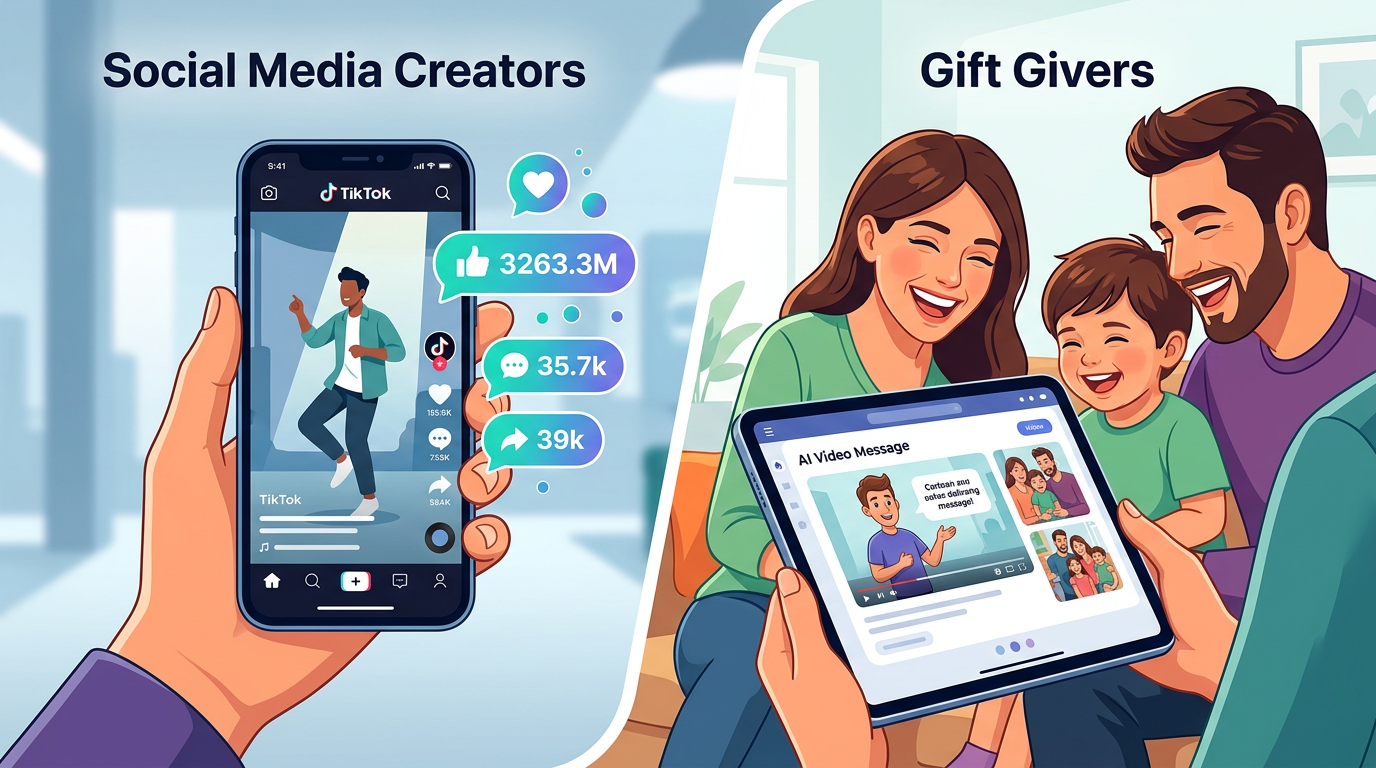
If you are creating a personal gift, you have the creative freedom to lean heavily into specific memories. You can even use these techniques for mastering the art of the AI roast for birthday videos to create a lighthearted, roast-style message that a real celebrity would never have the context or willingness to perform. This allows you to push the creative boundaries far beyond what standard shoutout platforms permit.
| Creative Element | Social Media Content Creation | Personal Gifting & Roasts |
|---|---|---|
| Target Length | 15 to 30 seconds | 45 to 60 seconds |
| Script Focus | Broad cultural memes, reaction hooks, fast pacing | Inside jokes, specific milestones, deep personalization |
| Pacing | Rapid-fire, high-energy delivery | Conversational, balanced pauses, emotional variety |
| Call to Action | "Like, comment, subscribe" or a hook to watch more | A warm birthday wish, congratulations, or a final roast |
Overcoming the 'Uncanny Valley' in AI Video Generation
The "uncanny valley" occurs when an AI-generated video tries too hard to pass as an exact, flawless human recording and falls slightly short, creating a distracting experience for the viewer. The key to bypassing this is to embrace the medium's strengths rather than trying to hide them. Viewers love AI content when it is creative, self-aware, and highly entertaining. Instead of trying to make the video seem like an accidental FaceTime call, frame it as a stylized, intentional piece of digital art or a high-energy meme.
Keep your scripts under 60 seconds. Shorter videos maintain a significantly higher level of visual and auditory fidelity, keeping the viewer focused on the humor and the message rather than looking for minor rendering imperfections. Finally, always pair your generated video with appropriate background music or subtle sound effects. Adding a low-volume backing track not only masks minor synthetic audio artifacts but also establishes a professional, cohesive atmosphere that makes the entire shoutout feel like a polished, studio-directed production. On Fanfun, you can experiment with these layers instantly, combining voice, video, and character personality to craft a final product that is far more engaging than a simple, static webcam recording.
How do I make an AI shoutout sound natural and not robotic?
To make an AI shoutout sound natural, write your script using conversational punctuation. Use ellipses (...) to force natural pauses, em-dashes (—) for abrupt shifts in thought, and spell out difficult names or slang phonetically (e.g., spelling "karaoke" as "carry-oke") so the generator pronounces them with the correct emphasis.
Can I use personalized AI shoutouts for commercial or promotional videos?
Yes, but it depends on the platform's terms of service and the specific AI persona you are using. Fanfun offers a variety of original and licensed characters that are perfect for creator promos, brand shoutouts, and social media marketing campaigns. Always check the licensing terms of the specific persona before running paid ads.
How long does it take to generate a personalized AI video message?
Unlike traditional celebrity booking platforms that can take days or weeks, AI-generated video messages on Fanfun are delivered instantly. Once you input your customized script and select your persona, the video renders and is ready for download in just a few minutes.
What is the best way to write inside jokes in an AI script?
Keep inside jokes concise and provide context clues within the script so the AI persona can deliver them with the right emotional tone. Instead of just mentioning a place or event, wrap it in a descriptive sentence—for example, write "that legendary, chaotic road trip to Austin" instead of just "Austin" to give the AI the contextual cue to sound excited.