The Director’s Playbook: How to Direct AI Celebrity Greetings That Sidestep the Uncanny Valley
Most AI celebrity greetings fail because creators treat the technology like a generic text-to-speech engine. Discover how to step into the director's chair and manipulate script rhythm, phonetic spelling, and audio mixing to produce digital performances that feel genuinely alive.
Most AI celebrity video and audio greetings miss the mark because creators treat the underlying technology like a static text-to-speech engine. They paste a generic message into a text field, hit generate, and wonder why the output sounds like an automated customer service line. When a digital performance feels flat, robotic, or falls squarely into the uncanny valley, the issue is rarely the capability of the AI synthesis engine—it is almost always a lack of creative direction.
To produce a personalized greeting that actually lands, you must stop acting as a passive prompt-typer and step into the role of an audio-visual director. By manipulating script rhythm, phonetic spellings, vocal pacing, and contextual audio layering, you can transform a sterile digital voice into a high-energy, culturally aligned performance. This playbook outlines the exact techniques you need to direct AI celebrity assets on Fanfun to create highly engaging, personalized content that feels authentic from the first frame to the last.
The Director's Dilemma: Why Most AI Celebrity Greetings Fall Flat
When someone receives a traditional celebrity shoutout, they expect to see the star's natural charisma, idiosyncratic pauses, and unique cadence. However, legacy platforms often leave fans waiting for weeks, only to receive a hurried, uninspired video read from a generic script. This has driven creators and gift-givers to seek modern alternatives that offer immediate creative control, a topic we explore in depth in our guide on the frictionless fan experience: why creators and gift-givers are trading legacy celebrity message apps for real-time AI.
The trap of AI-generated content is relying on default, unedited templates. When an AI voice generator processes a standard block of text without specific cues, it reads it with uniform spacing and perfect grammatical pronunciation. Real people do not speak this way. Humans hesitate, swallow syllables, emphasize odd words, and use regional slang. Fanfun shifts the paradigm from waiting weeks for a human celebrity to instantly directing an AI interpretation in minutes, but the quality of that interpretation relies entirely on your direction.
Furthermore, legacy platforms restrict you to the creative limitations of whatever the celebrity feels like doing that day. If you want a hyper-specific, deeply personalized narrative, you are often out of luck. By transitioning to an AI-driven model, creators unlock what we call the infinite script: how personalized celebrity AI solves the creative limits of legacy shoutouts. But to wield this infinite script effectively, you must understand how to write for the ear, not the eye.
Structuring the Script: Writing for the Voice, Not the Page
Writing a script for an AI voice engine requires a completely different approach than writing for a human reader. If a script looks grammatically perfect on paper, it will likely sound incredibly robotic when spoken by an AI. You must write for how the words sound, not how they are spelled.
For a deeper dive into crafting scripts specifically for milestone events, check out our guide on how to script a celebrity AI birthday wish that avoids generic templates. Once you have your core concept, apply these three fundamental rules of AI script direction:
1. The Phonetic Scrubbing Method
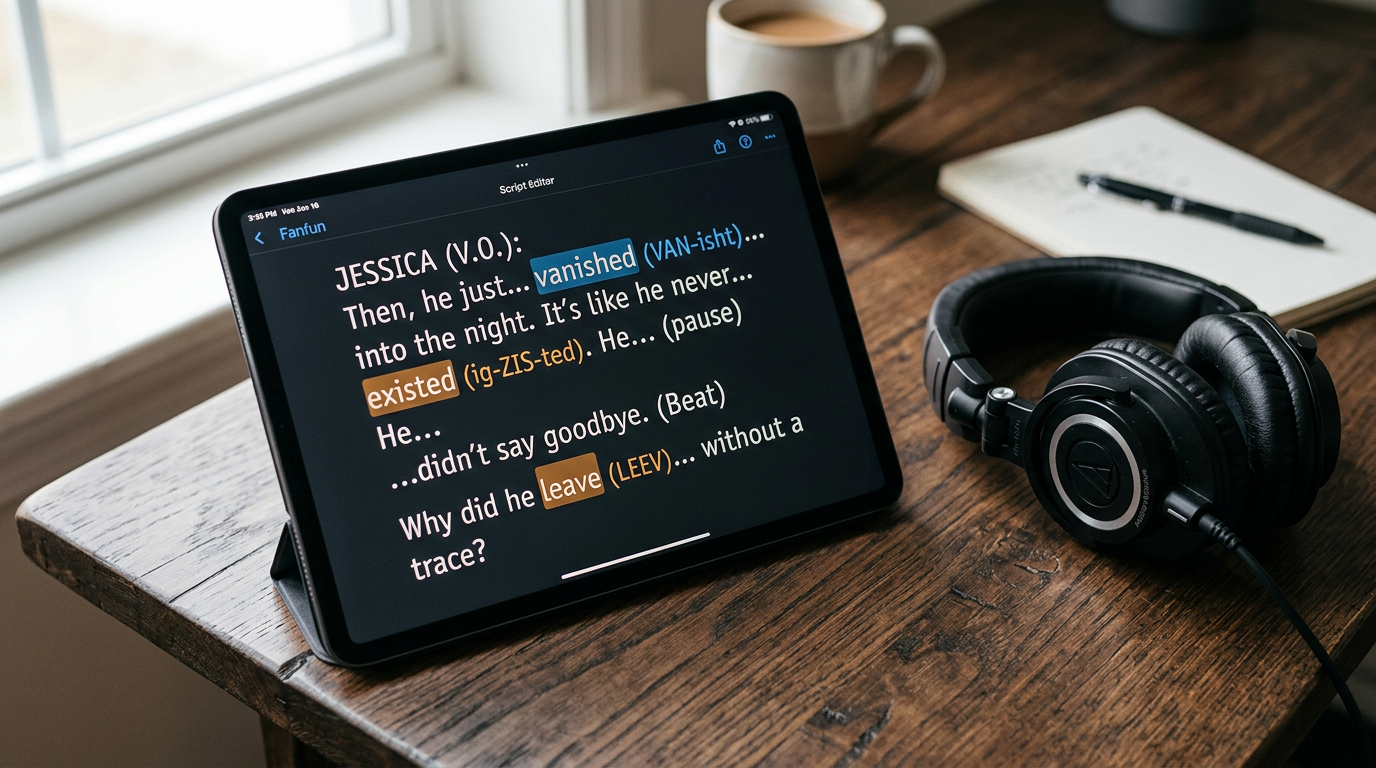
AI models are trained on standard dictionaries. If your script includes a highly unique name, an inside joke, or regional slang, the AI will try to pronounce it literally, breaking the illusion of realism. You must spell difficult words phonetically to guide the generator. For example, instead of writing "Heineken," write "Hy-neh-ken." Instead of "Cara," write "Care-uh" or "Car-uh" depending on the desired pronunciation. Always run a test generation of the name before finalizing the full script.
Consider regional accents and local colloquialisms as well. If your character is an anime icon or a sports legend with a distinct regional drawl, standard English spellings will force a standardized accent. To get a relaxed, authentic delivery, write words like "going to" as "gonna," or "what are you" as "whatcha." This small adjustment instantly breaks the sterile, robotic cadence of default text-to-speech engines.
2. The "Breath and Pause" Rule
Human speakers need to breathe, and they use pauses to create dramatic tension or comedic timing. To force the AI to pause naturally, you must use non-standard punctuation. Commas create short pauses, em-dashes (—) create medium pauses, and ellipses (...) create long, reflective pauses. Compare these two script lines:
- Standard: "Happy birthday John, I hope you have a great day today in Chicago."
- Directed: "Happy birthday, John... I hope you have a... great day today—down in Chi-town."
The second version introduces natural hesitation and rhythm, making the digital performance feel spontaneous rather than synthesized.
3. Emphasizing the Right Syllables
In natural speech, we rarely apply equal weight to every word in a sentence. We lean into verbs, stretch out adjectives, and clip our conjunctions. To direct an AI voice to emphasize a specific word, try using capitalization, italics, or strategic word repetition. For example, writing "You did NOT just do that" yields a completely different vocal energy than "You did not just do that." These subtle typographic cues tell the synthesis engine where to pitch up and apply vocal pressure, which is essential for capturing the high-impact delivery discussed in our guide on how creators and gift-givers leverage an AI celebrity message generator for high-impact delivery.
Pacing, Tone, and Context: Fine-Tuning the Performance
Once your script is structured, the next phase of direction is fine-tuning the delivery parameters. The emotional context of the greeting must match the vocal output. A high-energy birthday wish requires a faster pace and upward inflections, while a sarcastic roast demands slower delivery, lower pitches, and deadpan pauses.
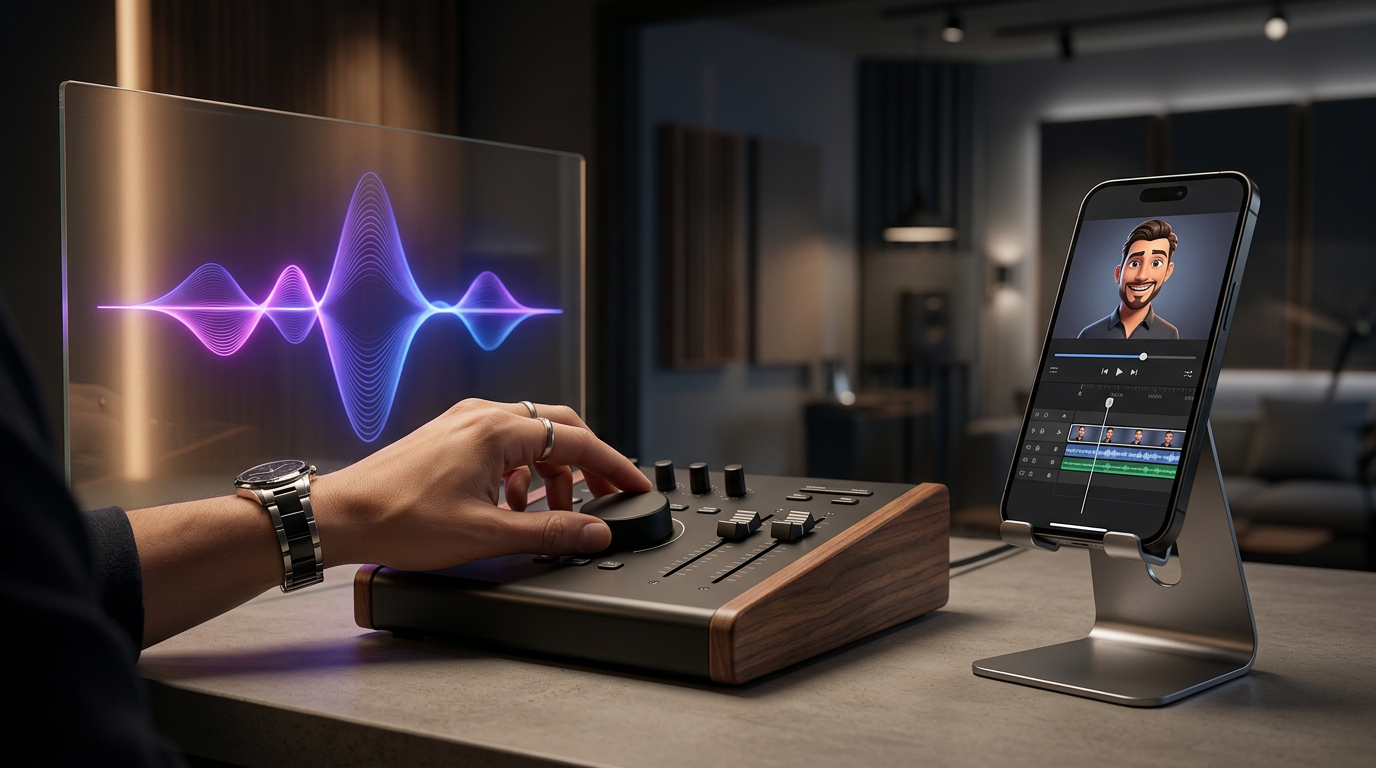
To master the technical side of mixing and pacing these digital performances, read our complete audio director's playbook for AI voiceovers. Beyond adjusting the speed and tone parameters inside the generation tool, you should consider the auditory environment. In the real world, voices are rarely heard in absolute, sterile silence. Adding a subtle layer of background audio—such as low crowd noise, a faint music track, or ambient room tone—does wonders for realism. This background layer effectively masks minor AI artifacts and anchors the voice in a physical space, making the final export sound like it was recorded on location.
Advanced Direction: Simulating Real-World Environments
To truly push your AI celebrity greetings past the uncanny valley, you must think like an acoustic engineer. When a real celebrity records a quick video shoutout, they are rarely in a professional, soundproofed recording booth. They are usually walking down a busy street, sitting in a echoing hotel room, or backstage at a noisy venue. The absolute silence of a raw AI generation is actually a giveaway that the clip is synthetic.
By intentionally introducing "imperfect" environmental audio, you trick the listener's brain into accepting the voice as authentic. Here are three environmental profiles you can replicate in your post-production or mixing phase:
- The Backstage Pass: Layer a very low-volume track of muffled crowd chatter, bass-heavy music bleeding through a wall, and occasional walkie-talkie static behind the AI voice. This makes the greeting feel like an exclusive, real-time dispatch sent directly from a live event.
- The Car Vlog: Add a subtle, low-frequency rumble (road noise) and the occasional click of a turn signal. This common format is highly familiar to social media users, making the AI greeting feel like a casual, spontaneous video story.
- The Living Room: Introduce a faint room tone with a tiny hint of natural reverb. A completely dry voice sounds unnatural; adding a touch of decay makes it feel like the character is standing in a real physical room.
For creators working on tight deadlines, managing these details instantly is crucial. If you are dealing with a time-sensitive trend or a last-minute gift, refer to our strategy on the zero-day turnaround: how to direct an instant celebrity video message for high-stakes moments to keep your production pipeline moving without sacrificing quality.
From Draft to Delivery: A 5-Step Direction Checklist
- Step 1: Persona Alignment: Audit the script to ensure it uses the character's natural vocabulary, catchphrases, and sentence lengths. Remove any overly formal language that the celebrity would never say in real life.
- Step 2: Phonetic Scrubbing: Read the script out loud exactly as it is written. Identify any unusual names, slang, or brand names, and replace them with phonetic spellings (e.g., "Fanfun" to "Fan-fun").
- Step 3: Pacing Pass: Insert punctuation-based pauses. Replace standard periods with ellipses (...) for dramatic pauses, and use em-dashes (—) to simulate sudden shifts in thought or high-energy transitions.
- Step 4: Vocal Weighting: Use capitalization, italics, or exclamation points to guide the AI's emphasis. Ensure the emotional climax of your message has the necessary typographical cues to trigger a high-energy vocal spike.
- Step 5: Contextual Mix: Generate the audio on Fanfun, listen for flow, and iterate if necessary. Once satisfied, layer in subtle background audio, room tone, or music to give the voice a physical space and mask any minor digital imperfections.
How do I make an AI celebrity voice sound more natural?
To make an AI voice sound natural, avoid standard grammatical writing. Use phonetic spellings for tricky words, and insert punctuation like ellipses (...) and em-dashes (—) to force realistic pauses, hesitations, and breathing patterns. Adding a subtle layer of background music or ambient noise also helps ground the performance.
Can I use AI celebrity greetings for commercial promotions?
Usage rights depend on the platform and the licensing agreements of the specific AI persona. Fanfun respects intellectual property and creative ethics, offering licensed personas. Always check the specific terms of service on Fanfun before using generated content for commercial or promotional campaigns.
How do I fix mispronounced names in an AI video generator?
If the AI mispronounces a name, do not spell it correctly in the script. Instead, write it out phonetically. For example, if the name is "Alba," and the AI is struggling with the vowel sound, try spelling it "Ahl-buh" until the generator outputs the correct pronunciation.
What is the turnaround time for generating an AI celebrity video on Fanfun?
Unlike legacy shoutout apps that take days or weeks, generation on Fanfun is virtually instant. You can input your directed script, adjust your settings, and receive your completed personalized video or audio message within minutes.