The Audio Director’s Playbook: How to Mix, Pace, and Contextualize AI Celebrity Voiceovers for High-Engagement Content
Raw text-to-speech outputs often sound flat and artificial. Discover how to actively direct, script, and mix AI celebrity voiceovers to achieve true immersion and high audience engagement.
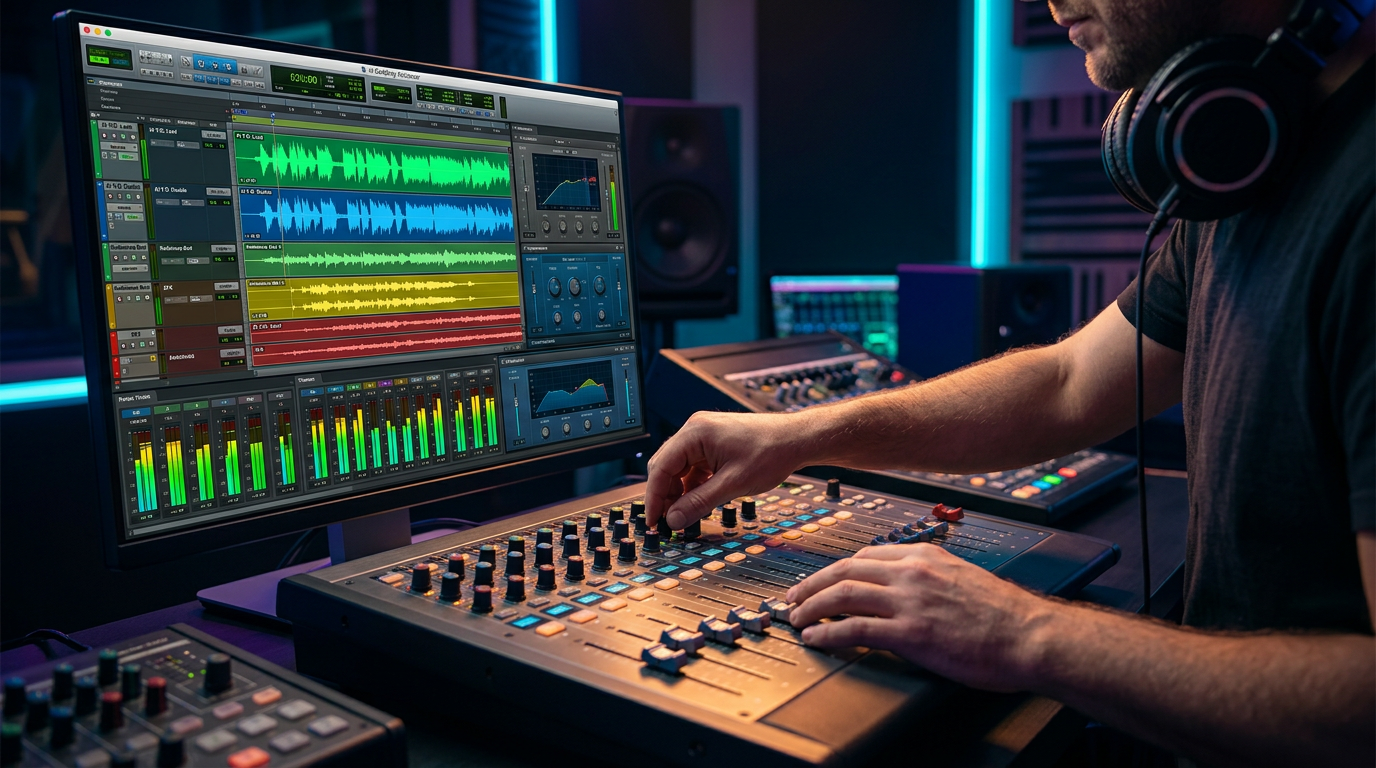
We have all heard the telltale signs of unedited artificial intelligence: a perfectly crisp, sterile voice speaking with an uncanny, metronomic rhythm. While generative audio technology has advanced leaps and bounds, a raw text-to-speech export rarely sounds like a living, breathing person. It lacks the micro-pauses, the environmental reflections, and the natural conversational cadence that human ears subconsciously expect. To bridge this gap, creators must stop treating voice generators as simple "set-and-forget" utilities and start acting like dialogue editors.
Whether you are producing a viral TikTok meme, a personalized birthday roast, or a commercial promo, the difference between an obviously synthesized track and a compelling performance lies in the direction. By mastering the art of script adaptation, strategic punctuation, and post-production mixing, you can transform flat AI outputs into high-impact vocal tracks. In this playbook, we will break down the exact techniques required to direct, mix, and contextualize AI celebrity voiceovers so they sit perfectly in your creative timeline.
Why Great AI Voiceovers Require an Audio Director's Ear
When you listen to a professional voice actor or a celebrity speaking on a podcast, their performance is shaped by their physical surroundings and their physiological state. They take quick breaths before long sentences, swallow, vary their pitch to emphasize key points, and slow down when conveying complex or emotional ideas. Standard AI engines processing raw text ignore these human quirks, resulting in a clinical delivery that immediately triggers the "uncanny valley" effect for listeners.
To bypass this limitation, successful creators use platforms like Fanfun as collaborative voice booths. Instead of expecting the AI to guess the emotional subtext of a line, you must use the script itself to dictate the performance dynamics. This requires a shift from passive generation to active audio direction. By understanding how to manipulate pacing, shape background soundscapes, and tailor your writing to specific vocal profiles, you can consistently produce content that commands attention and sounds genuinely organic.
Writing for the Voice: Scripting Techniques for Specific Vocal Personas
You cannot write a generic script and expect it to sound natural coming from every voice in your library. Every celebrity, athlete, and fictional character possesses a unique linguistic fingerprint. This includes their signature vocabulary, sentence length, and rhythmic pacing. A fast-talking, high-energy creator requires a completely different scripting approach than a deadpan, gravelly action star.
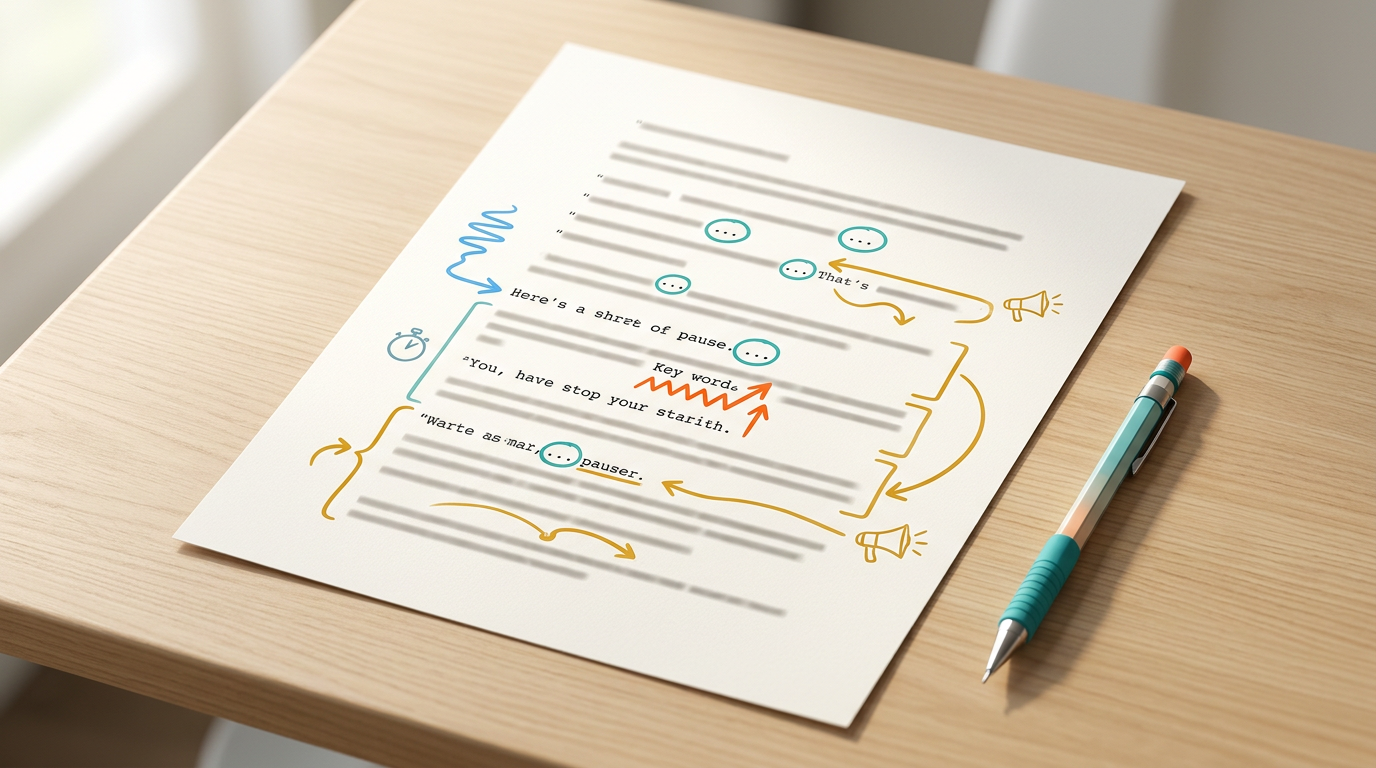
To force natural pauses and realistic inflections out of an AI engine, you must use punctuation as a tool for physical direction rather than strict grammatical correctness:
- Ellipses (...) and Em-Dashes (—): Use these to force the AI to take a breath, pause for dramatic effect, or transition between thoughts.
- Phonetic Spelling: If the AI struggles with a brand name, slang term, or specific name, spell it out phonetically (e.g., writing "pro-moe" instead of "promo" to change the vowel emphasis).
- Line Breaks: Breaking a long sentence into shorter, fragmented lines encourages the generator to apply a conversational cadence rather than a continuous, monotone read.
When crafting specialized content, such as scripting a celebrity AI birthday wish, tailoring the text to the persona's real-life speech patterns is the single most effective way to make the final asset feel authentic.
Scripting Comparison: Generic vs. AI-Optimized
The table below demonstrates how adjusting your writing style for specific vocal archetypes can dramatically improve the generated performance.
| Vocal Archetype | Flat, Generic Script (Avoid) | AI-Optimized Script (Recommended) |
|---|---|---|
| High-Energy Hype-Man | Welcome back to the channel. Today we are looking at some incredible new technology. Let's get started. | Yo, yo, yo! Welcome BACK... to the channel! Today? Oh, we are looking at some absolutely... INSANE tech. Let's get it! |
| Deadpan Action Star | I am here to tell you that you should check out this product. It is highly durable and will last a long time. | Listen closely. This gear... it doesn't break. It's built for the dirt. Trust me on this one. |
| Casual / Conversational | I wanted to wish you a happy birthday and hope you have a great day celebrating with your friends. | Hey... happy birthday, man. Seriously. Hope you're hanging out with the crew and... you know, actually relaxing today. |
The Three-Step Audio Mix: Making the Voice Sit in the Scene
One of the most common mistakes creators make is dropping a dry, raw AI audio file directly onto their video timeline. Because the AI voice is generated in a perfect, noiseless digital environment, it sounds detached from the visual scene. It floats "on top" of the video rather than existing "within" it. To fix this, you must apply a professional three-step audio mix.
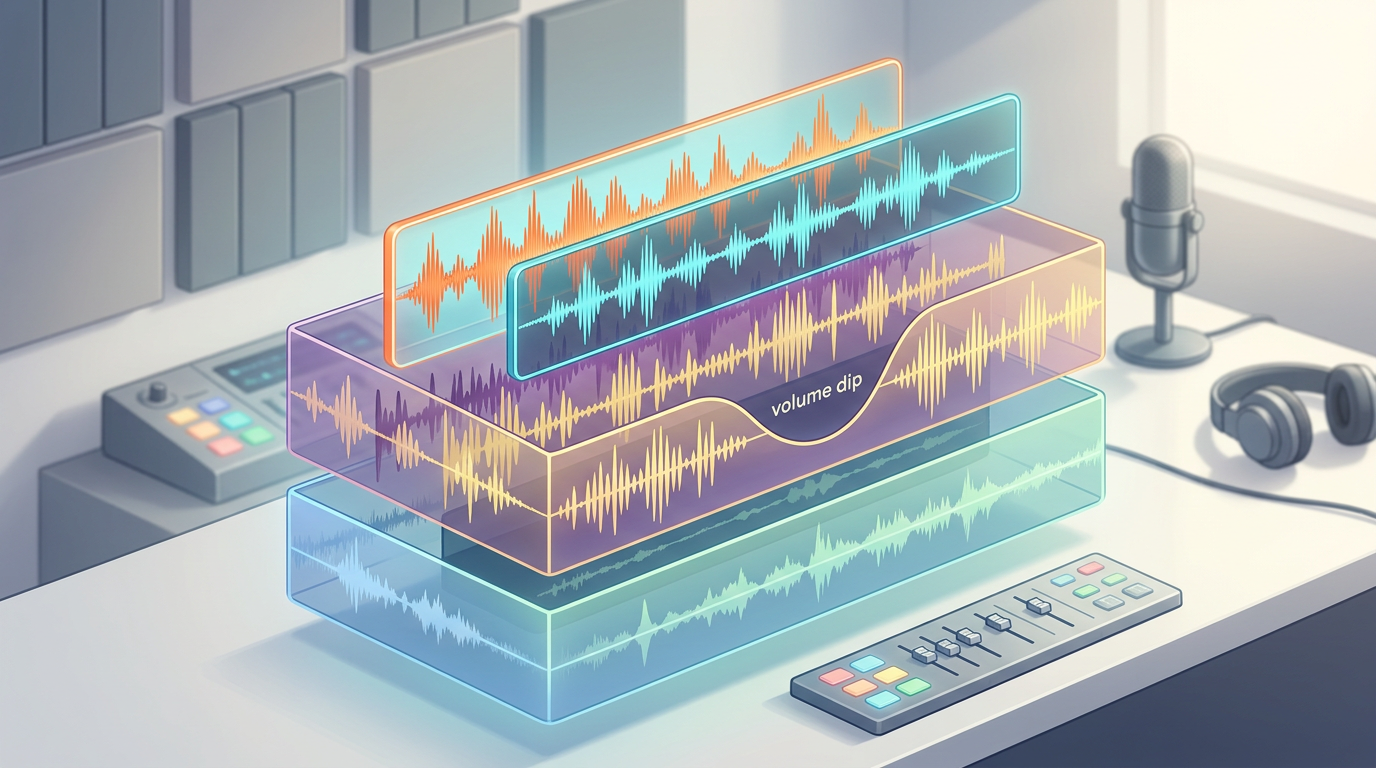
Step 1: Apply Room Tone and Environmental Reverb
In the real world, no room is completely silent. If your video is set in a living room, an office, or outdoors, there is ambient background noise—known as room tone. To make an AI voice feel real, you must layer a very quiet track of ambient noise (like a low room hum, gentle wind, or distant traffic) underneath the dialogue. Additionally, apply a subtle touch of convolution reverb in your editing software to match the physical space shown on screen. A small room reverb makes the voice sound like it is bouncing off virtual walls, instantly breaking the sterile studio illusion.
Step 2: Use Ducking and Sidechaining
If your project includes background music, the voiceover should never fight the soundtrack for dominance. Use auto-ducking or sidechain compression to automatically lower the music track by 3dB to 5dB whenever the AI voice is actively speaking. This keeps the dialogue crisp and commanding, while allowing the music to swell back up during natural pauses in the speech.
Step 3: Embed Strategic Sound Effects (SFX)
Subtle Foley sound effects add immense realism. If your script involves a character talking about drinking coffee, insert a subtle mug-clink sound effect during an ellipses pause. If they are walking, add quiet footsteps. These non-verbal cues trick the listener's brain into processing the AI voice as a physical presence interacting with a real environment.
Beyond the Voiceover: Interactive Formats and Multi-Dimensional Content
Traditional voiceovers are static, one-way experiences. However, the true power of modern AI platforms lies in real-time iteration and multi-dimensional engagement. Because AI generation happens instantly, creators are no longer locked into a single, expensive voice take. If a line doesn't land perfectly during the editing phase, you can adjust the script and generate a new take in seconds.
This speed-to-market completely changes the creative workflow. Rather than waiting days for a voice actor to return revisions, you can build complex, multi-character dialogues, roasts, or collaborative memes on the fly. On Fanfun, creators can seamlessly transition from producing static video content to designing interactive, two-way experiences using AI Chat and character libraries. This shift from passive consumption to active engagement demonstrates how personalized celebrity AI solves the creative limits of legacy shoutouts, offering a level of flexibility and speed that traditional talent platforms simply cannot match.
The Creator's Checklist: Auditing Your AI Voice Track Before Exporting
Before you render your final video or export your custom audio track, run through this production checklist to ensure your audio meets professional standards:
- [ ] Check for unnatural transitions: Listen closely to hard consonants (like T, P, and K) and the transitions between words. If syllables sound clipped, add an em-dash or a space in your script to give the engine breathing room.
- [ ] Verify volume levels: Ensure your main voiceover track sits consistently between -6dB and -12dB on your master volume meter, keeping it clear of the clipping zone (0dB) while remaining easily audible over background tracks.
- [ ] Match emotional pacing to visuals: Does the visual speed of your video match the vocal delivery? If your video edit is fast-paced and hyper-cut, ensure your script is packed with short, punchy phrases that match the visual energy.
- [ ] Audit environmental consistency: If your character moves from an indoor setting to an outdoor setting on screen, did you adjust the background ambient noise and reverb levels accordingly?
- [ ] Respect creative ethics: Ensure your generated content aligns with community guidelines, respects intellectual property, and avoids generating harmful, misleading, or non-consensual messaging.
How do I make an AI celebrity voiceover sound more natural?
To make an AI voiceover sound natural, avoid generic scripts. Use creative punctuation like ellipses (...) and em-dashes (—) to force realistic pauses and breathing room. Additionally, always mix the dry vocal track with subtle background room tone, music ducking, and environmental reverb so the audio sounds like it was recorded in a physical space rather than a sterile digital environment.
Can I use AI celebrity voices for commercial video promos?
Commercial usage depends on the licensing terms of the specific platform and the intellectual property rights of the voice persona. Fanfun offers a growing library of licensed and original AI personas. Always check the specific platform guidelines and licensing agreements to ensure your marketing campaigns remain compliant and ethically sound.
What is the best way to script an AI voice generator for comedy or roasts?
For comedy, timing is everything. Script your setups and punchlines with distinct line breaks and ellipses to mimic a comedian's natural stage timing. Incorporate characteristic slang, catchphrases, and sentence lengths typical of the celebrity you are using to ensure the humor feels authentic to their specific comedic persona.
How does AI voice generation compare to ordering a custom video on Cameo?
While legacy platforms like Cameo require you to wait days or weeks for a celebrity to record a single scripted video, AI voice and video generation on Fanfun is instant, highly affordable, and endlessly scalable. You can iterate on scripts in real-time, generate multi-character interactions, and create interactive two-way conversations that traditional video shoutouts cannot support.