The Art of the AI Voiceover: How to Direct Celebrity Voice AI Like a Professional Showrunner
Stop settling for robotic, flat AI voice clips. Discover how to write, format, and direct celebrity-style voiceovers that captivate your audience and elevate your content.
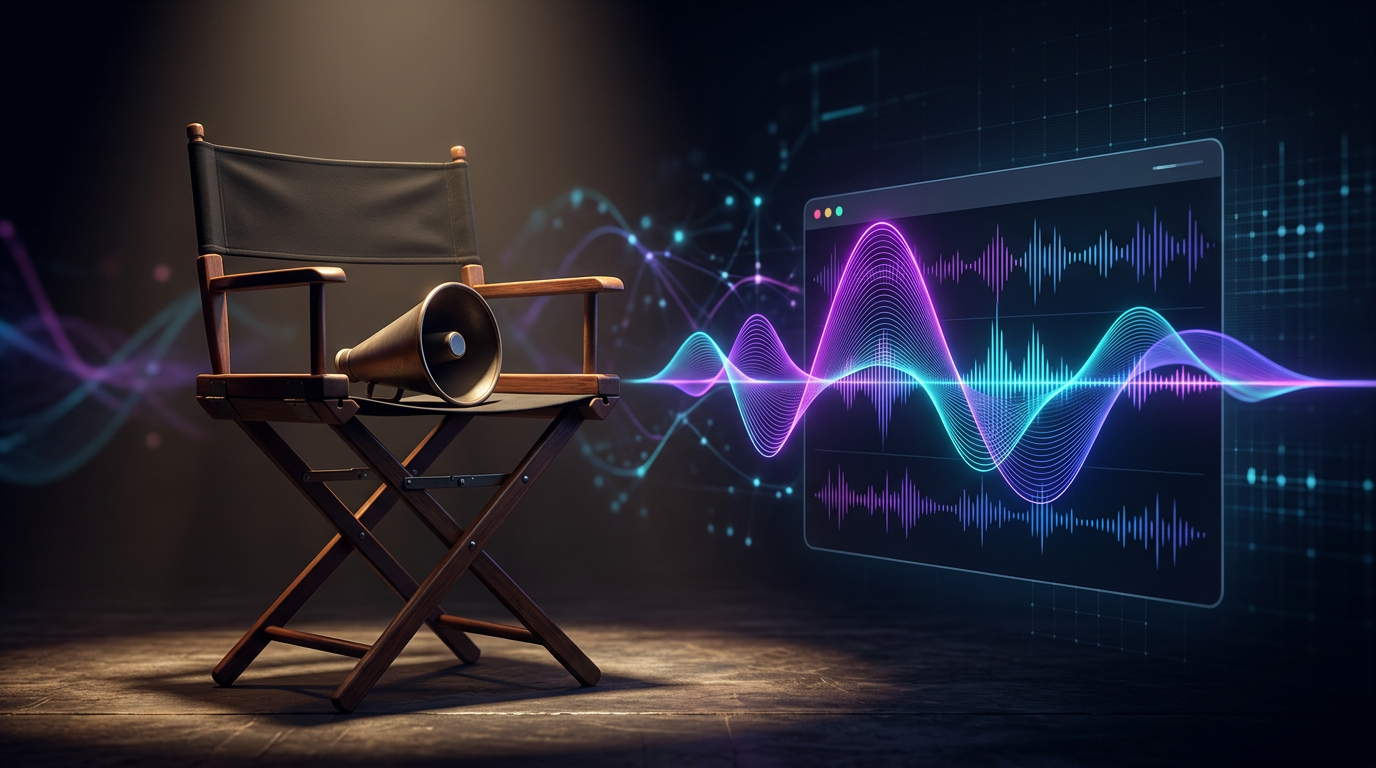
Most creators treat celebrity voice AI as a cheap gimmick, resulting in flat, robotic reads that audiences instantly swipe past. They copy-paste a generic script, select a famous voice, hit generate, and wonder why the final output lacks the charm, timing, and punch of the actual personality. The secret to thumb-stopping content isn't just the underlying technology; it's how you direct it.
To stand out in a crowded social feed, you have to think like a professional showrunner. This means matching your script's rhetoric to the specific persona, structuring your text strategically with phonetic formatting, and choosing platforms designed for creative control rather than sketchy, low-quality voice-cloning sites. When you master the art of AI voice direction, you transform a simple text-to-speech clip into a highly engaging piece of digital entertainment.
The Director's Cut: Why Celebrity Voice AI Needs More Than a Good Script
The primary reason standard text-to-speech tools sound robotic is that they lack context, pacing, and emotional nuance. A human actor naturally adjusts their tone, takes breaths, pauses for dramatic effect, and speeds up when excited. Standard generators treat every word with equal weight, leading to a sterile, monotonous delivery that fails to capture the listener's attention.
We are currently witnessing a massive shift from passive listening to active, narrative-driven content creation. Modern audiences no longer want to just listen to a voice; they want to see that voice deployed in creative ways—whether it's an elaborate parody, an interactive roast, or a fast-paced meme. Creators are using these tools to build entirely new formats of digital storytelling, which requires a much higher level of expressive control.
This is where Fanfun changes the game. Instead of offering sterile, flat voice clones that require hours of fine-tuning, Fanfun prioritizes character personality, rapid generation, and creative freedom. By focusing on the unique traits that make a character or celebrity distinct, the platform allows creators to generate engaging, personality-driven content in minutes rather than days.
Writing for the Voice: Matching Rhetoric to the Persona
The foundation of great voice direction starts long before you hit the generate button. It begins in your script editor. The psychology of mimicry dictates that for an AI voiceover to feel authentic, the script must use the actual vocabulary, catchphrases, and sentence structures of the target persona. If you write a generic corporate script and run it through a high-energy sports promoter's voice, the illusion breaks instantly.
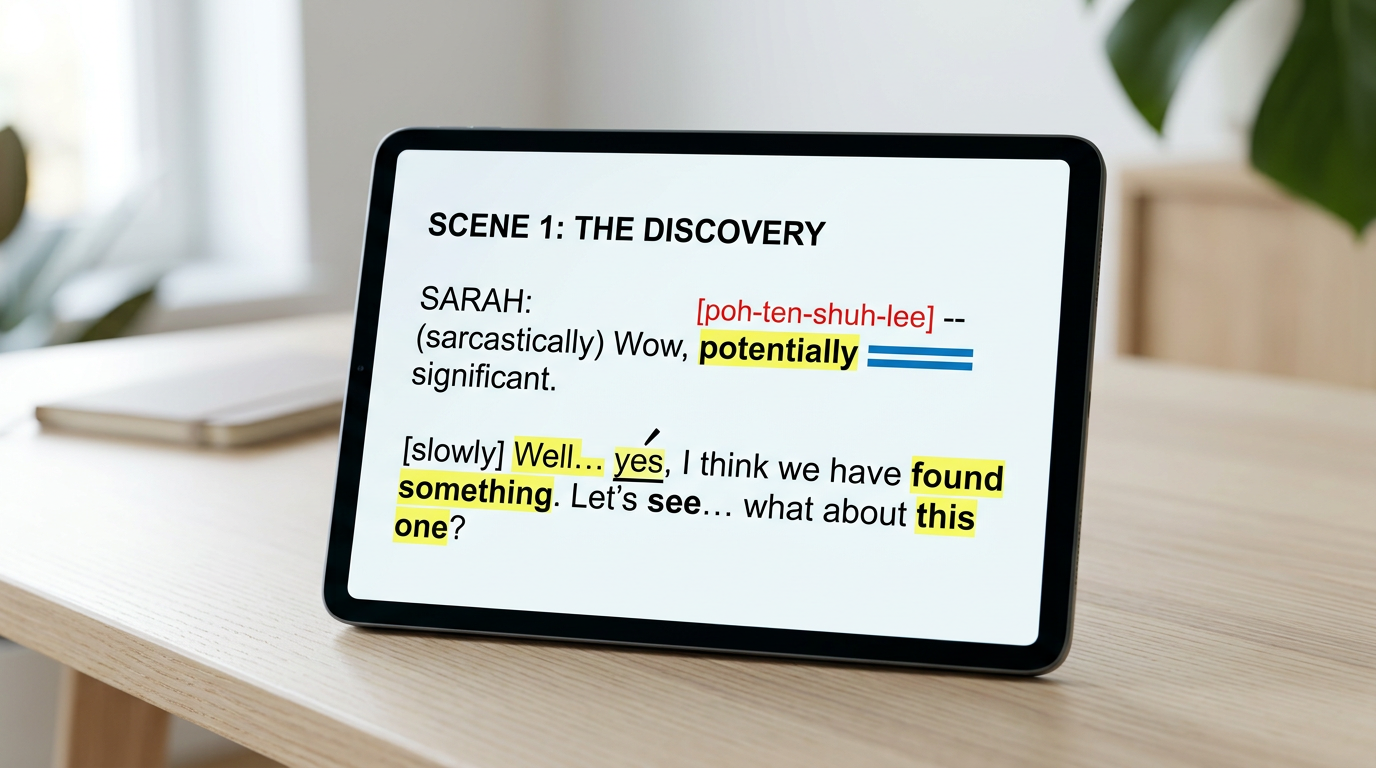
When writing your script, categorize your target voice into one of two primary performance profiles:
- High-Energy Promoters: These personas use short, punchy sentences, frequent exclamations, and highly informal slang. They rarely speak in complete, grammatically perfect sentences. Instead, they rely on fragments, rhetorical questions, and sudden shifts in volume or intensity.
- Low-Energy, Deliberate Actors: These voices require longer, winding sentences with plenty of commas and dashes to simulate slow, contemplative pauses. They use sophisticated vocabulary and maintain a steady, rhythmic cadence that builds tension over time.
Cadence, Slang, and Iconic Verbal Tics
To make your AI voiceover sound genuinely alive, you need to write for the ear, not the page. This means leaning heavily into the specific verbal tics, repetitive phrases, and regional accents that define your chosen persona.
Mastering Rhetorical Structures and Punctuation
Standard punctuation rules do not apply when you are directing AI. To force the generator to pause, emphasize, or shift its pacing, you must use punctuation as a set of stage directions. For example, inserting an ellipsis (...) or a double dash (--) can force the AI to take a breath or hesitate, creating a much more natural human rhythm. Phonetic spelling is also your best friend; spelling a word out exactly how it is pronounced (e.g., "gonna" instead of "going to", or "yee-haw" instead of a standard cheer) prevents the AI from sounding overly formal.
Consider the highly recognizable, superlative-heavy style of a political figure like Donald Trump. A script written for this persona shouldn't just state facts; it needs to be structured with repetitive phrases, dramatic pauses, and highly specific adjectives like "tremendous," "huge," or "disaster." Understanding how to structure scripts for specific personas ensures that the generated output captures the rhetorical essence of the character, making it instantly recognizable to your audience.
The Creative Framework: Choosing the Right Voice Tech for Your Project
Not all voice technologies are created equal. Depending on your project's goals—whether you are hosting a live stream, editing a highly polished YouTube essay, or creating quick TikTok memes—you need to select the tool that matches your creative workflow. Making the wrong choice can land your content directly in the "uncanny valley," where the voice sounds almost right but subtly disturbing to the listener.
To help you navigate these options, consider this breakdown of the primary voice formats available to modern creators before choosing the right celebrity voice generator for your specific production needs:
| Technology Type | Best Use Case | Key Advantage | The Creative Limitation |
|---|---|---|---|
| Real-Time Voice Changers | Live streaming, gaming, interactive calls | Instant, zero-latency feedback | Requires high-quality vocal input from the user to sound convincing |
| Generative AI Voiceovers | TikTok memes, YouTube shorts, video essays, promos | Highly expressive, precise control over script and pacing | Requires a well-structured script to avoid flat delivery |
| Interactive AI Chat | Fan engagement, community building, interactive roleplay | Two-way, dynamic conversation | Less control over the exact narrative arc |
Avoiding the Uncanny Valley: Why Quality and Platform Choice Matter
Many creators fall into the trap of using sketchy, "free" online voice-cloning tools. While the lack of an upfront cost is tempting, these platforms almost always deliver subpar results. They are plagued by metallic audio compression, background static, and unnatural pronunciation glitches that immediately ruin the immersion of your video.
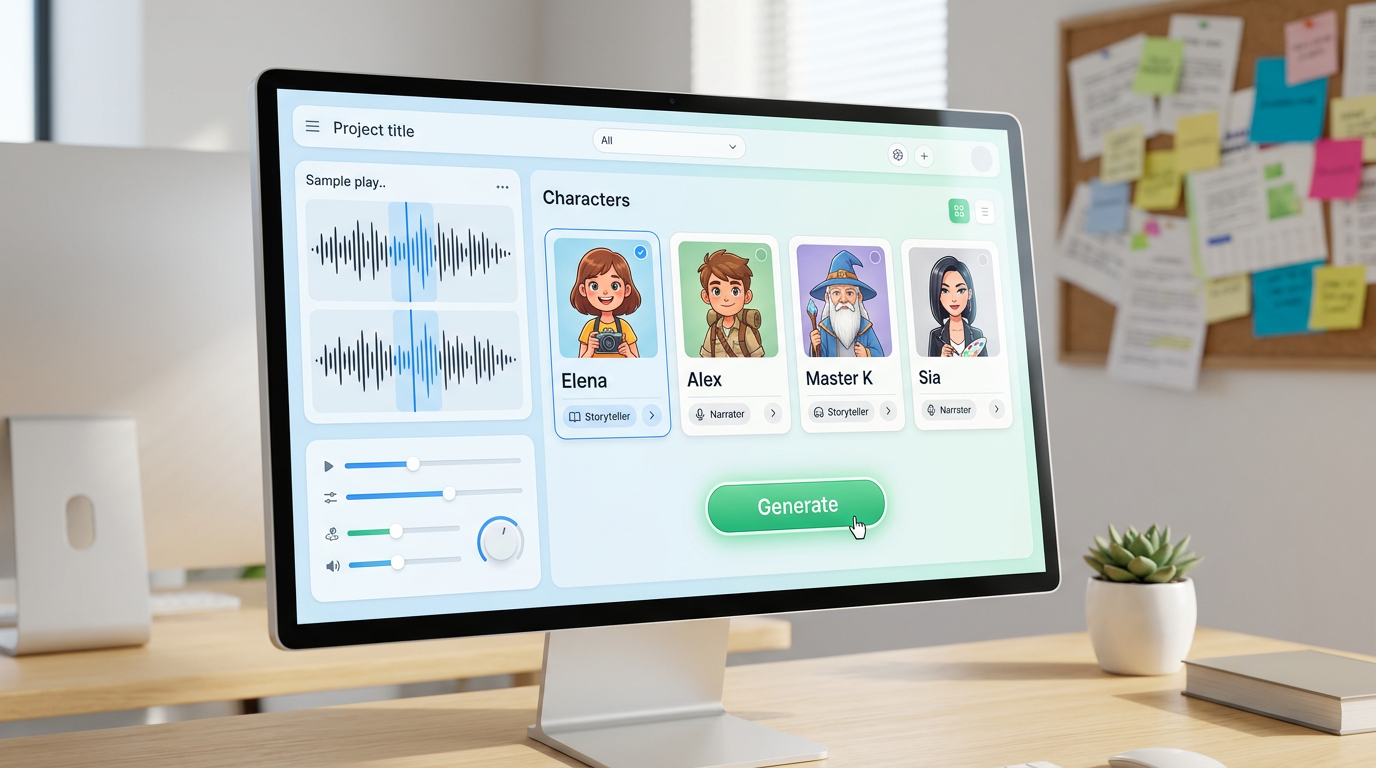
Beyond the obvious audio defects, there are significant hidden costs to using unverified platforms. Many of these tools suffer from slow rendering times, intrusive ad pop-ups, and severe security risks. Understanding why free celebrity AI voice generators often fall short is crucial for any creator looking to build a professional-grade content channel.
By contrast, structured platforms like Fanfun offer a clean, reliable, and incredibly fast alternative. Fanfun is designed specifically for creators who need instant, high-quality voice and video outputs without the technical headache. Instead of spending hours fighting with complex settings or waiting in long render queues, you can generate natural-sounding, personality-driven audio in minutes, allowing you to keep up with the fast-moving pace of social media trends.
The Content Creator's Checklist for AI Voice Direction
Before you export your next audio track and sync it to your video timeline, run through this quick pre-flight checklist to ensure your AI voiceover sounds as polished and professional as possible:
- Pacing Check: Have you broken up long sentences? Add commas, periods, or ellipses to force natural breathing room and prevent the AI from rushing through key points.
- Pronunciation Check: Are there any brand names, slang words, or unusual names in your script? Spell them phonetically in your text input (e.g., writing "TikTok" as "tick-tock") to ensure the generator pronounces them perfectly on the first try.
- Emphasis Check: Have you capitalized or italicized key words to guide the emotional weight of the sentence? (Note: Some engines respond to capitalized words as a cue to speak louder or with more emphasis).
- Platform Check: Are you using a dedicated creator tool like Fanfun that matches your specific content goals, or are you wasting time on a generic, slow text-to-speech engine?
By shifting your approach from passive generation to active voice direction, you can unlock the true potential of celebrity voice AI. Treat the generator like an actor on your set, write scripts that play to their unique strengths, and use the right tools to bring your creative vision to life instantly.
How do I make a celebrity AI voice sound more natural and less robotic?
To make an AI voice sound natural, you must write scripts that match the persona's actual speaking style. Use short sentences, insert ellipses (...) or dashes (--) to force natural pauses, and spell slang words phonetically to guide the generator's pronunciation.
Can I use celebrity AI voices for social media content and memes?
Yes! Creators widely use celebrity AI voices for parodies, memes, and social commentary. Using a dedicated platform like Fanfun ensures you get clean, high-quality audio files that are ready to sync directly to your video editor for platforms like TikTok and YouTube.
What is the difference between a real-time voice changer and a generative voiceover?
A real-time voice changer alters your live vocal input instantly, making it ideal for streaming or gaming. A generative voiceover converts written text into a highly polished, expressive audio file, giving you precise control over the script, pacing, and overall delivery for edited video content.
Why do free celebrity voice generators have poor audio quality?
Free generators often use heavily compressed models, cheap hosting servers, and outdated text-to-speech algorithms. This results in metallic feedback, robotic static, and long render times. Premium creator platforms like Fanfun offer clean, high-fidelity audio optimized specifically for content creation.