
The Art of the Audio Meme: How to Craft Custom Voiceovers That Stop the Scroll
A low-effort voiceover can ruin a brilliant visual. Learn the exact scripting, punctuation, and mixing techniques required to turn synthetic voices into highly shareable, scroll-stopping meme audio.
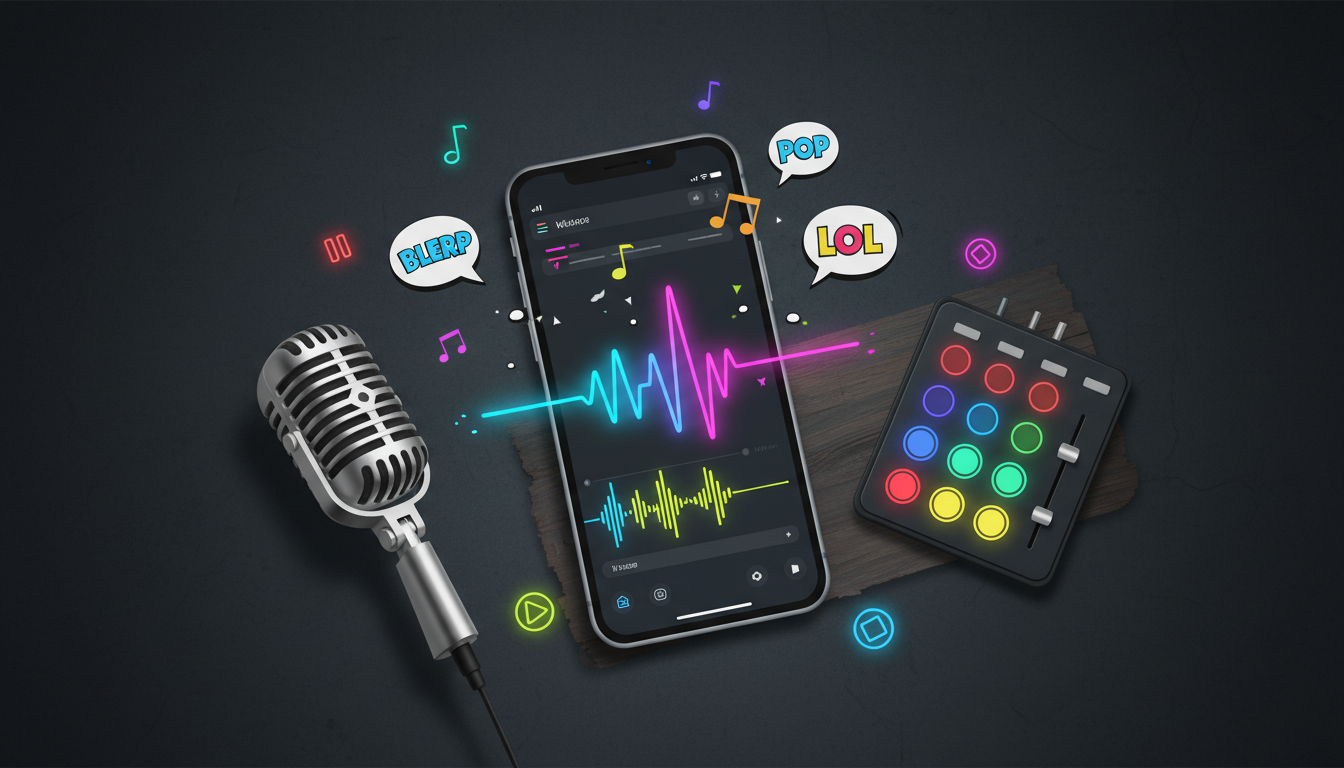
A brilliant visual gag can only carry a short-form video so far. On platforms like TikTok, Instagram Reels, and YouTube Shorts, audio is the actual engine of virality, dictating which trends take off and which ones sink into the algorithm's void. When users scroll through their feeds, they do not just look—they listen for familiar cues, hilarious voice inflections, and high-context sound bites that signal a punchline is coming.
Relying on the default, robotic text-to-speech (TTS) voices built into social apps has become a fast track to getting ignored. Audiences have developed fatigue for those flat, clinical narrators that feel cheap and automated. To truly stop the scroll, creators are turning to highly stylized, expressive character voices that inject instant personality, comedic timing, and cultural relevance into their edits. Mastering this medium requires a blend of clever scriptwriting, strategic punctuation, and precise audio layering.
The Anatomy of a Scroll-Stopping Meme Voiceover
Why does audio dominate the meme economy? Because sound design functions as shorthand for subculture. A single recognizable voice or specific vocal tone can immediately establish the context of a 15-second video, saving you from wasting precious on-screen real estate on setup text. When a viewer hears a voice that sounds like a legendary sports icon, a nostalgic childhood cartoon hero, or an unhinged anime villain, their brain instantly registers the tone of the joke before the first visual cut even occurs.
Standard system voices fail because they lack emotional range. They treat a punchline with the same flat cadence as a terms-of-service agreement. In contrast, custom character voices offer dramatic contrast, ironic detachment, or hyper-energetic delivery. This is where Fanfun changes the game for creators. By providing instant access to highly recognizable character voices and celebrity interpretations, Fanfun allows you to bypass the sterile, robotic limitations of basic TTS and build memes around voices that audiences already love, hate, or find deeply hilarious.
Scripting for the Punchline: Writing for Synthetic Voices
Writing a script for an AI voice generator is fundamentally different from writing for a human voice actor. A human actor can read between the lines, infer subtext, and adjust their delivery based on the mood of the scene. A synthetic voice generator, however, reads exactly what you type. If you write a script using standard grammar and spelling, the output may sound technically correct but comedically dead.
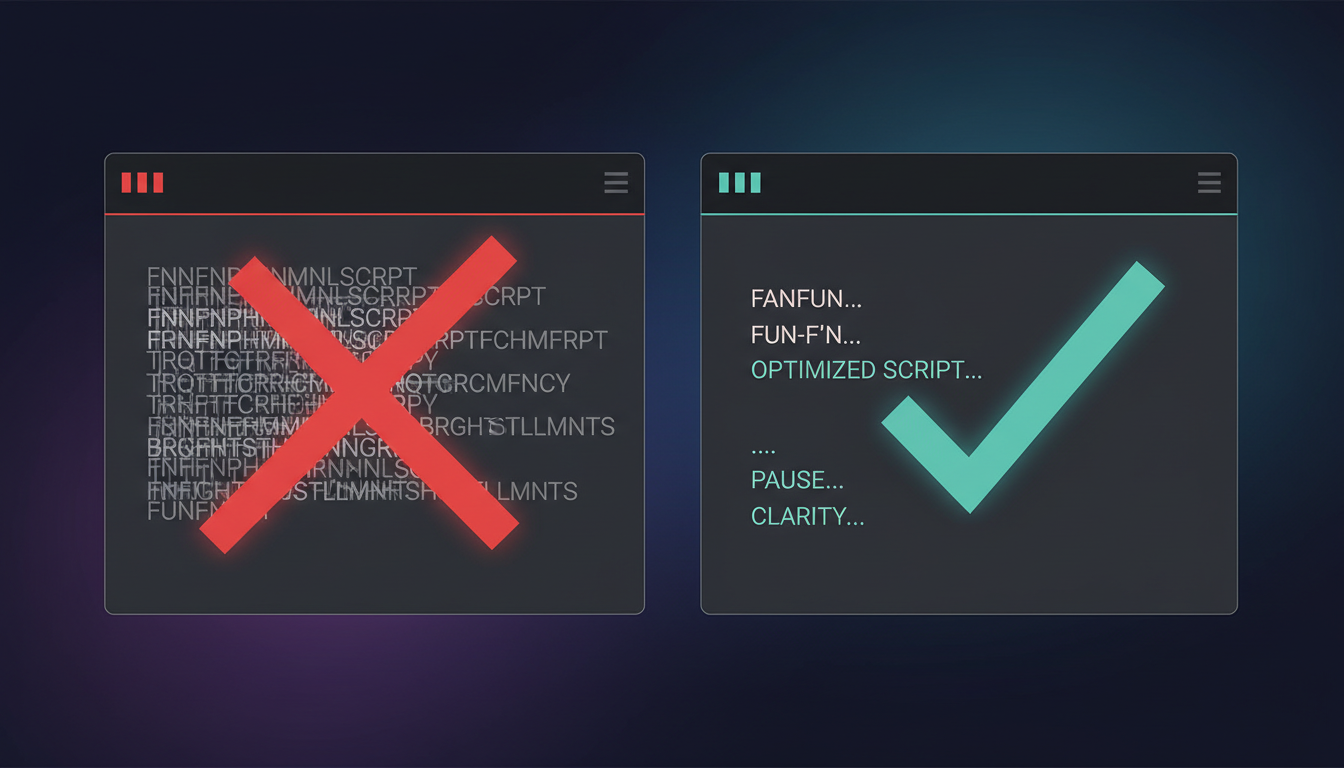
To write a script that lands, you must adapt your spelling to guide the AI's pronunciation. This is especially true for internet slang, brand names, or colloquialisms that do not exist in standard dictionaries. If the voice engine struggles with a word, spell it phonetically. For example, instead of writing "rizz," you might need to write "riz" or "rizzz" to get the prolonged emphasis you want. Instead of "doge," try spelling it "dohj" to prevent the AI from saying "doggy."
When planning multi-character memes, mastering the scripting phase is essential, as detailed in our guide on casting and scripting custom voice text-to-speech. Keep your short-form constraints in mind. For a standard 15-second video, aim for a script of 35 to 50 words maximum. This allows the voice to breathe, leaving room for visual reactions, sound effects, and comedic beats.
Punctuation Hacks for Comedic Timing
The secret to comedy is timing, and the secret to synthetic timing is punctuation. You can manipulate how an AI voice paces itself, takes breaths, and emphasizes words simply by breaking standard grammatical rules in your text input.
The Silent Beat: Master the Ellipsis and Dash
If your script runs straight through without punctuation, the AI will deliver it like a runaway train. To force a natural, suspenseful, or awkward pause right before a punchline, use ellipses (...) or em-dashes (—).
- Standard text: "I told my boss I was sick and then he saw me at the game."
- Formatted for timing: "I told my boss I was sick... and then... he saw me at the game."
The second option forces the AI generator to pause, mimicking the natural hesitation of a guilty storyteller. Similarly, a dash can create an abrupt, sudden stop, which is perfect for cut-off memes or sudden realizations.
Capitalization also plays a massive role in synthetic performance. Typing in ALL CAPS can signal the engine to increase its pitch, energy, or volume, while ending a sentence with multiple exclamation points (!!!) can add a frantic, high-stakes energy to the delivery. Conversely, ending a sentence with a single period inside a run-on sentence can force a dry, deadpan drop. Iterative generation is your best friend here: do not hesitate to generate a line three or four times, tweaking a comma, space, or question mark each time until the vocal inflection matches the visual gag perfectly.
Choosing the Right Persona: Meme Archetypes That Convert
Not all voices fit all formats. A dry, sarcastic meme will completely fall flat if delivered by a hyperactive, high-energy narrator. Matching your visual concept with the correct vocal archetype is critical for capturing attention in the first 1.5 seconds of a feed scroll.
To dive deeper into creating audio assets that capture attention on busy feeds, explore our comprehensive custom meme audio blueprint. In the meantime, use this framework to match your video style with the right vocal delivery:
| Meme Format | Recommended Voice Archetype | Vocal Style & Vibe | Best For |
|---|---|---|---|
| POV / Internal Monologue | The Deadpan Realist | Flat, monotone, dryly sarcastic | Relatable struggles, work frustration, dating disasters |
| Epic Fail / Hype Reel | The Over-the-Top Sports Announcer | Booming, energetic, dramatic | Sarcastic praise, minor achievements, gaming wins |
| Nostalgia / Childhood Ruined | The Retro Cartoon Hero | Wholesome, high-pitch, overly optimistic | Juxtaposing dark adult humor with innocent voices |
| Unhinged Rant / Conspiracy | The Whispering Paranoid | Quiet, fast-paced, breathless | Niche fan theories, hyper-specific internet lore |
Leveraging familiar pop-culture voices through Fanfun's extensive character library allows you to tap into pre-existing emotional connections. A line delivered by a beloved anime character or an iconic movie villain carries built-in humor that a generic robot voice simply cannot replicate.
Step-by-Step: Generating and Layering Your Custom Audio
Once your script is optimized and your voice persona is selected, it is time to move into production. High-quality meme audio requires clean generation and strategic editing.
For a detailed breakdown on aligning your audio spikes with visual cuts, check out our guide on how to generate and layer custom character voiceovers. Here is the streamlined workflow to get your audio social-ready:
- Generate the clean track: Input your punctuated script into the Fanfun AI Voice Generator. Listen closely to the pronunciation and pacing. If a word sounds muddy, adjust the spelling and regenerate the track until the audio is crisp and clear.
- Import into your editor: Bring your generated voiceover file into a mobile-friendly editor like CapCut or a desktop program like Premiere Pro. Place your voiceover on its own dedicated audio track directly beneath your video timeline.
- Apply audio ducking: If you are using background music, your voiceover needs to cut through clearly. Set up "audio ducking" so that the volume of the music automatically drops by 3 to 6 decibels whenever the voiceover track is active, then rises back up during the pauses.
- Sync visual cuts to vocal beats: Do not let your video drift aimlessly while the voiceover speaks. Align visual transitions, text pop-ups, zoom-ins, or sudden cuts directly with the sharpest peaks in your voiceover's audio waveform. If the voice takes a dramatic pause, freeze the visual frame or zoom in slowly to build tension.
The Final Mix: Sound Effects and Sonic Polish
To make your meme feel organic and native to social feeds, you need to step away from clinical, studio-perfect audio. Memes thrive on a slightly chaotic, lived-in aesthetic. Adding strategic sound effects (SFX) and environmental textures can transform a simple voiceover into an immersive cultural moment.
Punctuuate your voiceover with classic meme SFX. A sudden "vine boom," a record scratch, a cartoon slip-and-slide whistle, or a dramatic reverb tail can instantly elevate a punchline. The key is moderation: place these effects precisely at the end of a vocal line or during a forced pause to highlight the reaction, rather than scattering them randomly throughout the clip.
Additionally, consider the environment of your meme. If your visual is set in an office, a car, or an empty room, adding a subtle layer of background room tone or a low-fidelity filter to the voiceover can make it sound like it was recorded live in that space. This minor touch increases the mockumentary-style authenticity of your video. However, avoid over-mixing. On TikTok and Reels, keeping the audio slightly raw and unpolished often performs better than a pristine, over-produced studio mix. Keep the levels balanced, let the character's voice shine, and let the comedic timing do the heavy lifting.
How do I make an AI voiceover sound more natural for a meme?
To make an AI voiceover sound natural, avoid standard grammatical spelling for slang words and write them phonetically (e.g., "dohj" instead of "doge"). Use punctuation like ellipses (...) and dashes (—) to force realistic pauses, breaths, and hesitation beats that mimic genuine human speech patterns.
What is the best way to sync a custom voiceover with video clips on TikTok?
Import your generated voiceover into a video editor like CapCut or Premiere Pro. Look at the audio waveform and align your key visual cuts, text animations, or camera zooms directly with the peaks and pauses of the voice track. This creates a tight, rhythmic connection between what the viewer sees and hears.
Can I use custom AI voiceovers in monetized social media videos?
Yes, creators widely use AI voiceovers in monetized content, but you must ensure you are using platforms like Fanfun that respect creative ethics and intellectual property guidelines. Always check the specific terms of service of the platform you use to generate the audio.
How do I add dramatic pauses to my text-to-speech meme scripts?
You can force dramatic pauses by inserting ellipses (...), hyphens (-), or multiple periods separated by spaces. Breaking your script into shorter, individual sentences also forces the AI generator to pause naturally between thoughts, giving your punchlines room to land.



