
How to Create an AI Video Birthday Wish: A Step-by-Step Directing Guide
Skip the boring cards and static greetings. Learn how to direct an AI video generator to create custom, character-driven birthday wishes that your friends will actually share.
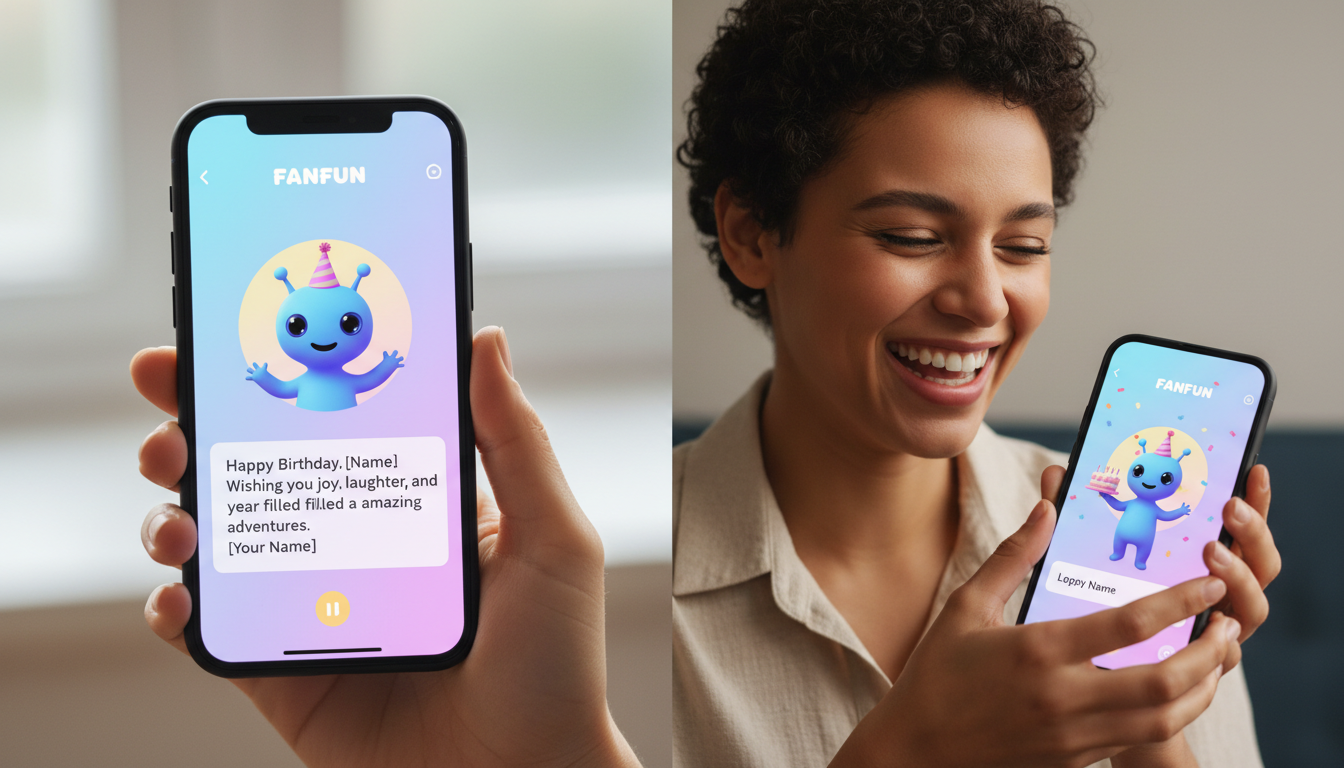
An AI video birthday wish is a personalized digital greeting created by inputting a custom script into an AI video generator, which a virtual character or celebrity interpretation then delivers in minutes. Platforms like Fanfun make this process instant and highly customizable, offering a fast alternative to traditional video greetings. While these AI-generated clips are creative interpretations rather than exact, studio-grade human clones, they offer unparalleled creative freedom—perfect for crafting hyper-specific inside jokes, lighthearted roasts, and fictional character crossovers that would otherwise be impossible to produce.
The Shift from Passive Cards to Instant AI Birthday Greetings
Traditional birthday greetings often fall into two categories: a passive paper card that gets thrown away within a week, or a pre-recorded celebrity shoutout that can take time to arrive. AI video generation introduces a third, highly dynamic option. By taking on the role of a creative director, you can design a highly personalized video message that speaks directly to your friend's niche interests, favorite memes, or shared history.
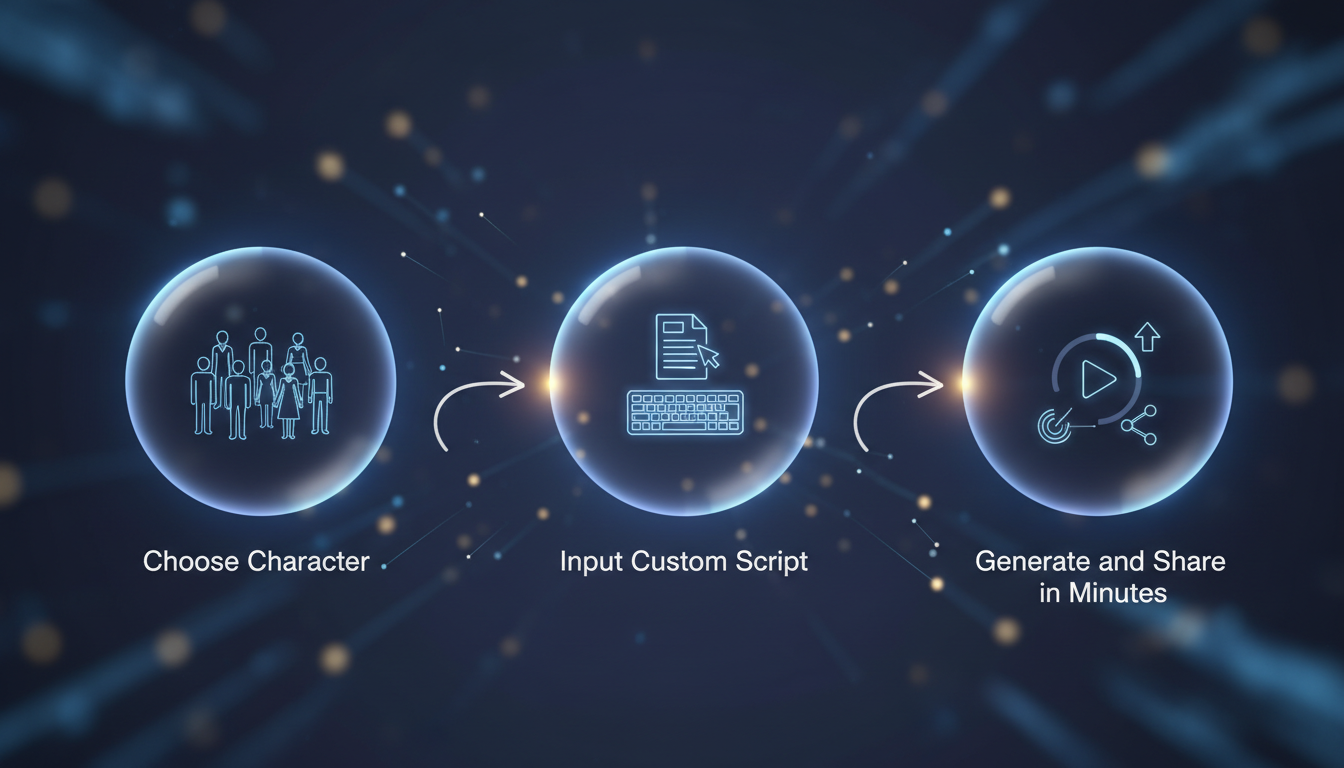
Using Fanfun, the process is built around speed and creative flexibility. Instead of waiting for a real person to read a generic script, you select your favorite character, write exactly what you want them to say, and generate a custom AI video in minutes. This approach allows you to feature fictional or anime characters that cannot be booked in real life, making the final greeting far more memorable and shareable in group chats or on social media.
The Step-by-Step Workflow for Directing Your First AI Birthday Video
Creating a high-quality AI video requires a brief shift in mindset: you are no longer just a sender; you are a director. To get the best possible performance from an AI voice and video generator, follow this structured four-step workflow.
Step 1: Match the Persona to the Recipient
Start by identifying what makes the recipient laugh or what they are currently obsessed with. If your friend is an avid gamer, an anime icon or a legendary video game hero will resonate far more than a generic pop star. Matching the character's established personality traits to your script's tone ensures the final delivery feels natural and intentional.
Step 2: Draft a Concise Script
Keep your script tight and high-energy. AI engines perform best when the message is dense and punchy. Aim for a word count under 150 words (roughly 45 to 60 seconds of speech) to ensure the recipient stays engaged from the first second to the last. When drafting, you can benefit from pointing readers to a dedicated guide on writing the perfect script for an AI birthday video to help structure your copy effectively.
Step 3: Format for Text-to-Speech Engines
AI voice generators read text literally, meaning you must format your script to guide the voice's natural cadence. Use deliberate punctuation to control pacing. Commas create short pauses, while ellipses (...) create longer, dramatic pauses. If you are using unusual slang or highly specific inside jokes, spell them out phonetically so the generator doesn't stumble over the pronunciation.
Step 4: Generate, Preview, and Iterate
Once your script is ready, hit generate. Watch the preview closely. Pay attention to how the AI pronounces names, handles transitions, and delivers the punchlines. If a specific word sounds robotic or rushed, adjust the spelling or add punctuation, then run a quick iteration to perfect the timing.
Scripting Frameworks for Different Birthday Personalities
To help you get started, we have mapped out three distinct scripting frameworks based on common recipient personality types. Use these structures as templates to build out your custom message.
The Roast
Perfect for close friends who share a sarcastic sense of humor. The goal is to deliver a playful, good-natured teardown followed by a genuine birthday wish. To master this style, consider exploring how to direct an AI birthday video generator for maximum comedic timing and shock value.
The Hype-Up
Designed for colleagues, creators, or anyone celebrating a major milestone. This script uses high-energy delivery, motivational language, and bold statements to make the recipient feel like an absolute champion on their special day.
The Low-Key Greeting
Not everyone wants a loud, theatrical shoutout. For quieter friends, a gentle, thoughtful message delivered by a calm, comforting character works best. You can tailor this experience by viewing our blueprint for scripting AI video messages tailored for people who hate the spotlight.
Personality-to-Character Mapping Table
| Recipient Personality | Ideal Character Voice Style | Recommended Word Count | Primary Tone |
|---|---|---|---|
| The Jokester / Meme Enthusiast | Sarcastic, deadpan, or highly dramatic | 80–120 words | Playful, witty, chaotic |
| The Goal-Getter / Achiever | Energetic, authoritative, inspiring | 100–140 words | Motivational, loud, celebratory |
| The Introvert / Quiet Creative | Soft-spoken, calm, reflective | 60–90 words | Warm, sincere, gentle |
Troubleshooting Pacing and Pronunciation in AI Voices
Because AI voices interpret text algorithmically, you may occasionally encounter a pronunciation or pacing issue. Fortunately, these are easy to fix once you understand how the text-to-speech engine processes your input.
- Handling Complex Names: If your friend's name is Siobhan, the AI might read it literally as "Sigh-o-bhan." To fix this, write it phonetically in your script editor as "Shevaun." The same rule applies to unique nicknames or local slang.
- Forcing Natural Pauses: If the AI is rushing through a transition, replace standard periods with ellipses (...). This signals the generator to pause and take a natural breath before starting the next sentence.
- Embracing the AI Aesthetic: Remember that these videos are creative AI interpretations, not exact human clones. Part of the humor and charm of an AI birthday wish comes from the slightly heightened, meme-like quality of the delivery. Don't over-engineer the script to sound perfectly human; instead, lean into the unique style of the character you have chosen.
How can I share the generated AI birthday video?
Once your custom birthday video is generated on Fanfun, you can easily share it with friends. The platform allows you to share the video to your group chats, post it on TikTok, or blast it anywhere you want to share the laugh.
How do I ensure the AI pronounces niche inside jokes or slang correctly?
The best method is phonetic spelling. Write out words exactly how they sound rather than how they are officially spelled. For example, use "jif" or "ghif" depending on your preferred pronunciation of GIF, and break down complex inside jokes into simple, phonetic syllables in your script text box.



