
How to Use AI Text Chat with Fictional Characters to Practice Creative Dialogue
Using AI character chat as a dynamic sparring partner allows writers to stress-test character voices and break through creative blocks. Discover a practical four-step framework to elevate your dialogue writing through real-time interactive roleplay.
Using AI text chat with fictional characters allows writers to test conversational dynamics, sharpen character voices, and break through writer's block in real time. By treating a persona-driven AI model as a conversational sparring partner, you can experiment with subtext, power struggles, and pacing before committing dialogue to a formal script. While this interactive sandbox offers immediate creative feedback, writers must actively direct the conversation to prevent the AI from slipping into repetitive loops or losing its narrative focus.
The Mechanics of AI Character Chat: How Persona Engines Work
To use AI characters effectively, it helps to understand what happens behind the screen. Standard AI assistants are optimized to be polite, direct, and helpful. In contrast, dedicated persona-driven models prioritize emotional subtext, distinct slang, and specific behavioral guidelines. These models operate using a system prompt—a set of instructions that defines the character's background, speech patterns, and psychological profile—which the AI references within its active memory, or "context window."
While general AI text chat tools can serve as a conversational sandbox to brainstorm ideas, platforms like Fanfun allow creators to take their finalized scripts and bring them to life. On Fanfun, you can select a character, input your custom dialogue, and generate a personalized video message in minutes. Using text chat tools to first test how a specific personality type might react to unexpected questions or high-pressure scenarios helps you refine the script before generating the final video. When chatting with an AI persona in these external tools, the model analyzes your input and generates a response that matches the target character's established tone, allowing you to test emotional shifts and pacing.
A 4-Step Framework for Dialogue Sparring
Approaching an AI chat without a plan often leads to generic small talk. To get genuine, high-substance creative value out of your session, use this structured four-step framework to stress-test your characters.
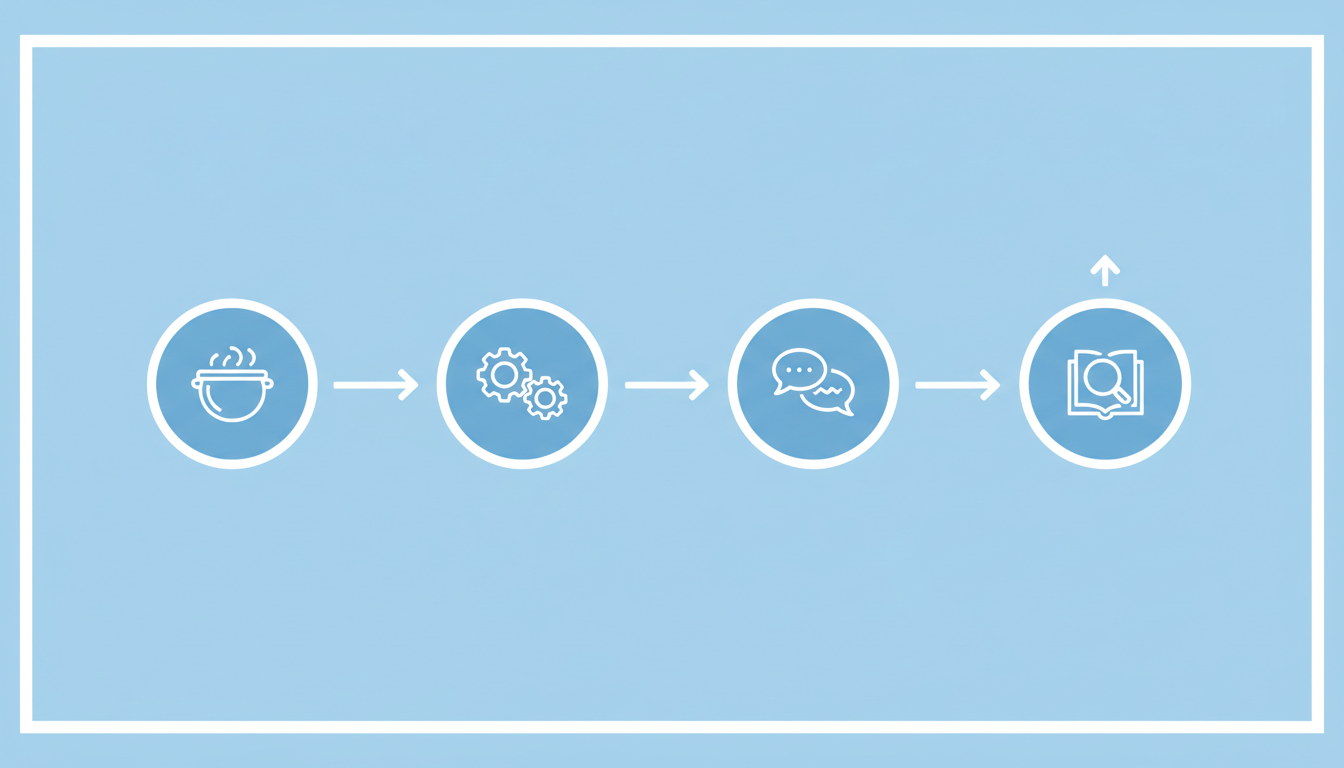
Step 1: Define the Crucible
Dialogue is most compelling when there is friction. Before you begin the chat, establish a high-stakes scenario or a specific point of conflict. If your characters are just chatting about the weather, the dialogue will fall flat. Instead, place them in a high-pressure situation: a locked room, a broken-down vehicle, or the moments directly after a betrayal. Explore our deep dive on using a conversational crucible to flesh out character development to learn more about setting up these high-friction environments.
Step 2: Establish the Power Dynamic
Every conversation features an underlying power struggle. Explicitly define your relationship to the AI character at the start of the session. Are you their subordinate, their bitter rival, their mentor, or a complete stranger holding a secret? Changing this dynamic forces the AI model to adjust its vocabulary, defensive mechanisms, and level of deference, resulting in more complex and realistic verbal reactions.
Step 3: Push for Subtext
Great characters rarely say exactly what they mean. To test the depth of the AI persona, avoid asking direct questions. Instead, use passive-aggressive statements, loaded silence, or changing subjects to see how the model handles subtext. Watch for subtle cues in the AI's responses—such as defensive deflections, nervous physical gestures (described in asterisks), or sudden shifts in tone—to see if the character's core motivations remain clear even when they are hiding the truth.
Step 4: Analyze and Extract
Once you hit a rhythm where the dialogue feels sharp and natural, pause and review the transcript. Look for unique idioms, sentence structures, or unexpected conversational pivots that occurred during the chat. Extract these elements and integrate them back into your master draft, refining the raw AI output into polished, human-crafted dialogue.
| Sparring Step | Writer's Action | Expected AI Reaction |
|---|---|---|
| 1. The Crucible | Introduce an urgent, immediate conflict in the opening message. | Reacts with heightened emotional tone and situational awareness. |
| 2. Power Dynamic | Adopt a specific status role (e.g., demanding boss or pleading ally). | Adjusts level of respect, formality, and defensive posture. |
| 3. Subtext Push | Use double meanings, deflections, or unspoken tension. | Generates indirect answers, physical tells, or evasive remarks. |
| 4. Extract | Harvest organic phrasing, pacing shifts, and idioms for your script. | Provides raw, unpolished conversational material to refine. |
Practical Creative Scenarios to Test in Chat
To get started, you can apply this framework to several different creative writing scenarios, depending on your project's needs.
Scenario A: Fleshing Out Backstory Through Interrogation
If you are struggling to understand a character's core motivations, conduct an in-character interview. Assume the role of a detective, a therapist, or an old friend, and ask the character about their past. Because the AI must generate answers on the fly based on its behavioral guidelines, it will often come up with surprising explanations for its behavior, helping you discover unwritten backstory elements that you can formalize in your character bible.
Scenario B: Co-Writing Alternate Timelines
For writers working with fan fiction or established cultural archetypes, AI chat serves as an excellent tool for exploring "what-if" scenarios. By introducing a major narrative pivot—such as a hero choosing a different path or an unexpected alliance forming—you can observe how the character's core personality dictates their choices in an unfamiliar setting. Read our practical guide on co-writing stories with AI chat characters for a detailed look at collaborative plotting methods.
Scenario C: Scripting and Testing Voiceovers
When writing dialogue intended for spoken-word projects, voiceovers, or custom character videos, the rhythm of the text is just as important as the words themselves. You can paste draft lines into the chat and ask the AI character to react to them, or have the AI generate natural responses to verify if the conversational flow feels organic. If you plan to transition your written dialogue into custom voice or video clips, reviewing how the words flow in text is a crucial first step.
Navigating the Creative Limits of AI Persona Chat
While interactive AI chat is a powerful collaborative tool, it is not without its technical limitations. Understanding how to manage these boundaries will keep your creative sessions productive.
- Context Drift: Over long chat sessions, the AI may begin to forget details established at the beginning of the conversation. To keep the persona on track, gently weave key narrative facts back into your responses (e.g., "As your former partner, I still remember when we...") to refresh the model's active memory.
- Repetitive Loops: AI models can sometimes fall into "agreeability traps" or repeat the same linguistic patterns. If the character becomes too cooperative or predictable, disrupt the pattern by introducing an unexpected external event or a sudden, provocative statement that forces the model to re-evaluate its stance.
- The Director Mindset: Do not hesitate to step outside the narrative to guide the performance. If the character's tone feels off, use system brackets to give direct instructions, such as
[System: Speak with more sarcasm and shorter sentences]. Treating the AI as an actor who occasionally needs course correction ensures you get the exact performance your script requires. Consult our director's guide to interactive AI chat with fictional characters for advanced prompting techniques.
How do I prevent an AI character from breaking character during a complex chat?
To maintain immersion, avoid asking the AI meta-questions about its programming or the underlying technology mid-chat. If the character begins to slip out of their persona, use system-level brackets to issue a direct correction, such as [System: Remain in character as the antagonist], or edit your previous prompt to steer the conversation back to the established scenario.
Can I save or export my chat transcripts to use in my writing software?
Most AI chat interfaces allow you to copy and paste text directly from the screen. For longer brainstorming sessions, it is best practice to copy the conversation periodically into a local document or writing software to ensure you do not lose valuable dialogue turns if the browser tab refreshes.
What is the best way to introduce a brand-new original character to an AI chat engine?
When introducing an original character, start the session with a concise, highly detailed summary of their personality, core conflict, and speaking style. Use a structured template that outlines their age, background, speech quirks, and key relationships, then instruct the AI model to adopt this specific persona before beginning the interactive dialogue.
