
How to Create an Online Graduation Video Greeting That Graduates Will Actually Watch
Traditional graduation videos are often predictable montages that graduates politely sit through once and never watch again. Learn how to shift from generic 'good luck' platitudes to highly personalized, character-driven digital keepsakes that get shared and rewatched.
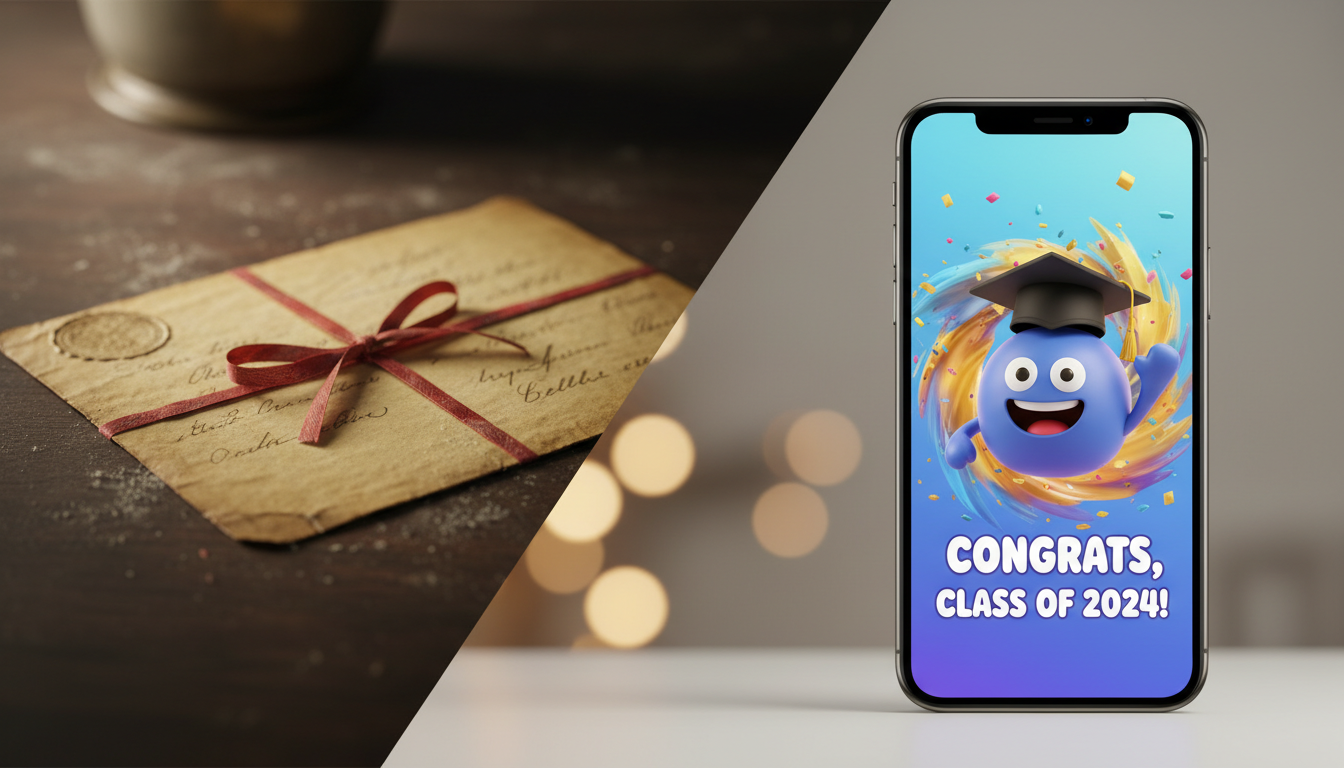
To create an online graduation video greeting that graduates will actually watch and share, you must shift from generic, cliché-ridden platitudes to highly personalized, dynamic formats. The most engaging videos are either highly coordinated collaborative group messages with strict time limits or fast-paced, character-driven greetings that use cultural icons or humor. By focusing on specific memories, keeping the runtime under three minutes, and choosing a format that matches the graduate's personality, you can deliver a memorable digital keepsake that avoids the typical "fast-forward" fate of traditional slideshows.
Choose Your Format: Group Montages vs. Character-Driven Greetings
Before you record a single second of footage, you need to decide on the structural format of your video. A mismatch between the graduate’s personality and the video style usually results in a polite, one-time viewing followed by digital oblivion. If you want something they will actually show their friends, consider these three distinct formats:
1. The Collaborative Group Video
This format gathers short clips from distant family members, childhood friends, and mentors. While highly sentimental, group videos can easily become repetitive if every contributor says the exact same variation of "Congratulations!" To keep it engaging, look for alternatives to the standard, slow-paced video montage by assigning specific prompts to different contributors (e.g., "Tell us one word that describes the graduate's study habits").
2. The Character-Driven or AI Video
If you want instant delivery, high entertainment value, or a message from a character the graduate actually looks up to, a virtual or character-driven greeting is ideal. Using platforms like Fanfun, you can select an AI character or pop-culture icon to deliver a custom, lighthearted roast or a personalized congratulatory message. Knowing how to create custom AI graduation video messages that stand out allows you to skip the logistical nightmare of chasing down late video submissions from relatives while delivering a highly unique, shareable video in minutes.
3. The Mock Commencement Address
For a solo video, step into the role of a mock commencement speaker. Set up a podium (or a kitchen counter), wear a makeshift academic robe, and deliver a funny, highly personalized keynote speech. This format works best for parents, siblings, or best friends who have the comedic timing to pull off a gentle roast.
| Format Type | Best For | Production Time | Key Benefit |
|---|---|---|---|
| Collaborative Group | Sentimental, family-focused graduates | 1–2 weeks | Brings distant loved ones together |
| Character-Driven / AI | Pop-culture fans, gamers, humor lovers | 5 minutes | Instant, highly shareable, and unique |
| Mock Commencement | Close family members with a sense of humor | 1–2 hours | Highly personal and theatrical |
How to Script a Graduation Message That Avoids Clichés
The quickest way to make a graduate tune out is to rely on tired phrases. Ban the words "the world is your oyster," "oh, the places you'll go," and "this is the first day of the rest of your life." These phrases have lost all impact from decades of over-use.
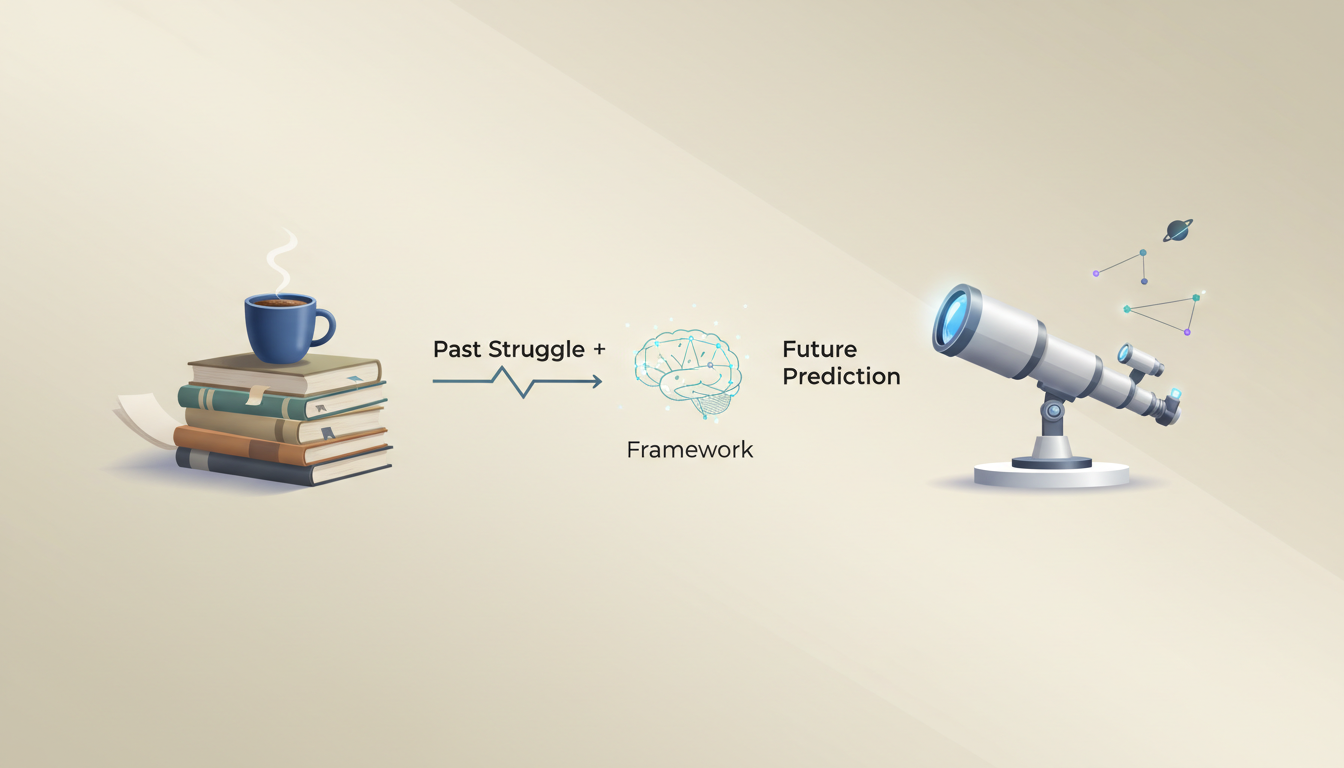
Instead, use the "Past Struggle + Future Prediction" framework to anchor your script in reality. This three-step structure keeps the message grounded, humorous, and deeply authentic:
- Step 1: The Specific Past Struggle. Recall a real, unpolished moment from their academic journey. Did they survive on cold pizza? Did they pull an all-nighter to finish a paper they started at 2:00 AM? Mention it.
- Step 2: The Pivot. Connect that struggle to their resilience. If they can survive organic chemistry with a professor who didn't speak English clearly, they can survive anything.
- Step 3: The Future Prediction. Make a specific, lighthearted prediction about their career or personal life. Avoid generic success statements; instead, predict they will own three golden retrievers or become the youngest manager to ban morning meetings.
Adjusting Your Script for Different Voices
Writing a script for yourself to read on camera is different from writing a script meant for a synthetic character voice. If you are using an AI character or voice generator to deliver your message, focus on writing dialogue that matches the character's known personality, catchphrases, and speaking style. For actionable advice on how to structure your text for an engaging virtual performance, check out these tips on how to script a character video greeting.
A Step-by-Step Checklist for Coordinating Group Video Submissions
If you choose to create a collaborative family video, the process can quickly become chaotic without clear boundaries. If you find yourself coordinating this at the eleventh hour, don't panic. You can apply the same principles used to use instant video greeting apps to save your calendar to get a high-quality video ready without the stress of a multi-week production cycle. Use this practical workflow to collect, organize, and edit your clips without technical headaches:
- Set a hard deadline: Make the submission deadline at least one week before the graduation party. People will inevitably submit late, and you need a buffer for editing.
- Enforce strict technical guidelines: Send these three rules to every contributor:
- Shoot horizontally: Vertical videos leave ugly black bars on the sides when compiled into a standard landscape video.
- Keep it under 30 seconds: Long-winded stories destroy the pacing of a group video. Keep clips punchy.
- Find a quiet, lit space: Avoid recording outdoors on windy days or in dark rooms with windows directly behind the speaker.
- Use a centralized upload folder: Do not let contributors send videos via text message or WhatsApp. These platforms heavily compress video files, leaving you with blurry, pixelated footage. Instead, set up a free shared folder on Google Drive, Dropbox, or OneDrive and send the link to everyone.
- Keep the final runtime tight: Aim for a total video length of 3 to 5 minutes. Anything longer risks losing the graduate's attention—and the attention of the party guests if you are screening it publicly.
How long should a graduation video greeting be?
For a solo or character-driven greeting, aim for 1 to 2 minutes. For a collaborative group video, keep the total runtime between 3 to 5 minutes. Any longer and you risk losing the graduate's attention and slowing down the pacing of a celebration or party screen.
What is the best way to share a large graduation video file with the graduate online?
Avoid sending large video files via email attachments or standard text messages, as these methods compress the file and ruin the visual quality. Instead, upload the finished video to a cloud storage service like Google Drive or Dropbox, or upload it as an unlisted video on YouTube, and share the direct link with the graduate.
Can I make a high-quality graduation video if I don't have video editing skills?
Yes. If you want to avoid editing entirely, an instant AI-generated character video from Fanfun requires zero editing skills—you simply pick a character, write your script, and download the finished product. If you are compiling a group video, simple online tools like Canva or bite-sized video editors offer drag-and-drop templates that make combining clips incredibly straightforward.



