
The Modern Documentarian: How to Script and Cast High-Impact Narration for Mini-Docs and Video Essays
Great digital documentaries live and die by their audio track. Discover how to script for the ear, cast the perfect vocal persona, and direct AI narration to build cinematic video essays that keep viewers hooked.
The digital landscape has transformed the documentary. Once reserved for high-budget television networks, the mini-documentary and video essay now thrive on platforms like YouTube, TikTok, and Instagram, where creators must capture and hold attention in milliseconds. While striking B-roll and kinetic text help keep eyes glued to the screen, the true backbone of any high-retention video essay is the voice narration.
Narration is no longer just a dry reading of facts; it is the emotional and stylistic engine of your edit. To cut through the noise of crowded feeds, digital documentarians must approach scripting and casting with a cinematic mindset, treating the vocal track as an active character rather than background noise.
The New Era of Mini-Docs: Why Narration Is Your Visual Anchor
In fast-paced social feeds, visual assets change rapidly. A single ten-second stretch of a video essay might feature five different archival clips, three text overlays, and a rapid zoom. Amidst this visual chaos, the vocal track remains the consistent thread that anchors the viewer. It grounds the audience through jump cuts, stylistic shifts, and intense B-roll montages, preventing visual fatigue and keeping the narrative coherent.
This structural necessity has driven a shift from traditional, objective reporting to highly subjective, character-driven storytelling. Modern audiences do not want an anonymous, cold voice reading an encyclopedia entry; they want a guide with a distinct perspective, attitude, and personality. If you are building content for fast-paced social feeds, understanding how to build a signature brand voice using character-driven narration on social platforms is the first step in converting casual scrollers into dedicated, long-term viewers.
A signature voice establishes immediate credibility and emotional resonance before the viewer even fully processes the visual B-roll. When a narrator speaks with confidence, vulnerability, or specific cultural authority, it signals to the audience that the content is worth their time, transforming a simple compilation of clips into a cohesive, cinematic experience.
Finding the Right Voice Persona: Casting for Authority vs. Intimacy
Casting your narrator is just as important as writing the script. The wrong voice can completely break the immersion of an otherwise well-researched video essay. To select the perfect voice, creators should analyze their project's genre and match it to one of three core documentary narrator archetypes:
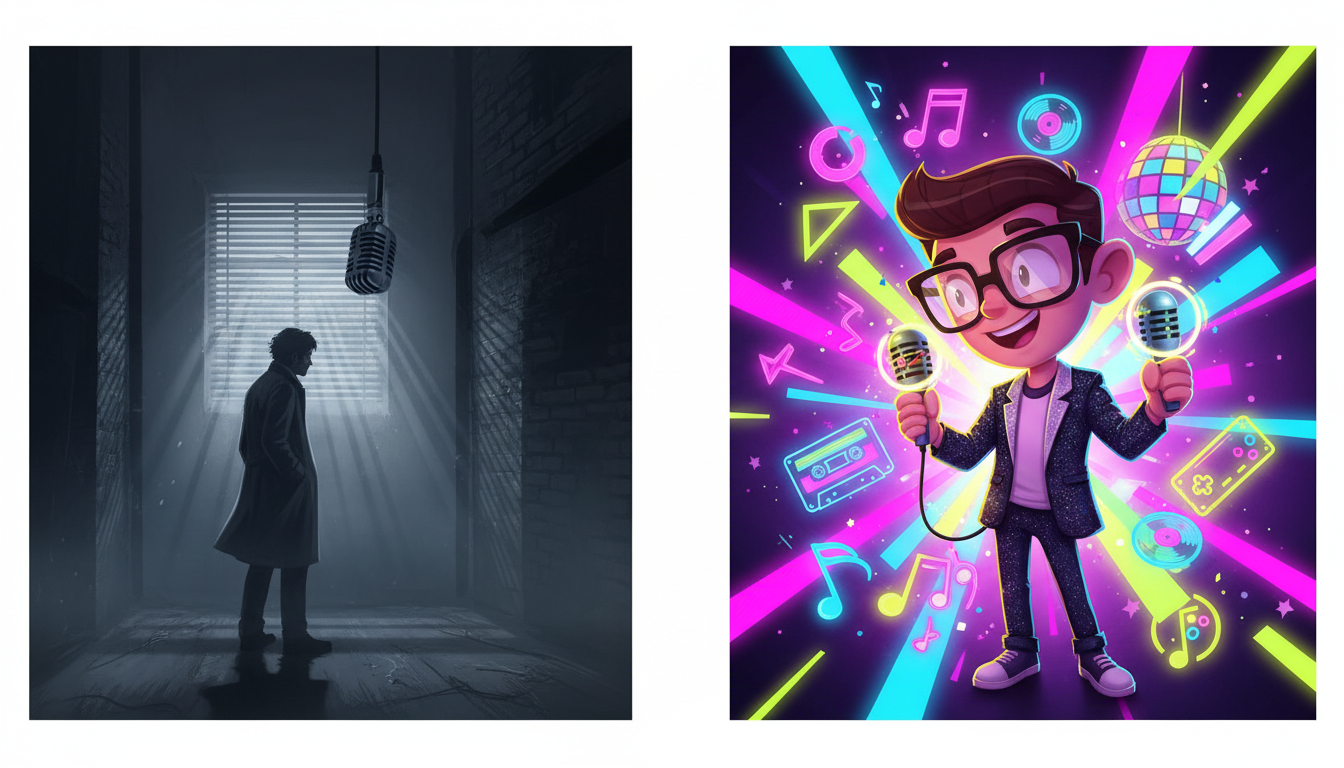
- The Authoritative Scholar: Best for historical deep-dives, scientific mysteries, or cosmic exploration. This persona requires a deep, resonant, and measured cadence that commands respect and projects absolute expertise.
- The Intimate Confidant: Best for true crime, personal memoirs, or investigative exposés. This style relies on a lower volume, close-mic proximity effect, and a conversational, conspiratorial tone that makes the viewer feel like they are being let in on a dark secret.
- The Cultural Insider: Best for internet lore, pop culture trends, and rapid-fire entertainment essays. This persona is energetic, highly expressive, and possesses a natural, conversational bounce.
Sometimes, defying expectations is the key to virality. Using an unexpected or highly stylized voice—such as casting a historical figure or an iconic cultural archetype to narrate a modern, niche internet phenomenon—creates immediate comedic or dramatic tension.
Instead of spending thousands of dollars on professional voice actors or waiting weeks for recording turnarounds, creators can leverage Fanfun’s AI Voice Generator and extensive Character Library. This allows you to instantly cast and audition different personas, experimenting with unique, authoritative, or culturally resonant voices to find the exact tone that fits the mood of your project.
The Pop-Culture Doc: Harnessing Cultural Cadence
Traditional broadcasting voices, with their flat, mid-Atlantic cadences, often fail to connect with younger audiences watching short-form documentaries. On platforms like TikTok and YouTube, authenticity is the highest currency. To make cultural commentary or pop-culture retrospectives feel immediate, your narrator must speak the language of the community they are profiling.
The Rhythm of the Screens and Streets
Every subculture has its own linguistic rhythm, speed, and slang. A video essay analyzing modern hip-hop trends, internet memes, or streetwear fashion cannot be read like a nightly news broadcast. The host’s vocal rhythm must match the subject matter's energy. For creators focused on viral trends, mastering these modern speech patterns is critical—such as mastering modern cultural cadences for viral pop-culture commentary to give your audio track an undeniable edge that resonates deeply with target communities.
Scripting for the Ear: The Golden Rules of Documentary Pacing
The biggest mistake aspiring documentarians make is writing their scripts for the eye rather than the ear. When we read text on a page, our brains can easily process long, complex sentences with multiple clauses. But when we hear those same sentences spoken aloud, they sound bloated, confusing, and exhausting.
To avoid this, you must write in short, rhythmic fragments. Use active verbs, cut unnecessary adjectives, and write exactly how people actually speak. To illustrate this difference, consider the table below:
| Written for the Eye (Avoid This) | Written for the Ear (Do This Instead) |
|---|---|
| Despite the fact that the project was plagued by numerous technical difficulties and severe budget overruns, the lead engineer refused to abandon his original vision. | The budget was gone. The tech was failing. But the lead engineer? He refused to back down. |
| It was during the summer of 1994 that the band finally achieved mainstream success with the release of their third studio album, which was met with critical acclaim. | Summer, 1994. The band drops their third album. Instantly, everything changed. |
To self-edit your script, employ the "breath test." Read your script aloud at your intended performance pace. If you run out of air before reaching the end of a sentence, or if you stumble over a sequence of words, the phrasing is too complex. Break it up.
Additionally, you must design "pregnant pauses" and dramatic beats directly into your written text. Do not crowd your script with continuous speech. Leave empty space in the script where you explicitly instruct the narrator (or the AI engine) to pause, allowing the visuals, sound effects, and musical score to carry the weight of the story.
Directing AI Voice Generators for Cinematic Depth
Working with an AI voice generator like Fanfun requires a director’s touch. To get a realistic, emotionally resonant performance that sounds like a human sitting in a recording booth, you cannot simply paste raw text and hit export. You must use specific formatting hacks to guide the AI's delivery, pacing, and emphasis.
First, use strategic punctuation to force natural pauses. Ellipses (...) are incredibly effective for creating lingering, dramatic pauses before a major reveal. Em-dashes (—) can force a sudden shift in tone or a quick, parenthetical thought. Breaking your script into short, single-line paragraphs also signals the AI generator to take a breath, preventing the narration from sounding rushed.
Second, use phonetic spelling hacks for complex historical names, technical terms, or brand names. If the AI generator mispronounces a word, spell it out phonetically in your script editor (for example, writing "pro-te-in" or "kay-os" for chaos) until the playback matches natural human speech patterns.
Finally, embrace iterative scripting. Do not try to generate a massive, ten-minute voiceover all at once. Generate your narration in small, logical chunks—paragraph by paragraph. This allows you to tweak, regenerate, and fine-tune specific lines to match the evolving edit of your video timeline. If you want to master the art of fine-tuning AI performance, study our guide on directing AI voice generators for cinematic, dramatic story narration to transform flat text into a gripping, theatrical performance.
Sound Design Integration: Making the Voice Cut Through the Mix
Even the most perfectly delivered voiceover will fall flat if it is buried in a poor audio mix. To make your narrator sound professional and authoritative, you must integrate the voice track seamlessly with your background music and sound effects.
Start with sidechain compression, often referred to as audio ducking. This audio technique automatically lowers the volume of your background music track by a few decibels whenever the narrator speaks, and raises it back up during pauses. This ensures that your music can remain energetic and loud during transitions without drowning out important dialogue.
Next, apply basic EQ and compression to give your narration that warm, intimate "podcast" or "theatrical" quality. Use a high-pass filter to cut out low-end rumble below 80Hz, boost the low-mids (around 100Hz to 200Hz) slightly for vocal warmth, and add a gentle boost in the high-mids (around 2kHz to 5kHz) to improve clarity and presence. Follow this with a compressor to smooth out the volume peaks, making the overall delivery consistent and professional.
Lastly, never underestimate the power of silence. One of the most effective dramatic tools in a documentarian's arsenal is cutting both the music and the voiceover simultaneously. Leaving a beat of absolute silence before a major visual reveal or after a shocking statement creates massive dramatic tension, forcing the viewer to hang on every single word that follows.
How do I write a script for a 5-minute documentary?
A 5-minute documentary script should be highly focused and run roughly 600 to 750 words, leaving plenty of room for visual breathing space, transitions, and sound design. Structure it with a 30-second hook to capture attention, a 3-minute core narrative broken into three distinct points or acts, and a 1-minute conclusion that delivers a clear takeaway or emotional resolution.
What makes a good documentary voiceover?
A great documentary voiceover combines clear, purposeful pacing with a distinct vocal persona that matches the genre's mood. It relies on short, rhythmic sentences written for the ear rather than the eye, incorporates natural pauses, and maintains a consistent emotional connection with the viewer rather than sounding like a flat reading of facts.
How do you sync voiceover with B-roll?
Start by laying down your completed voiceover track on your editing timeline first. Once your audio pacing is established, edit your B-roll, archival footage, and text overlays to match the natural rhythm, emphasis, and pauses of the narration. Let major visual cuts land on the natural beats of the speaker's voice or the musical score.
Can I use AI voices for documentary narration?
Yes, modern creators frequently use advanced AI voice engines like Fanfun's AI Voice Generator to produce high-quality, professional-sounding documentary narration. By using strategic punctuation, phonetic spelling, and deliberate pacing edits, you can generate cinematic, character-driven voiceovers instantly and affordably.



