
How to Use AI Voices for Video Memes: Timing, Expression, and Syncing Tips
Master the art of comedic timing with AI voiceovers. Learn how to format scripts for natural pauses, sync audio waveforms to visual punchlines, and edit high-retention memes.
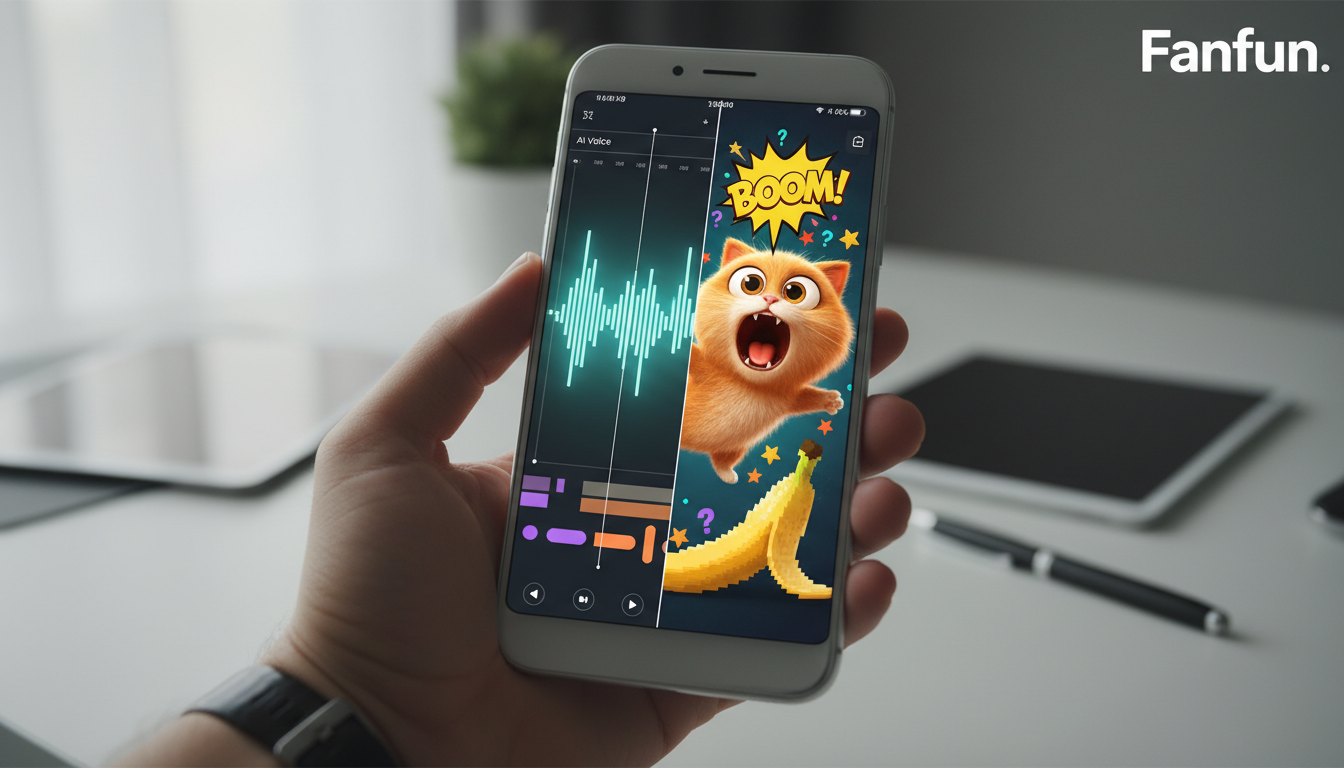
Creating viral video memes with AI voices requires matching the script's formatting to the AI's natural cadence, removing dead air in post-production, and syncing visual punchlines directly to the audio waveform peaks. Because AI tools generate interpretations rather than flawless human clones, successful meme-making relies on embracing these quirky vocal characteristics and using precise editing to maximize comedic timing.
Why Character-Driven AI Voices Make or Break Video Memes
Standard text-to-speech tools often sound flat, sterile, and robotic, which can quickly drain the humor from a fast-paced joke. In contrast, character-driven AI voices tap into pre-existing pop culture associations, nostalgia, and emotional familiarity. When a viewer scrolls past a video and hears an unexpected, highly expressive character voice, it acts as an immediate pattern-interrupt that stops the scroll within the first three seconds.
Using recognizable personas allows creators to set up a joke before a single line of dialogue is fully delivered. To capitalize on this split-second window of viewer attention, creators can master the art of using character-driven voiceovers for high-retention video intros. This approach shifts the viewer's focus from passive scrolling to active listening. Platforms like Fanfun make this easy by allowing you to choose an expressive character persona, input your custom script, and generate a tailored video message in minutes. This instant generation loop means you can capture trending formats and share them to TikTok, Reels, or your group chats while the meme is still relevant.
Writing Scripts for AI Cadence: How to Force Comedic Pauses
AI voice generators do not natively understand comedic timing; they read text based on standard linguistic patterns. To adjust the pacing, dramatic suspensions, or rapid-fire delivery, you can experiment with script structure and phrasing. Breaking up long sentences or using distinct punctuation marks may influence how the AI processes the text, though results will vary depending on the specific voice model. Previewing the audio allows you to hear how the generator interprets your script's layout.
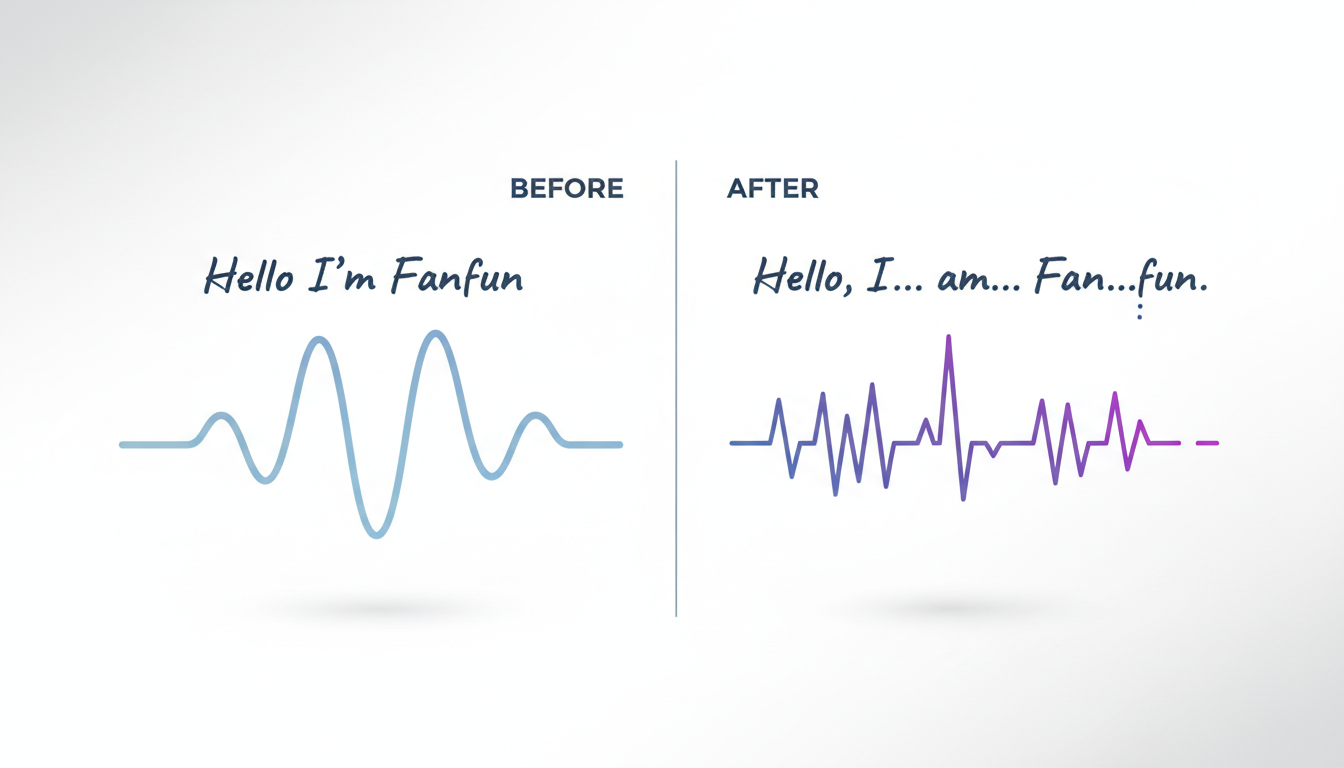
When working with stylized or cartoonish personas, standard spelling can sometimes result in overly formal pronunciation. Refer to our guide on cartoon text-to-speech for social media video edits to see how creative spelling adjustments can help capture a character's iconic accent or catchphrase. Keep in mind that these outputs are AI interpretations, and minor vocal imperfections often enhance the raw, unpolished aesthetic that makes meme culture thrive.
To help you structure your scripts for different pacing styles, refer to these phrasing variations:
| Standard Script Text | Script Variations to Test | Intended Pacing Effect |
|---|---|---|
| I cannot believe you actually did that. Why? | I cannot believe you did that. Why? | Shortening sentences to encourage a faster, more direct delivery. |
| Wait, is that a giant banana running towards us? | Wait. Is that a giant banana? It is running towards us. | Breaking up the sentence to introduce natural pauses between ideas. |
| No way. That is impossible. | No. Way. That is impossible. | Using single-word sentences to suggest a deliberate, staccato rhythm. |
Step-by-Step: Syncing AI Audio to Visual Beats in Your Video Editor
Once you have generated your character voiceover, the magic happens in your editing timeline. Precise visual alignment turns a simple voice track into a high-retention video meme.
First, import your audio track into an editor like CapCut, Premiere Pro, or DaVinci Resolve. Zoom in closely on the audio track to identify the visual waveform. Your first task is to cut out any dead space or unnaturally long silences that dilute the comedic pacing. Tighten the gaps between sentences to keep the momentum high, especially for fast-paced gaming edits or reaction videos. For more advanced techniques on aligning voice tracks with rapid gameplay footage, check out the gaming creator's audio playbook.
Second, sync your visual punchlines, text overlays, and sound effects to the exact peak of the AI voice waveform. If the character shouts a specific word, the corresponding text card should flash on the screen at the precise millisecond the waveform spikes. Finally, layer background music—such as low-fi beats or trending instrumental tracks—underneath the dialogue. Lower the music track by 12 to 15 decibels (dB) during speech to ensure the character voice remains clear and audible.
Ethical Meme-Making and Safe Platform Distribution
Creating memes with AI voices requires a balance of humor, technical execution, and respect for intellectual property. To ensure your content remains ethical and compliant with platform policies, always label your videos clearly as parody, satire, or AI-generated content. Transparency builds trust with your audience and reduces the risk of community guideline flags on platforms like TikTok and Instagram.
When you are ready to export your finished meme, use these optimal settings to maintain high-fidelity audio and crisp visuals:
- Video Resolution: 1080 x 1920 (9:16 vertical aspect ratio)
- Frame Rate: 30 fps or 60 fps for smooth motion
- Audio Codec: AAC-LC
- Audio Sample Rate: 48,000 Hz
- Video Bitrate: 10-15 Mbps (H.264 compression)
By leveraging Fanfun's rapid character-style video generation, you can prototype, edit, and publish multiple meme concepts in a single afternoon, keeping your content feed dynamic and highly engaging.
Can I use AI voice memes for commercial or brand promotions?
Using AI character voices for commercial or paid promotions carries legal risks, especially when using voices that mimic public figures, celebrities, or copyrighted characters without explicit authorization. For promotional campaigns, it is safer to use generic, licensed, or fully custom brand voices. To learn more about navigating these boundaries, read our guide on using character voices for brand promos safely.
How do I fix mispronounced words in an AI voice generator?
If an AI voice generator mispronounces a word, you can try adjusting the spelling or using alternative words with similar meanings. Since different systems process text differently, experimenting with word choice or breaking words into smaller parts can sometimes help guide the pronunciation. Always preview the generated audio to verify the results.
