How to Estimate Rendering Times and Delivery Speeds for AI Video Messages
Not all digital greetings are created equal when it comes to speed. Understanding the difference between instant chat and rendered video helps you manage expectations for your message delivery.
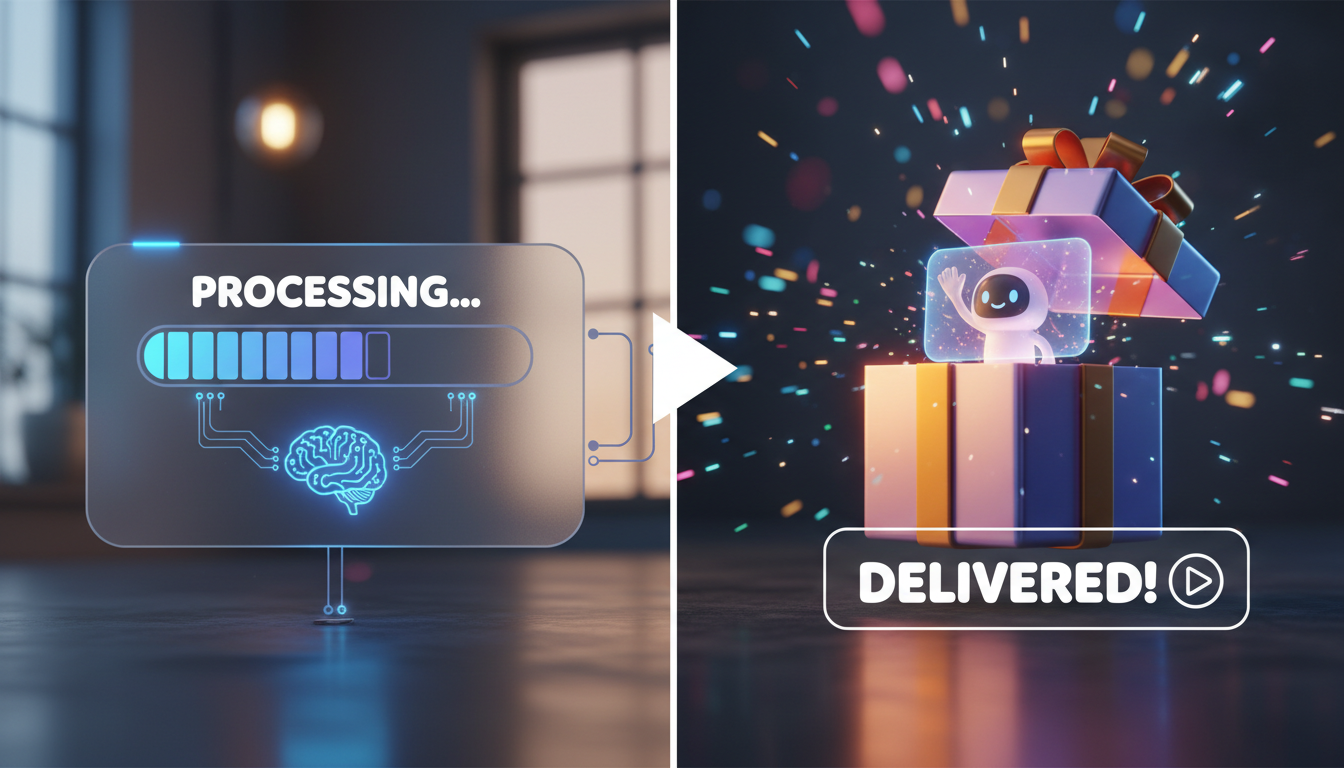
When you send a personalized AI video message, the time it takes to reach the recipient often depends on the technical complexity of the generation process. While text-based chat replies can be near-instant, high-quality video templates require server-side rendering to sync visuals, audio, and character expressions. At Fanfun, we prioritize the stability and quality of these video gifts, which means your message is processed with care. Understanding this distinction helps you avoid last-minute stress and plan your greeting delivery accordingly.
Why Rendering Times Vary Across Video Platforms
The primary reason for variable wait times is the difference between real-time data retrieval and generative rendering. A chat reply involves dynamic interaction with AI characters that remember previous messages, whereas a video template must synthesize your unique script with the AI character's animation and voice synthesis. This is a resource-intensive process that occurs in the cloud. Platforms that promise "instant" video often sacrifice detail or character consistency; by contrast, a longer wait time typically signals that the platform is dedicating the necessary processing power to produce a coherent, lifelike result.
A Framework for Planning Your Video Delivery
To keep your planning stress-free, categorize your digital communications by their delivery requirements. Use this simple decision matrix to determine how much lead time you should factor into your calendar.
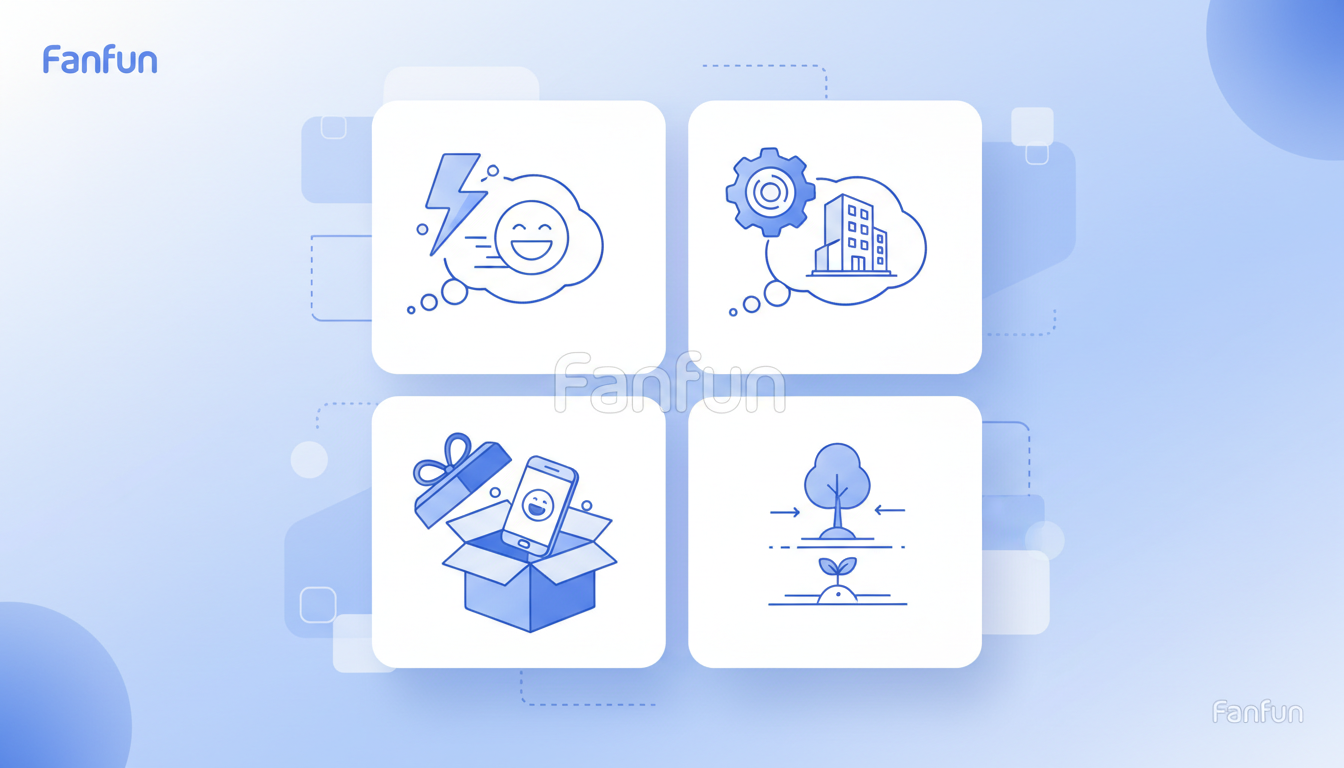
| Format | Delivery Speed | Best For |
|---|---|---|
| AI Chat Reply | Instant | Real-time engagement |
| Voice Note | Near-Instant | Quick, personal audio updates |
| Video Template | Variable | Milestone greetings and gifts |
If you are planning a surprise for a specific date, always account for a "processing buffer" to prevent any anxiety if a server experiences high traffic. Furthermore, always check your script length and complexity before hitting send, as longer scripts require more processing cycles. You can use our workflow for how to preview and check the audio of your digital video card script to ensure your content is ready to go, minimizing the need for re-renders.
Managing Expectations for Digital Greetings
A slightly longer wait for a high-quality, personalized video is often preferred by recipients over a generic, low-quality clip that was generated instantly. If your generation takes longer than expected, use that time to double-check your recipient's email address or verify your notification settings. On platforms like Fanfun, your finished video is emailed to the address you provide and also appears in your "My creations" section. Remember that if a generation fails, the system credits are typically returned to your account automatically, ensuring you do not lose out on your ability to create a gift.
Does a longer script always mean a longer rendering time?
Yes, generally speaking. Because the AI must generate more audio and sync more animation frames for a longer script, the rendering process will naturally take more time than a short, punchy message.
What should I do if my video generation fails?
On platforms like Fanfun, failed generations are designed to be low-stress. The system typically returns the used credits to your balance automatically. You do not need to contact support to initiate this; just check your dashboard and try again once the system has stabilized.
Can I speed up the video rendering process by using a faster internet connection?
No. Your local internet speed affects how quickly you can upload your script or download the finished file, but the actual rendering happens on the platform's servers. A faster home connection will not reduce the server-side processing time required to generate the video.