
How to Create a Doraemon Voice Greeting Online for Children's Birthdays
Bring the magic of the 22nd century to your child's next birthday. Learn how to translate standard wishes into Doraemon's gadget-loving style and generate a custom AI video greeting.
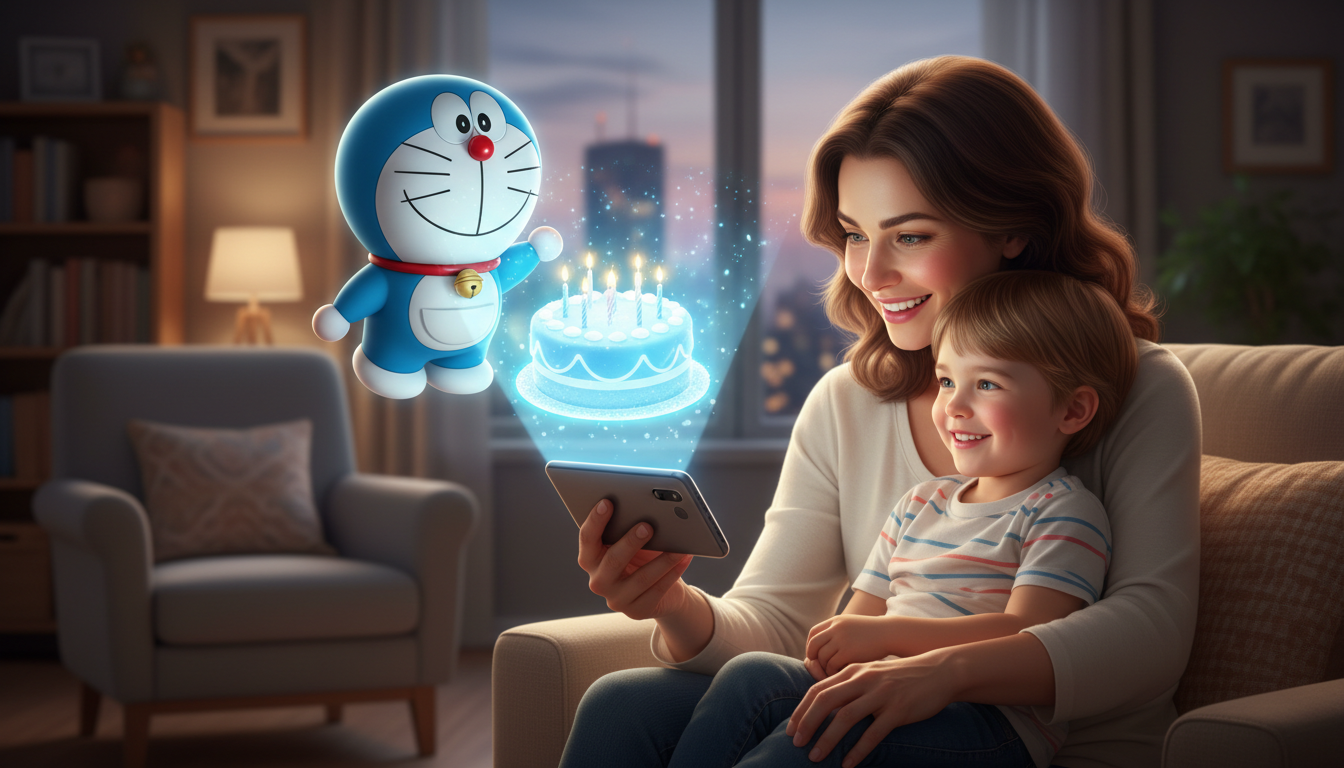
To create a Doraemon-style voice greeting online for a child's birthday, you can use an AI video generator like Fanfun to transform a custom-written script into a personalized video message. While official license holders do not offer a public voice generator, parents can use AI platforms to create a creative AI interpretation of a friendly robotic voice for personal, non-commercial celebrations. The key to a magical greeting lies in translating standard birthday wishes into Doraemon's signature "gadget-speak" style, complete with references to his favorite snack, dorayaki, and his four-dimensional pocket.
The Anatomy of a Doraemon Voice Translation
A true voice translator doesn't just swap languages or convert text to a generic robotic voice. Instead, it translates dry, standard text into the unique vocal patterns, whimsical catchphrases, and emotional tone of the beloved character. Doraemon's voice is characterized by a friendly, slightly raspy, and highly energetic tone. He often sounds eager, helpful, and occasionally flustered—especially when things go wrong or when mice are mentioned.
Using online tools like Fanfun, you can generate custom video messages from a script in just minutes. This offers an accessible, affordable alternative to hiring professional voice talent, allowing you to create a highly personalized moment for your child. It is important to note that these tools are designed to generate a creative AI interpretation of the character's voice for personal, nostalgic, and non-commercial family celebrations, rather than an official licensed voice clone.
The Script Translation Framework: From Standard Wishes to Gadget-Speak
To make the greeting feel authentic, you should avoid writing generic messages. Instead, rewrite your wishes from Doraemon's perspective. Incorporate classic elements from the anime, such as his love for dorayaki, his panic over mice, and imaginary futuristic gadgets pulled from his four-dimensional pocket.
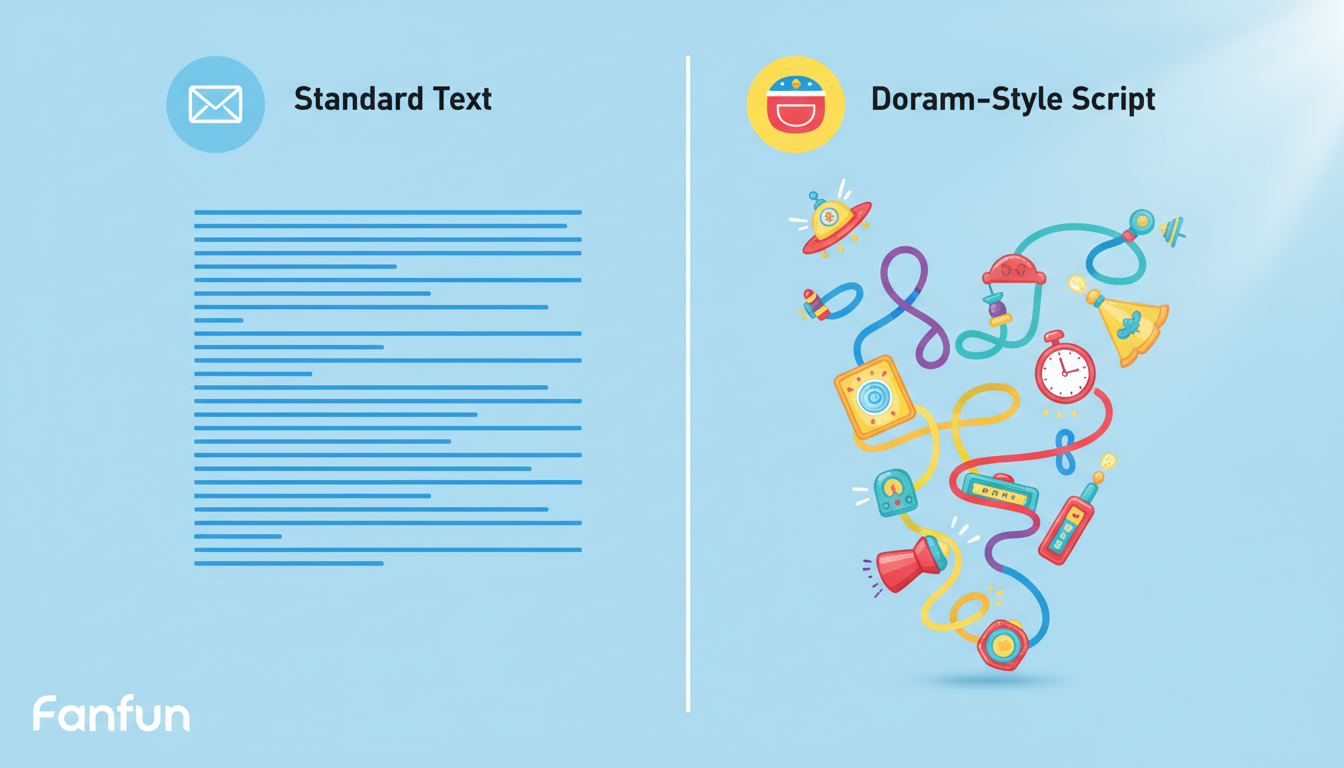
When writing scripts for AI voiceovers, sentence structure and formatting can influence the pacing and flow of the generated audio. You can experiment with different punctuation marks, line breaks, or phonetic spellings to see how they affect the character's delivery. To explore formatting tips, you can learn how to direct anime character text-to-speech for better performance.
Script Translation Examples
Use the side-by-side framework below to see how to translate standard parent prompts into classic Doraemon dialogue:
| What Parents Write | How Doraemon Says It |
|---|---|
| Happy 7th Birthday, Leo! I hope you have a great day and eat lots of cake. | Hi there, Leo! *Gasp*... Happy 7th Birthday! I hope your day is filled with fun, laughter, and maybe... just maybe... a giant pile of delicious dorayaki! Let's celebrate! |
| Make sure you listen to your parents and keep your bedroom clean this year. | Hey, remember to keep your room tidy, okay? We don't want it looking like Nobita's messy room, or we'll never find my gadgets! And watch out for mice! Yikes! |
| Good luck in school. You are going to do great in second grade. | You're going to do amazing in second grade! No need for a Computer Pencil—I know you've got all the smarts you need right in your own brain! Keep it up, pal! |
Step-by-Step: Generating Your Custom Character Greeting on Fanfun
Creating your custom video greeting on Fanfun is straightforward and takes only a few minutes. Follow these practical steps to bring your script to life:
- Step 1: Choose the Character Persona
Navigate to the Fanfun character library and select a suitable character or voice persona. Look for a friendly, high-energy voice that fits the playful tone of a futuristic robotic companion. - Step 2: Input Your Translated Script
Paste your translated, gadget-themed script into the text generator box. Keep the script concise—usually between 50 to 120 words—to maintain a high-energy performance and clear pacing throughout the video. - Step 3: Generate the Custom AI Video
Click the generate button. Fanfun's AI engine will process the text and render your custom video in minutes. Once complete, download the video file directly to your phone, tablet, or computer. - Step 4: Deliver the Birthday Surprise
Plan how to share the message. You can play it on the living room TV during birthday breakfast, send it as a special "incoming call" on a tablet, or use it as the final clue in a birthday scavenger hunt.
For more creative ideas on how to use these voices beyond family birthdays, check out our guide on using fictional character voice generators online.
Beyond Birthdays: Interactive Ways to Bring the Magic Home
A custom voice greeting doesn't have to be a one-time birthday event. You can use the voice generator to create gentle morning wake-up calls, words of encouragement before a big school project, or fun rewards for finishing chores.
Can I generate the voice in languages other than English?
Language support varies depending on the specific AI platform and character model you choose. When using AI voice generators, character-specific inflections, catchphrases, and emotional delivery are often most accurate in the character's original language. It is best to test a short script first to see if the tool supports your preferred language and delivers natural pronunciation.
Is it possible to customize the background or visual style of the video?
Fanfun pairs the generated voice with a character video. To see the available visual styles, templates, or background options, check the creation interface on the platform when setting up your video project.
How can I make the AI voice sound more natural and less robotic?
Pacing and sentence structure can influence the final delivery. Try keeping sentences relatively short and conversational. You can also experiment with different punctuation or spelling variations in your script to see how the AI interprets the phrasing during generation.
