
The Code-Switching Director: How to Script and Direct Bilingual AI Birthday Videos That Don't Get Lost in Translation
Creating a bilingual AI birthday video shouldn't result in robotic mispronunciations. Learn how to use phonetic spelling, strategic transitions, and Fanfun's character library to direct seamless, multi-lingual messages.
Creating a personalized birthday video for a bilingual friend or family member should feel deeply personal. But when you try to mix English with Spanish terms of endearment, or throw Japanese anime slang into an English greeting using standard AI voice generators, the result is often a linguistic car crash. The AI either reads the non-English words with a flat, robotic American accent or glitches out entirely, stripping the message of its warmth and authenticity.
True bilingualism isn't just about translating text; it's about capturing the unique rhythm, humor, and cultural inside jokes of code-switching. By treating your AI script like a director's blueprint—using phonetic spelling, strategic pacing, and Fanfun's multi-lingual character library—you can generate bilingual birthday messages that feel incredibly natural and hit the perfect emotional note.
The Bilingual AI Challenge: Why Code-Switching Trips Up Standard Voice Generators
Most AI voice models are trained primarily on single-language datasets. When an English-centric AI model encounters a Spanish or Japanese word, it tries to force that word into English phonetic rules. This is why "Abuela" ends up sounding like a robotic GPS saying "Ah-bway-lah," and "Chan" gets flattened into "Chain." The AI's linguistic engine simply doesn't know how to transition between two sets of phonetic rules on the fly.
This limitation becomes highly apparent when you try to script "code-switching"—the natural blending of two or more languages in a single conversation. Code-switching is how bilingual families and friends actually talk. It is how we express affection, deliver punchlines, and share cultural inside jokes. A birthday message that forces a bilingual speaker into a single, rigid language path immediately feels artificial and cold.
This is where Fanfun's advanced AI models and diverse character library change the game. Instead of relying on rigid, single-language text-to-speech tools, Fanfun allows creators to direct multi-lingual and cross-cultural messages. Whether you want an iconic anime protagonist speaking a mix of English and Japanese, or a legendary athlete dropping natural Spanish phrases, you can bypass standard AI limitations by structuring your script to guide the AI's vocal transition.
The Scripting Blueprint: Structuring the Bilingual Transition
To get a seamless delivery from an AI voice generator, you cannot just paste a standard bilingual paragraph and hope for the best. You need to structure the transition points. There are two primary methods for doing this: the "Handoff" method and the "Spanglish/Loanword" method.
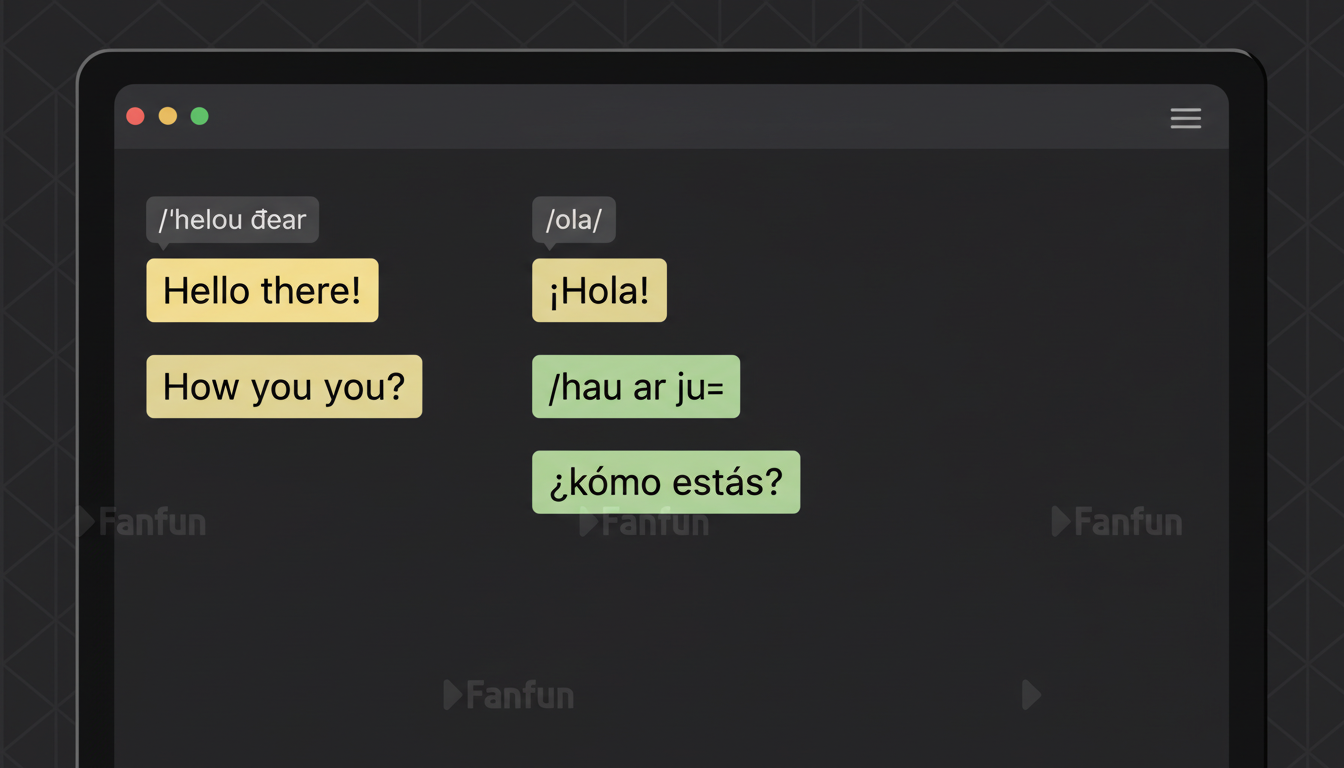
The Handoff Method involves keeping entire sentences or clauses in one language before switching to the next. This gives the AI model a clean break to adjust its tone. For example, instead of mixing languages word-by-word, you write a complete thought in English, insert a strong punctuation mark, and then write the next complete thought in Spanish. This structural pause prevents the AI from dragging the accent of the first language into the second.
The Spanglish/Loanword Method integrates specific cultural terms directly into an English sentence. To make this work without the AI mispronouncing the loanword, you must use punctuation as a linguistic reset button. Placing commas, ellipses, or em-dashes immediately before and after the foreign word forces the AI engine to pause, reset its pacing, and approach the next word with a clean slate.

The Phonetic Bridge: Directing Accents and Loanwords
If you are using an English-centric AI voice model but want it to pronounce non-English words perfectly, you need to build a phonetic bridge. This means spelling foreign words phonetically based on how they would be read by an English speaker. You are essentially tricking the AI's phonetic engine into producing the correct sounds.
For example, if you want the AI to say "cumpleaños" but it keeps butchering the pronunciation, you should write it out in your script as "coom-pleh-ahn-yos." If you want an anime character to say "Arigato," writing "ah-ree-gah-toe" ensures the AI doesn't flatten the vowels. Pacing is equally critical here; using commas and dashes gives the AI breathing room during a language pivot, allowing the character voice to maintain its natural cadence.
This phonetic direction is especially important when mastering comedic timing and dramatic pauses. If your bilingual birthday message relies on a pun or a cultural joke, a mispronounced word will completely ruin the punchline. Spelling the climax of the joke phonetically ensures the AI delivers the line with the exact emphasis and attitude you intended.
The Phonetic Cheat Sheet for Common Loanwords
- Abuela / Abuelito: Write as "Ah-bweh-lah" / "Ah-bweh-lee-toe"
- Opa / Oma: Write as "Oh-pah" / "Oh-mah"
- San / Chan (Japanese honorifics): Write as "Sahn" / "Chahn"
- Mijo / Mija: Write as "Mee-ho" / "Mee-hah"
- Felicidades: Write as "Feh-lee-see-dah-dehs"
The Bilingual Formatting Matrix: A Step-by-Step Guide
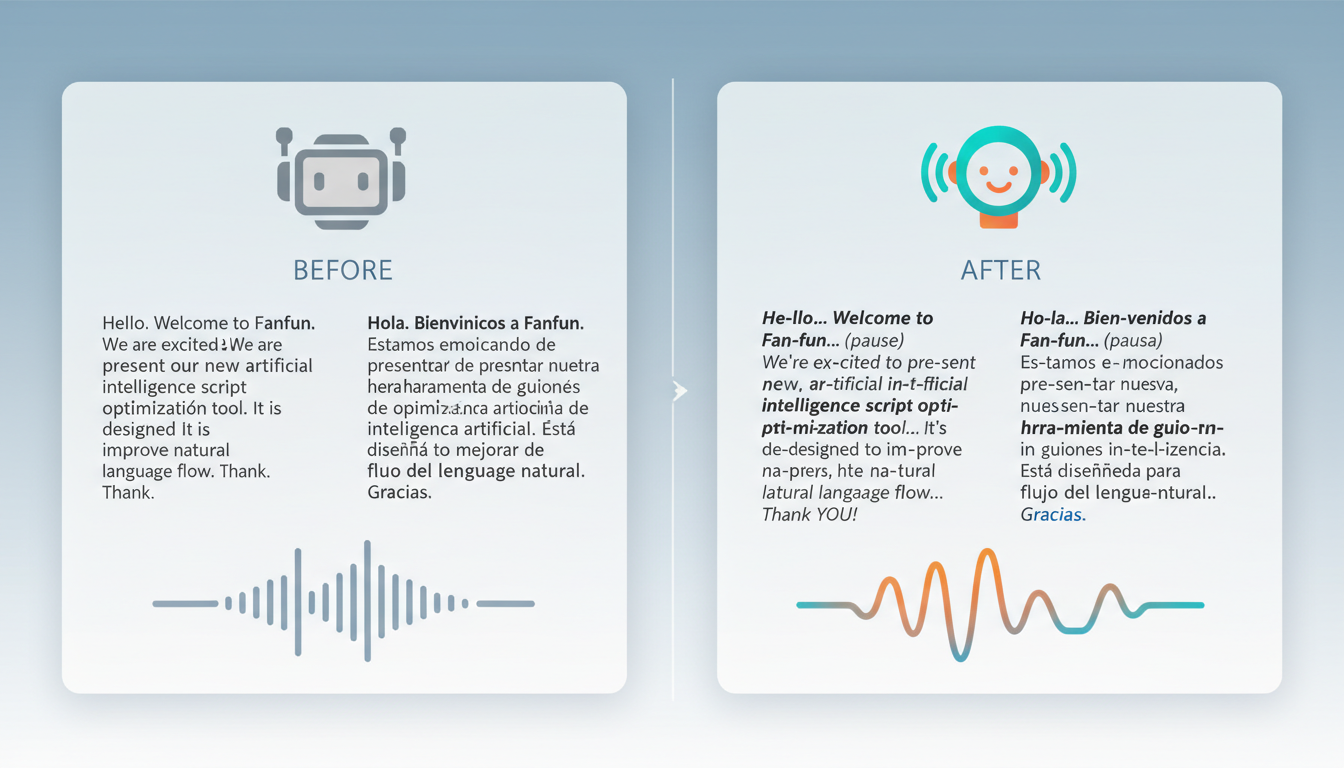
To help you format your next bilingual script, use this step-by-step formatting matrix. It compares standard text with AI-optimized text to show you exactly how to structure your input for the best vocal output.
| What You Want to Say | How to Write It for the AI | The Resulting Pronunciation |
|---|---|---|
| "Happy birthday, Abuela! We love you so much." | "Happy birthday... Ah-bweh-lah! We love you so much." | Natural English flow with a perfectly accented Spanish term of endearment. |
| "Happy birthday, Kenji-san! Let's celebrate!" | "Happy birthday... Ken-jee... sahn! Let's celebrate!" | Smooth transition with proper Japanese honorific pronunciation and emphasis. |
| "¡Feliz cumpleaños, mi amigo! Have a great day." | "Feh-lees... coom-pleh-ahn-yos... mee ah-mee-go! Have a great day." | A high-energy, authentic Spanglish greeting without robotic stuttering. |

The Bilingual Script Testing Checklist
Before you hit generate on your final video, run your script through this quick quality-assurance checklist:
- Check the syllable stress: Read your phonetic spelling aloud. Does the English-based spelling naturally place the emphasis on the correct syllable of the foreign word?
- Listen for robotic pauses: Have you used too many commas? If the AI sounds like it is reading a grocery list, replace some commas with em-dashes or remove them entirely to speed up the flow.
- Verify the cultural tone: Ensure that the slang or terms of endearment you are using actually match the character archetype you have selected. A sports legend should sound casual and motivating, not overly formal.
Tailoring the Tone: Culturally Aware Roasts vs. Heartfelt Wishes
The rules of bilingual scripting change depending on the emotional goal of your video. If you are creating a heartfelt tribute for a family member, your phonetic choices should prioritize warmth, softness, and familiar terms of endearment. Slow down the pacing by using ellipses to let the emotional weight of words like "Familia" or "Oma" sink in.
On the other hand, if you are crafting a birthday roast that hits the right notes, speed and sharp delivery are your best friends. Bilingual roasts are incredibly popular because they allow you to play with cultural tropes and inside jokes that only your family or friend group will understand. For a roast, use short, punchy phonetic words and sharp exclamation points to make the AI sound energetic and teasing.
When coordinating a roast for a family member, it is often helpful to consult other relatives across generations. What Gen Z considers a hilarious bilingual meme might confuse older generations, while older cultural references might fly over the birthday star's head. Balancing your script with classic terms of respect and modern bilingual slang ensures the video lands perfectly with the entire audience.
Executing Your Masterpiece: Bringing the Script to Life on Fanfun
Once you have polished your phonetic script and mapped out your pauses, it is time to bring it to life. On Fanfun, you can browse a massive library of licensed and original AI characters, from anime icons to sports superstars. Select a character whose natural vibe matches the cultural and linguistic tone of your birthday message.
Because Fanfun offers instant AI generation, you do not have to wait days for a real voice actor to record your lines. If a specific phonetic spelling doesn't sound quite right on the first try, you can instantly tweak the spelling in the text box and generate a new version in minutes. This rapid iteration allows you to fine-tune difficult pronunciations until they sound incredibly natural.
After generating your perfect bilingual video, you can send it directly to the birthday star or take it a step further. If you are collaborating on a virtual group birthday card, you can easily integrate your custom Fanfun video into a shared digital card, allowing friends and family from all over the world to contribute their own bilingual wishes alongside a message from their favorite character.
How do I stop an AI voice generator from reading Spanish words with an American accent?
To prevent an English-centric AI voice from applying American phonetic rules to Spanish words, write the Spanish words phonetically using English syllables. For example, instead of writing "cumpleaños," write "coom-pleh-ahn-yos." This forces the AI to produce the correct Spanish vowel sounds.
Can I use two different AI voices in the same bilingual birthday video?
Yes. You can generate separate video or voice clips using different characters on Fanfun and stitch them together in your favorite video editor, or create a multi-character script where different voices handle different parts of the bilingual conversation.
What is the best way to write phonetic spelling for Japanese anime voices in AI?
Break the Japanese words down into simple, phonetic English blocks. For example, write "Arigato" as "ah-ree-gah-toe" and "Senpai" as "sen-pie." Adding a slight pause before the word using an ellipsis can also help the AI transition into the Japanese honorific naturally.
How do I script natural pauses when switching languages in an AI video?
Use punctuation marks as structural cues. Placing an ellipsis (...), a comma, or an em-dash (—) right before you switch languages forces the AI engine to pause, reset its linguistic pacing, and start the next phrase with a clean, natural delivery.



