Mastering the AI Trump Voice: How to Script and Generate Viral Parody Content
Stop settling for glitchy mobile apps. Discover how to write precise scripts and generate broadcast-quality AI voice parodies that actually get laughs.
Creating a viral voice parody takes more than downloading a free mobile app and typing out a quick joke. Audiences scroll past robotic, glitchy audio in milliseconds, which means the comedic illusion shatters before your punchline even lands. If you are trying to make a fake drive-thru review, a gaming crossover sketch, or a personalized roast for a friend, the voice needs to sound authentic, well-paced, and completely oblivious to the absurdity of the situation.
Stop settling for one-dimensional novelty apps that slap watermarks on your videos and take forever to render. Building a genuinely funny parody requires a mix of smart scriptwriting—nailing the superlatives and dramatic pauses—and a professional-grade AI platform that delivers broadcast-quality results instantly. Here is exactly how to script, generate, and fine-tune an AI interpretation that commands attention and drives engagement.
The Anatomy of a Viral Political Parody
The humor in a successful voice parody relies entirely on the contrast between a highly recognizable, authoritative cadence and an incredibly mundane or absurd scenario. Think of the massively popular "AI Presidents" trend, where iconic political voices are used to debate Minecraft building strategies or rank fast-food menus. The joke works precisely because the voice is instantly identifiable, yet the subject matter is ridiculous.
However, modern audiences have incredibly high standards for digital content. The uncanny valley of audio is real and unforgiving. If the voice clips, stutters, or sounds like a 1990s text-to-speech engine, the joke dies immediately. The comedic illusion requires a seamless audio experience where the listener forgets, even for a split second, that they are listening to an AI.
Achieving this level of viral potential requires two non-negotiable elements: a highly accurate voice model capable of natural inflection, and a script that explicitly leans into the persona's unique vocal quirks. You cannot simply feed standard, grammatically perfect English into a generator and expect a funny result. You have to write the script exactly how the persona speaks, complete with rambling tangents and sudden interruptions.
Why Creators Are Upgrading from Basic Voice Apps
Many creators start their journey into AI audio using basic mobile applications like Parrot AI. While these novelty apps are fine for a quick text to a friend, they quickly become a bottleneck for serious content creators looking for Cameo alternatives or trying to build a scalable content channel.
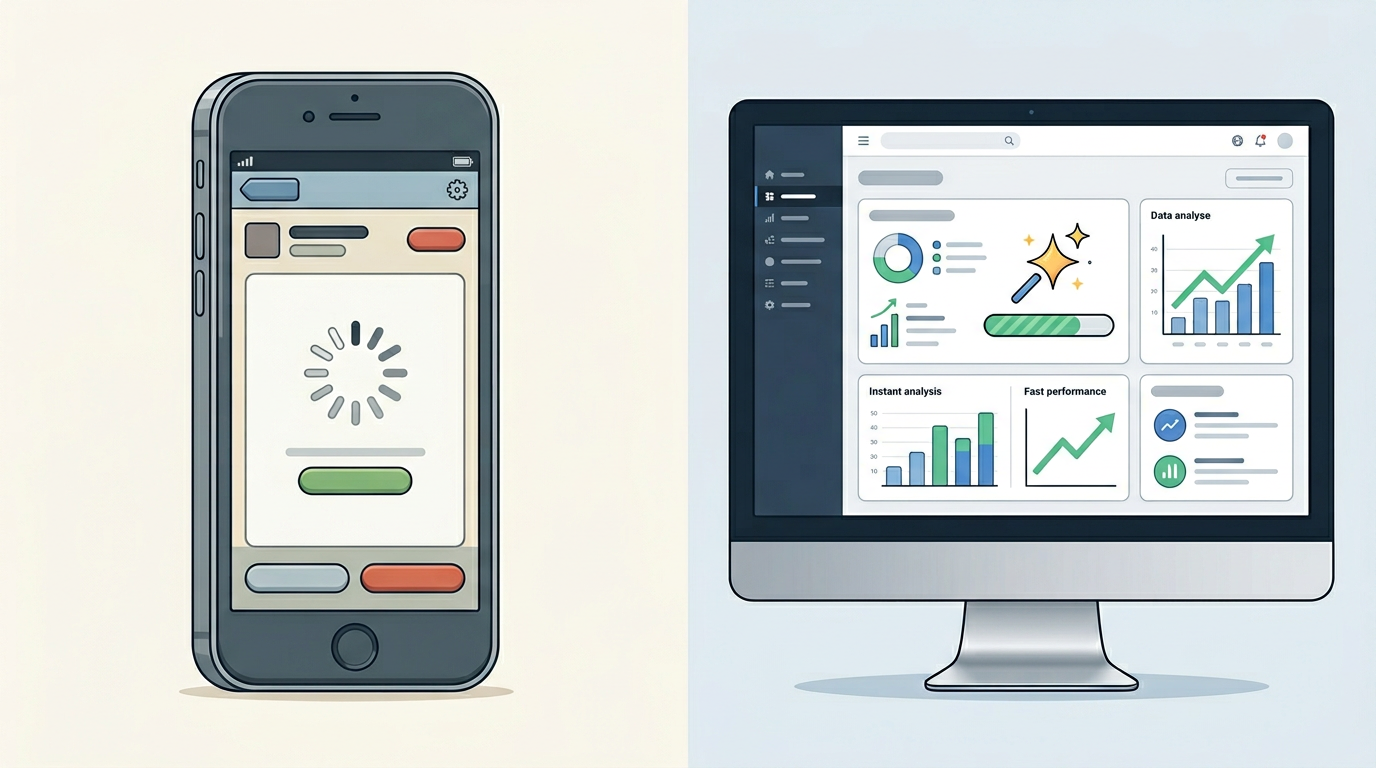
Older novelty apps are plagued by hard limitations. They often enforce strict character counts, forcing you to chop your script into awkward fragments. They slap forced watermarks across your video exports, ruining the aesthetic of your TikTok or Reel. Worst of all, they rely on slow, queue-based rendering times that disrupt the creative flow.
To build better content faster, creators are moving to robust, web-based platforms. Here is a clear decision framework comparing basic mobile apps to professional platform-based generation:
| Feature | Basic Mobile Apps (e.g., Parrot AI) | Professional Platforms (Fanfun) |
|---|---|---|
| Generation Speed | Slow, often requires waiting in server queues. | Instant delivery, moving from idea to audio in minutes. |
| Audio Fidelity | Highly compressed, robotic undertones, prone to glitching. | Broadcast-quality, clear enunciation with natural breathing room. |
| Workflow & Limits | Strict character limits, forced video watermarks. | Extended script capabilities, clean audio exports, scalable for series production. |
| Character Library | Limited to a few trending voices. | Massive, growing roster of fictional and cultural icons. |
Fanfun is built as the instant, scalable alternative that allows creators to bypass clunky software downloads. By operating entirely in your browser, it provides a frictionless environment where you can test scripts, generate audio, and export clean files ready for your video editor.
Writing the Perfect Script for an AI Interpretation
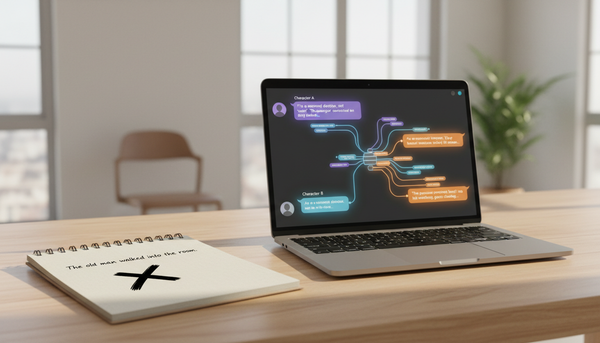
The biggest mistake creators make with AI voice generators is writing like a novelist rather than a scriptwriter. AI models perform best when they are given phonetic spelling and forced breathing room in the text. The engine interprets punctuation just as heavily as it interprets vocabulary.
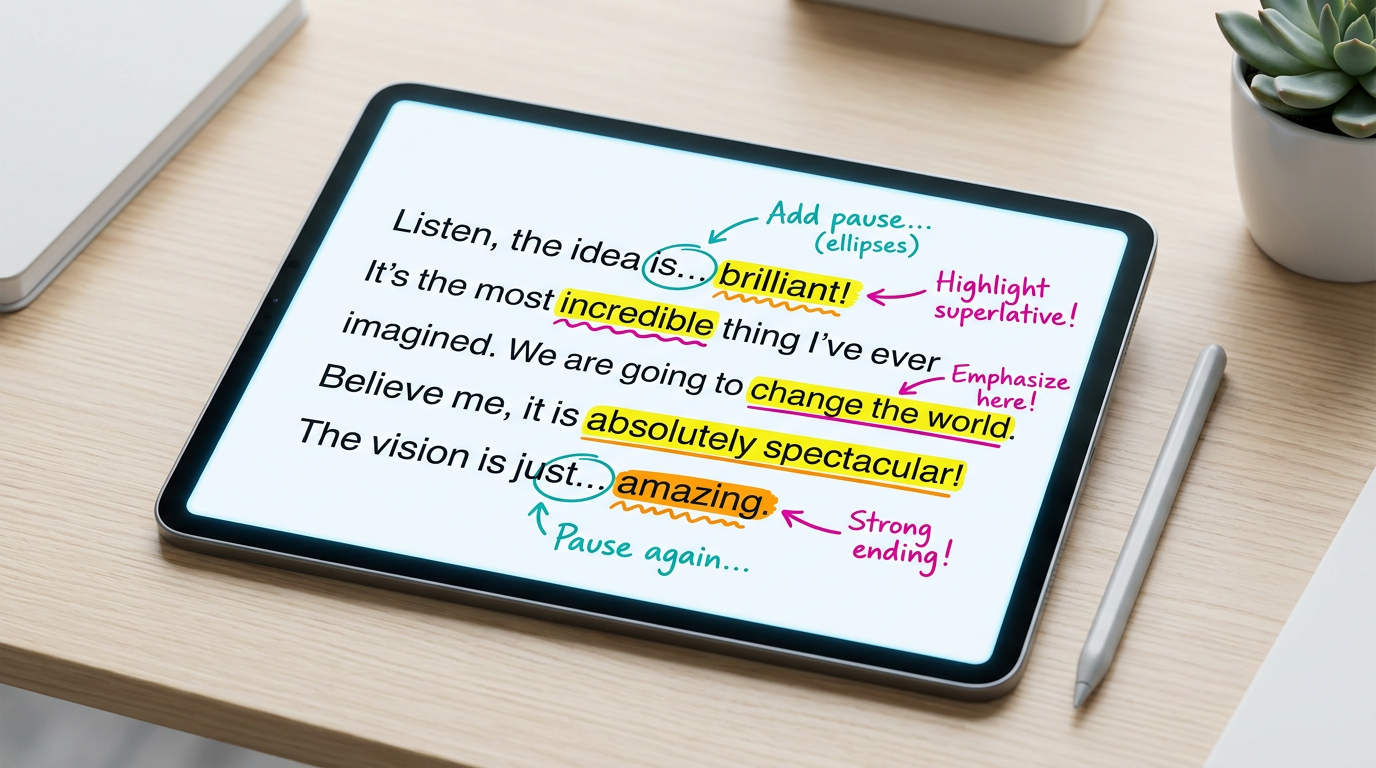
If you write a massive block of text with no punctuation, the AI will speed-read through it, resulting in a breathless, unnatural delivery. To create the signature rambling style associated with certain political figures, you must master the use of ellipses and em-dashes.
The Rule of Repetition and Superlatives
Capturing this specific persona requires a distinct vocabulary. You must rely heavily on absolute terms and superlatives. Words like "tremendous," "disaster," "frankly," and phrases like "nobody has ever seen anything like it" are essential building blocks of the parody.
Furthermore, the grammatical structure should include repeating the end of sentences for emphasis and executing sudden topic pivots mid-thought. Let's look at a before-and-after script example to see how optimization changes the output:
- Generic Prompt (Poor Result): "I went to the new burger place downtown and the food was really bad. I don't think anyone should eat there because the service is slow."
- Optimized Prompt (Viral Result): "I went to the new burger place downtown—many people are saying it's a disaster, frankly. A total disaster. I looked at the burger, and I said, 'Nobody has ever seen a burger this sad.' Believe me. The service? Slow. So slow. We need strong burgers, folks."
The optimized prompt gives the AI the exact rhythm, vocabulary, and repetition needed to output a convincing, hilarious performance.
Pacing and Dramatic Pauses
Controlling the AI's speed and rhythm is what separates an amateur meme from a viral hit. You must break up long paragraphs to force the AI to take a breath. In comedy, the pause before the punchline is just as important as the punchline itself.
Use commas generously, even where they might not belong in strict grammatical terms. An ellipsis (...) will force a longer, contemplative pause, while an em-dash (—) will signal a sudden interruption or pivot in thought. By manipulating these punctuation marks, you dictate the exact comedic timing of the delivery.
Generating and Fine-Tuning Your Audio
Once your script is optimized, the actual generation process is incredibly straightforward. You will want to use a reliable, high-fidelity tool to bring the text to life. The Donald Trump AI Voice on Fanfun is the go-to choice for instant, broadcast-ready results.
Start by pasting your optimized script into the text field. Before hitting generate, do a quick visual scan to ensure your punctuation is placed exactly where you want the pauses. Generate the audio and listen back with a critical ear. This is the "Listen and Adjust" loop.
If a specific word sounds awkward or is mispronounced, change the spelling to be strictly phonetic. For example, if the AI is not emphasizing a word enough, try capitalizing it or adding hyphens (e.g., "Yuge" instead of "Huge"). If a sentence feels rushed, insert an extra comma. These micro-adjustments take only seconds on a fast platform but make a massive difference in the final quality of your parody.
Expanding Your Parody Universe
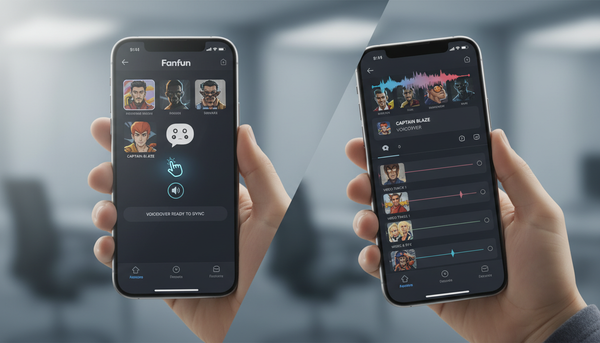
A single voice can carry a short meme, but to increase watch time and build a dedicated audience, you should expand your sketches to include multiple characters. The trend of celebrity crossover gaming videos—where distinct personalities argue over Minecraft servers or rank fast food—is incredibly effective for viewer retention.
Mixing audio from different iconic voices creates a digital ensemble cast that keeps the content dynamic. The humor multiplies when you contrast a rambling, superlative-heavy voice with a completely different personality type.
For example, you can easily pivot from a political monologue to the deep, authoritative tone of the Dwayne Johnson AI, creating an unexpected and hilarious back-and-forth dialogue. Throwing Shaq into the mix to offer deadpan commentary on the absurd conversation adds yet another layer of comedic contrast. By leveraging a comprehensive character library, your creative ceiling is entirely up to your imagination.
What is the best alternative to the Parrot AI app?
Professional, web-based platforms like Fanfun are the best alternatives to basic mobile apps. They remove strict character limits, eliminate forced watermarks on your videos, and offer instant, high-fidelity audio generation without making you wait in slow server queues.
How do I make an AI voice sound more natural and less robotic?
To make an AI voice sound natural, you must use punctuation strategically. Insert commas to force the AI to slow down, use ellipses (...) for dramatic pauses, and break long sentences into shorter fragments so the engine naturally simulates taking a breath.
Can I use AI voice generators to make personalized birthday videos?
Absolutely. Platforms like Fanfun serve as instant, scalable Cameo alternatives. You can generate personalized birthday wishes, roasts, or custom messages featuring iconic voices in a matter of minutes, completely tailored to your friend or family member.
How do I write a script that sounds exactly like a specific celebrity?
You have to write the script based on how they actually speak, not how proper English is written. Study their verbal tics, include their specific catchphrases or superlatives, repeat the ends of sentences if that is their habit, and spell out unique pronunciations phonetically.