The TikTok AI Video Playbook: How to Direct Trend-Responsive Social Content in Minutes
TikTok demands instant reaction times and high-retention editing. Discover how to bypass slow production cycles and use Fanfun’s instant AI video generator to script, direct, and publish culturally relevant videos while trends are still peaking.
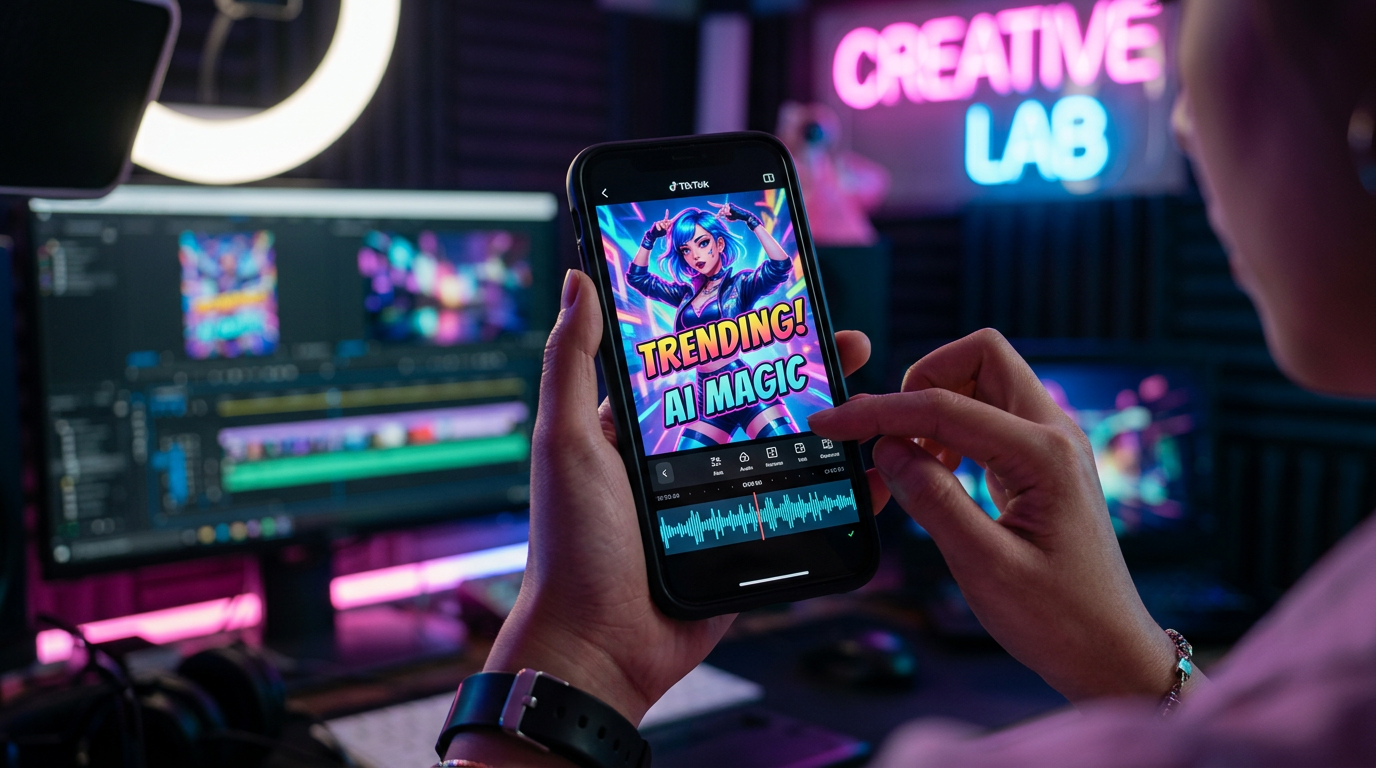
TikTok's algorithm waits for no one. When a meme, audio track, or cultural debate breaks the internet, the window to capitalize on it is measured in hours, not days. For creators and brands trying to jump on these trends, traditional production timelines are too slow, often resulting in content that feels dated by the time it hits the feed. If you are waiting on a studio booking, a graphic designer, or a talent agency callback, you have already lost the moment.
By leveraging Fanfun's instant AI video generator, you can bypass the traditional creation bottlenecks entirely. This playbook provides a practical framework, ready-to-use scripts, and a zero-day production workflow to generate high-retention TikTok AI video messages that capitalize on real-time trends while they are still peaking.
Why Traditional Video Shoutouts Fail the TikTok Algorithm
The For You Page (FYP) rewards speed, relevance, and native-feeling content. Traditional celebrity shoutout platforms, which rely on manual bookings and multi-day turnaround times, are fundamentally incompatible with this environment. If a trend starts on Monday morning, waiting until Thursday for a creator to record their line means you have already missed the viral window entirely. By then, the algorithm has moved on to the next audio clip or format.
Furthermore, traditional shoutouts are often stiff, one-way monologues. They lack the interactive, meme-heavy language that TikTok audiences crave. To succeed on the platform, you need a workflow that allows you to transition to the benefits of a frictionless personalized video message app that skips the booking window entirely. Instant AI generation transforms personalized video from a passive gifting utility into an active, real-time content creation tool.
When you are looking to capture an audience's immediate reaction, you must understand how to choose a birthday video message app that actually delivers a reaction. The same principles apply to social media: if the delivery is slow or the format is rigid, the engagement drops. Fanfun solves this by putting full creative control directly into your hands, allowing you to generate custom scripts with zero turnaround lag.
| Feature | Traditional Shoutout Platforms | Fanfun Instant AI Video |
|---|---|---|
| Turnaround Time | 2 to 7 days | Under 2 minutes |
| Script Control | Subject to creator approval/modifications | 100% control over every word and beat |
| Cost Efficiency | High cost per single video ($50 - $500+) | Highly scalable, fraction of the price |
| Format Flexibility | Fixed camera angle, single-take talking head | Easy to split, remix, and edit into multi-character skits |
Anatomy of a Scroll-Stopping TikTok AI Video Message
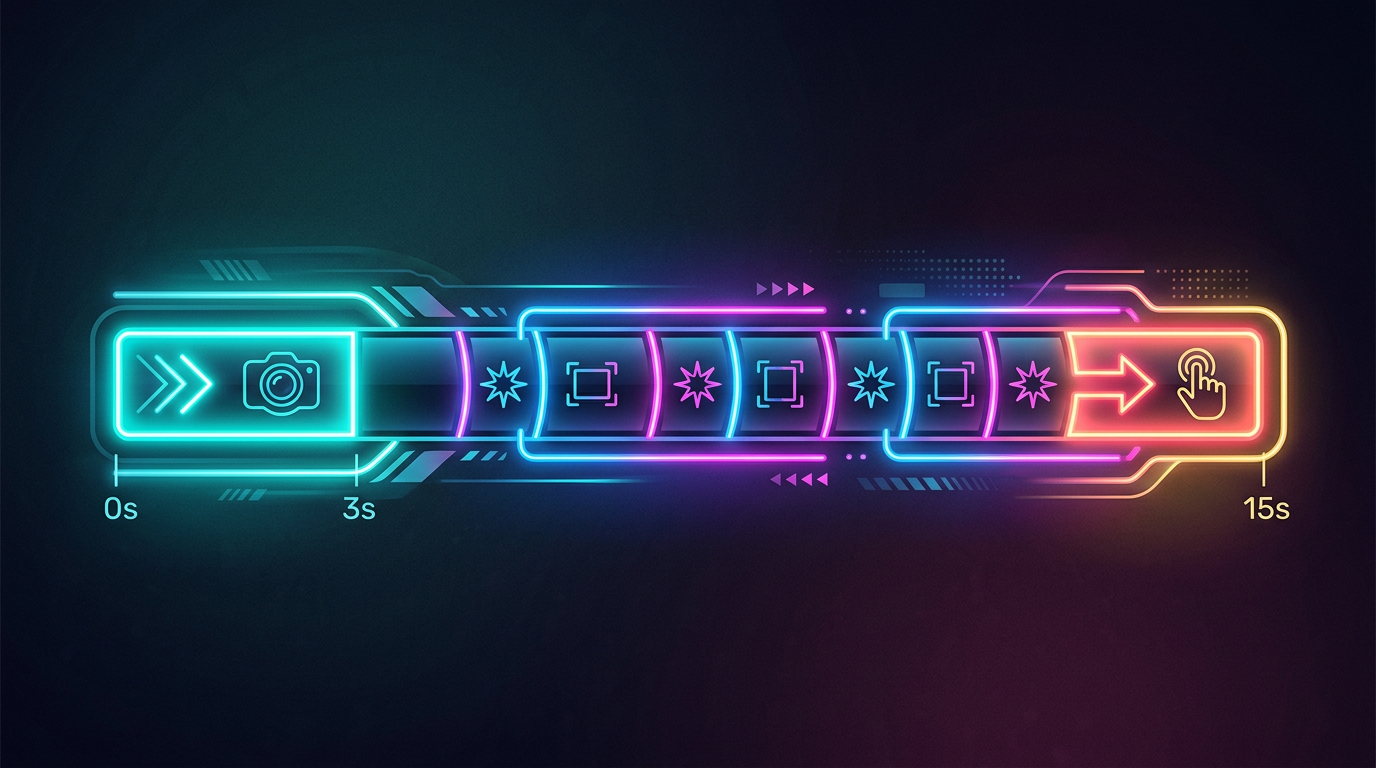
Creating an AI-generated video is only half the battle; you must also package it to survive the first three seconds of a user's feed. High-retention TikToks combine strong hooks with rapid visual progression to keep users from swiping away.
The 3-Second Hook and Visual Pacing
Never start your video with an introduction or a slow buildup. Instead, open with the core punchline, a highly recognizable AI character, or a direct response to a controversial statement. For instance, instead of starting with "Hey guys, today I want to talk about this new movie," open with an AI version of an iconic anime character yelling, "This is the worst movie script I have ever read in my entire life!"
The visual pacing should be tight. Subtle zooms, on-screen text changes, or cutaways should occur every 1.5 to 2 seconds to keep the viewer's eyes engaged. If the visual frame remains completely static for more than three seconds, retention rates drop precipitously.
Balancing Synthetic Elements with Native Editing
To make synthetic videos perform well, balance the AI-generated elements with authentic social media editing styles. Import your Fanfun video into editors like CapCut or Premiere, then overlay native TikTok fonts, auto-captions, and sound effects. Keep all crucial visual assets and text within the TikTok safe zones—avoiding the right-hand sidebar and bottom caption areas where the platform's UI elements live. Adding a slight grain or a subtle color grade can also help blend the AI avatar seamlessly into the platform's native aesthetic.
3 High-Impact TikTok Formats You Can Direct Instantly
To scale your content output without scaling your production budgets, you need repeatable formats. Here are three highly effective structures you can execute immediately using Fanfun's character library.
Format 1: The Trend Hijack
This format involves inserting a popular AI character or celebrity voice into a trending news story or pop culture debate. For example, if there is a massive debate online about a new tech release, you can generate a video of an iconic character giving a hilarious, highly opinionated review of the product. This immediately positions your account at the center of an active search trend, leveraging existing search volume to drive organic views.
Format 2: The Hyper-Personalized Comment Reply
One of the best ways to drive massive engagement is to answer a fan's comment on your video using an AI celebrity video message. Take a funny or skeptical comment from your feed, paste it as an overlay on your new video, and have an AI persona address the commenter by name. This unexpected level of interaction encourages other viewers to comment in hopes of getting their own custom response, creating a highly active feedback loop that the TikTok algorithm loves.
Format 3: The Collaborative Skit
Script a multi-character dialogue where you interact directly with an AI persona. You can film yourself asking a question or setting up a joke, and then cut to the AI character delivering the punchline. This format allows you to reference the broader strategy of directing custom AI video messages to build high-retention content libraries, turning a solo channel into an interactive variety show. You can find deep-dive strategies on this in our comprehensive guide to AI video message generators.
Additionally, these collaborative formats can be adapted for seasonal peaks. For example, directing seasonal content, such as an AI graduation video message that stands out during commencement season, can drive massive engagement when students are looking for highly shareable, relatable milestones to post on their profiles.
Scripting for the FYP: The TikTok AI Script Framework
Writing for TikTok requires throwing out formal grammar and traditional copywriting rules. You must write the way people actually talk in comment sections, using short sentences, slang, and rapid comedic setups. Keep your scripts under 30 seconds to maximize completion rate metrics, which is a primary driver of the TikTok algorithm.
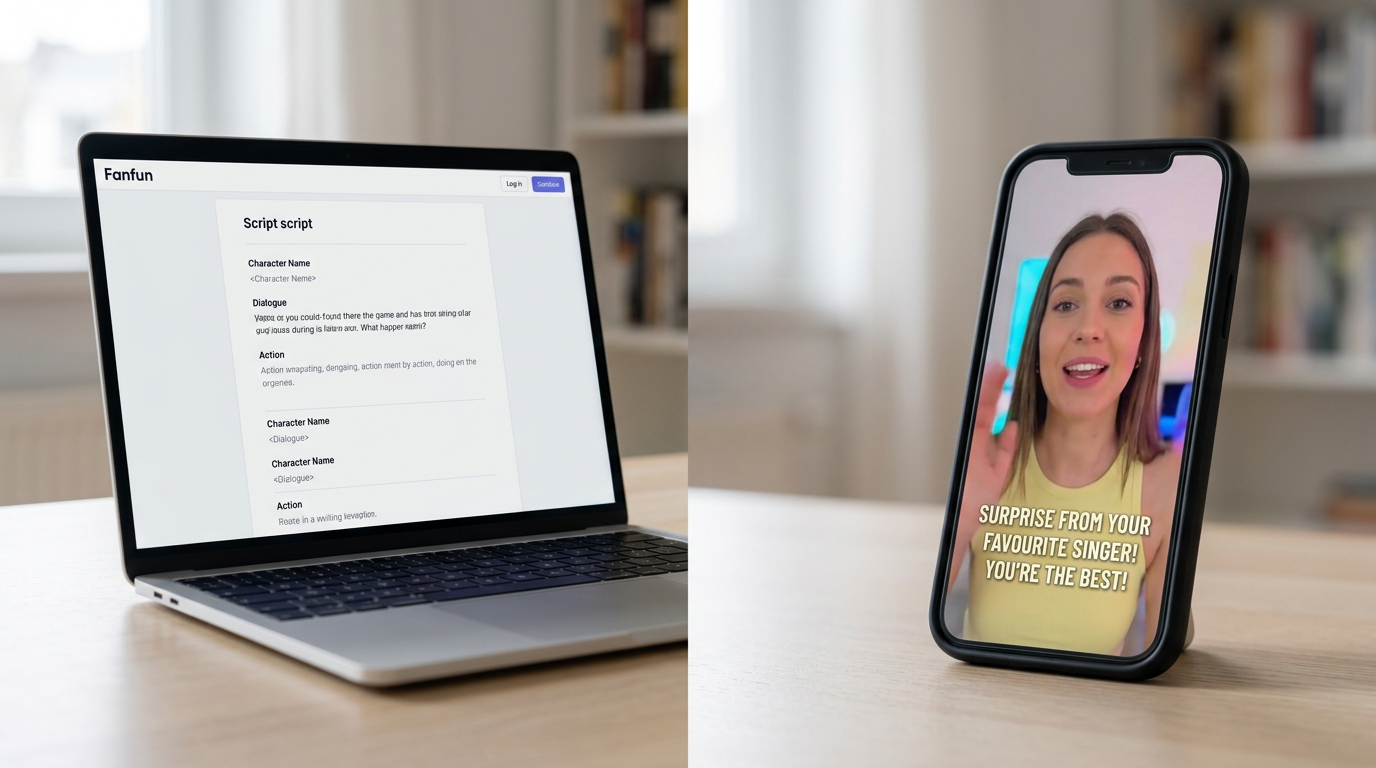
When scripting collaborative dialogues, remember to apply the principles outlined in the creator shoutout video playbook. Keep the exchange punchy and ensure the AI character's voice matches their established cultural persona. If a character is known for being sarcastic, lean heavily into that sarcasm; do not try to make them sound like a corporate spokesperson.
Example Script: The Trend Hijack (Under 30 Seconds)
Visual: Split screen. Top half is a trending video of a bizarre new fashion trend. Bottom half is an AI character looking completely bewildered.
AI Character Voice: "I have survived galactic battles, ancient curses, and literal dragons... but this? This new fashion trend on my feed is where I draw the line. Who allowed this? Explain yourselves in the comments immediately."
Use this script-review checklist before hitting generate on Fanfun:
- Is it under 75 words? (This ensures the final video stays under the critical 30-second mark to optimize for completion rate).
- Is the hook in the first 3 words? (Avoid "Hey guys" or "So basically"—start directly with the action or opinion).
- Does it sound natural when spoken aloud? (Read it fast; if you stumble over a sentence, rewrite it to be shorter).
- Is there a clear emotional beat or punchline? (Every video needs a reason for the viewer to watch to the end and share it with a friend).
Optimizing and Publishing Your AI Video for Maximum Reach
Once you have generated your video on Fanfun, download the high-quality file and import it into TikTok's native editor. Do not rely entirely on external editing; using TikTok's in-app tools signals to the algorithm that the content is fresh, original, and native to the platform.
To maximize your reach, layer a trending audio track at a very low volume (between 1% and 5%) behind your AI character's voice. This allows your video to piggyback on the trending sound's search traffic and algorithmic push without distracting from the main dialogue. Write a short, punchy caption that asks an open-ended question to drive comment section debates, use 3 to 4 highly relevant hashtags, and pin the video to the top of your profile if it performs well.
By mastering the zero-day turnaround for instant celebrity video messages, you can consistently hit the feed while search volume for a trend is at its absolute peak, turning rapid cultural moments into sustainable, compounding audience growth. Fanfun makes this workflow accessible to any creator, brand, or marketer looking to dominate the social feed in real time.
How do you make an AI video message for TikTok?
To make an AI video message, select your preferred character or celebrity persona on Fanfun, input your custom script, and generate the video. Once generated, download the file, import it into TikTok, add native text overlays or trending background music, and publish.
Can I use AI celebrity voices in my TikTok videos legally?
Yes, provided you use platforms like Fanfun that respect intellectual property and creative ethics. Fanfun offers a library of licensed and original AI personas designed specifically for fun, parody, and creative content creation, ensuring your videos remain compliant with platform guidelines.
Are AI-generated video messages allowed on TikTok's For You Page?
Yes. TikTok allows AI-generated content, but highly recommends labeling synthetic media where appropriate. To ensure your AI video performs well on the FYP, combine the synthetic generation with native TikTok editing elements like auto-captions, stickers, and trending sounds.
How long does it take to generate an AI video message for a trending topic?
With Fanfun, the generation process takes under two minutes. This allows you to write, generate, edit, and publish a trend-responsive video in under ten minutes total, making it easy to capture viral traffic before the trend fades.