
How to Choose the Best Production Tools for Faceless Video Creators
Faceless content is shifting away from generic stock footage and robotic voiceovers. Learn how to select the right production tools to inject real personality, cultural memes, and dynamic character dynamics into your videos.
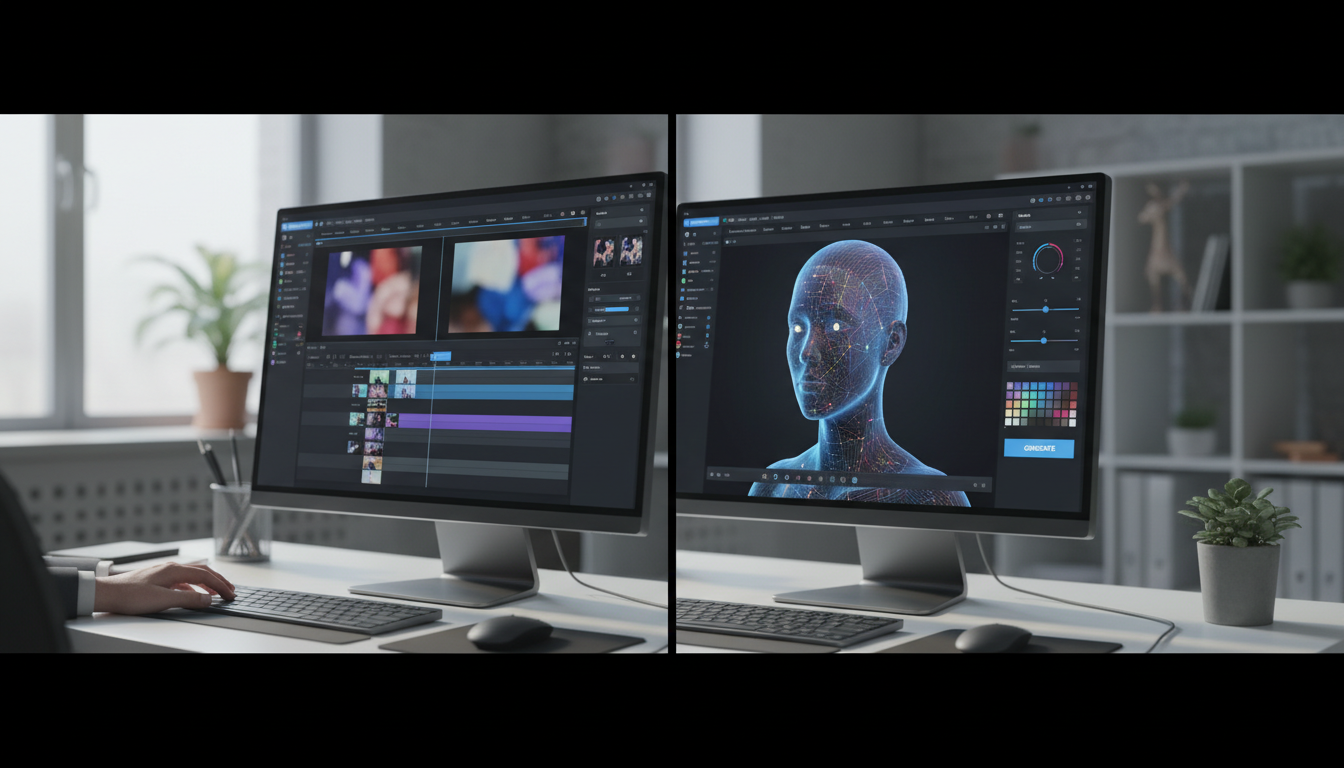
Choosing the best production tools for faceless video creation requires moving away from generic stock footage and robotic text-to-speech engines toward tools that inject distinct personality, high visual pacing, and cultural relevance. To build a high-retention workflow, creators should combine a specialized AI voice generator (like Fanfun for character-driven narratives), a high-speed video editor (like CapCut or Premiere Pro), and dynamic template assets. While automated tools speed up production, the ultimate success of a faceless channel depends on tight scripting, customized pacing, and avoiding over-saturated, sterile media.
The Core Challenge of Faceless Content: Overcoming the Anonymous Feel
Many aspiring creators launch faceless channels on TikTok, YouTube Shorts, or Instagram Reels expecting easy passive income. They download free stock videos of rain or luxury cars, run a generic script through a basic text-to-speech tool, and hit publish. The result is a sterile, forgettable video that viewers swipe away from in milliseconds. The hard truth of modern social algorithms is that audiences connect with personality, not just information. To succeed, faceless creators must compensate for the lack of an on-screen human presence by delivering exceptional character, humor, and style.
The landscape of faceless content has shifted dramatically. Audiences are increasingly immune to over-polished aesthetic templates. Instead, high-retention channels rely on raw, high-energy edits that prioritize distinct character voices, cultural references, and rapid pacing. To stand out, you need production tools that build a native feel for social feeds, replacing cold automation with dynamic, expressive assets. Understanding why modern content strategies favor raw personality over sterile perfection is the first step in assembling an effective creator toolkit.
Top Audio and AI Voice Tools for Expressive Narration
The audio track is the backbone of any faceless video. If your voiceover sounds like a robotic customer service bot, your retention rate will plummet. When evaluating voice generation tools, look past simple word-count limits and focus on emotional range, natural pacing controls, and pronunciation customization.

Modern creators are moving away from default narration styles toward highly stylized, recognizable, or niche-specific voices. To maintain viewer attention during the crucial first three seconds of a video (the hook sequence), your voiceover tool must allow you to emphasize specific words, add dramatic pauses, and adjust delivery speed. Learn how to direct digital voiceover tools for high-retention video edits to ensure your scripts translate into compelling audio performances.
| Tool Type | Best For | Key Strengths | Limitations |
|---|---|---|---|
| Standard TTS Engines | Basic informational reads | Low cost, fast processing | Monotone delivery, lacks emotional nuance |
| Expressive AI Voice Clones | Long-form storytelling | High realism, natural breathing pauses | Requires clean training data, less comedic range |
| Character Voice Generators | Memes, reaction content, satire | Instant cultural recognition, high humor value | Best suited for short-form, high-impact clips |
Character and Video Generators for Cultural Relevance
To keep viewers hooked without showing your own face, you need visual and conceptual hooks that instantly resonate with internet culture. This is where character-driven video generators become highly valuable. Instead of spending hours hunting down royalty-free B-roll, you can use platforms like Fanfun to instantly generate custom, character-driven video messages and memes featuring recognizable AI personas. These assets can serve as the core comedic or satirical engine of your video, sparking immediate interest and driving comment-section engagement.
Integrating these character assets into your workflow allows you to create diverse content formats, such as comic dubs, green-screen reactions, and satirical commentary. See how creators use satirical character tools to build highly shareable short-form videos that tap into existing cultural conversations without requiring a camera crew or studio setup.
Illustrative Scripting Template for a 15-Second Character Meme
Use this simple, high-retention scripting framework to structure your character-driven clips. Note: This is an illustrative template for creative pacing and should be adjusted to fit your specific channel niche.
- 0:00 - 0:03 (The Hook): Present a highly relatable struggle or controversial take. (e.g., "When you realize you spent your entire grocery budget on iced coffee...")
- 0:03 - 0:10 (The Delivery): Insert your custom AI character video delivering a sharp, satirical roast or dramatic reaction.
- 0:10 - 0:15 (The Outro / Call to Action): A quick visual punchline or a text overlay prompting viewers to share their thoughts in the comments.
Visual Editors and Sequencing Tools for Fast-Paced Workflows
Once you have your expressive audio and character assets, you need a visual editor capable of structuring a high-speed timeline. The choice between mobile-first editors and desktop powerhouses depends largely on your production volume and complexity.
For quick, trend-driven short-form content, mobile-first editors like CapCut offer unmatched speed, featuring automated captioning, trendy transition presets, and built-in sound effects. For complex multi-layer timelines, deep color grading, and advanced audio mixing, desktop software like Adobe Premiere Pro or DaVinci Resolve provides the precision required for premium faceless documentaries and long-form essays.
The 4-Step Faceless Production Checklist
Use this systematic workflow to streamline your daily editing process and maintain a consistent upload schedule:
- Draft a Hook-First Script: Write your script focusing heavily on the first three seconds. Keep sentences short and punchy.
- Generate Your Audio and Character Assets: Use your chosen AI voice generator or Fanfun to produce the spoken dialogue and character reactions.
- Compile Visuals and Captions: Import your assets into your video editor. Generate automated captions, style them with bold fonts, and place them in the center of the screen.
- Fine-Tune Visual Pacing: Cut out any dead air. Add zoom-in transitions every 1.5 to 3 seconds, and layer subtle background music and sound effects (like swooshes and pops) to keep the viewer's brain engaged.
Do I need expensive editing software to start a faceless channel?
No. Free options like CapCut (for mobile and desktop) and DaVinci Resolve (for advanced desktop editing) provide all the tools necessary to create high-quality, professional faceless videos without any upfront cost.
How do faceless creators handle copyright issues with visual assets?
Successful creators use a mix of royalty-free stock platforms (like Pexels or Pixabay), fair-use public domain clips, and custom-generated assets from tools like Fanfun. Always ensure you have the appropriate usage rights or fall clearly under fair-use commentary guidelines when editing.
Can I use AI-generated character voices for commercial promotions?
It depends on the platform's terms of service and the specific persona used. While AI interpretations of fictional characters are excellent for fan content, memes, and editorial satire, commercial promotions and product sponsorships typically require explicit licensing and rights clearance.



