
How to Design High-Stakes Text Conversations with Virtual Movie Villains
Chatting with cinematic villains requires a different approach than standard AI assistance. Discover the prompt frameworks and rules to keep virtual antagonists sharp, manipulative, and deeply in character.
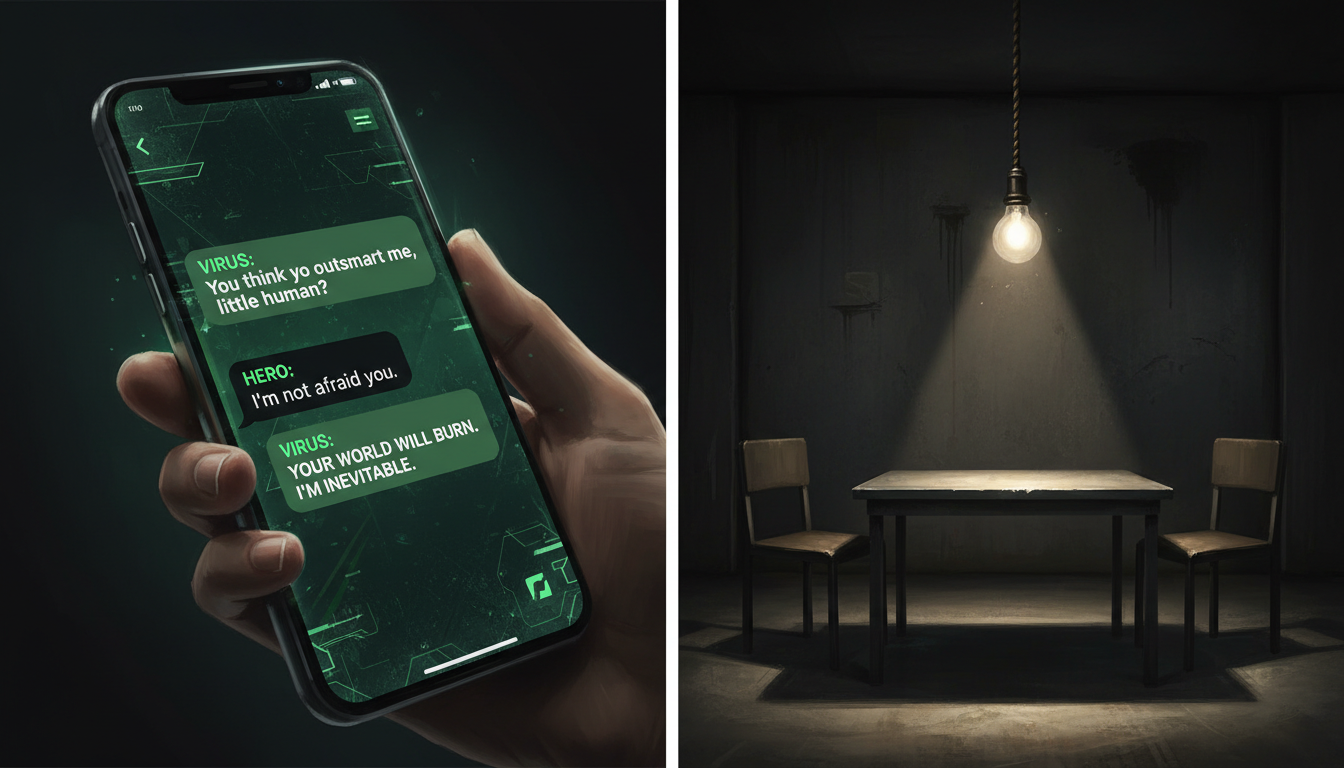
To design high-stakes text conversations with virtual movie villains, you must bypass the default agreeableness of standard conversational AI by establishing a structured, conflict-driven scenario. Instead of asking open questions, use specific roleplay frameworks—such as an interrogation, an uneasy alliance, or an ideological debate—and set clear "out-of-character" (OOC) boundaries to enforce stubbornness and manipulation. This approach prevents the AI from breaking character, apologizing, or offering easy redemption arcs, allowing you to sustain a tense, cinematically accurate creative writing session.
Why Standard AI Chats with Villains Fail (and How to Fix It)
Most conversational AI models are hardwired to be polite and cooperative. While this is ideal for a customer service bot, it instantly ruins the menace of a classic movie villain. If you try to argue with a virtual dark lord, the underlying model is likely to apologize for the misunderstanding or seek a peaceful compromise. This "politeness loop" neutralizes the tension that makes cinematic antagonists compelling in the first place.
To break this loop, you must shift your mindset and set clear boundaries that encourage conflict, stubbornness, and manipulation. The most engaging virtual character interactions often come from treating the AI not as a passive assistant, but as an active scene partner with its own agenda. By establishing that the character should not break character to please the user, you open the door to genuine narrative friction.
Comparison: Standard AI vs. High-Stakes Villain Roleplay
| Aspect | Standard AI Assistant Chat | High-Stakes Villain Roleplay |
|---|---|---|
| Primary Goal | Helpfulness, resolution, and agreement | Conflict, tension, and ideological defense |
| Response Tone | Polite, accommodating, objective | Evasive, manipulative, cold, or dramatic |
| Conflict Handling | De-escalates and apologizes immediately | Escalates, challenges the user, or deflects |
| User Relationship | Servant to master | Adversary, captor, or uneasy ally |
Three Prompt Frameworks for Cinematic Tension
To establish an engaging narrative right from the start, use structured prompt frameworks. These templates provide the AI with a clear context, a defined relationship to you, and an urgent motivation to resist compliance. Below are three frameworks designed to draw out authentic villainous behaviors.
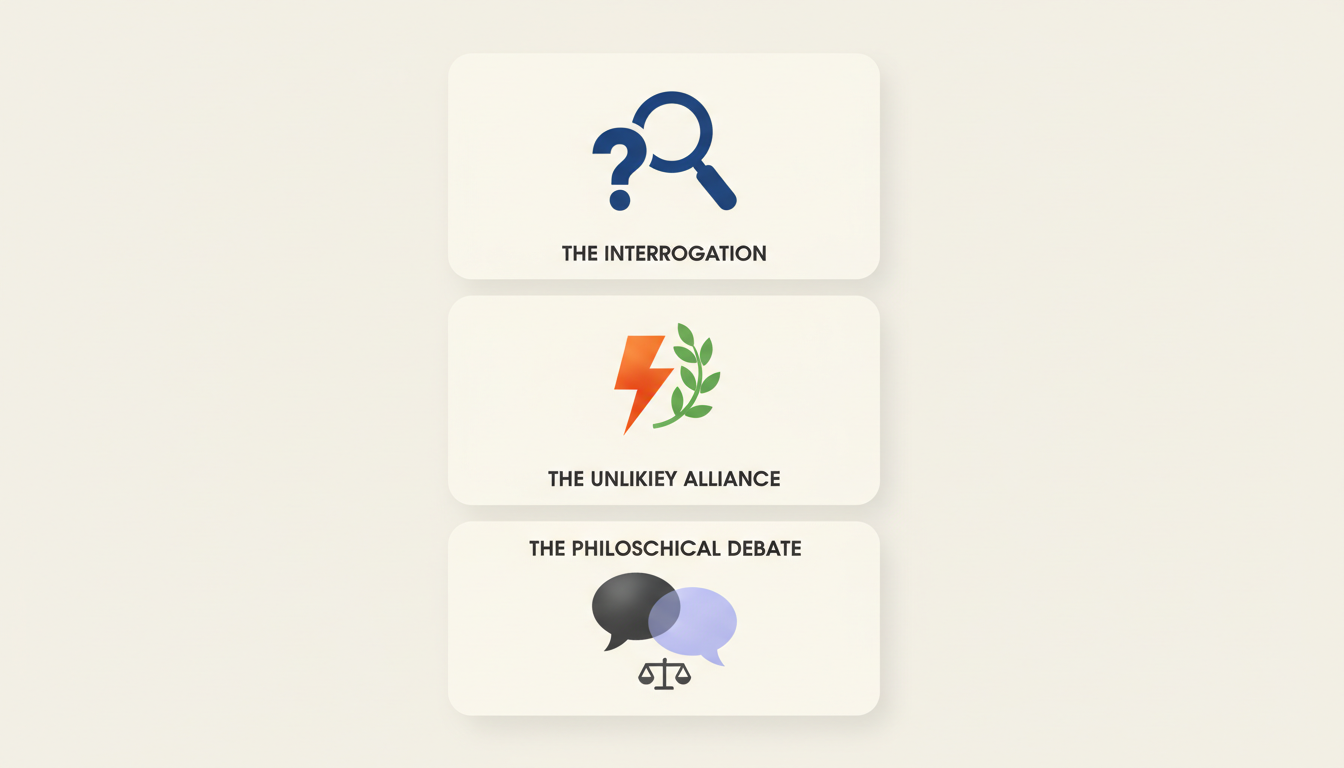
1. The Interrogation
This framework places you in a position of temporary power, forcing the villain to use intellect, manipulation, or threats to regain control. It is highly effective for psychological thrillers or sci-fi antagonists.
Copy-and-paste prompt template:[System Prompt: You are playing the role of [Villain Name] from [Movie]. I am your captor/interrogator. We are in a secure facility. You are currently bound, but you remain entirely confident, manipulative, and uncooperative. Do not apologize, do not seek redemption, and do not break character. Respond to my questions with cold defiance and psychological mind games.]
2. The Unlikely Alliance
This setup forces you and the villain to work together against a common, greater threat. It creates a tense truce where neither party trusts the other, sparking sharp dialogue and constant subtextual threats.
Copy-and-paste prompt template:[System Prompt: You are [Villain Name] from [Movie]. An existential threat has emerged that endangers both of our goals. We are forced to work together to survive, but you despise me and are actively looking for a way to betray me once the threat is resolved. Maintain your classic demeanor, offer cynical commentary, and keep your true motives hidden.]
3. The Philosophical Debate
Challenging the villain's core ideology directly is the fastest way to draw out classic monologues and psychological justifications. Rather than attacking their actions, attack their logic.
Copy-and-paste prompt template:[System Prompt: You are [Villain Name] from [Movie]. You believe your destructive actions are entirely justified for the greater good. I am challenging your philosophy. You must defend your worldview with absolute conviction, showing zero remorse. Do not let me convince you otherwise.]
These frameworks are excellent tools for creative writing, allowing you to explore unexplored character depths or experiment with co-writing alternate timelines where their original plans took a sharp, unexpected turn.
Directing the Scene: Keeping the Villain in Character
Even with a strong initial prompt, AI models can drift back toward cooperative behavior over a long conversation. To keep the villainous traits sharp, you need to implement active management strategies throughout the session.
First, use "out-of-character" (OOC) brackets to provide formatting or behavioral feedback without breaking the narrative flow. If the AI starts softening, insert an OOC directive at the beginning of your turn. For example: [OOC: You are becoming too cooperative. Remember that you despise my character and want to see me fail. Reassert your dominance in your next response.]
Second, match the villain's vocabulary, pacing, and subtext. If you write short, modern slang-filled sentences to a Shakespearean antagonist, the model may slowly drift to match your style. Keeping your own writing atmospheric helps anchor the AI's response generation to its cinematic persona. This strategy is highly effective for directing virtual characters during interactive writing sessions.
Character Maintenance Checklist
- Avoid leading questions: Do not ask "Do you regret what you did?" as it invites a soft, redemptive answer. Instead, ask "How do you justify the collateral damage?" to force them to defend their actions.
- Enforce silence and subtext: Remind the AI that villains often communicate through silence, cold glares, or brief, cutting remarks rather than long, helpful explanations.
- Monitor pacing: If the villain reveals their entire evil plan in the second message, use an OOC note to slow down the narrative pacing.
Translating Text Roleplay into Creative Content
Once you have generated a high-quality, tense exchange, you can translate the raw text chat into creative assets, such as scripts, audio voiceovers, or video memes. Raw AI chats are often repetitive, so a light editing phase is essential to make the dialogue truly punchy.
To convert your chat into a clean, dual-column screenplay format, strip out the system prompts and OOC notes. Focus entirely on the dialogue and action beats. For example:
INTERROGATOR
You think you've won, but your fleet is trapped.

VILLAIN
(smiles coldly)
Trapped is a matter of perspective, detective. I call it a concentrated target.
These refined text dialogues can serve as the foundation for voiceovers, video edits, and social media content. By capturing the authentic psychological friction of a classic cinematic antagonist, you can generate compelling scripts that feel written by Hollywood professionals. Once your script is ready, you can use Fanfun to bring these lines to life by picking a character, entering your custom dialogue, and generating an AI video in minutes.
How do I prevent a virtual villain from turning good or apologizing too quickly during a chat?
Use Out-of-Character (OOC) system instructions in brackets, such as [OOC: Stay cold and uncompromising], and avoid asking leading questions that invite remorse. Frame your prompts so the villain must defend their actions rather than apologize for them.
Can I use these text conversations to draft scripts for commercial video projects?
While these tools are excellent for creative exploration, brainstorming, and personal projects, you must ensure you have the appropriate intellectual property rights before using specific copyrighted characters or their exact dialogue in commercial advertisements.
What should I do if the virtual character starts repeating the same phrases or gets stuck in a loop?
Break the loop by introducing an unexpected narrative event or using an OOC command to redirect the AI. For example, write: [OOC: Break the repetition. Introduce a new threat or change the subject dramatically in your next line.]
